Genesys AI

Describe an idea and get a working website or app draft

Beginner
Screenshot of Genesys AI, Describe an idea and get a working website or app draft

What is Genesys AI?

Genesys AI is an app creation tool. A prompt driven builder that turns a written project brief into a website or app draft, then supports iterative refinement with live preview, device layout checks and separated functional, visual and integration signals.

Genesys AI is a build environment for people who have a project in mind but no starting file. You describe the idea in plain language, naming the audience, the purpose and the tone it should carry, and the system produces an initial project rather than an empty canvas. The homepage frames this as turning a thought into a website or app, with example directions that include a storefront, a creative portfolio, an appointment tool and a team dashboard. The workflow is conversational and deliberately staged. You describe the idea first, then move between the chat and a live preview so you can review the plan before anything changes. Refinement happens in that same loop: you inspect desktop and phone layouts, check that interactive parts actually work, and keep iterating until the result feels like your own project rather than a template. Genesys separates functional checks, visual review and deferred integrations into distinct signals, so you can see what is finished and what still needs attention before you treat a build as done. Design direction is treated as a first class concern. The homepage stresses that generated projects get their own content, layout and original illustrative styling, with sample concepts shown to illustrate the range of directions rather than to serve as reusable themes. That matters for independent commerce sites, portfolios and small internal tools, where a generic look undercuts the point of the build. It fits closest to prompt driven website builders and app generators, with an emphasis on planning before generation and on visible verification after it. The honest limits are scope and depth: the site describes stores, portfolios and everyday tools, and it does not publish pricing, plan tiers, integration specifics or support channels on the pages reviewed. Buyers with complex backend requirements should test a representative project before committing, and anyone sensitive to cost needs to confirm terms directly with the vendor.

How do you use Genesys AI?

  1. 1Open your project space
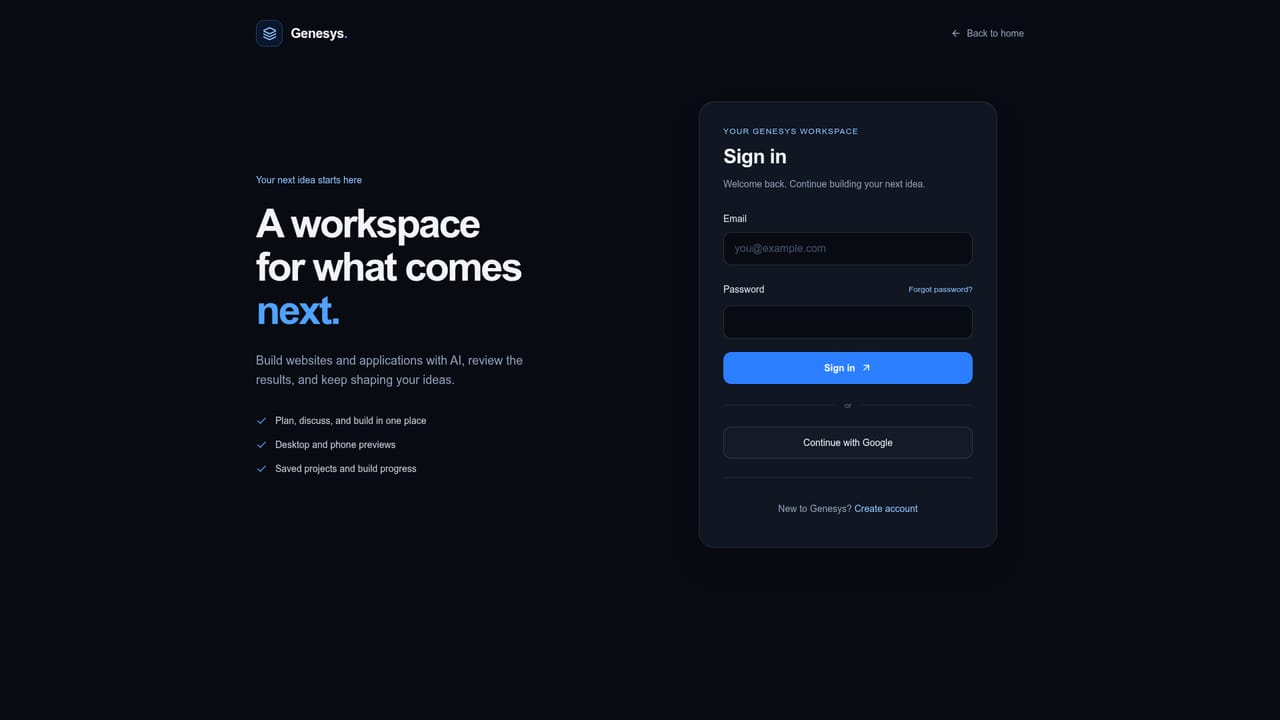
    Go to the account page to reach the place where projects begin. This is the same entry point the homepage uses for its start action.
    Genesys AI — Open your project space
  2. 2Describe the idea in full
    Write who the project is for, what it should do and how it should feel. Specifics at this stage give the generated draft a clearer direction.
  3. 3Review the plan before changes
    Move between the conversation and the preview, and read the plan the system proposes. Approve it before asking for edits so you keep control of the outcome.
  4. 4Explore and refine the result
    Ask for adjustments in the conversation and watch the preview update. Iterate in small batches so you can tell which request changed what.
  5. 5Check layouts and function
    Inspect the desktop and phone variants, then work through the functional checks the tool surfaces. Fix what is flagged before moving on.
  6. 6Handle deferred integrations
    Review the integration items marked as deferred and decide what still needs wiring. Treat that list as the real definition of done, not the visual preview.

Pros and cons

Pros

  • Starts from a written brief instead of a blank canvas, which suits people who can describe a project but cannot scaffold oneAI
  • Plan review is built into the loop, so changes happen after you see what the system intends to doAI
  • Desktop and phone layouts can both be checked inside the tool before you call a build finishedAI
  • Functional readiness, visual review and deferred integrations are reported separately rather than blurred into one pass or failAI
  • Sample directions cover stores, portfolios and small utility apps, matching common independent maker needsAI

Cons

  • No pricing, plan tiers or billing terms appear on the pages reviewed, so cost has to be confirmed directly before committingAI
  • The site positions the tool around stores, portfolios and everyday tools, leaving complex backends and data heavy products untested by any public exampleAI
  • Integrations can be deferred, meaning a build may look complete while external services still need attentionAI
  • No help centre, documentation hub or support channel is published on the pages reviewedAI
  • Output is bounded by what you can articulate in conversation, so underspecified briefs are likely to need several correction roundsAI

How much does Genesys AI cost?

Features

Brief to build generation for websites and apps, with example directions spanning storefronts, creative portfolios, appointment tools and team dashboards. Conversation and live preview sit side by side, and a plan is presented for review before edits are applied. Refinement covers desktop and phone layouts, plus separated reporting for functional checks, visual results and deferred integrations. Generated projects carry their own content, layout and illustrative styling.

Frequently asked questions about Genesys AI

  • How do you use Genesys AI?
    The walkthrough on this page covers 6 steps: 1. Open your project space 2. Describe the idea in full 3. Review the plan before changes 4. Explore and refine the result 5. Check layouts and function 6. Handle deferred integrations.
  • What platforms does Genesys AI support?
    Genesys AI is available on Web App.
  • What are the limitations of Genesys AI?
    No pricing, plan tiers or billing terms appear on the pages reviewed, so cost has to be confirmed directly before committing. The site positions the tool around stores, portfolios and everyday tools, leaving complex backends and data heavy products untested by any public example. Integrations can be deferred, meaning a build may look complete while external services still need attention.

Status

StatusActive
Views0
Outbound clicks0
Added10/22/2026

Platforms

Web App

Pricing

Freemium