Free trial
A free trial is offered to new users so they can upload a first video and see translation and lip-sync results. The homepage states no credit card is required to start.
Learn moreDub your videos into 140+ languages with lip-sync and voice cloning.

Genve AI is a dubbing tool. Browser-based AI video translator that transcribes, translates, clones the original speaker's voice and re-aligns lip movement, covering 140+ languages for creators, e-commerce teams and educators.
Genve AI is a browser-based video translator built around three linked jobs: transcription, translation and speaking-voice reproduction. A video is uploaded, the speech inside it is detected and transcribed, the transcript is rendered into a target language, and a cloned version of the original speaker's voice performs the new audio. The lip-sync engine then reshapes mouth movement in the footage so the on-screen speaker appears to be delivering the translated lines rather than the original ones. The company reports coverage of more than 140 languages and accents, with English, Spanish, Chinese, French, Japanese, German and Portuguese named as core options. The obvious audience is anyone who already publishes video and wants the same asset working in other markets without booking a studio. That includes YouTube and TikTok creators protecting a personal brand voice, e-commerce teams localizing product demos, course creators and edtech groups handling academic terminology, and corporate or HR teams pushing training material to many regions. Because everything runs in a browser on desktop or phone, there is no install step and no device storage cost. In practice the workflow is a single upload followed by language selection and a lip-sync toggle. A custom lexicon field lets brand names and specialist terms survive translation intact, and higher tiers unlock faster processing, 4K output and multi-file batches so a back catalogue can be moved in one pass. Genve positions itself against two alternatives: text-only translators such as ChatGPT, which cannot touch video, clone voices or align mouths, and traditional dubbing houses, which the company says Genve undercuts on both turnaround and cost. Credit allowances are the main constraint to plan around. Each plan meters translation by the minute, so long-form producers will burn through entry tiers quickly, and rollover windows differ between plans. It suits teams that publish regularly and want repeatable localization rather than a one-off project.
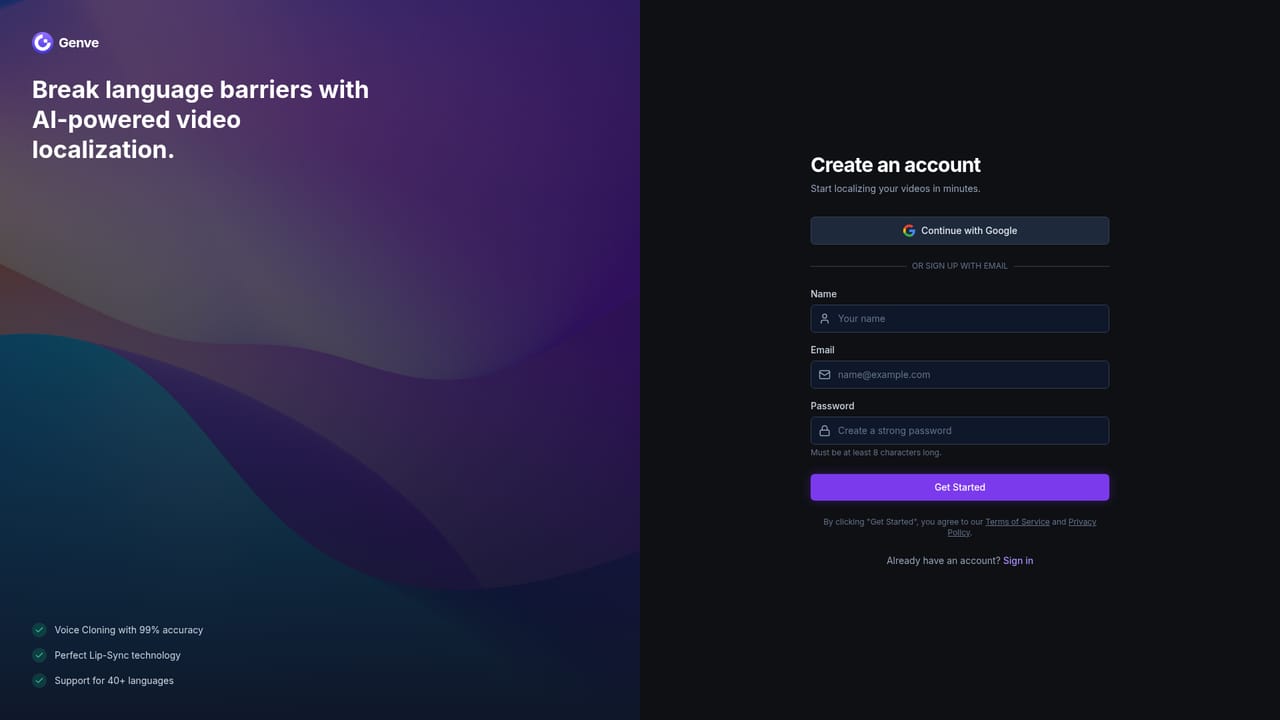
A free trial is offered to new users so they can upload a first video and see translation and lip-sync results. The homepage states no credit card is required to start.
Learn moreThree annual plans priced per month with yearly billing: Starter at $12 for 360 credits (about 360 minutes of translation), Creator at $29 for 1440 credits plus 4K output and 2x speed, and Scale at $79 for 4320 credits, 3x speed and two-month credit rollover. All tiers include lip-sync and multi-file processing.
Learn moreTranscription, translation into 140+ languages, cloned original voice with preserved tone, AI lip-sync alignment, custom lexicon for brand terms, multi-file batch processing, 1080p to 4K output, no watermark, turbo processing speeds on higher tiers and credit rollover.
 AI Angels400+ customizable AI girlfriends for NSFW chat, voice calls, and roleplay
 Candy AIExperience the future of companionship with AI friends who chat, role-play, and connect with you on a human level.
 ourdream.aiA vast AI roleplay platform with millions of characters for chat, images, video and voiceAI Angels400+ customizable AI girlfriends for NSFW chat, voice calls, and roleplayCandy AIExperience the future of companionship with AI friends who chat, role-play, and connect with you on a human level.ourdream.aiA vast AI roleplay platform with millions of characters for chat, images, video and voice


