Free trial
The homepage invites visitors to try the tool free and offers a demo for an enterprise trial, but it does not state a trial length, credit allowance or feature limits.
Learn moreLocalize existing videos into 80+ languages with broadcast-quality lip sync.

LipDub AI is a dialogue generator tool. LipDub AI localizes videos you have already shot into 80+ languages, keeping the original speaker on camera with broadcast-quality lip sync. It bundles translation, voice cloning and dubbing into one five-step pipeline for marketing teams, course creators, agencies and developers.
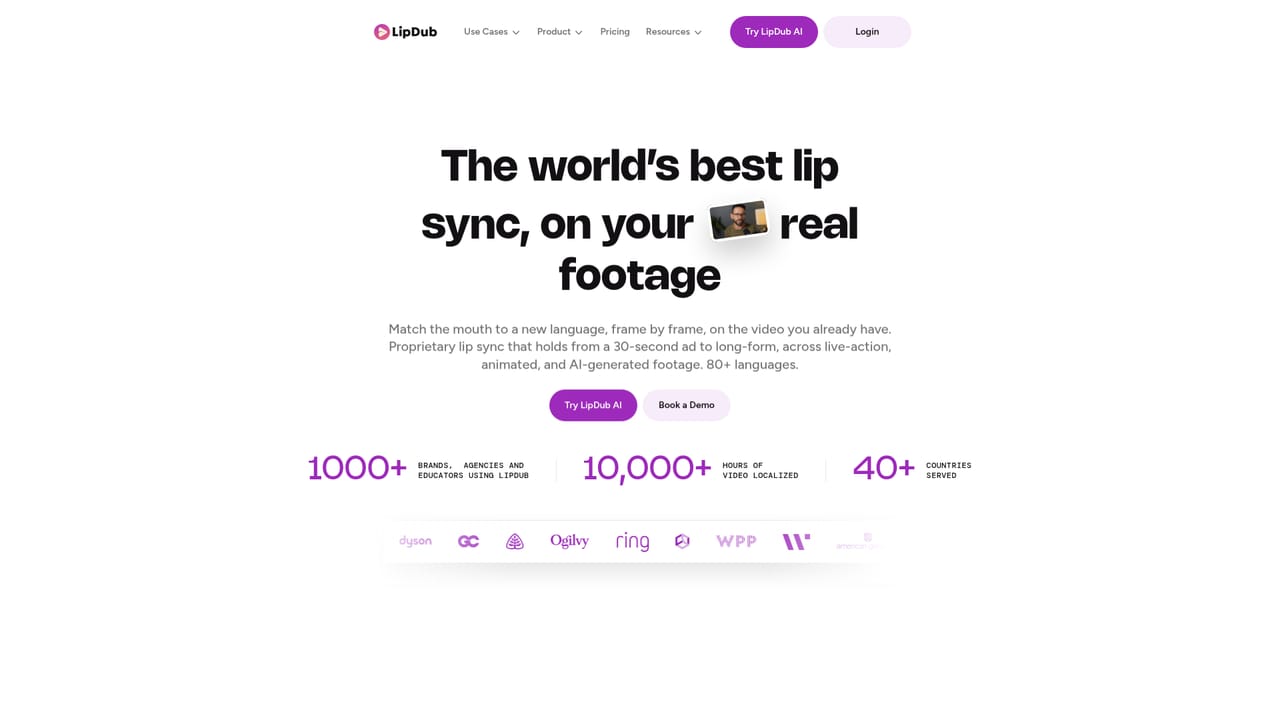
LipDub AI is a video localization service built around one idea: you should not have to reshoot anything to reach a new market. It takes footage you have already produced, whether a 30-second ad or a multi-hour course, and returns versions in more than 80 languages where the same person stays on camera and the mouth movements line up with the new audio. The company reports over 1,000 brands, agencies and educators on the platform and more than 10,000 hours of localized video across 40+ countries. The workflow runs in five visible stages. A file is uploaded first, with a quality selector for the lip sync model (an Ultra option is exposed in the interface). The transcript is then translated and edited, so a human can fix wording before any audio is generated. Next comes voice handling: the speaker's voice can be cloned, or a stock voice such as a named preset can be assigned. Lip sync is applied after that, and finished versions are exported per language. A dashboard tracks each language render, and jobs such as French, German or Italian can sit in progress simultaneously. The pitch is aimed at teams with existing libraries rather than at people producing synthetic presenters. Marketing departments want one hero asset polished for every region. Course providers want their own instructors teaching the same material in other languages. Agencies and production houses use it to deliver campaign variations in days instead of weeks, and developers can call translation, dubbing and lip sync through an API. The site positions it directly against HeyGen, Synthesia and traditional dubbing, leaning on the argument that competitor output looks visibly AI while LipDub preserves the original face. Quality claims come from published customer quotes rather than independent benchmarks, and the strongest testimonials focus on translation nuance and turnaround speed. Buyers comparing tools should weigh language count and lip sync fidelity against control over the final edit and cost per finished minute, since published list pricing is not on the homepage.
The homepage invites visitors to try the tool free and offers a demo for an enterprise trial, but it does not state a trial length, credit allowance or feature limits.
Learn moreContact page and demo booking are offered, alongside a blog, events listing and API docs. The homepage does not describe support tiers or response times.
Learn moreAn API is documented for developers who want to embed translation, dubbing and lip sync in their own products. No third-party integrations are listed on the homepage.
Learn moreLocalization of existing footage into 80+ languages with the original speaker kept on camera. Five-stage pipeline: upload, translate and refine, voice clone or preset voice plus dubbing, AI lip sync with a quality selector, then per-language export. Supports short ads through multi-hour courses. Developers get an API for translation, dubbing and lip sync.
Learn more AI Angels400+ customizable AI girlfriends for NSFW chat, voice calls, and roleplay
 Candy AIExperience the future of companionship with AI friends who chat, role-play, and connect with you on a human level.
 ourdream.aiA vast AI roleplay platform with millions of characters for chat, images, video and voiceAI Angels400+ customizable AI girlfriends for NSFW chat, voice calls, and roleplayCandy AIExperience the future of companionship with AI friends who chat, role-play, and connect with you on a human level.ourdream.aiA vast AI roleplay platform with millions of characters for chat, images, video and voice


