Integrations
B-roll pulls from Getty Images, iStock, Google Images and GIPHY. Publishing connects to YouTube, Instagram, LinkedIn and TikTok.
Learn moreTalking-head videos that arrive already edited

Jupitrr is a clip finder tool. An AI video editor for talking-head content that opens with a first cut already built: hook, animated subtitles, matched B-roll, sound effects and viral formats like Tier Lists and Green Screen, then publishes to YouTube, Instagram, LinkedIn and TikTok.
Jupitrr is a browser-based video editor built around one specific job: turning a single talking-head recording into a finished short-form video. Instead of opening a blank timeline, you upload your footage and the tool returns a first cut that already carries an AI-crafted hook, animated subtitles, transitions, a brand logo, an outro and background music. From there you adjust rather than assemble, which is the core of the product's pitch. The B-roll layer is the most developed part. Jupitrr matches stock video and images from Getty Images, iStock, Google Images and GIFs to moments in your transcript, so suggestions land where you actually say something. A separate set of viral formats (Tier Lists, Green Screen explainers, Do and Don't comparisons, Logo Lists and others across a stated library of eight) pulls out what you rank or compare and structures it inside the same edit. Subtitles, text overlays and sound effects sit alongside these, and a preset system lets a repeatable look be saved for later videos. The tool is aimed squarely at business creators rather than film editors: coaches, consultants, founders and educators who record themselves and need consistent output across YouTube, Reels, TikTok and LinkedIn. Publishing is handled in-product, with scheduling to YouTube, Instagram, LinkedIn and TikTok and captions written per platform. A wider toolkit covers teleprompter recording, screen and webcam capture, silence removal, auto subtitles, background noise removal, a safe zone checker and a video compressor. Against dedicated editors like Descript or CapCut, Jupitrr trades timeline depth for speed and format templates. The trade-off is real: the automatic edit is the starting point, not the final word, and anyone with precise creative requirements will still spend time correcting what the tool guessed. The site claims 200K+ creators and publishes customer stories from consulting and recruiting firms, which is the audience the product is shaped for.

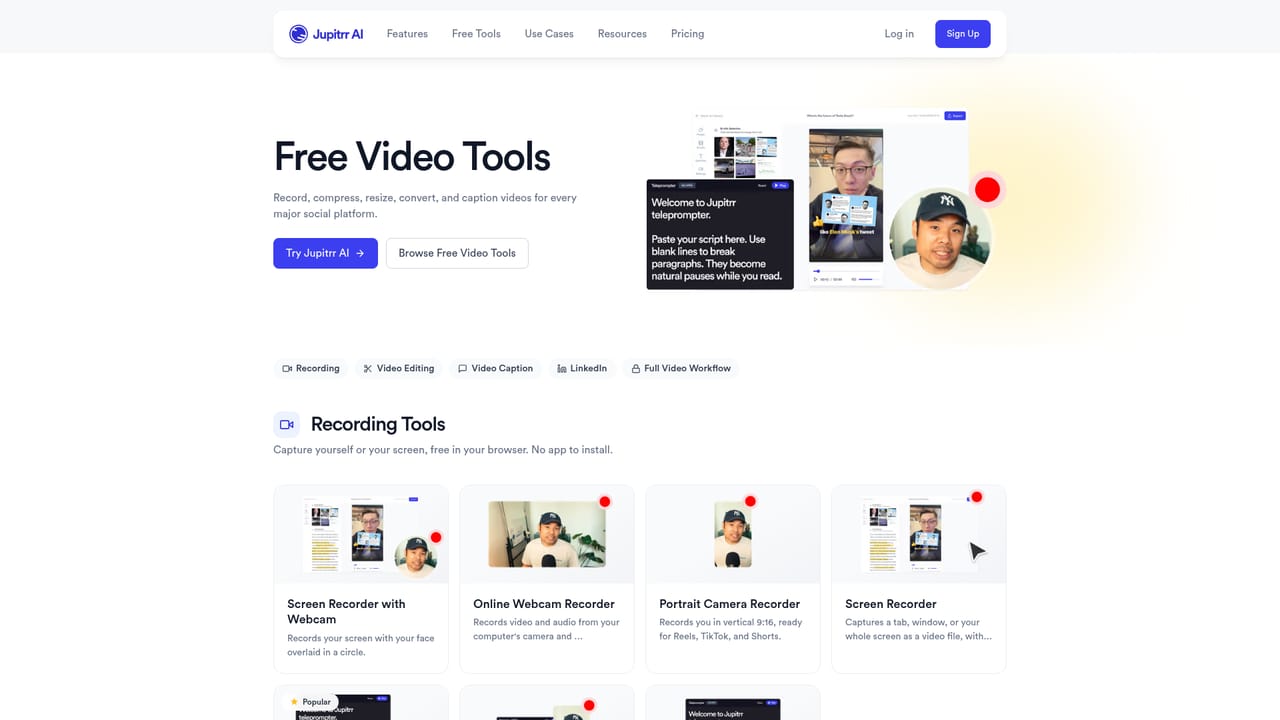


B-roll pulls from Getty Images, iStock, Google Images and GIPHY. Publishing connects to YouTube, Instagram, LinkedIn and TikTok.
Learn moreAutomatic first edit with AI hook, animated subtitles, transitions, logo, outro and background music. Transcript-matched B-roll from Getty Images, iStock, Google Images and GIFs. Eight viral formats including Tier List and Green Screen. Saved presets. One-click scheduling to YouTube, Instagram, LinkedIn and TikTok with per-platform captions. Supporting tools include teleprompter recording, screen and webcam capture, silence removal, auto subtitles, noise removal and a safe zone checker.
Learn more AI Angels400+ customizable AI girlfriends for NSFW chat, voice calls, and roleplay
 Candy AIExperience the future of companionship with AI friends who chat, role-play, and connect with you on a human level.
 ourdream.aiA vast AI roleplay platform with millions of characters for chat, images, video and voiceAI Angels400+ customizable AI girlfriends for NSFW chat, voice calls, and roleplayCandy AIExperience the future of companionship with AI friends who chat, role-play, and connect with you on a human level.ourdream.aiA vast AI roleplay platform with millions of characters for chat, images, video and voice


