GEO Checker

Tracks your brand's real visibility across nine AI answer engines, no API keys needed.

Beginner
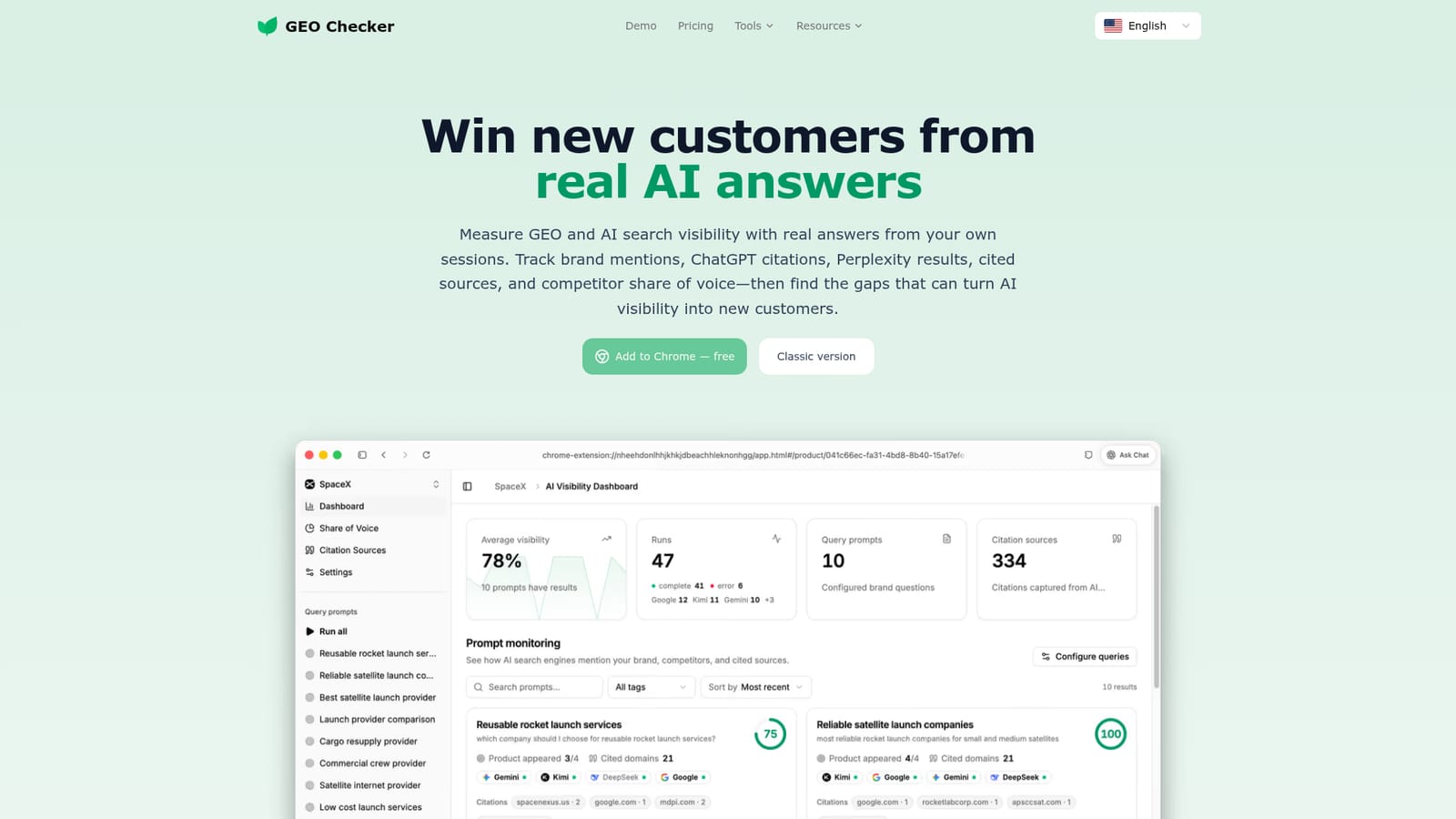
Screenshot of GEO Checker, Tracks your brand's real visibility across nine AI answer engines, no API keys needed

What is GEO Checker?

GEO Checker is an analytics tool that tracks your brand's real visibility across nine AI answer engines, no API keys needed. GEO Checker is a Chrome extension that runs real customer questions across nine AI engines from a user's own sessions, then reports brand mentions, citations, and competitor share of voice.

GEO Checker is a Chrome extension that measures how a brand actually shows up in AI generated answers. Instead of simulating queries through an API, it runs the same customer questions through the AI tools people already use, including ChatGPT, Gemini, Claude, Grok, Perplexity, DeepSeek, Google AI, Kimi and Doubao, using the browser sessions where the user is already signed in. That removes the need for API keys or manual copy and paste between tools. The workflow starts with setting up a brand workspace: a website, a list of competitors, and a set of real buyer questions. GEO Checker sends those prompts across the supported engines, captures the answers, and parses them for brand mentions, competitor mentions, and the sources each AI cites. The results are organized into a visibility score, a competitor leaderboard, and a trend view so teams can see whether their share of AI answers is growing or shrinking over time, and which pages are earning citations. The tool is built for marketers, SEO practitioners, and growth or content teams who want evidence of generative engine optimization (GEO) work rather than guesses. It fits alongside traditional SEO tooling, acting as a visibility and citation tracker rather than a content editor; it does not change or publish anything on a website. Compared with cloud based AI visibility trackers that rely on APIs or web automation in vendor controlled environments, GEO Checker positions itself as closer to what an actual logged in user would see, since monitoring runs in the user's own browser and core history stays local rather than being uploaded by default.
How do you use GEO Checker?

  1. 1Install the GEO Checker extension
    Add GEO Checker to Chrome from the homepage to start capturing AI answers from your own signed-in sessions.
    GEO Checker — Install the GEO Checker extension
  2. 2Set up your brand workspace
    Enter your website, add the competitors you want to compare against, and save the real customer questions buyers ask before choosing a product.
  3. 3Run prompts across AI engines
    Send each saved question to ChatGPT, Gemini, Grok, Google, and on Pro plans Claude, Perplexity, DeepSeek, Kimi, and Doubao, all from your existing browser sessions.
  4. 4Review the visibility leaderboard
    Check how often your brand and competitors are mentioned, review the visibility score, and see the trend across repeated runs.
  5. 5Inspect cited sources and GEO resources
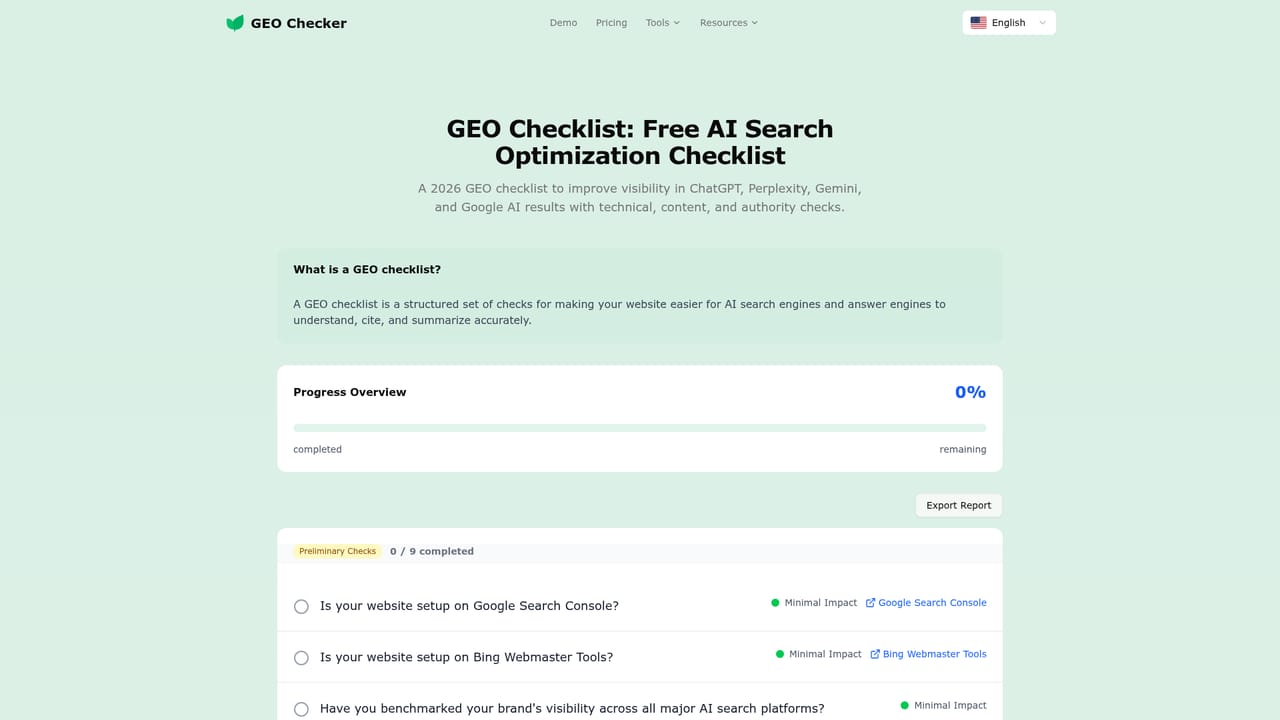
    Identify which domains and pages AI engines cite, then use the GEO checklist to review technical gaps on your own site.
    GEO Checker — Inspect cited sources and GEO resources
  6. 6Upgrade for full provider coverage
    Move to the Pro plan when more than 10 prompts or the remaining five AI engines are needed, or when a second brand workspace is required.
    GEO Checker — Upgrade for full provider coverage

Pros and cons

Pros

  • Runs prompts from signed-in browser sessions, so no API keys or copy and paste are neededAI
  • Core monitoring workflow is free, covering four AI engines and up to 10 promptsAI
  • Combines brand mentions, citations, and competitor share of voice into one leaderboardAI
  • Monitoring history stays in the browser by default, which supports a privacy-focused setupAI
  • Surfaces the actual pages AI engines cite, pointing to where new content could earn mentionsAI

Cons

  • Only available as a Chrome browser extension, with no native mobile or desktop app mentionedAI
  • Free tier limits prompts to 10 and covers only four of the nine supported AI enginesAI
  • Results depend on the user's own account, location, and model version, so runs can vary between sessionsAI
  • Tracking more than one brand workspace requires a paid add-onAI
  • No API access is offered, which limits automated or server-side monitoring workflowsAI

How much does GEO Checker cost?

Free trial

There is no time-limited trial; the core monitoring workflow with four AI engines and up to 10 prompts is free on an ongoing basis.

Learn more

Pricing

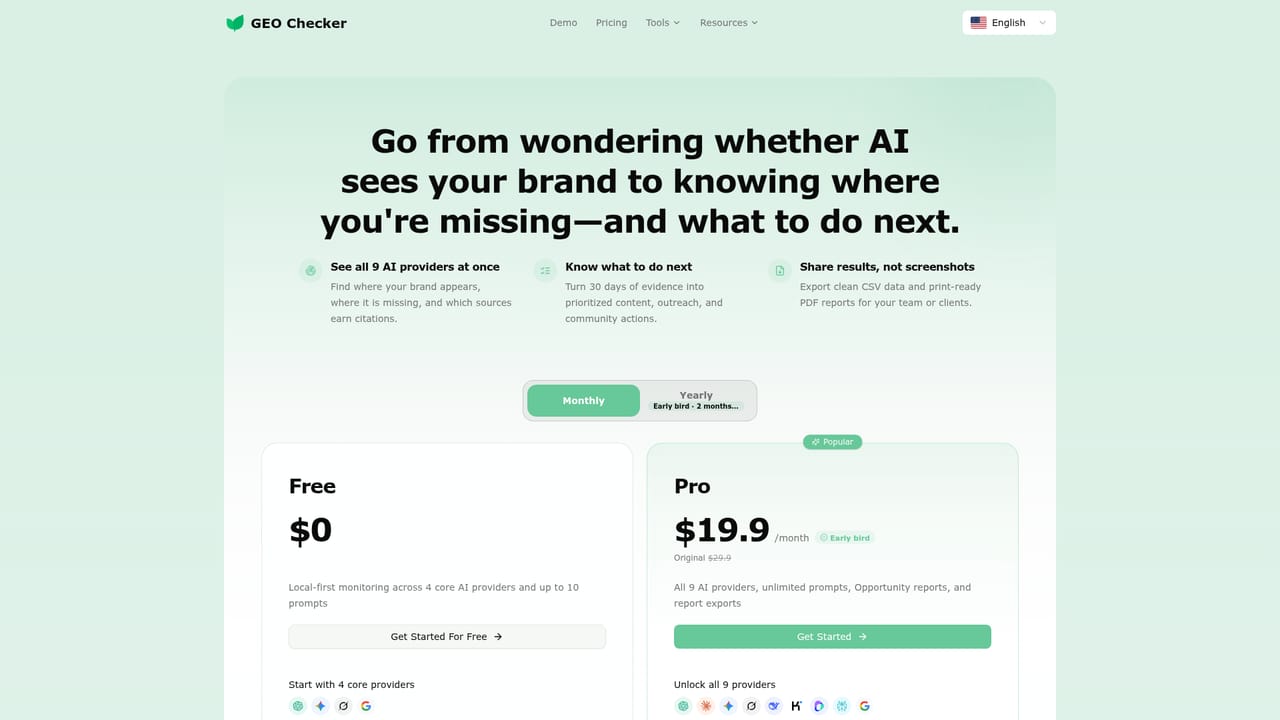
Free plan includes four AI engines (ChatGPT, Gemini, Grok, Google), one brand workspace, up to 10 prompts, and unlimited runs. Pro unlocks all nine providers and unlimited prompts; additional brand workspaces require a paid add-on.

Learn more

Support

Site includes an FAQ section covering setup, privacy, and scoring, plus a contact email and a blog with GEO related resources.

Integrations

Works directly inside existing logged-in sessions for ChatGPT, Gemini, Claude, Grok, Perplexity, DeepSeek, Google AI, Kimi, and Doubao, with no API keys or external connections required.

Features

Runs saved customer questions across up to nine AI engines from the user's own browser sessions, then reports brand mentions, competitor share of voice, a visibility leaderboard, trend tracking over repeated runs, and the sources each AI engine cites, along with grouped next-step suggestions.

Frequently asked questions about GEO Checker

  • How much does GEO Checker cost?
    Free plan includes four AI engines (ChatGPT, Gemini, Grok, Google), one brand workspace, up to 10 prompts, and unlimited runs. Pro unlocks all nine providers and unlimited prompts; additional brand workspaces require a paid add-on.
  • Does GEO Checker offer a free trial?
    There is no time-limited trial; the core monitoring workflow with four AI engines and up to 10 prompts is free on an ongoing basis.
  • How do you use GEO Checker?
    The walkthrough on this page covers 6 steps: 1. Install the GEO Checker extension 2. Set up your brand workspace 3. Run prompts across AI engines 4. Review the visibility leaderboard 5. Inspect cited sources and GEO resources 6. Upgrade for full provider coverage.
  • What platforms does GEO Checker support?
    GEO Checker is available on Browser extension.
  • What does GEO Checker integrate with?
    Works directly inside existing logged-in sessions for ChatGPT, Gemini, Claude, Grok, Perplexity, DeepSeek, Google AI, Kimi, and Doubao, with no API keys or external connections required.
  • What are the limitations of GEO Checker?
    Only available as a Chrome browser extension, with no native mobile or desktop app mentioned. Free tier limits prompts to 10 and covers only four of the nine supported AI engines. Results depend on the user's own account, location, and model version, so runs can vary between sessions.

Status

StatusActive
Views0
Outbound clicks0
Added10/17/2026

Platforms

Browser extension

Pricing

FreeFreemiumPaid

Categories