Free trial
The homepage offers a free try after signing in with Apple or Google; terms of the free access are not detailed.
Learn morePut your own face into popular GIFs from a single photo
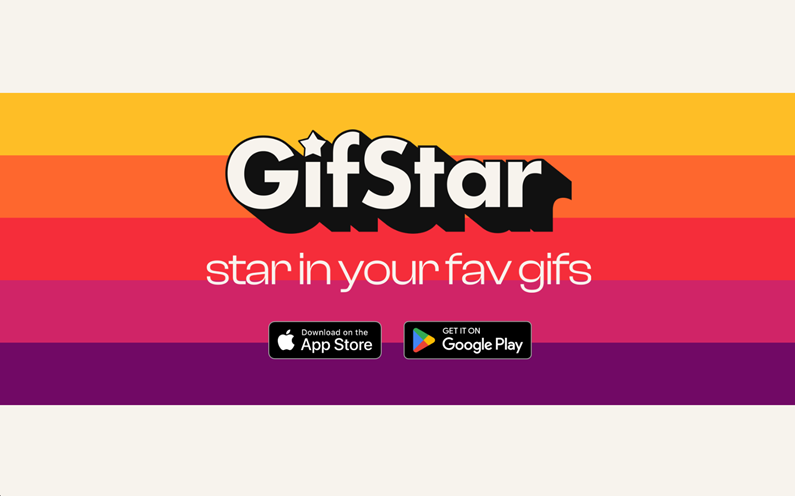
GifStar is a face swap tool. GifStar swaps a face from one uploaded photo into a chosen GIF, producing personalized reaction GIFs for chats. It runs on the web and as iOS and Android apps with a custom GIF keyboard, and offers a free way to try it.
GifStar is a face-swap GIF tool that places a person from an uploaded photo into an existing animated GIF. The idea is simple: one input is a photo of the person who should appear, the other is a GIF the user already likes, and the output is a new GIF where that person takes the starring role. The results are meant for sending in chats, so the product centers on casual, shareable reactions rather than polished video production. The service is built for everyday messaging users who want reaction GIFs that look like themselves, their friends or their family members. Because the only requirement is a single photo, there is no editing timeline, no masking and no animation knowledge involved. A person picks a GIF, supplies a picture, waits for the result and shares it. That makes it suitable for beginners and for anyone who treats GIFs as a social language instead of a design task. In practice, GifStar is available on the web and as mobile apps for iOS and Android. Sign-in on the website runs through Apple or Google accounts, and the homepage invites visitors to try the service for free. The mobile app adds a custom GIF keyboard, which lets users drop their personalized GIFs into conversations from within other apps instead of saving files and attaching them by hand. The app is published by StyleOf. Among alternatives, GifStar sits closer to face-swap entertainment apps and meme generators than to general AI video editors or full GIF makers. Tools that animate stills, generate clips from text or offer frame-level editing cover different needs. GifStar's narrower focus is swapping a face into ready-made GIF material and getting it into a messaging flow quickly. The homepage does not describe pricing tiers, GIF library size, output limits or any developer interface, so buyers who need those details should check the app stores or sign in to see what is offered.
The homepage offers a free try after signing in with Apple or Google; terms of the free access are not detailed.
Learn moreThe homepage invites visitors to try GifStar for free but does not list plans, prices or usage limits.
Learn moreThe mobile app provides a custom GIF keyboard that works across other apps. Sign-in is supported through Apple and Google accounts.
Face-swaps a person from one photo into a chosen GIF, creates personalized GIFs for sharing with friends and family, and offers a mobile app with a custom GIF keyboard for sharing from any app.
 AI Angels400+ customizable AI girlfriends for NSFW chat, voice calls, and roleplay
 Candy AIExperience the future of companionship with AI friends who chat, role-play, and connect with you on a human level.
 ourdream.aiA vast AI roleplay platform with millions of characters for chat, images, video and voiceAI Angels400+ customizable AI girlfriends for NSFW chat, voice calls, and roleplayCandy AIExperience the future of companionship with AI friends who chat, role-play, and connect with you on a human level.ourdream.aiA vast AI roleplay platform with millions of characters for chat, images, video and voice