Free trial
New users receive free starter credits, and the first swap needs no sign-up. The amount of free credit is not stated.
Learn morePay-per-second AI face swap for videos and GIFs, no subscription

Swap Me In is a web-based AI face swap tool that puts a face from one photo into template or uploaded videos and GIFs. It supports up to five faces per clip and charges through prepaid credits instead of a subscription.
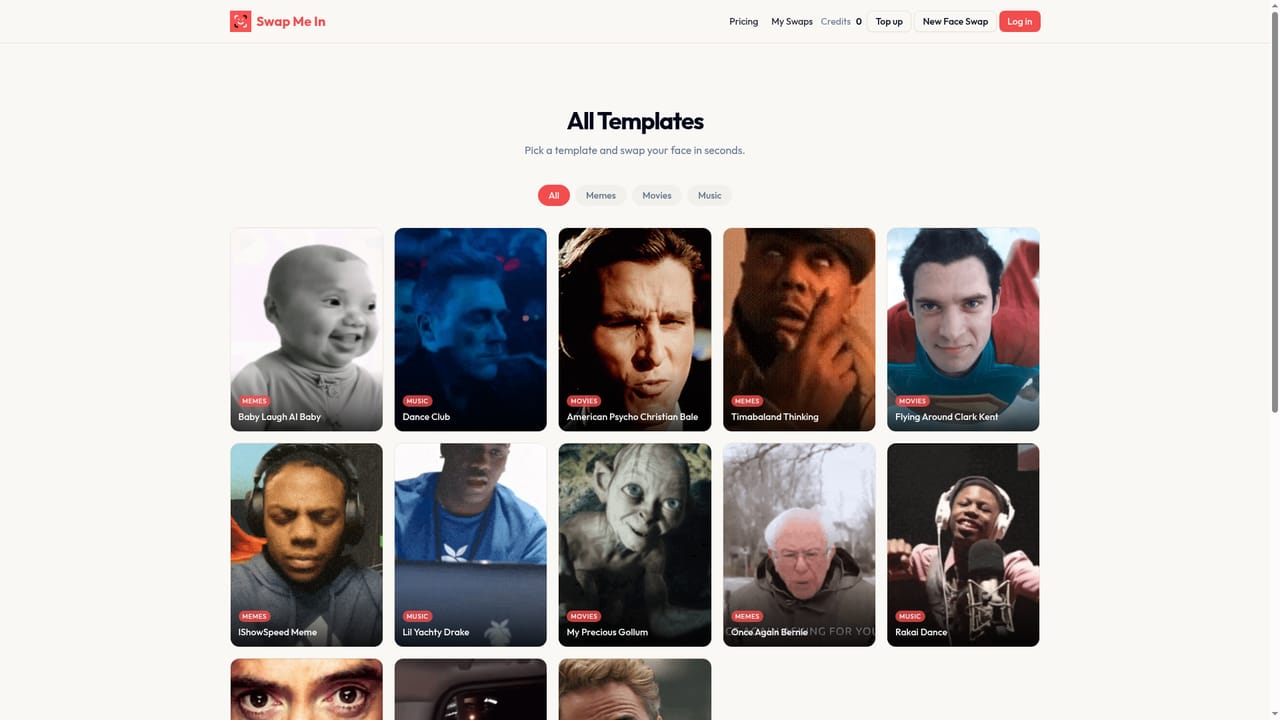
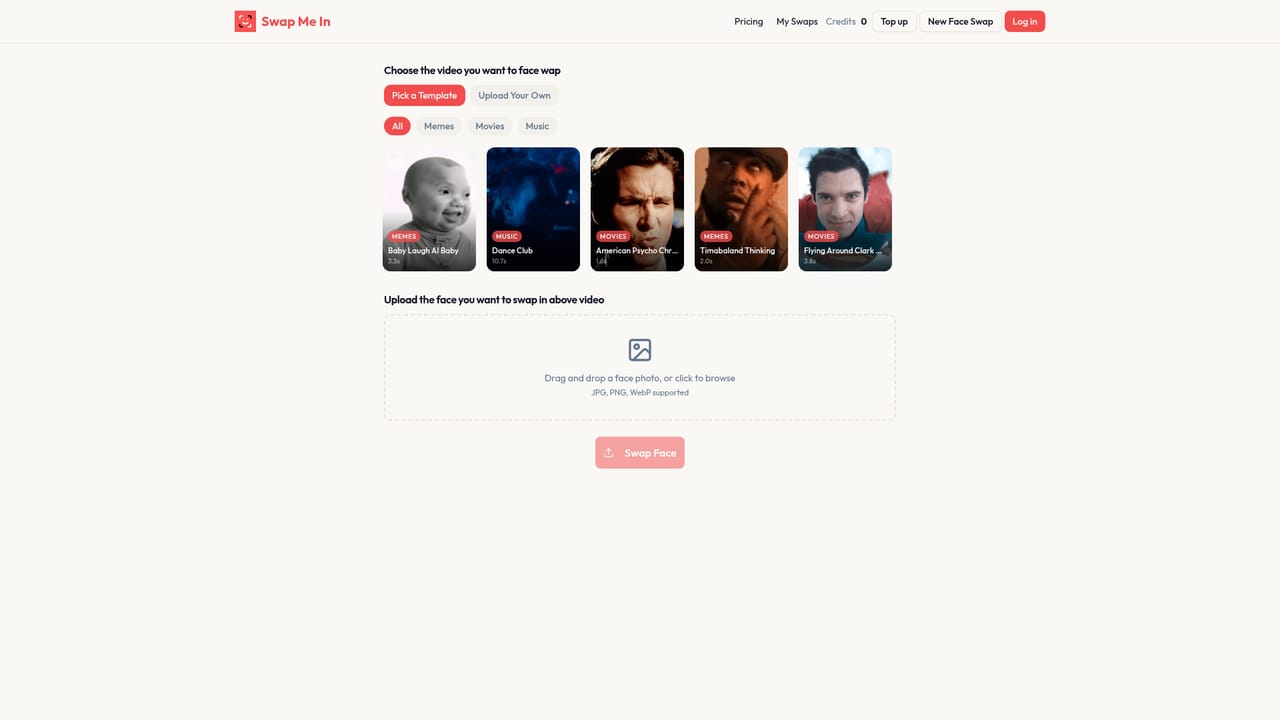
Swap Me In is a browser-based face swap generator that places a face from a single photo into a video clip. The user supplies a clear selfie, chooses either a ready-made template or an uploaded video, and the service returns a finished clip that can be downloaded and posted elsewhere. Supported inputs are JPG, PNG and WebP for photos, and MP4, MOV and WebM for video, so most phone and desktop footage works without conversion. The template library is the main entry point for casual users. It is sorted into Memes, Movies and Music, and includes recognisable scenes such as a Gollum moment, a Tony Stark exchange, a dance club loop and several viral meme clips. Hovering a template previews it, and picking one leads straight to the swap page. People who want something more personal can upload their own footage instead, which suits family videos, group scenes and parody projects. A notable capability is multi-face swapping: up to five different faces can be replaced in a single video, with the user specifying which face in the footage each photo should take over. The service states that most clips finish in 30 to 60 seconds, while longer videos or multi-face jobs can take a couple of minutes. Uploads and results are described as deleted automatically after processing, and there is no public gallery. Billing is credit based rather than subscription based. One credit covers either one image swap or ten seconds of video, and packs range from a small $3 bundle to a larger $40 one, all without watermarks. New visitors receive free starter credits, and the first swap does not require an account. Within the face swap category, Swap Me In sits at the lightweight, entertainment-focused end. It lacks the editing timelines, voice tools or API access that broader video suites offer, but its short workflow and pay-for-what-you-use pricing suit occasional creators, meme makers and anyone who wants a quick shareable clip without committing to a monthly plan.
New users receive free starter credits, and the first swap needs no sign-up. The amount of free credit is not stated.
Learn moreCredit packs, no subscription: Try It $3 for 20 credits, Starter $6 for 50, Pro Pack $15 for 150 (save 17%), Mega Pack $40 for 500 (save 33%). One credit equals one image swap or 10 seconds of video.
Learn moreSupport is available by email through a contact link on the homepage, alongside an FAQ covering cost, formats, speed and privacy.
Face swap for videos and GIFs from a single photo, template library (memes, movies, music) or own uploads, multi-face swap of up to five faces, selectable target face, no watermark, MP4, MOV and WebM input, automatic deletion of uploads.


