PhotoCat AI Image Extender

Chat-driven AI photo editor with free daily edits and a mobile app

Beginner
Screenshot of PhotoCat AI Image Extender, Chat-driven AI photo editor with free daily edits and a mobile app

What is PhotoCat AI Image Extender?

PhotoCat AI Image Extender is an image improvement tool. PhotoCat is a consumer AI photo editor and organizer on web, iOS and Android. It offers upscaling, face swap, retouching and old photo restoration, with a chat-based editing mode and free daily credits.

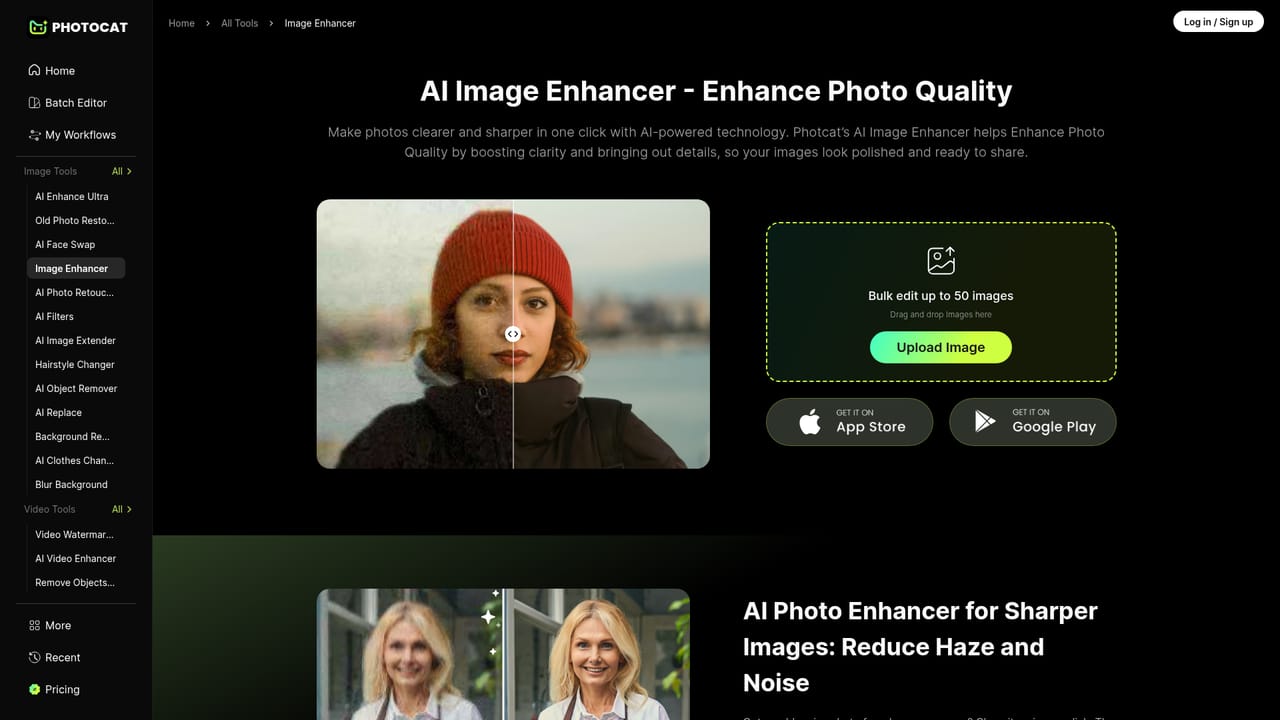
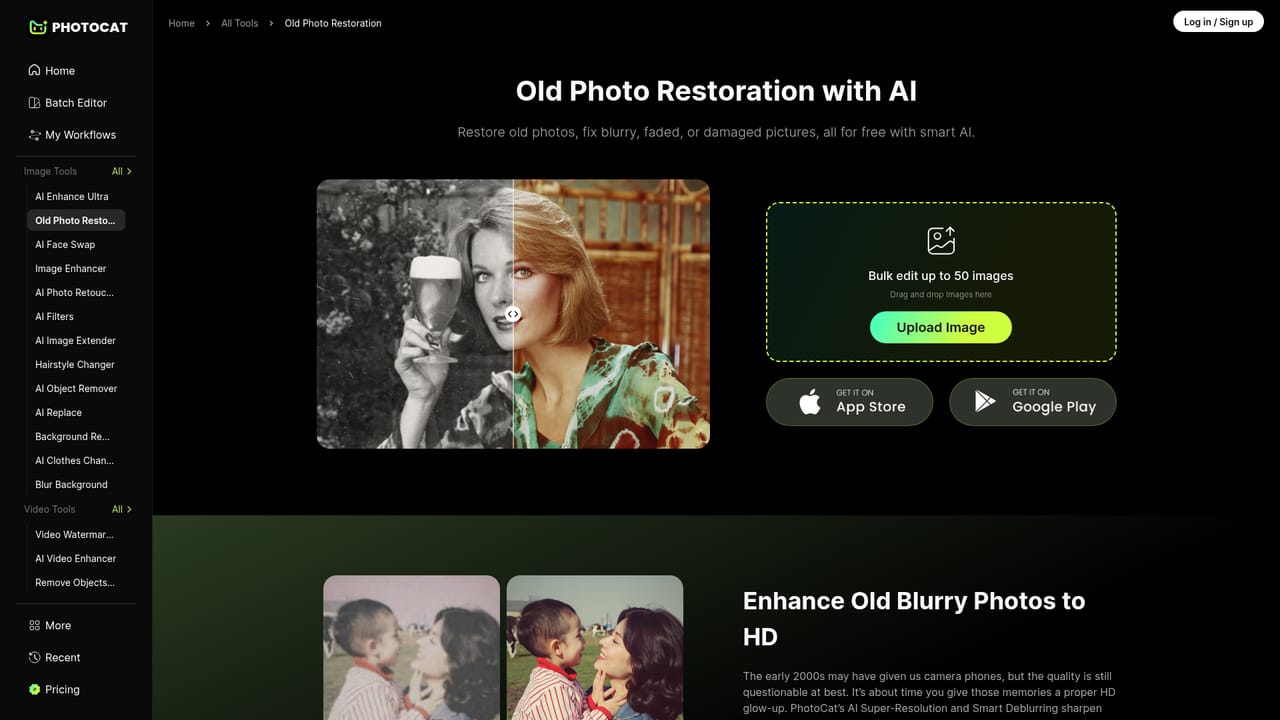
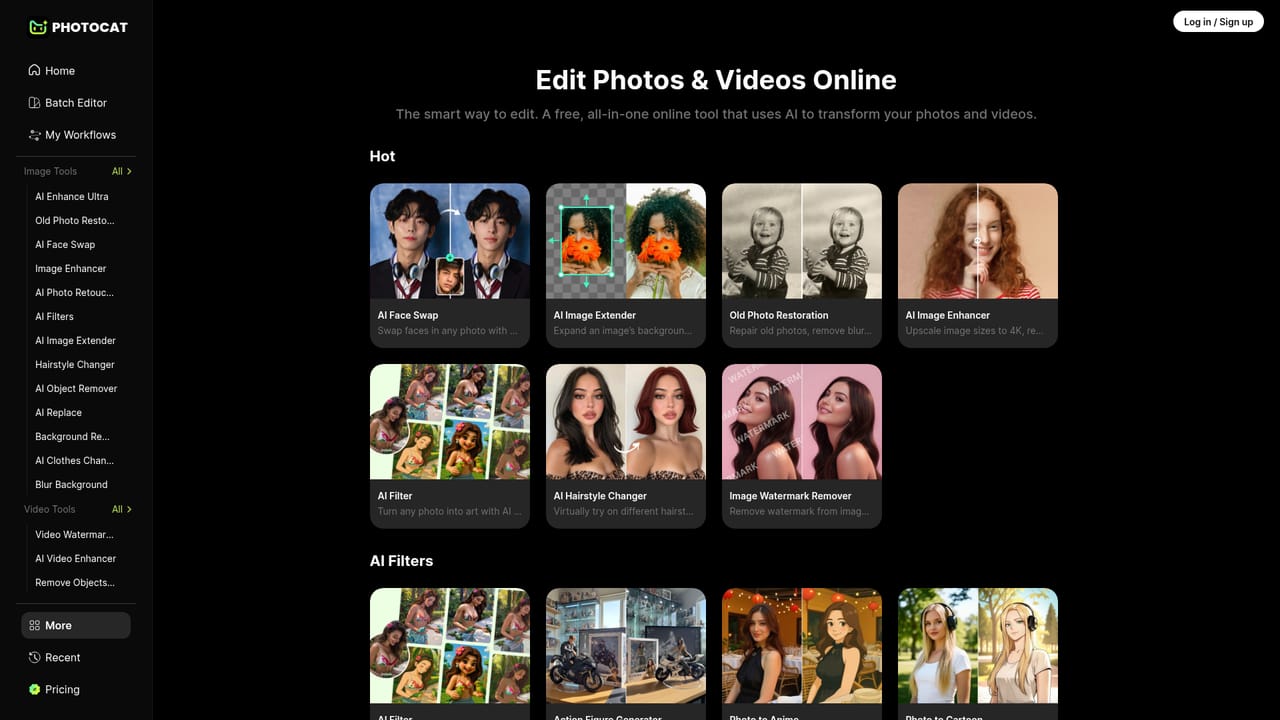
PhotoCat is an AI photo editor and gallery organizer that runs in the browser and as a mobile app for iOS and Android. It bundles several focused tools: an image enhancer that upscales pictures to 4K and reduces noise, a face swap tool, one-tap retouching with skin smoothing and makeup, and a restoration tool that repairs, recolors and sharpens old photographs. The mobile app adds extras such as a hairstyle changer and virtual makeup try-on. The product is aimed at casual users who want polished results without learning layers, sliders or nested menus. Its main point of difference is a chat-style workflow: a user uploads a picture, describes the change in plain language, and the AI applies it. For people who would rather not type, there are one-tap presets, and the retouching feature draws on more than 10 trained styles. The app also helps clear a camera roll by letting users swipe to keep or delete photos. In practice, the web tools are the quickest way in. They need no download, and the site states that most online features are free through daily credits, with no watermark on exports. It also says uploaded photos are not stored. Some advanced app features may require a subscription, and the details are shown inside the app rather than on the website. Among alternatives, PhotoCat sits closer to consumer apps than to professional suites such as layer-based editors. The homepage does not showcase canvas expansion or outpainting, so anyone shopping specifically for an image extender should review the full tool list first. The upscaling enhancer is the nearest featured capability to that task.
How do you use PhotoCat AI Image Extender?

  1. 1Open the free online tools
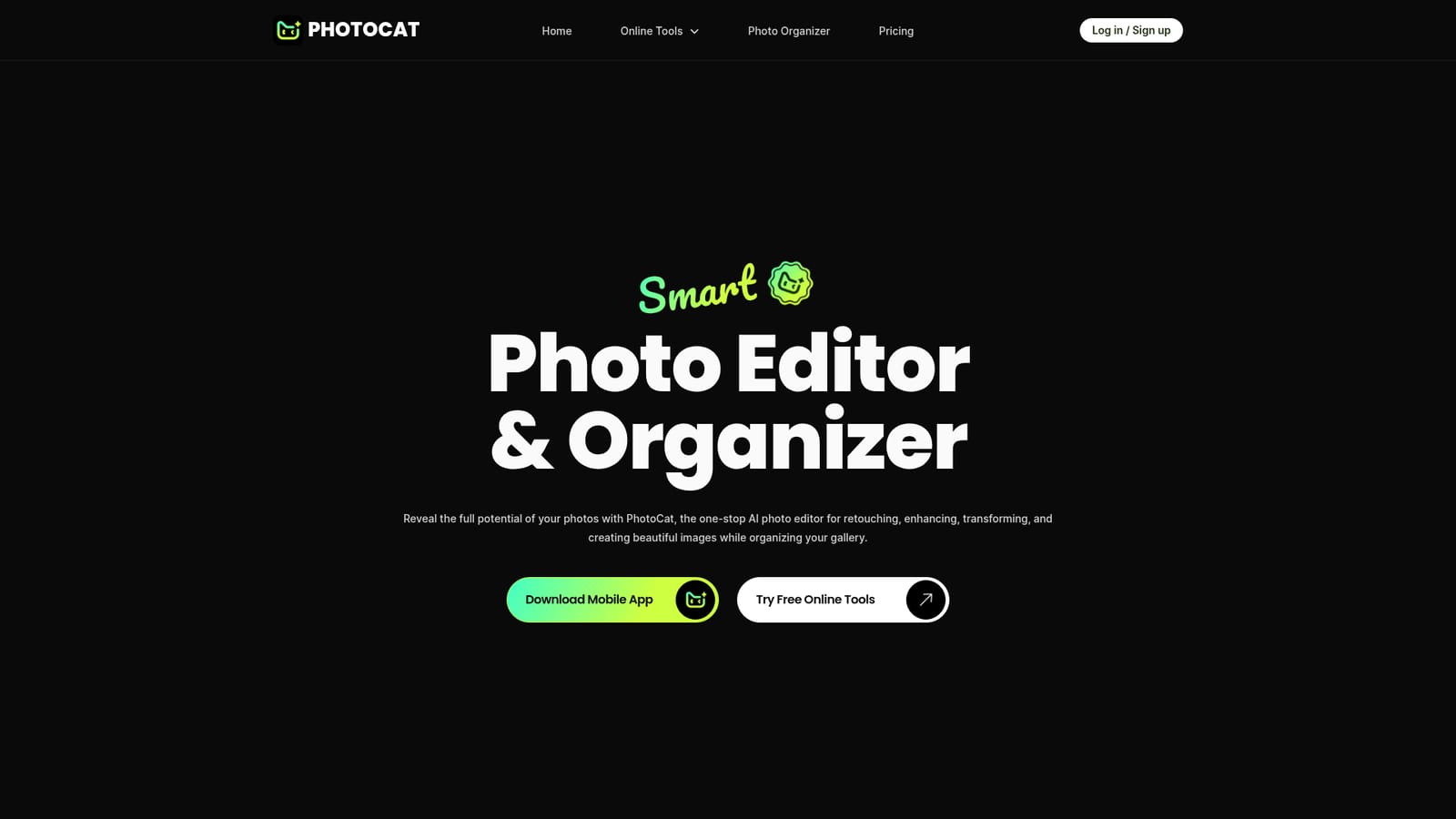
    Start from the homepage and choose the free online toolkit. No download is needed to try the browser tools.
    PhotoCat AI Image Extender — Open the free online tools
  2. 2Pick a tool for your goal
    Browse the full tool list to find the right fit, such as the enhancer, retouching, face swap or restoration.
    PhotoCat AI Image Extender — Pick a tool for your goal
  3. 3Upload a photo and enhance it
    Add an image to the enhancer to upscale it, reduce noise and sharpen a blurry shot. Review the result before saving it.
    PhotoCat AI Image Extender — Upload a photo and enhance it
  4. 4Restore or retouch a portrait
    Use the restoration tool for old or faded pictures, or the retouch tool for one-tap skin smoothing and makeup.
    PhotoCat AI Image Extender — Restore or retouch a portrait
  5. 5Try the mobile app for chat editing
    Install the iOS or Android app to edit by chatting with the AI and to sort your gallery by keeping or deleting photos.

Pros and cons

Pros

  • Chat-style editing lets users describe changes in plain language instead of using slidersAI
  • Most online tools are free with daily credits and no watermark, per the siteAI
  • Covers enhancement, retouching, face swap and restoration in a single productAI
  • Mobile apps on iOS and Android add hairstyle changes and virtual makeup try-onAI
  • States that uploaded photos are not stored, which helps privacy-minded usersAI

Cons

  • The homepage does not feature canvas expansion or outpainting, so it may not suit true image extensionAI
  • Subscription pricing for advanced app features is not shown on the websiteAI
  • Presets and one-tap styles offer limited fine control compared with professional editorsAI
  • The homepage does not document an API, integrations or a help centreAI

How much does PhotoCat AI Image Extender cost?

Free trial

No formal trial is described. Free daily editing credits are available on the online tools, and the site states exports carry no watermark.

Learn more

Pricing

Most online features are free through daily credits, and the site mentions 5 free edits per day in a user quote. Some advanced app features may require a subscription, with details given in the app.

Learn more

Features

AI image enhancer with 4K upscaling and noise removal, face swap, one-tap retouching and makeup, old photo restoration with colorization, hairstyle changer, virtual makeup try-on, chat-based editing, and swipe-style gallery cleanup.

Learn more

Frequently asked questions about PhotoCat AI Image Extender

  • How much does PhotoCat AI Image Extender cost?
    Most online features are free through daily credits, and the site mentions 5 free edits per day in a user quote. Some advanced app features may require a subscription, with details given in the app.
  • Does PhotoCat AI Image Extender offer a free trial?
    No formal trial is described. Free daily editing credits are available on the online tools, and the site states exports carry no watermark.
  • How do you use PhotoCat AI Image Extender?
    The walkthrough on this page covers 5 steps: 1. Open the free online tools 2. Pick a tool for your goal 3. Upload a photo and enhance it 4. Restore or retouch a portrait 5. Try the mobile app for chat editing.
  • What platforms does PhotoCat AI Image Extender support?
    PhotoCat AI Image Extender is available on Web App, iOS and Android.
  • What are the limitations of PhotoCat AI Image Extender?
    The homepage does not feature canvas expansion or outpainting, so it may not suit true image extension. Subscription pricing for advanced app features is not shown on the website. Presets and one-tap styles offer limited fine control compared with professional editors.

Status

StatusActive
Views0
Outbound clicks0
Added10/18/2026

Platforms

Web AppiOSAndroid

Pricing

FreemiumSubscription