Free trial
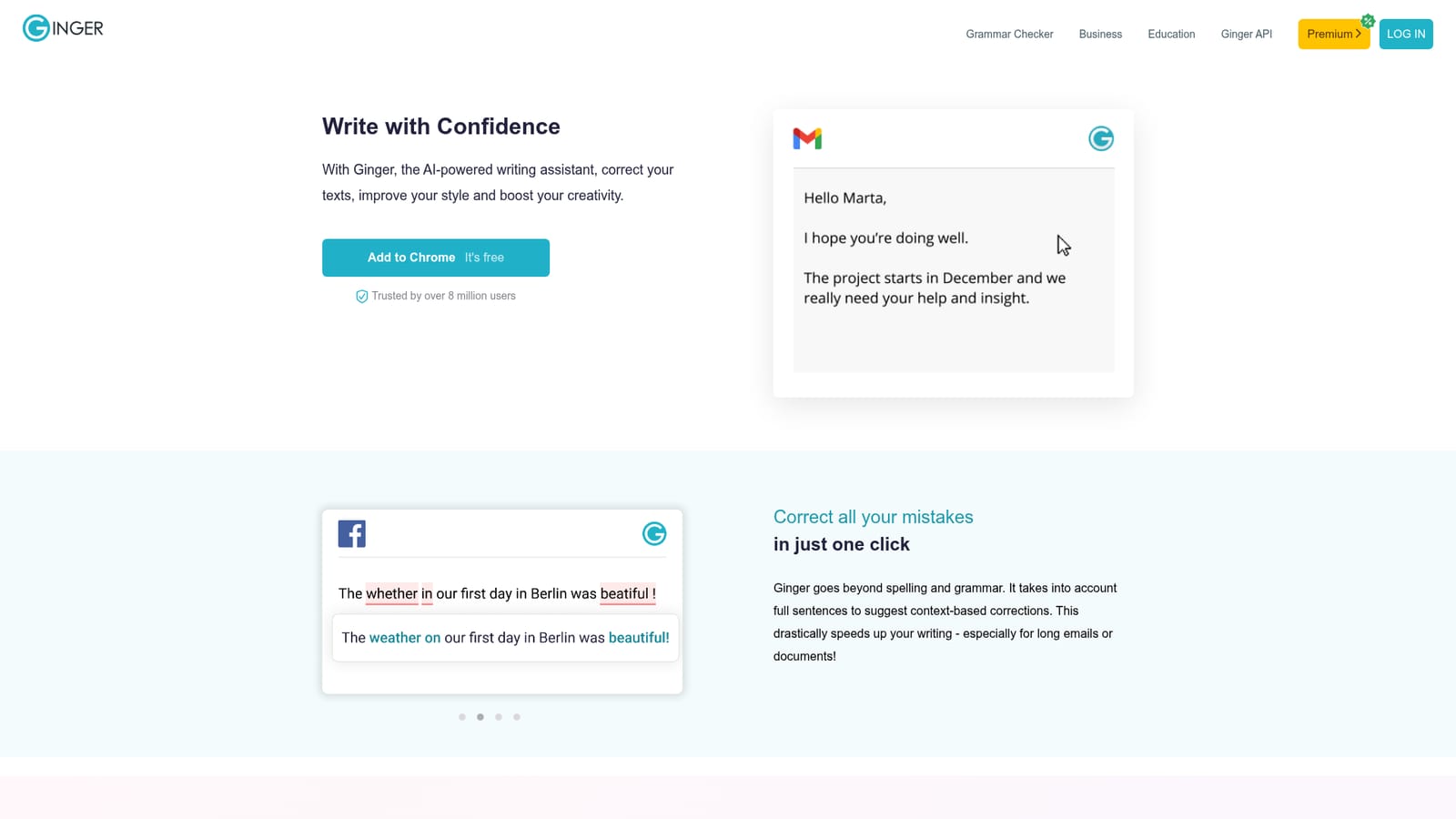
The browser extensions are presented as free to add on the homepage, and no paid plan details or trial length is stated there.
Learn moreContext-aware grammar and rephrasing that follows you across apps
Own Ginger Software? Verify ownership to get a dofollow link

Ginger Software is a context-aware grammar and spelling checker with rephrasing and synonym tools, delivered as browser extensions, a Word add-in, desktop apps and mobile apps so corrections follow you across sites and programs.
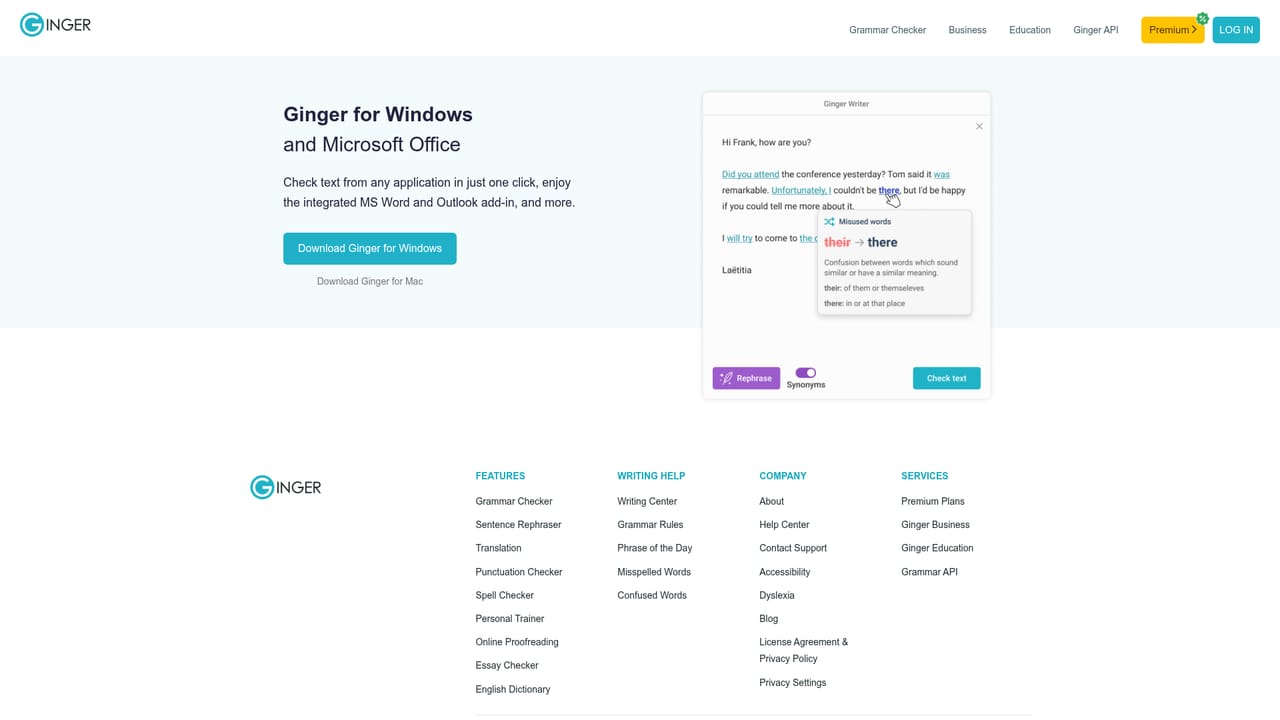
Ginger Software is an AI writing assistant built around sentence-level correction rather than word-by-word spellcheck. Instead of flagging a single typo, it reads a whole sentence and proposes a consolidated fix, which makes short work of long emails, reports and documents. The same editor also hosts a rephrase tool that rewrites wordy or awkward sentences, plus synonym suggestions available by tapping or double-clicking a word, so you can hunt for a better expression without leaving the page you are on. The product's defining trait is coverage rather than a single destination editor. Browser extensions for Chrome and Edge bring suggestions into Gmail, social networks, LinkedIn and other sites. A Microsoft Word add-in is pitched at correcting more mistakes than Word's own checker, and a desktop app for Windows and Mac corrects text from any application in one click. Mobile apps for iOS and Android cover messages, emails and posts written on a phone. The company reports more than 8 million users and markets itself on its own grammar engine and API as well as the consumer editor. That breadth makes it a practical fit for non-native English speakers, students, support and sales teams answering customers, and anyone who drafts in many different apps each day. Writers working mainly inside a single document editor may find built-in checkers sufficient; Ginger's case rests on consistency across tools and on the rephrasing and synonym features that go past pure error correction. Education and business editions exist alongside the individual editor, and the underlying engine is offered through an API for teams that want to embed correction into their own products. The desktop and Word route starts at the Windows download page, where the add-in and desktop application are described in detail.

The browser extensions are presented as free to add on the homepage, and no paid plan details or trial length is stated there.
Learn moreNamed surfaces include Gmail, Facebook, LinkedIn, Microsoft Word and general websites through the browser extensions, plus a Ginger API for embedding correction in other apps.
Learn moreSentence-level correction that suggests context-based fixes in one click, a rephrase tool for rewriting wordy sentences, and AI synonym suggestions available by tapping or double-clicking a word. Delivery spans Chrome and Edge extensions, a Microsoft Word add-in, Windows and Mac desktop apps and iOS and Android mobile apps.
Learn more AI Angels400+ customizable AI girlfriends for NSFW chat, voice calls, and roleplay
 Candy AIExperience the future of companionship with AI friends who chat, role-play, and connect with you on a human level.
 ourdream.aiA vast AI roleplay platform with millions of characters for chat, images, video and voiceAI Angels400+ customizable AI girlfriends for NSFW chat, voice calls, and roleplayCandy AIExperience the future of companionship with AI friends who chat, role-play, and connect with you on a human level.ourdream.aiA vast AI roleplay platform with millions of characters for chat, images, video and voice