Free trial
Sign up and start for free, as the homepage repeats in its primary buttons. Separate paid plans exist and are listed on the pricing page, but no trial length or tier detail is given on the homepage.
Learn morePlan, draft, and polish a novel with feedback on your own manuscript
Own ProWritingAid? Verify ownership to get a dofollow link

ProWritingAid is a grammar checker tool that plans draft, and polish a novel with feedback on your own manuscript. An editing and planning suite built for novelists and long form writers, combining story planning, critique, line editing, grammar and plagiarism checks with publishing guidance.
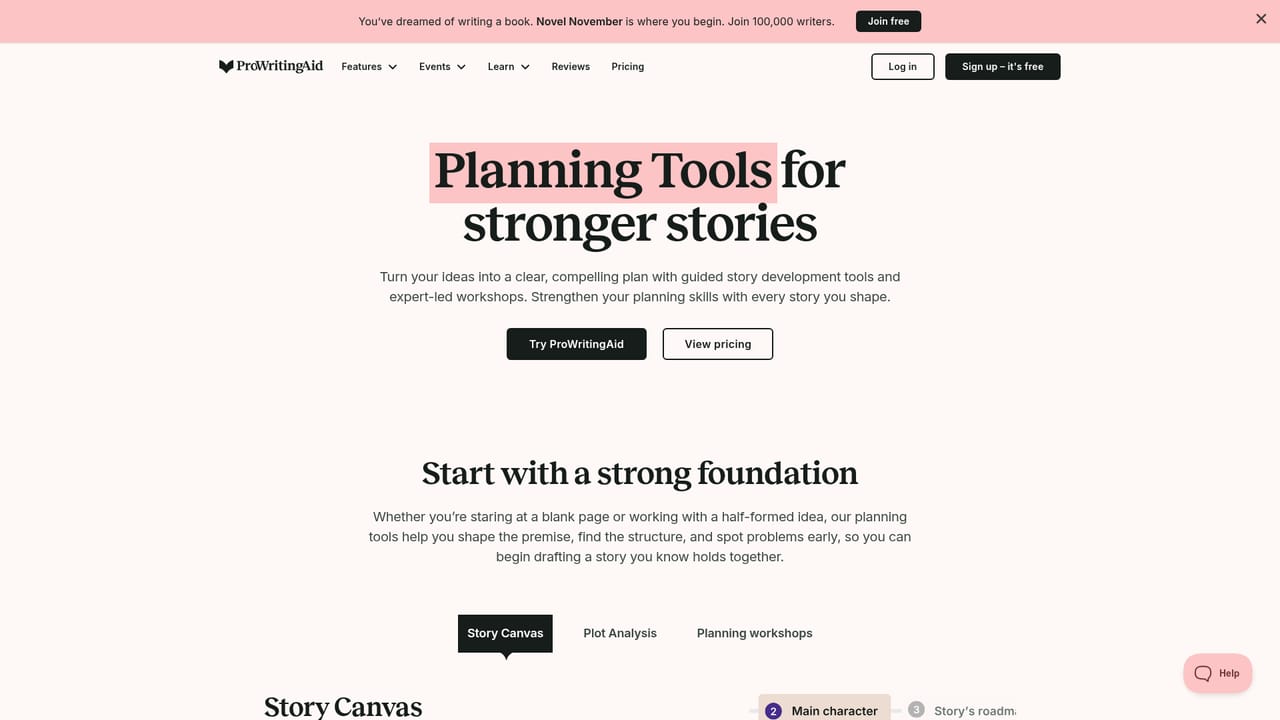
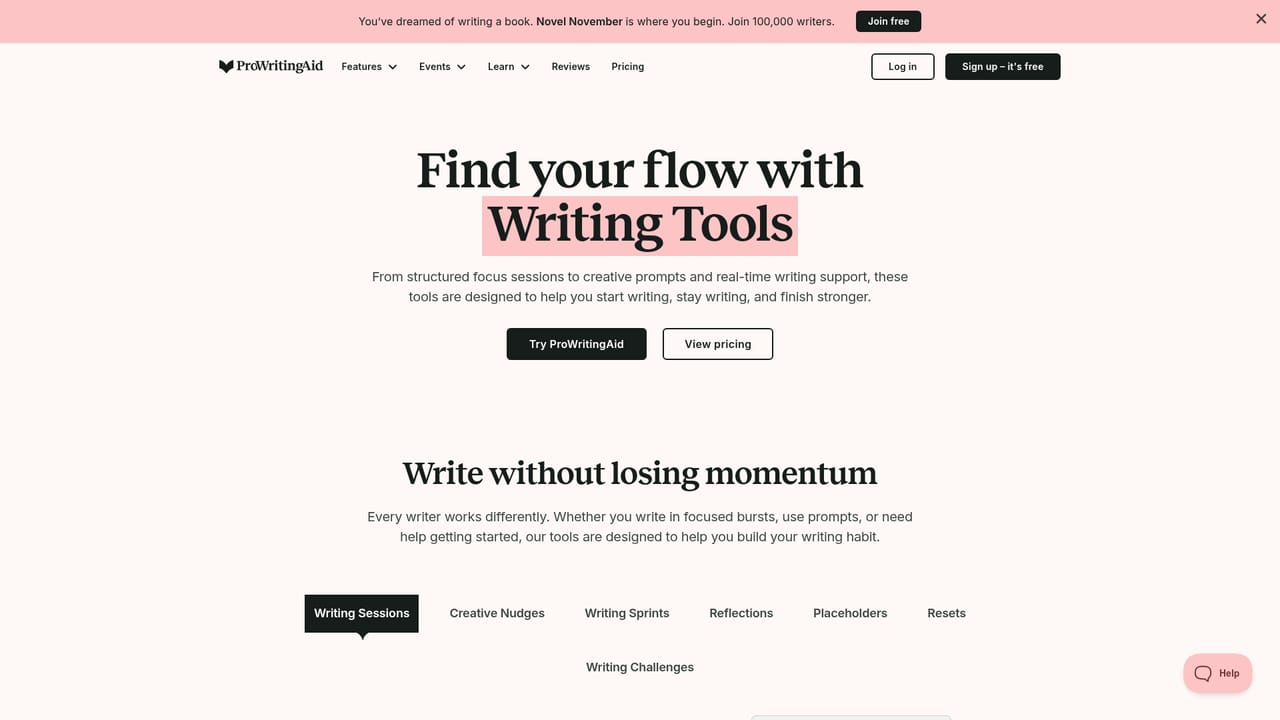
ProWritingAid is a writing toolkit aimed squarely at long form authors rather than marketers or casual typists. The homepage frames it around a single promise: help a writer get from an unfinished idea to a finished, publishable book. That journey is broken into four stages. Planning Tools, including a Story Canvas, are used to shape an idea before the first chapter exists. Writing Tools focus on routine, with timed sessions designed to keep a draft moving after the initial burst of motivation fades. Story Critique reviews the manuscript as a whole to surface what is not working. Line Editing tools then handle sentence level polish while, in the company's framing, training the writer's own editorial eye. In daily use the product sits inside the software people already write in. Extensions exist for Chrome, Firefox, Edge and Google Docs, alongside a Microsoft Word add in and a standalone desktop editor for Mac and Windows. Listed writing environments include Scrivener, Notion, Apple Notes, Apple Pages, Atticus and Milanote. A grammar checker and a plagiarism checker round out the standard proofreading layer. Publishing tools address the commercial end of the process, helping authors weigh their route to market and position a finished book. ProWritingAid is explicit about its stance on AI: assistive features exist, but the company states it will not write the manuscript for you, and the words stay the author's. There is a Responsible AI page setting out that position. That makes the tool a poor fit for someone who wants generated prose at volume, and a good fit for novelists, memoirists and short story writers who want a critique partner with an editorial vocabulary. The wider ecosystem reinforces the audience. Novel November is a community writing push pitched at 100,000 participants, the ProWritingMethod ties craft, habit and mindset into one framework, and the reviews page collects testimonials from traditionally and independently published authors.
Sign up and start for free, as the homepage repeats in its primary buttons. Separate paid plans exist and are listed on the pricing page, but no trial length or tier detail is given on the homepage.
Learn moreA Help Center is linked from the footer for product questions, and the site also offers a blog, grammar guide and reviews from published authors.
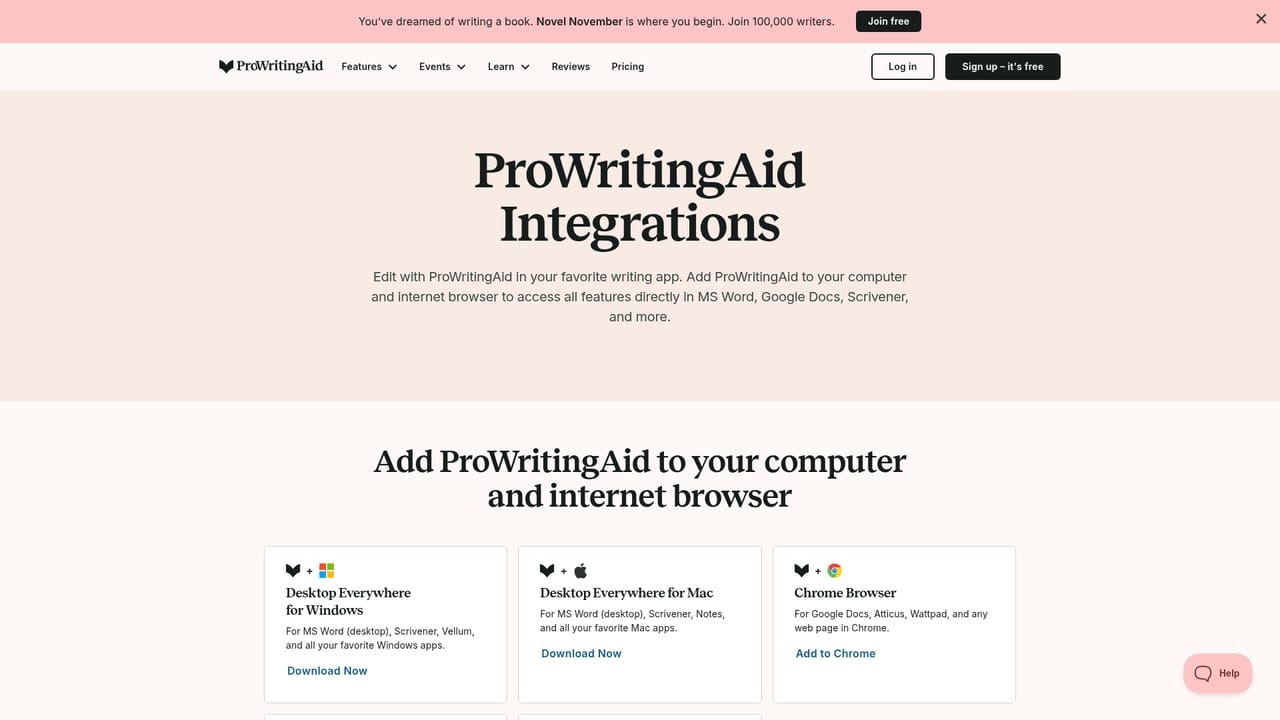
Learn moreWorks inside Microsoft Word, Google Docs, Scrivener, Notion, Apple Notes, Apple Pages, Atticus and Milanote. Browser extensions are available for Chrome, Firefox and Edge, with a desktop editor and downloads for Mac and Windows.
Learn morePlanning Tools with Story Canvas for structuring a story, Writing Tools built around drafting sessions, Story Critique for whole manuscript feedback, and line editing tools plus a grammar checker for sentence level polish. A plagiarism checker is included, and publishing tools help authors evaluate their route to market. Assistive AI features are present, though the company states it will not write the book for the author.
Learn more AI Angels400+ customizable AI girlfriends for NSFW chat, voice calls, and roleplay
 Candy AIExperience the future of companionship with AI friends who chat, role-play, and connect with you on a human level.
 ourdream.aiA vast AI roleplay platform with millions of characters for chat, images, video and voiceAI Angels400+ customizable AI girlfriends for NSFW chat, voice calls, and roleplayCandy AIExperience the future of companionship with AI friends who chat, role-play, and connect with you on a human level.ourdream.aiA vast AI roleplay platform with millions of characters for chat, images, video and voice


