Support
A trust center with SOC2 information is published, and the site offers a Talk to an expert booking link for prospective customers.
Learn moreTicket to PR platform pairing coding agents with senior developer oversight

GitStart is a developer tool. A ticket to pull request service that combines coding agents with senior developer review. Ticket Studio converts thin tickets into executable specs, Accelerate delivers merge ready PRs through five quality stages, and GitSlice scopes what code agents can see.
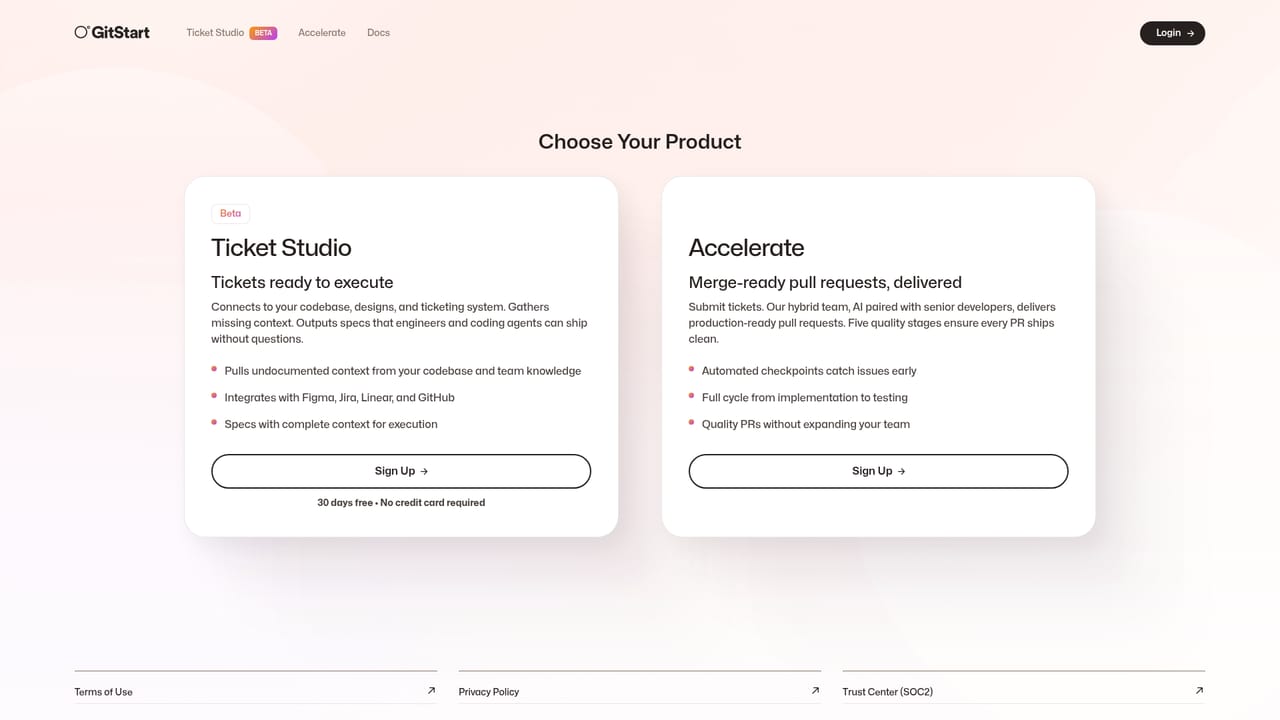
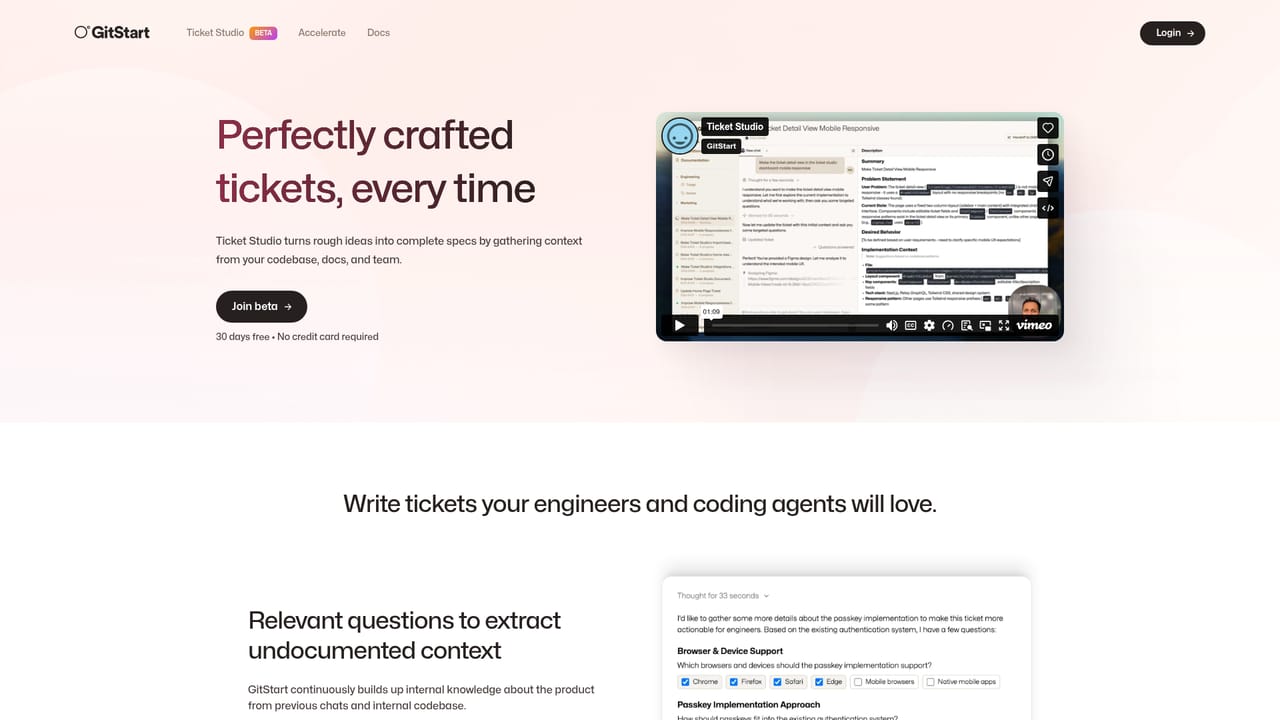
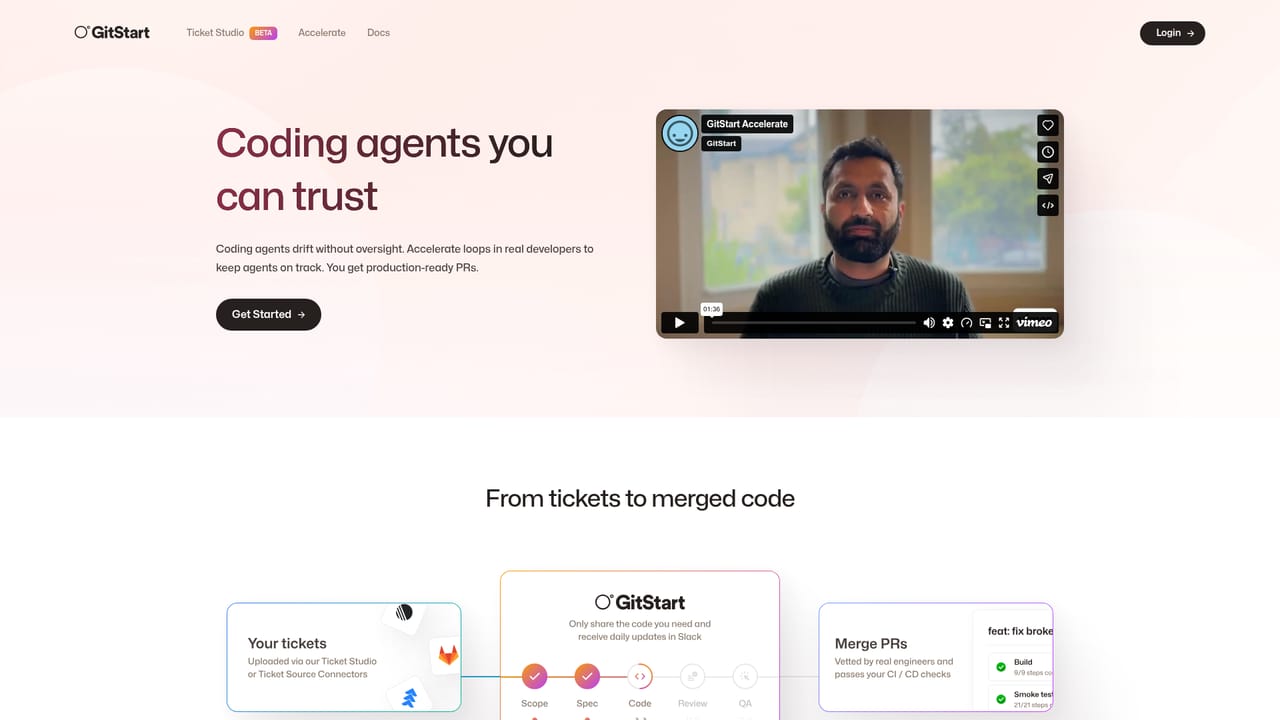
GitStart is a ticket to pull request platform built around a simple observation: coding agents perform best when they are handed a clear, well specified task and checked by someone accountable for the result. Rather than selling another standalone agent, it wraps agents in two services. Ticket Studio turns vague tickets into detailed specs, and Accelerate turns those specs into merge ready pull requests using a hybrid team of AI and senior developers. Ticket Studio is the planning layer. It connects to your codebase, your design files and your ticketing system, then fills in the context a ticket usually leaves out. The output is a written spec that both engineers and agents can execute without follow up questions. Accelerate is the delivery layer: you submit tickets and the service returns production ready pull requests, running through five quality stages from implementation to testing, with automated checkpoints that surface problems early. A third component, GitSlice, lets teams define fine grained slices of the codebase so agents only see what is relevant, which tightens security and narrows the search space. The platform targets engineering organizations that already have a backlog they cannot clear: new feature work, UI component creation and refactoring, API endpoints, test coverage and end to end testing, long standing bugs, tech debt clean up and dependency upgrades. Its client list includes Cal.com, Firefox, Sourcegraph, Drata and Union Bank, and the company reports more than 15,000 pull requests shipped. The obvious comparison is a raw coding agent or an autonomous PR bot. GitStart differentiates by keeping humans in the loop on every delivery and by treating specification quality as the real bottleneck. Teams that want a self managed tool may find the service model heavy; teams that want throughput without headcount growth are the intended buyer.

A trust center with SOC2 information is published, and the site offers a Talk to an expert booking link for prospective customers.
Learn moreThe homepage names Figma, Jira, Linear and GitHub as connected systems for Ticket Studio.
Learn moreTicket Studio builds executable specs from your codebase, design files and ticketing system. Accelerate delivers merge ready pull requests using AI plus senior developers, with five quality stages and automated checkpoints. GitSlice restricts which code slices agents can see, improving security and focus. Work types span frontend features, testing and coverage, bugs and tech debt.
Learn more AI Angels400+ customizable AI girlfriends for NSFW chat, voice calls, and roleplay
 Candy AIExperience the future of companionship with AI friends who chat, role-play, and connect with you on a human level.
 ourdream.aiA vast AI roleplay platform with millions of characters for chat, images, video and voiceAI Angels400+ customizable AI girlfriends for NSFW chat, voice calls, and roleplayCandy AIExperience the future of companionship with AI friends who chat, role-play, and connect with you on a human level.ourdream.aiA vast AI roleplay platform with millions of characters for chat, images, video and voice


