Free trial
A free tier is available without registration: 2 individual summaries, 1 podcast subscription and 10 chat messages per month. Paid plans are billed monthly and can be cancelled at any time.
Learn moreAI summaries of any podcast episode, delivered to your inbox in minutes

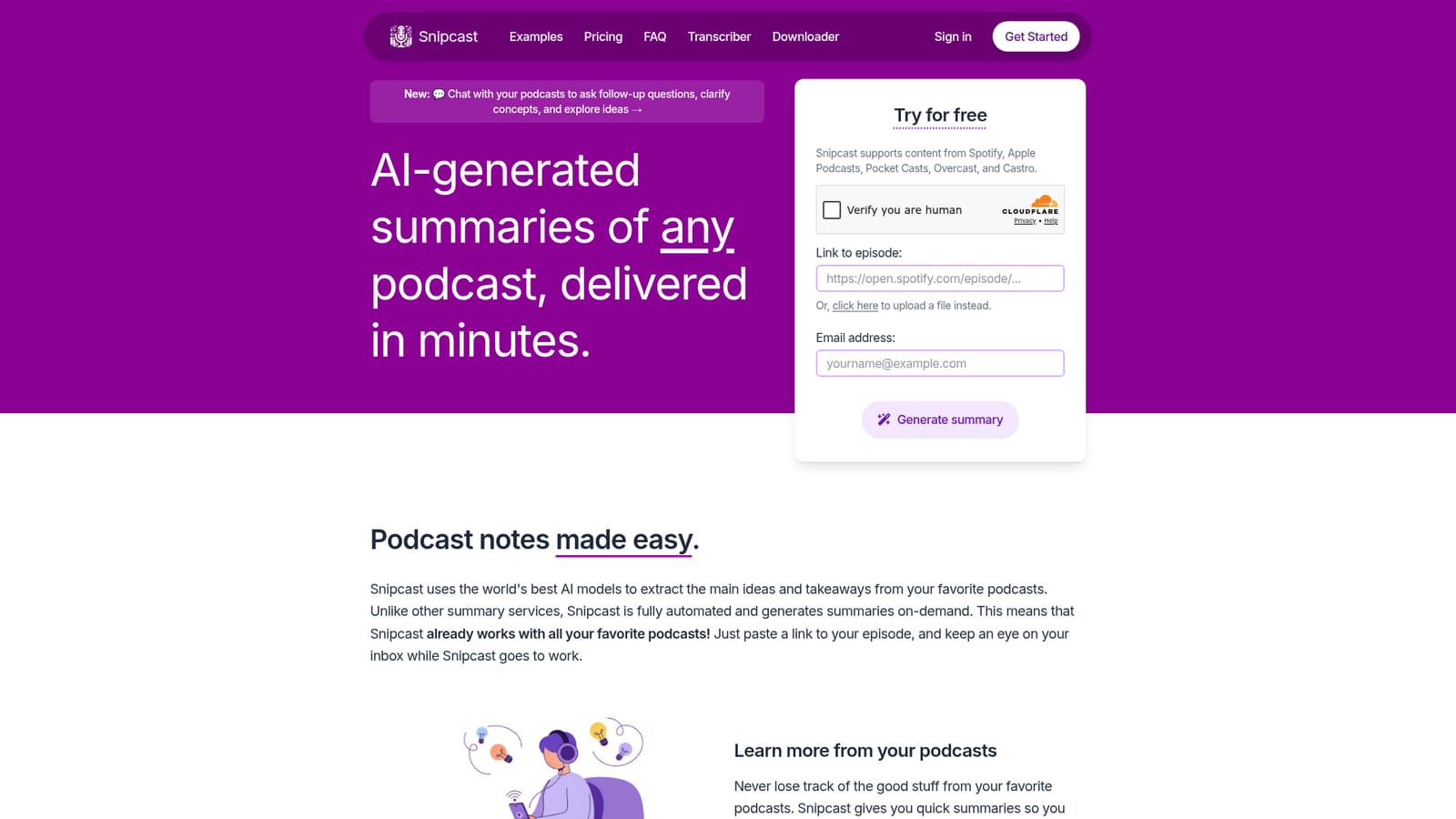
Snipcast generates AI summaries of podcast episodes and uploaded audio or video files and emails them within minutes. Paste a link from Spotify, Apple Podcasts or other players, or upload a file, and receive main ideas and takeaways at roughly 2 minutes of processing per hour of audio.
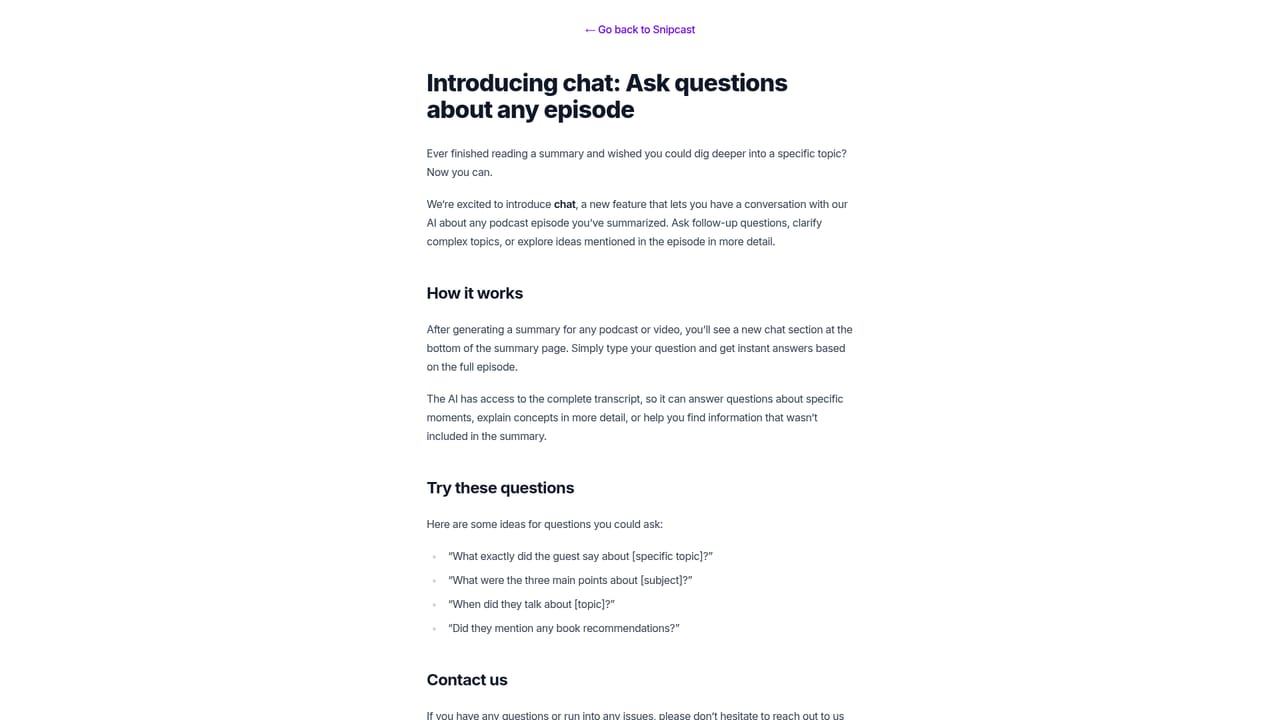
Snipcast turns podcast episodes and uploaded audio or video files into short written summaries that arrive by email. The workflow is deliberately narrow: paste an episode link from Spotify, Apple Podcasts, Pocket Casts, Overcast or Castro, add an email address, and wait. Processing runs at roughly 2 minutes per hour of audio, so a two hour episode is typically summarized in about 4 minutes. The service is fully automated and on demand, which means no catalog to browse and no show to request before a summary is possible. Any publicly available episode is fair game, and listeners can also upload their own media files when a link is not available. The output is a condensed set of main ideas and takeaways rather than a full transcript, though Premium and Patron subscribers can open a summary in the browser and copy the complete transcript. A newer chat feature sits at the bottom of each generated summary and lets readers ask follow-up questions, clarify concepts and dig into specific ideas from the episode. Podcast subscriptions add automation on top: register a show once and a summary is sent whenever a new episode publishes. Summaries are produced in most major languages, with a published list covering more than 50, from English and Spanish to Hindi, Japanese and Welsh. The tool suits people who consume more talk audio than they can retain: researchers, students, founders and professionals who want the argument of a long interview without the full runtime. It also works as a note-taking substitute for regular listeners who want a searchable record of what a show covered. Competition comes from general chatbots and from manual transcript tools, and Snipcast's pitch is that a pasted link plus an inbox delivery is less work than prompting a model and pasting a transcript yourself. Limits are worth knowing before paying. Spotify exclusives such as The Joe Rogan Experience cannot be summarized because the audio files are not accessible. The free tier is small at 2 summaries and 10 chat messages per month, and there is no annual billing option listed. A public API is included from the Premium tier upward, so developers evaluating the service can test it there.
A free tier is available without registration: 2 individual summaries, 1 podcast subscription and 10 chat messages per month. Paid plans are billed monthly and can be cancelled at any time.
Learn moreThree monthly plans, cancel anytime. Free: $0, 2 summaries and 1 subscription per month, no registration. Premium: $7.99/month, 50 summaries, 10 subscriptions, 100 chat messages, transcripts and API. Patron: $11.99/month, 150 summaries, 30 subscriptions, 300 chat messages and early access. Students get 50% off Premium by emailing from an educational address.
Learn moreSupport runs by email at hi@snipcast.io, with a separate students@snipcast.io address for discount requests. The homepage FAQ covers supported players, transcripts, automatic summaries, chat and languages.
Works with episode links from Spotify, Apple Podcasts, Pocket Casts, Overcast and Castro. RSS podcast subscriptions trigger automatic summaries for new episodes. API access is included on Premium and Patron plans.
On-demand AI summaries of any podcast episode via pasted link, plus uploads of your own audio or video files. Email delivery, automatic summaries for subscribed shows via RSS, full transcripts on paid plans, and a chat panel on each summary for follow-up questions. Summaries work in more than 50 languages, and processing runs at about 2 minutes per hour of audio.
 AI Angels400+ customizable AI girlfriends for NSFW chat, voice calls, and roleplay
 Candy AIExperience the future of companionship with AI friends who chat, role-play, and connect with you on a human level.
 ourdream.aiA vast AI roleplay platform with millions of characters for chat, images, video and voiceAI Angels400+ customizable AI girlfriends for NSFW chat, voice calls, and roleplayCandy AIExperience the future of companionship with AI friends who chat, role-play, and connect with you on a human level.ourdream.aiA vast AI roleplay platform with millions of characters for chat, images, video and voice


