Free trial
AI-powered templates can be previewed in the gallery without payment. Full use of Glide AI requires an Explorer plan or higher.
Learn moreDescribe a business app and Glide Agent builds it

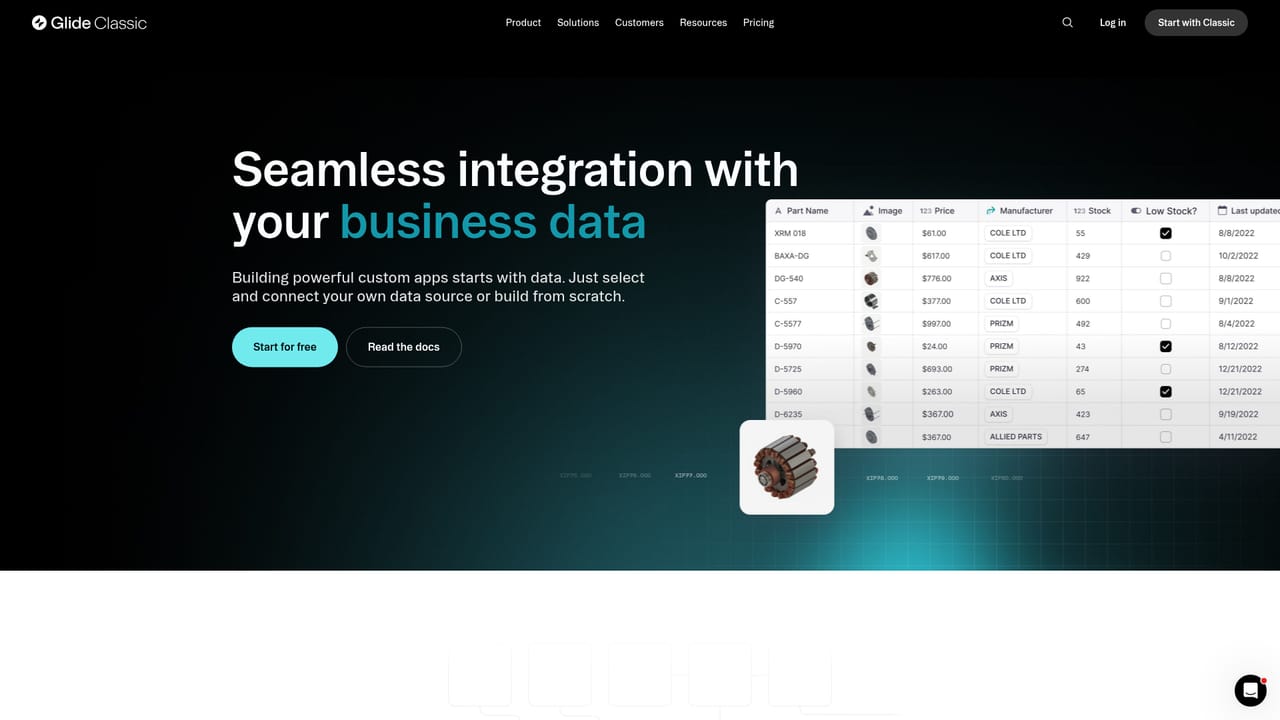
Glide Apps is an app creation tool. Glide AI adds agentic app generation and AI columns to the Glide no-code platform. Teams describe a business system and get a working app with structured data and layout, then use AI steps to transcribe files, extract insights and automate workflows.
Glide AI is the intelligence layer of Glide, a no-code platform for building internal business apps. Instead of assembling screens field by field, you describe the system you need, such as inventory and order tracking, and the Glide Agent generates a working app: it structures the data, lays out the interface and hands back something usable within seconds. The same assistant can pull data from files and run the logic behind your operations. Three capabilities sit alongside the Agent. UI component generation lets you build custom interface pieces through a chat prompt, from interactive cards to sliders and progress bars. File extraction turns audio, images and text into structured records, covering call transcription, contract summaries, deadline flagging and product details captured from photos. Workflow AI steps act on that data: prioritizing urgent support tickets, forecasting stock shortages, drafting personalized customer updates or flagging anomalies in financial reports. The tool is aimed at operations, supply chain, field and project teams inside mid-sized and large companies, not at professional developers. Glide cites more than 100,000 companies using the platform, with named customers including Airbus, Hilton and Coca-Cola. Typical builds map to procurement, warehouse, CRM, work order and vendor management use cases, where the app replaces a spreadsheet plus email chain. Glide AI works with any data source the platform supports, and you add AI by inserting a column into an existing table. It runs on OpenAI, Azure ML and Google Cloud models. Existing apps can adopt it on the Explorer plan or higher, though the Glide Agent is a separate feature from Glide AI, and teams created before the Agent launched do not have access to it yet. Compared with general-purpose coding assistants, Glide trades flexibility for speed and oversight: you get governed, data-bound apps rather than arbitrary code.


AI-powered templates can be previewed in the gallery without payment. Full use of Glide AI requires an Explorer plan or higher.
Learn moreGlide AI is included with the Explorer, Maker, Business and Enterprise plans. Glide does not publish per-plan prices on its AI page, and the Agent is a separate feature whose availability depends on when your team was created.
Learn moreSupport runs through the Glide documentation and learning portal, which hosts product docs plus two certifications: Building AI Business Software and Intelligent Automation. A trust center covers security.
Learn moreGlide AI works with any data source the Glide platform supports, and AI steps can trigger actions in workflows. Models are provided through OpenAI, Azure ML and Google Cloud.
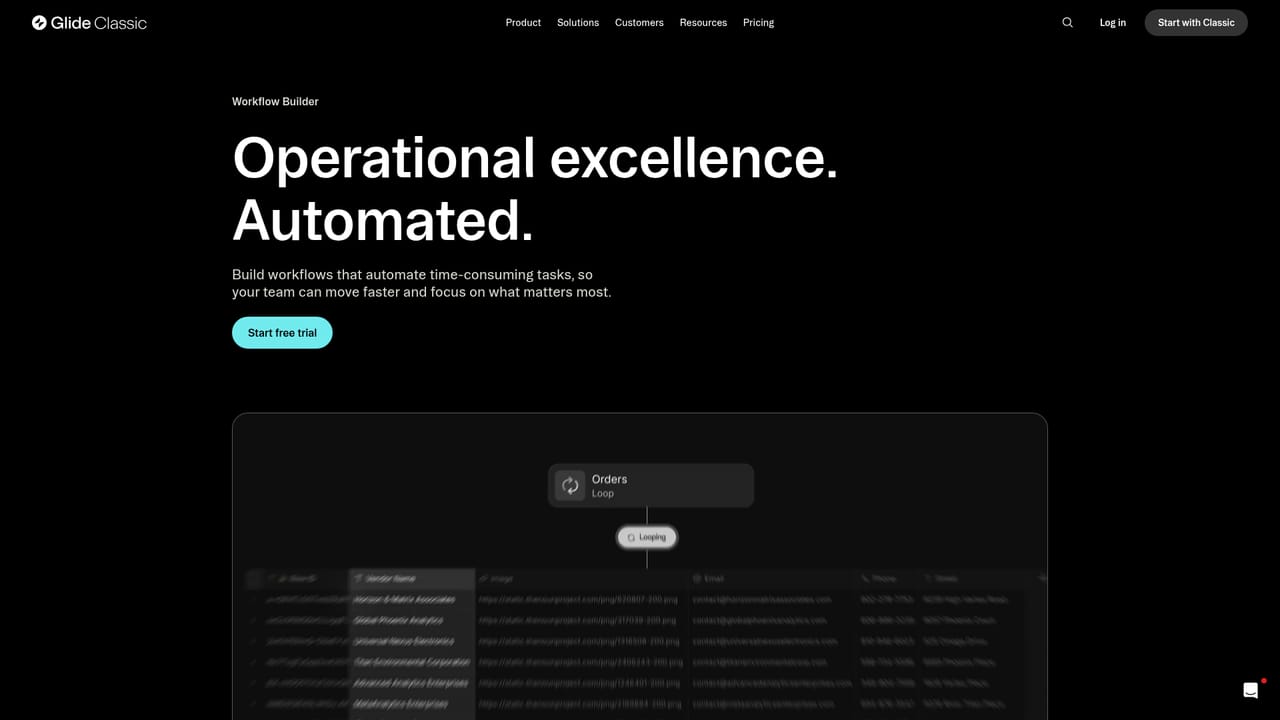
Learn moreGlide Agent generates complete apps from a description, including data structure and layout. Chat-built UI components add custom cards, sliders and progress bars. AI columns extract structured insights from audio, images and text, and AI steps in the Workflow Editor automate data processing, prioritization and updates.
Learn more AI Angels400+ customizable AI girlfriends for NSFW chat, voice calls, and roleplay
 Candy AIExperience the future of companionship with AI friends who chat, role-play, and connect with you on a human level.
 ourdream.aiA vast AI roleplay platform with millions of characters for chat, images, video and voiceAI Angels400+ customizable AI girlfriends for NSFW chat, voice calls, and roleplayCandy AIExperience the future of companionship with AI friends who chat, role-play, and connect with you on a human level.ourdream.aiA vast AI roleplay platform with millions of characters for chat, images, video and voice


