Pricing
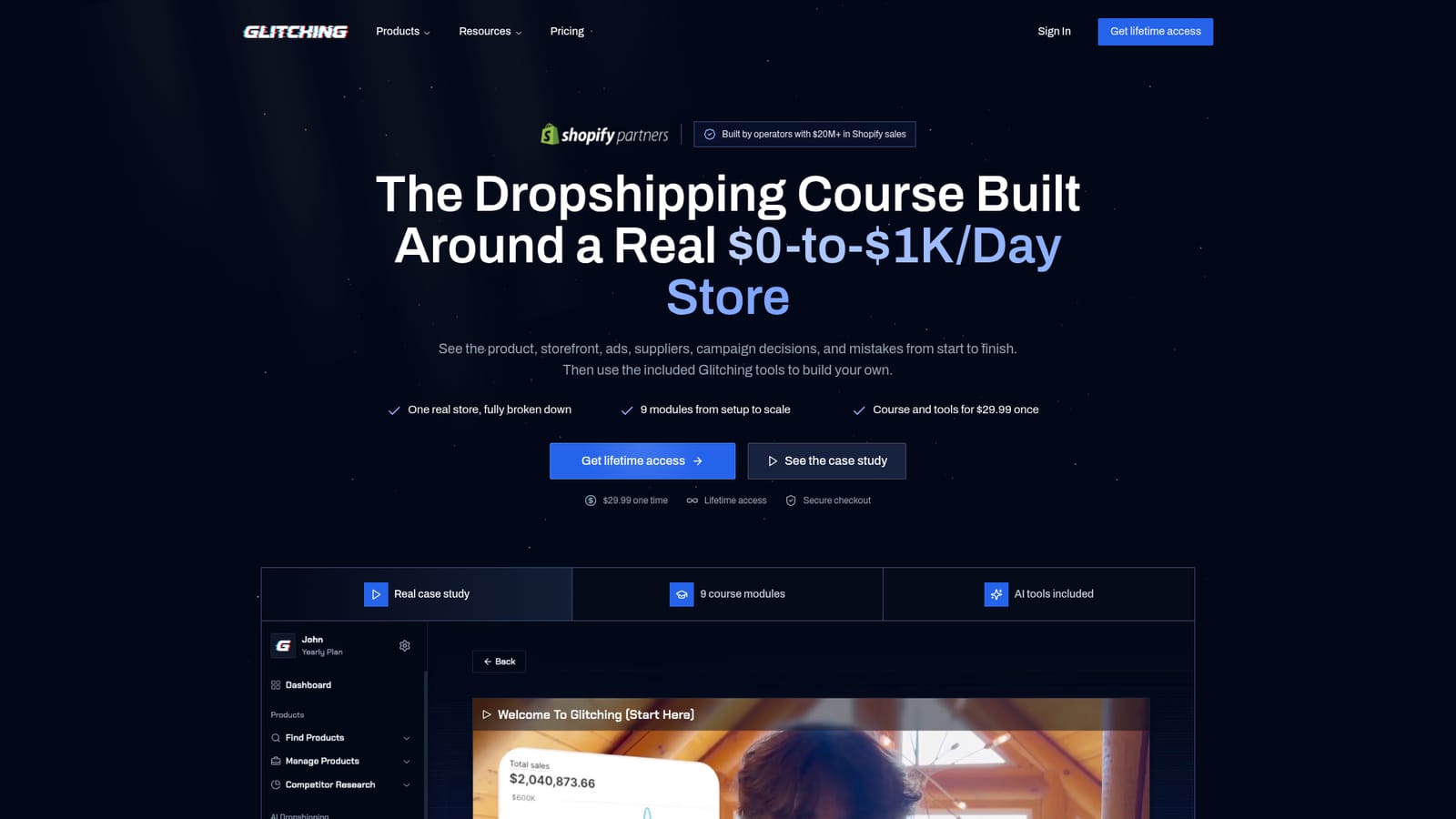
$29.99 charged once for lifetime access, with no subscription. The homepage states this price in the hero and again in the closing call to action, and pairs it with a money back guarantee that pays out if you do not make a sale.
Learn moreAI dropshipping platform that takes beginners from product pick to first sale

Glitching is a product finder tool. Glitching bundles AI product research, a done-for-you store builder, AI video ads and a 12 module dropshipping course into a single one-time purchase, aimed at beginners chasing a first sale rather than experienced sellers.
Glitching is an AI dropshipping platform aimed squarely at people launching their first store rather than scaling an established operation. The premise is that product research alone is not enough: a product can pass a superficial interest check and still fail because it is saturated, carries thin margins, has no obvious ad hook, or lands on a generic product page. Glitching wraps the whole sequence into one guided workflow, from shortlisting products to shipping a storefront and testing creative. The workflow runs in four stages. Product selection uses AI to shortlist ideas and then walk through demand, saturation, competitor activity, margins and buyer angles before committing. The store builder produces a launch-ready site with product visuals, written descriptions, and a logo and branding package, plus an image editor for making product shots that hold attention. The ads module generates video creative with AI, with the option to pick from 50+ AI creators, so no physical product, actors or editors are needed to start testing. A structured course, described as 60+ lessons across 12 modules, sits alongside the tools to sequence the launch steps. A one-click Glitch Mode is advertised as handling product research, site building and ad creation end to end. The audience is the beginner who wants a guided path and a single purchase rather than a monthly research subscription. Glitching positions itself against product databases such as Dropship.io and Sell The Trend, arguing that prediction to first sale is a different job from browsing trending items. Pricing is a one-time $29.99 for lifetime access, which is unusual in a category dominated by recurring plans. A money back guarantee tied to getting a first sale is offered, and the site cites 5,000+ merchants and a Shopify Partner badge. The store claims of done-for-you setup and fast results should be treated as marketing until tested with your own product and budget.
$29.99 charged once for lifetime access, with no subscription. The homepage states this price in the hero and again in the closing call to action, and pairs it with a money back guarantee that pays out if you do not make a sale.
Learn moreSupport details are not described on the homepage. Buyers get a money back guarantee tied to the first sale, and the site publishes a blog and free course as self-serve learning material.
The platform advertises Shopify-ready stores and displays a Shopify Partner badge, but the homepage does not list specific app integrations or connectors beyond that.
AI product finder with validation checks, a done-for-you store builder covering design, logos, product descriptions and an image editor, AI video ads with 50+ AI creators, competitor and marketing insight tools, an execution plan, a one-click Glitch Mode for end-to-end automation, and a 60+ lesson, 12 module dropshipping course.
 AI Angels400+ customizable AI girlfriends for NSFW chat, voice calls, and roleplay
 Candy AIExperience the future of companionship with AI friends who chat, role-play, and connect with you on a human level.
 ourdream.aiA vast AI roleplay platform with millions of characters for chat, images, video and voiceAI Angels400+ customizable AI girlfriends for NSFW chat, voice calls, and roleplayCandy AIExperience the future of companionship with AI friends who chat, role-play, and connect with you on a human level.ourdream.aiA vast AI roleplay platform with millions of characters for chat, images, video and voice


