GMPlus

Browser-based Google Maps scraper with email lookup and CSV export

Beginner
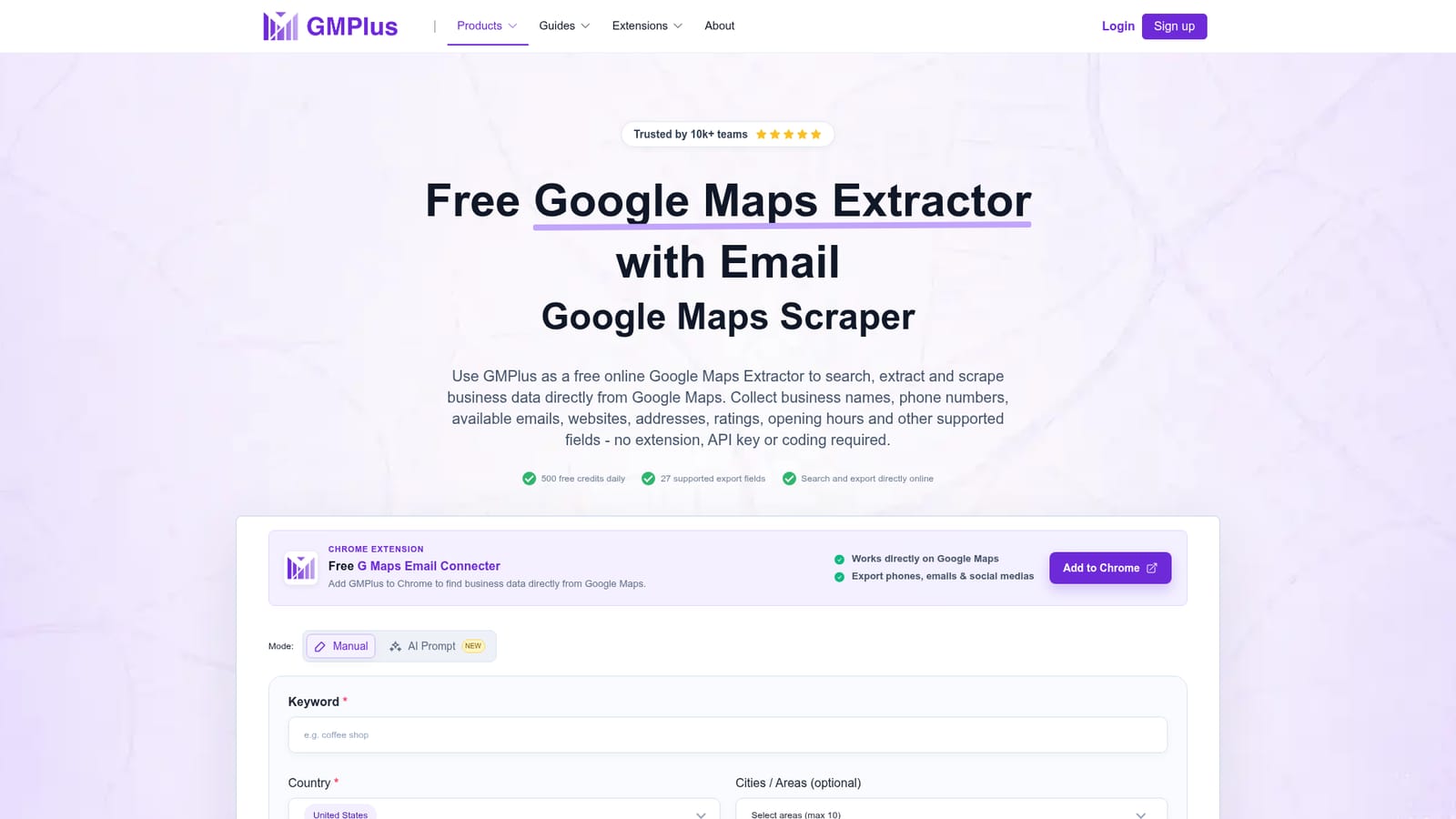
Screenshot of GMPlus, Browser-based Google Maps scraper with email lookup and CSV export

What is GMPlus?

GMPlus extracts up to 27 fields of Google Maps business data, including phones, websites and available emails, directly in the browser and exports to CSV, XLSX or JSON. It suits lead generation and local market research.

GMPlus is a web-based Google Maps extractor that turns a keyword and a location into a structured list of local businesses. Each record can carry up to 27 fields: business name, categories, phone number, website, public social links, full address, rating, review count, opening hours, coordinates, Plus Code, Google Place ID, CID, photo count and booking links. An optional email lookup checks supported public sources tied to the business, though the site is clear that not every listing will yield an email or phone number. The workflow has three stages. A user enters a business keyword and place, sets the maximum number of results, and can alternatively describe the target in plain language through an AI Prompt mode, mentioning things like category, ratings, email availability or website status. Next comes picking the fields to collect, with email extraction as a separate choice. After the run finishes, the records can be reviewed and downloaded as CSV, XLSX or JSON. Everything runs online, with no Chrome extension, API key or coding needed. The audience is mostly people doing local prospecting and market research: sales and outreach teams building lead lists, agencies hunting for businesses with no website, analysts comparing competitors by ratings and review counts, and buyers shortlisting suppliers or partners. Because the output includes municipality, coordinates and Google Maps URLs, it also suits comparing cities and service areas. A set of written guides covers phone numbers, emails, addresses for Excel, Place IDs and lead generation, and a separate page handles review scraping. Among alternatives, GMPlus sits with browser extensions and cloud scrapers for Maps data. Its distinguishing points are the zero-install approach, the prompt-based search and a credit model with a daily free allowance. Volume is bounded by what Google Maps returns for a query and by available credits, so heavy extraction will depend on how far the free tier stretches.
How do you use GMPlus?

  1. 1Enter a keyword and location
    On the homepage, type a business type and a place, such as dentists in Chicago, and set the maximum number of results. AI Prompt mode can be used instead for more specific requirements.
    GMPlus — Enter a keyword and location
  2. 2Pick the fields to extract
    Select the business and listing fields needed for the task. Turn on email extraction only if available emails matter, since it uses more credits per record.
  3. 3Run the task and review results
    Start the extraction and check the completed records. Remove irrelevant listings and keep the businesses matching the target industry or location.
  4. 4Export the data
    Download the finished results as CSV, XLSX or JSON for spreadsheets, analysis or outreach workflows.
  5. 5Learn lead generation workflows
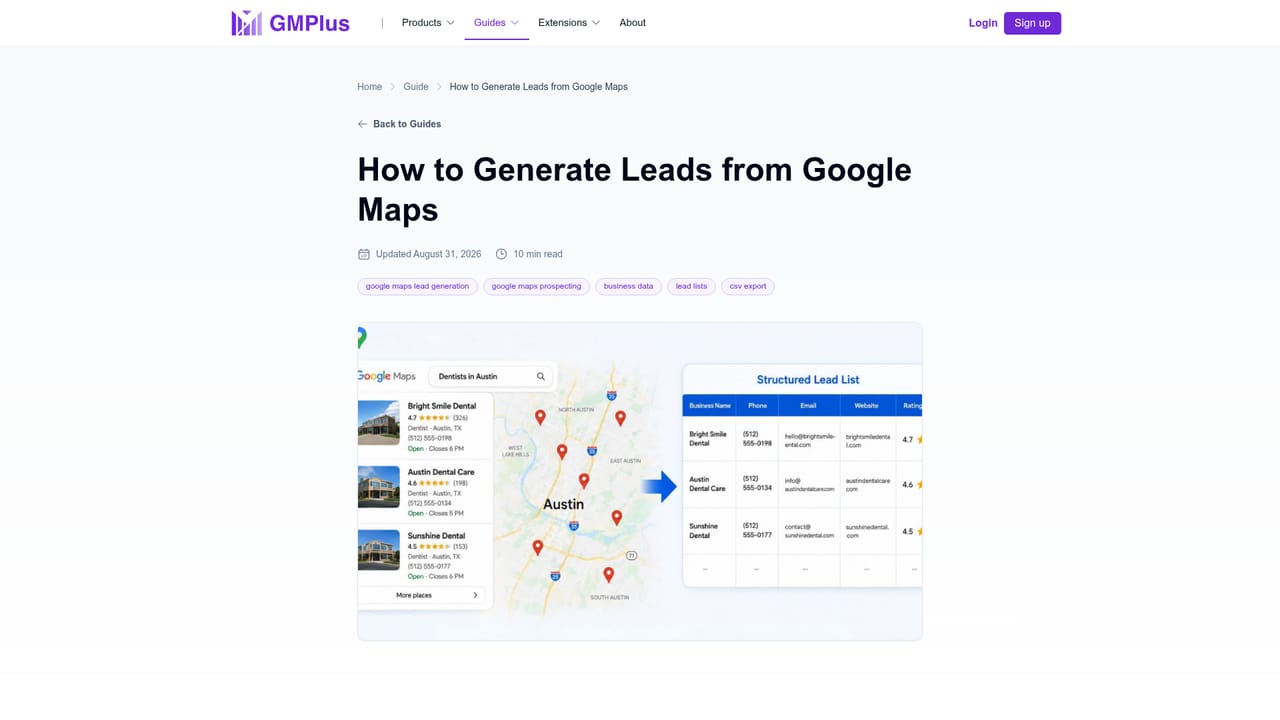
    Read the guide on generating leads from Google Maps for ideas on filtering and organizing the list after export.
    GMPlus — Learn lead generation workflows

Pros and cons

Pros

  • Runs fully online with no extension, API key or coding requiredAI
  • Collects up to 27 fields per business, including Place ID, CID, coordinates and opening hoursAI
  • AI Prompt mode lets users describe targets in plain language instead of building filtersAI
  • Exports to CSV, XLSX and JSON, and offers a sample CSV to preview the outputAI
  • Includes 500 free credits per day, enough to test real searchesAI

Cons

  • Emails and phones are not available for every business, so lead lists will have gapsAI
  • Email extraction costs 5 credits per record versus 1 for a standard record, shrinking the free allowance fastAI
  • Result counts depend on what Google Maps returns for a query, which caps how many records a search yieldsAI
  • Paid plan prices are not stated on the homepage, so costs beyond the free tier are unclearAI

How much does GMPlus cost?

Free trial

Includes 500 free credits every day, no extension or API key needed.

Learn more

Pricing

500 free credits daily. A standard business record uses 1 credit and a record with email extraction uses 5. Paid plans are not detailed on the homepage.

Learn more

Support

Written how-to guides cover phone numbers, emails, addresses, Place IDs and lead generation. No support channel is stated on the homepage.

Learn more

Integrations

No integrations are listed. Data leaves through CSV, XLSX and JSON exports for spreadsheets and other workflows.

Features

Keyword and location search or AI Prompt, up to 27 data fields, optional email lookup, result limits, coordinates, Place IDs and CIDs, and export to CSV, XLSX or JSON. A separate page covers review scraping.

Frequently asked questions about GMPlus

  • How much does GMPlus cost?
    500 free credits daily. A standard business record uses 1 credit and a record with email extraction uses 5. Paid plans are not detailed on the homepage.
  • Does GMPlus offer a free trial?
    Includes 500 free credits every day, no extension or API key needed.
  • How do you use GMPlus?
    The walkthrough on this page covers 5 steps: 1. Enter a keyword and location 2. Pick the fields to extract 3. Run the task and review results 4. Export the data 5. Learn lead generation workflows.
  • What platforms does GMPlus support?
    GMPlus is available on Web App.
  • What does GMPlus integrate with?
    No integrations are listed. Data leaves through CSV, XLSX and JSON exports for spreadsheets and other workflows.
  • What are the limitations of GMPlus?
    Emails and phones are not available for every business, so lead lists will have gaps. Email extraction costs 5 credits per record versus 1 for a standard record, shrinking the free allowance fast. Result counts depend on what Google Maps returns for a query, which caps how many records a search yields.

Status

StatusActive
Views0
Outbound clicks0
Added10/18/2026

Platforms

Web App

Pricing

Freemium