Free trial
No separate trial is needed: the free tier grants 50 AI credits monthly with no card, enough to prompt, generate and iterate on logos, though final downloads require a paid subscription.
Learn moreDescribe your business, get a brand-ready logo and full brand kit
Own GoDaddy Logo Creator? Verify ownership to get a dofollow link

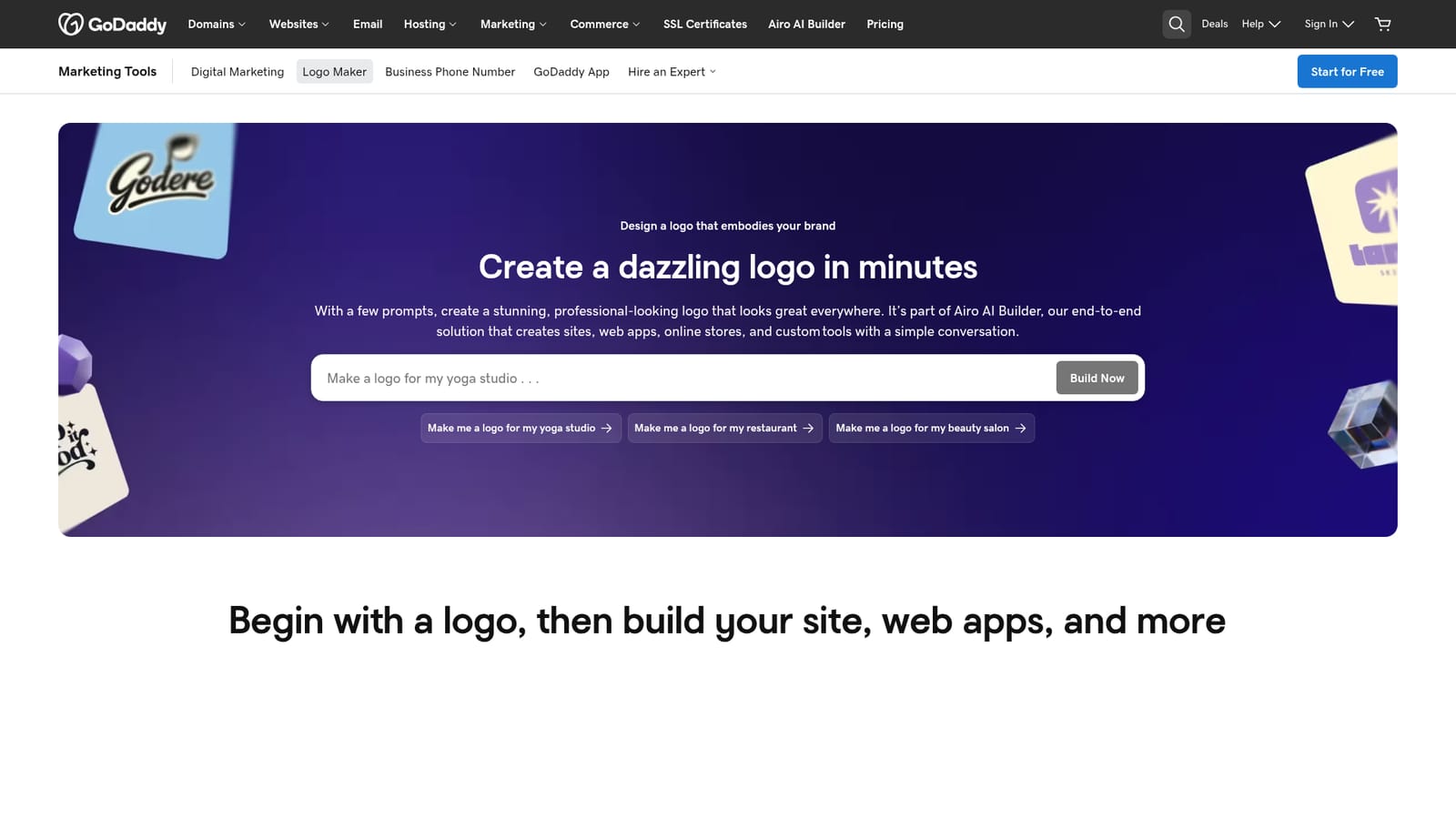
GoDaddy Logo Creator is a generative image tool. A prompt-driven logo generator inside GoDaddy's Airo AI Builder. Describe your business and style, review color and monochrome options shown on merchandise, refine through conversation, and receive vector and png files plus a palette, font pairings and usage guidelines.
GoDaddy Logo Creator is the logo-building entry point of Airo AI Builder, GoDaddy's conversational platform for getting a business online. Rather than browsing fixed templates, you describe what you do and the personality you want, and the tool returns a set of logo options in both full-color and black-and-white variants. It lives in the browser and is aimed at owners who need a mark fast, without hiring a designer or learning design software. The workflow is prompt-driven and iterative. You supply a business name, a description of the offer, and a stylistic direction such as classic, modern, bold or playful. Results arrive with context previews that show the mark on merchandise and real-world objects, which helps judge legibility before committing. From there you refine through conversation: request new variations, shift the color story, swap typography, or add a tagline. The final package includes vector and png exports, the palette used in the design, font pairings, and usage guidelines so the identity stays consistent across touchpoints. Because the logo sits inside a broader builder, the natural next step is a site, web app, store or booking tool generated from the same project. That is the main distinction from standalone generators: the logo is a starting asset for an end-to-end launch rather than a file you take elsewhere. GoDaddy also publishes background reading on color psychology, combination marks, logo fonts and trademark basics for owners who want guidance on the decisions behind the design. Plans are tiered by AI credits and publishing capacity. The free tier allows prompting and previewing with monthly credits and no card, but downloading the finished logo requires a paid plan. Starter suits a single project, Professional covers local businesses and stores, and Ultimate adds team collaboration and client handoff for agencies. Users own the finished logo outright once they create and download it, and GoDaddy points to trademark filing as a separate step worth legal advice.
No separate trial is needed: the free tier grants 50 AI credits monthly with no card, enough to prompt, generate and iterate on logos, though final downloads require a paid subscription.
Learn moreFree tier includes 50 AI credits per month with no credit card and unlimited preview builds, but downloading the logo needs a paid plan. Starter is $9.99/mo billed annually with 150 credits and one published site; Professional is $24.99/mo with 300 credits and up to 10 sites; Ultimate is $99.99/mo with 750 credits and up to 50 sites.
Learn moreGoDaddy offers a help centre and phone guidance at 1-480-366-3546 for prospective and current customers. Ultimate plans add priority support and one free 30-minute expert session.
Learn moreLogo files export to common formats for desktop, mobile and social channels. Higher Airo plans list third-party connectors including Facebook, Instagram, Notion, Google Business Profile and Mailchimp, plus GitHub sync for code.
Prompt-based logo generation from a business description and style direction, color and black-and-white variants, real-world previews on merchandise, conversational revisions to color and typography, optional taglines, vector and png exports, plus a palette, font pairings and usage guidelines. The logo plugs into Airo AI Builder for sites, web apps, stores and bookings.
 AI Angels400+ customizable AI girlfriends for NSFW chat, voice calls, and roleplay
 Candy AIExperience the future of companionship with AI friends who chat, role-play, and connect with you on a human level.
 ourdream.aiA vast AI roleplay platform with millions of characters for chat, images, video and voiceAI Angels400+ customizable AI girlfriends for NSFW chat, voice calls, and roleplayCandy AIExperience the future of companionship with AI friends who chat, role-play, and connect with you on a human level.ourdream.aiA vast AI roleplay platform with millions of characters for chat, images, video and voice


