Support
Support is reached through a support page and a contact form, with separate service status and feedback pages. Developer documentation and a Postman collection cover API use.
Learn moreChat with PDFs and generate documents with AI
goPDF Pro is a document formatting tool that chats with PDFs and generate documents with AI. goPDF bundles an AI PDF chat with voice input, an AI document generator, and an HTML to PDF API with template variables. Dense contracts, reports and manuals are the stated targets.
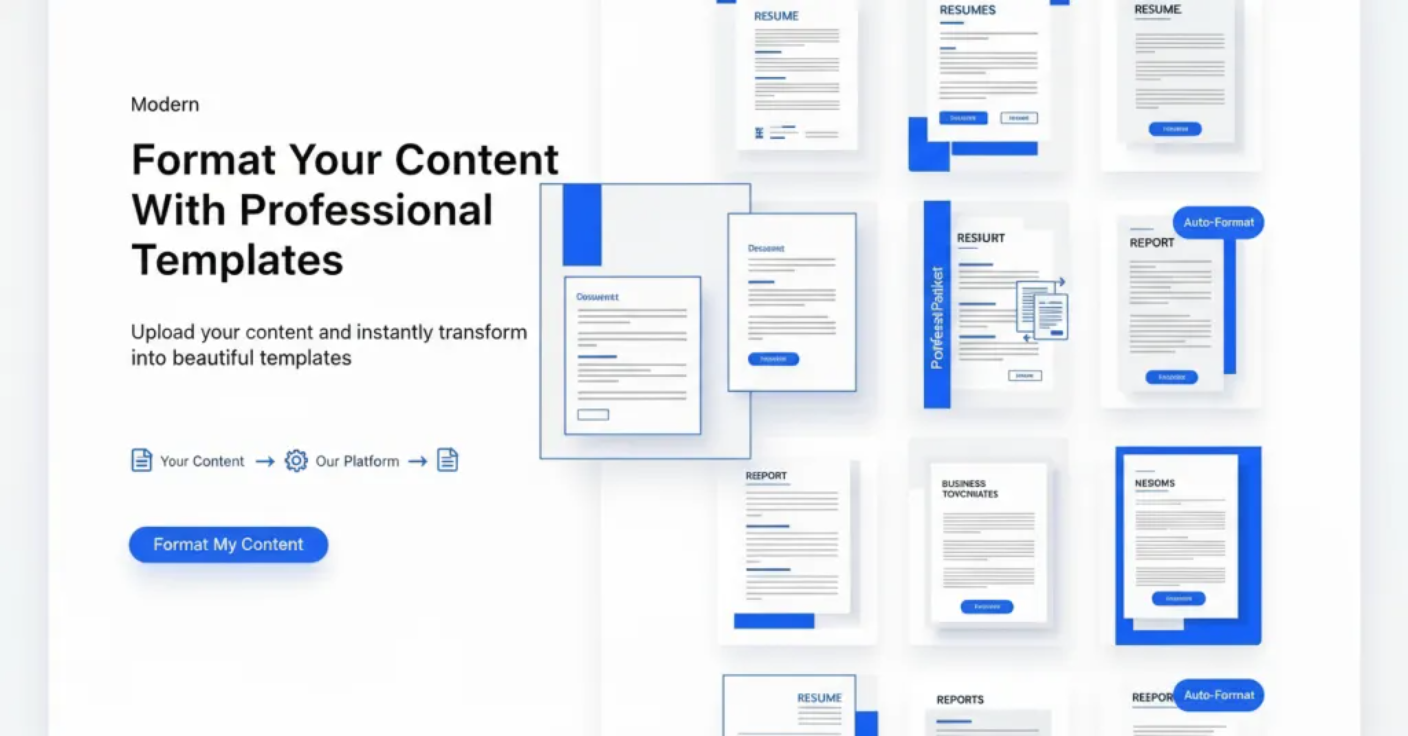
goPDF is a document utility platform that combines several loosely related tools under one account: an interactive PDF chat, an AI document generator, an HTML to PDF conversion API, a screenshot API, and an AI blog writer. The centerpiece for most visitors is the chat with PDF feature, which turns static files into something you can question directly. The chat workflow is straightforward. A PDF is uploaded, then queried in natural language for summaries, specific figures, or a definition buried in a long document. Answers include reference to the relevant source passages in the uploaded file, which matters when accuracy is the point. The company positions it for legal agreements, financial reports, books, scientific papers, user manuals, and training materials. A voice chat option is available to all users, so questions can be spoken rather than typed. The pitch is aimed at readers who need to extract value from dense contracts or reports without reading every page. The platform also targets developers and small teams. The HTML to PDF API accepts raw or cleaned HTML, supports template variables written in curly braces and filled from API requests, and offers hosted templates that can be rendered by document ID. An HTML editor with live preview and an AI code generator for Bootstrap and Tailwind templates is included. Screenshot and video screenshot APIs are documented on the homepage but explicitly marked unavailable due to budget constraints, so they should not factor into a buying decision. AI document generation covers resumes, cover letters, invoices and legal paperwork, with a library of prebuilt templates. Compared with single purpose PDF chat tools, goPDF bundles generation, conversion and chat, which suits users who want one subscription for several document jobs. Pricing tiers are not published on the homepage, and the free offering centers on account creation and unlimited AI writer access rather than a stated trial period.
Support is reached through a support page and a contact form, with separate service status and feedback pages. Developer documentation and a Postman collection cover API use.
Learn moreCore features are a chat interface for uploaded PDFs with source references and voice input, an AI document generator for resumes, cover letters, invoices and legal drafts, and an HTML to PDF API with template variables, hosted templates, a live preview editor and an AI code generator for Bootstrap and Tailwind. Unlimited AI writer access for grammar correction, rephrasing and length adjustment is listed as part of all packages.
 AI Angels400+ customizable AI girlfriends for NSFW chat, voice calls, and roleplay
 Candy AIExperience the future of companionship with AI friends who chat, role-play, and connect with you on a human level.
 ourdream.aiA vast AI roleplay platform with millions of characters for chat, images, video and voiceAI Angels400+ customizable AI girlfriends for NSFW chat, voice calls, and roleplayCandy AIExperience the future of companionship with AI friends who chat, role-play, and connect with you on a human level.ourdream.aiA vast AI roleplay platform with millions of characters for chat, images, video and voice