Free trial
Free to generate and free to download a .pptx with no credit card, capped at 10 slides and 3,000 words of input. Editable .pptx export is described as available on a 7-day free trial.
Learn moreEditable PowerPoint decks from a topic, a PDF or a Word file
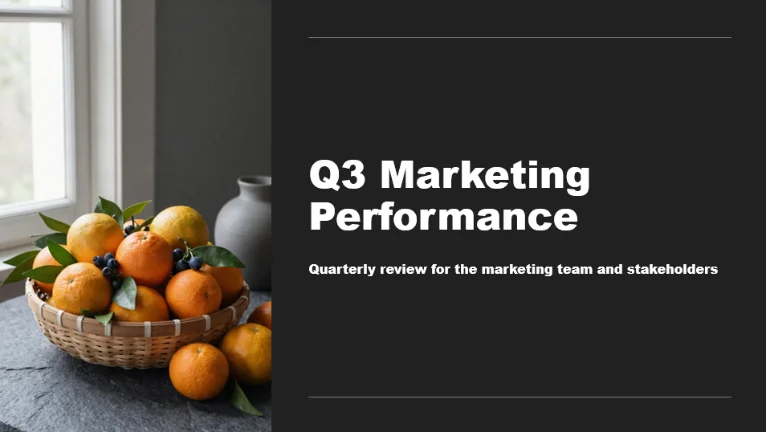
Twistly converts topics, notes, PDFs and Word files into native, editable .pptx decks. An outline approval step precedes slide generation, tables and charts survive as editable objects, and output opens in PowerPoint, Google Slides or Keynote. It also offers 51 templates, 38 languages, deck translation and a PowerPoint add-in.
Twistly is a browser based AI presentation maker that turns a topic line, pasted notes, a PDF or a Word document into a finished slide deck, then hands back a native .pptx file rather than a gallery of slide images. Text boxes, shapes and placeholders remain editable, so the output opens cleanly in PowerPoint, Google Slides or Keynote and can be changed the way any ordinary deck is changed. Generation of a 12 to 15 slide deck is quoted at under 90 seconds, with the bulk of that time spent on the outline review rather than on rendering. The workflow has a deliberate checkpoint. Before any slide is built, Twistly drafts a section order and shows it as a list; headings can be reordered, cut or rewritten at that stage. That matters for anyone who has watched a generator commit to a bad structure and produce twenty slides in the wrong sequence. Documents get the same treatment, and tables or charts carried in from a .docx or PDF persist as objects instead of being flattened into plain text, which is the feature most competing tools skip. Uploads are accepted up to 300 MB per file. The tool is aimed at people who present regularly but do not design for a living: teachers building lesson material, students assembling research decks, marketers and sales teams producing pitch and campaign presentations, and HR groups writing onboarding content. It supports 38 languages for generation and for translating a finished deck, offers 51 templates, and on paid plans accepts an uploaded brand template so output follows company fonts, colours and layouts. Twistly sits alongside Gamma and Canva Presentations, and its own comparison page frames the difference as what you hold at the end: a PowerPoint file against a web document exported to .pptx. A PowerPoint add-in is available separately from Microsoft AppSource for redesigning an open deck in place without uploading anything. The free tier is capped by input volume rather than by credits, and the single purpose converters can be run without an account.
Free to generate and free to download a .pptx with no credit card, capped at 10 slides and 3,000 words of input. Editable .pptx export is described as available on a 7-day free trial.
Learn moreFour tiers: Free, Starter, Pro and Team. Free allows up to 10 slides per deck and 3,000 words of input. Starter raises the limit to 15 slides and adds single slide AI rewrite. Pro and Team allow up to 50 slides, unlimited AI credits, branding removal, template upload, speaker notes on all slides and AI image generation. Per plan prices are not shown on the homepage.
Learn moreWorks with files from Word (.docx), PDF and TXT, and exports .pptx that opens in PowerPoint, Google Slides and Keynote. A Microsoft AppSource add-in runs Twistly inside PowerPoint, and sign-up uses email or Google.
Learn moreText to PPT, PDF to PPT and Word to PPT converters; outline approval before generation; speaker notes written per slide; full deck translation across 38 languages; AI image generation for slide visuals; custom brand templates on paid plans; 51 built-in templates; native .pptx export; and a separate PowerPoint add-in for working on an already open deck.
Learn more AI Angels400+ customizable AI girlfriends for NSFW chat, voice calls, and roleplay
 Candy AIExperience the future of companionship with AI friends who chat, role-play, and connect with you on a human level.
 ourdream.aiA vast AI roleplay platform with millions of characters for chat, images, video and voiceAI Angels400+ customizable AI girlfriends for NSFW chat, voice calls, and roleplayCandy AIExperience the future of companionship with AI friends who chat, role-play, and connect with you on a human level.ourdream.aiA vast AI roleplay platform with millions of characters for chat, images, video and voice