Free trial
No trial is needed: the library is installed and used directly, and hosting on Hugging Face Spaces is described as free.
Learn moreBuild and share machine learning web apps in Python

Gradio is an AI project builder tool that builds and shares machine learning web apps in Python. A Python library that turns machine learning functions into shareable web apps. It ships more than 40 input and output components, supports instant public links, and offers free permanent hosting through Hugging Face Spaces.
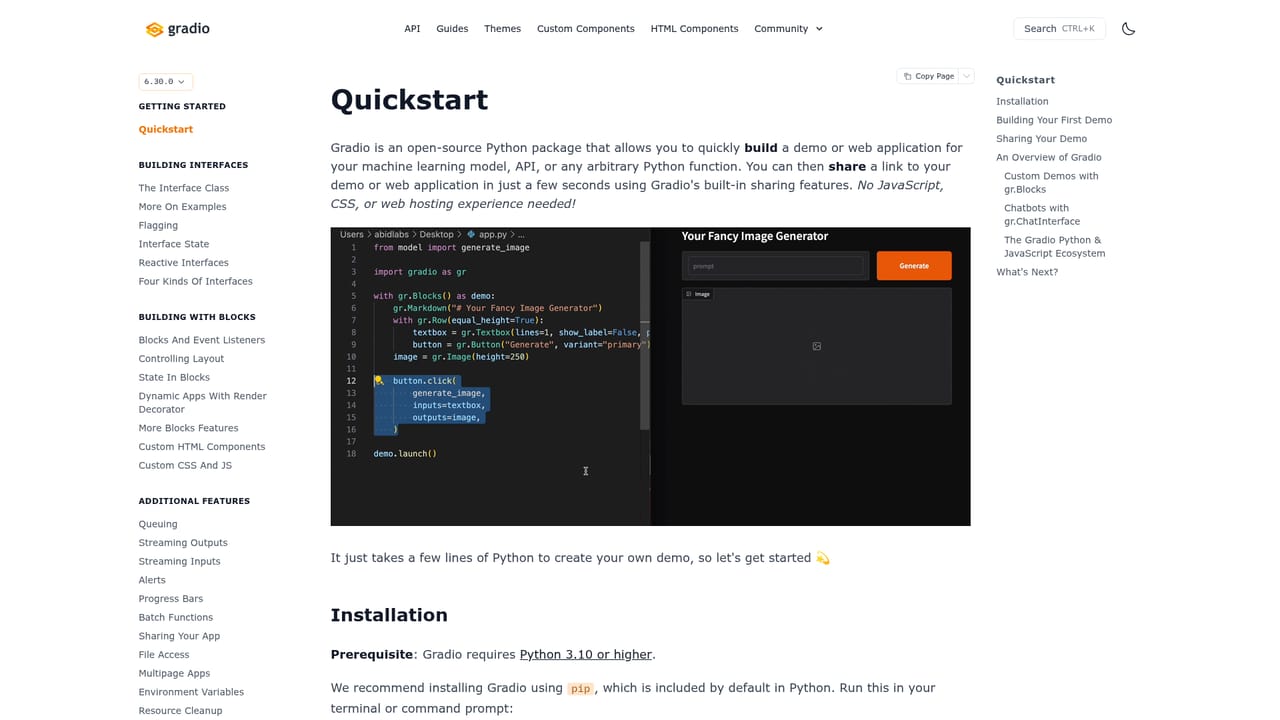
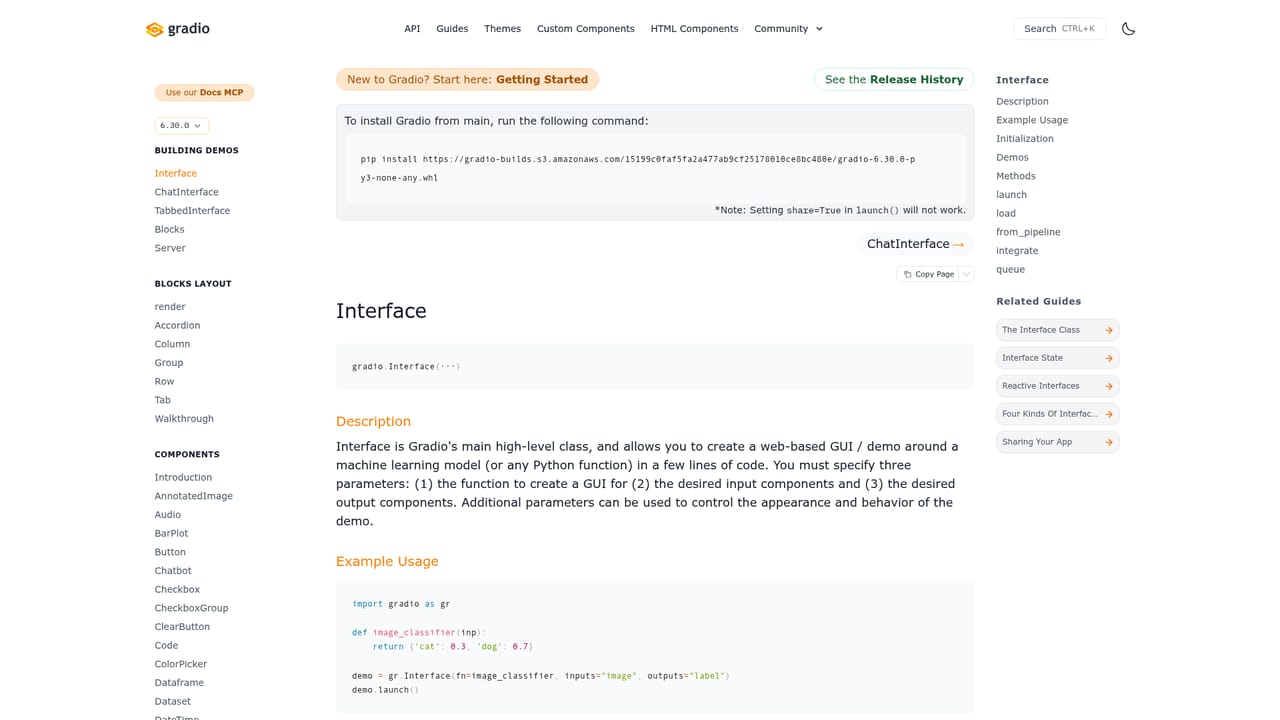
Gradio is an open source Python library for turning machine learning models into working web interfaces without writing frontend code. A developer wraps a function in an interface, picks input and output types, and launches a local server. The library renders the browser UI, handles the request cycle, and exposes a public share link when needed. Installation is a single pip command and a first app can run in a few lines of Python, which is why it is often the first stop for people who want to demo a model rather than design a page. The component set covers most data types a model will touch: images, audio, video, 3D models, dataframes, plots, JSON, chat transcripts, file explorers, sliders, checkboxes, dropdowns and annotated images, among more than 40 options. Inputs and outputs can be chained into multi step workflows, and the chatbot component supports streaming responses, which makes it a common choice for conversational LLM demos. Because the library handles layout and event wiring, the same script that runs on a laptop can be pushed to a host unchanged. Gradio suits data scientists, ML engineers and researchers who want a shareable prototype fast, plus teams that need an internal review tool for a model before committing to a full product build. Sharing works two ways: a temporary public URL for a locally running app, or permanent hosting on Hugging Face Spaces, which is free and auto scales. That path from local script to public demo is the main reason the library is popular. Among alternatives, Gradio sits closer to Streamlit and Dash than to a general web framework. It is narrower by design: the abstraction is built around model inputs and outputs, not around arbitrary application state or custom page design. Projects that outgrow that abstraction typically keep Gradio for the demo layer and move the product itself to a conventional stack. The library remains a prototype and demo tool first, and it is strongest when speed of sharing matters more than pixel level control.
No trial is needed: the library is installed and used directly, and hosting on Hugging Face Spaces is described as free.
Learn moreThe homepage presents the library as free to install and use, with free permanent hosting on Hugging Face Spaces. No paid tiers or pricing figures are listed on the page, so no commercial plan details can be confirmed from it.
Learn moreSupport is documentation led: a quickstart guide, a component API reference under docs, and a guides section. The homepage does not describe paid support or service level terms.
Learn moreThe homepage names Hugging Face Spaces as the deployment target for permanent hosting. It also references a JavaScript client for building custom frontends against Python apps.
Python only interface building with one command install, over 40 input and output components spanning images, audio, video, 3D, dataframes, plots and chat, plus instant public share links and permanent free hosting on Hugging Face Spaces with auto scaling.
Learn more AI Angels400+ customizable AI girlfriends for NSFW chat, voice calls, and roleplay
 Candy AIExperience the future of companionship with AI friends who chat, role-play, and connect with you on a human level.
 ourdream.aiA vast AI roleplay platform with millions of characters for chat, images, video and voiceAI Angels400+ customizable AI girlfriends for NSFW chat, voice calls, and roleplayCandy AIExperience the future of companionship with AI friends who chat, role-play, and connect with you on a human level.ourdream.aiA vast AI roleplay platform with millions of characters for chat, images, video and voice


