Free trial
New accounts get 10 free credits with no credit card required, enough to test the generator before buying a pack or subscription.
Learn moreText and image to short AI video, rendered in minutes

Grok Video is a generative video tool. A browser based AI video generator that converts text prompts or a reference photo into short 10 second clips in a few minutes, with square, widescreen and vertical framing for social platforms. Credits are sold as packs or monthly subscriptions, and a free starting balance is offered without a card.
Grok Video is a browser based generator that turns written prompts or a single reference image into short AI video clips. The workflow is deliberately narrow: a visitor picks text to video or image to video, chooses an aspect ratio (1:1, 16:9 or 9:16), writes a natural language prompt, and waits while the render completes. The site quotes a typical turnaround of 2 to 5 minutes and describes output as 10 second HD clips with audio, assembled by an underlying model the product names Grok Video. Separately, the FAQ mentions deliverables as MP4 files at HD quality up to 720p, so buyers should treat the 4K claim in the feature grid as marketing rather than a fixed spec. The tool is aimed at people who need volume rather than frame level control. Social media managers producing vertical Reels and TikToks, small marketing teams building square and widescreen ad assets, and creators animating product photos or artwork all sit inside the target audience. There is nothing to install and no timeline editor to learn. Prompts can be borrowed from a public sample gallery, which doubles as a quick way to see what the model handles well before spending credits. A separate page removes the watermark from existing Grok Video files, useful if a clip was made elsewhere. Pricing runs on a credit system. New accounts receive 10 free credits with no card required, and a one time $39.99 pack gives 129 credits, roughly 21 videos, with credits that do not expire. Monthly and yearly subscriptions start at $9.99, $19.99 and $39.99 tiers, with yearly billing cutting about 17 percent and higher tiers adding priority or fastest generation queues. The site states that paying plans remove the watermark. Against general purpose video generators, Grok Video competes on speed and simplicity rather than granular editing or long form output. Anyone needing scene sequencing, voice tracks or precise camera moves should look at timeline based tools; this one is built for fast, single clip production.
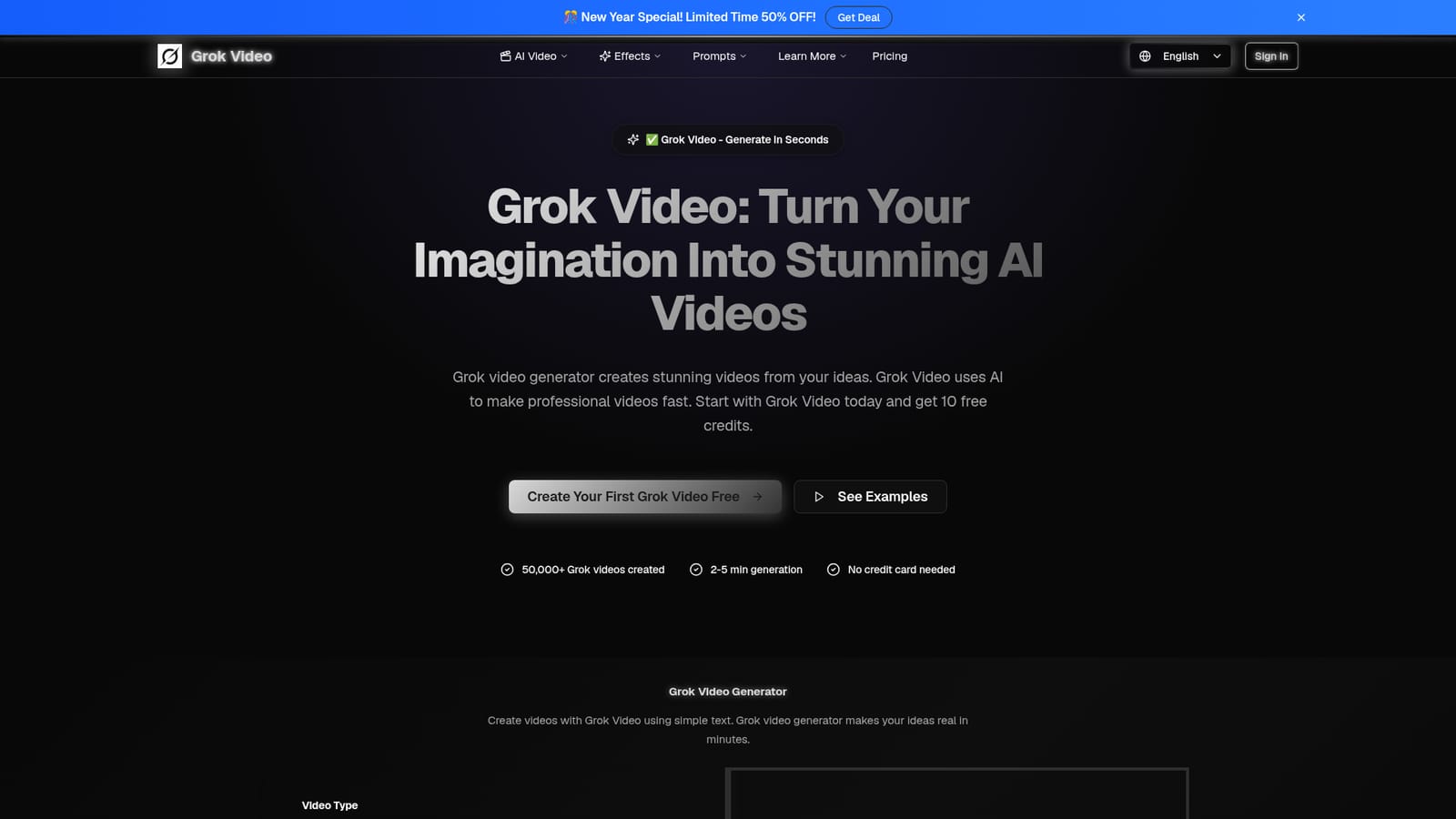

New accounts get 10 free credits with no credit card required, enough to test the generator before buying a pack or subscription.
Learn moreCredit based. A one time $39.99 pack gives 129 credits (about 21 videos) that never expire. Subscriptions run $9.99 Starter, $19.99 Pro and $39.99 Premium per month, or $99.99, $199.99 and $399.99 yearly, offering roughly 100, 200 and 500 videos. Paid plans remove the watermark.
Learn moreText to video and image to video generation in 2 to 5 minutes, 10 second HD clips with audio, three aspect ratios for YouTube, Instagram and TikTok, MP4 export, a prompt gallery with reusable example prompts, and watermark removal for existing Grok Video files.
 AI Angels400+ customizable AI girlfriends for NSFW chat, voice calls, and roleplay
 Candy AIExperience the future of companionship with AI friends who chat, role-play, and connect with you on a human level.
 ourdream.aiA vast AI roleplay platform with millions of characters for chat, images, video and voiceAI Angels400+ customizable AI girlfriends for NSFW chat, voice calls, and roleplayCandy AIExperience the future of companionship with AI friends who chat, role-play, and connect with you on a human level.ourdream.aiA vast AI roleplay platform with millions of characters for chat, images, video and voice


