GrowLab AI

Organize grow spaces, plants, and genetics with an AI plant assistant.

Beginner
Screenshot of GrowLab AI, Organize grow spaces, plants, and genetics with an AI plant assistant

What is GrowLab AI?

GrowLab AI is an indoor cultivation app for cataloguing grow spaces, plant genetics and individual plants, with notes, photos, feeding schedules, todo lists and an AI chatbot called Mona that analyzes plant images and answers care questions.

GrowLab AI is a record-keeping app for people who cultivate plants indoors and want their observations in one structured place. The core of the product is a catalogue: you register growing spaces, the genetics behind each plant, and every individual specimen, then attach notes, photos and feeding schedules as the cycle progresses. It is aimed at hobbyists moving past scattered notebooks as well as experienced growers who already keep detailed logs but want them searchable and centralized. How it works in practice: each room, tent or shelf becomes a space you can add, edit or delete, with its own conditions documented through notes and images. Inside a space you track plants through growth stages, note health and maintenance needs, and log phenotypic traits, breeding history and photo timelines for anything with known genetics. Feeding schedules handle watering, fertilizing and nutrient adjustments per plant, while customizable todo lists keep routine tasks from slipping. Everything you record feeds a running history you can revisit when comparing cycles. The AI layer is Mona, a chatbot that answers plant questions, identifies species from questions like what kind of plant this is, and diagnoses problems. It accepts images and returns analysis of plant health, which is the feature that distinguishes GrowLab AI from generic note apps and spreadsheet templates. No integrations with hardware sensors or third party grow controllers are described on the homepage, so treat this as a manual logging and advisory tool rather than an automation hub. Alternatives fall into two camps: spreadsheets and paper journals, which are free but weak on image analysis and cross-plant comparison, and commercial cultivation platforms built around commercial compliance. GrowLab AI sits between them, keeping the workflow personal and simple while adding a conversational assistant. Beginners get a low barrier to entry; serious home growers get genetics depth that spreadsheets rarely capture well.

How do you use GrowLab AI?

  1. 1Register an account
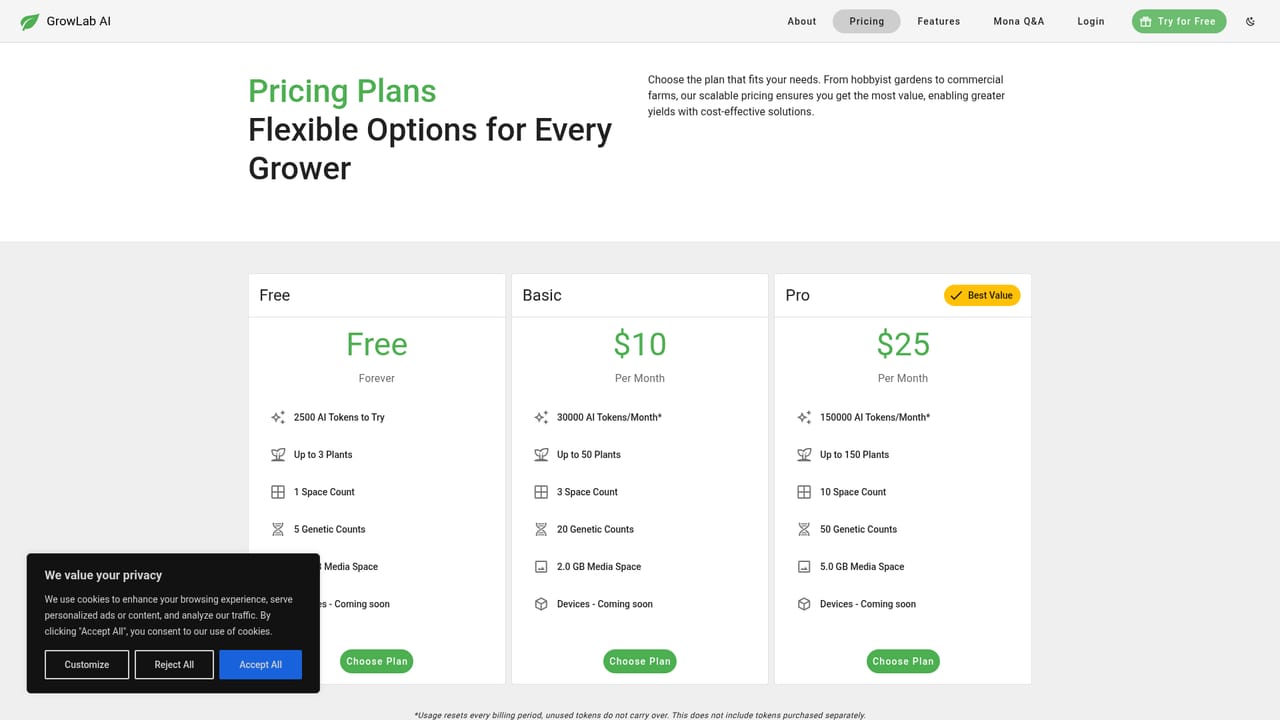
    Open the pricing page and choose the plan that suits your operation. Account creation happens there, and existing users can sign in from the dedicated sign-in page instead.
    GrowLab AI — Register an account
  2. 2Create your first grow space
    Add a space for each room, tent or shelf and document its conditions with notes and images. Spaces can be edited or deleted later as your setup changes.
  3. 3Catalogue plants and genetics
    Register individual plants inside a space and record the genetics behind them, including phenotypic traits and breeding history where known.
  4. 4Set feeding schedules and todos
    Build a feeding schedule for watering, fertilizing and nutrient adjustments, then create todo lists so routine care tasks stay visible.
  5. 5Ask Mona about a plant
    Use the Mona AI chat to identify a plant, get growing advice or upload an image for a health diagnosis, then fold the findings into your notes.
  6. 6Review policies and referrals
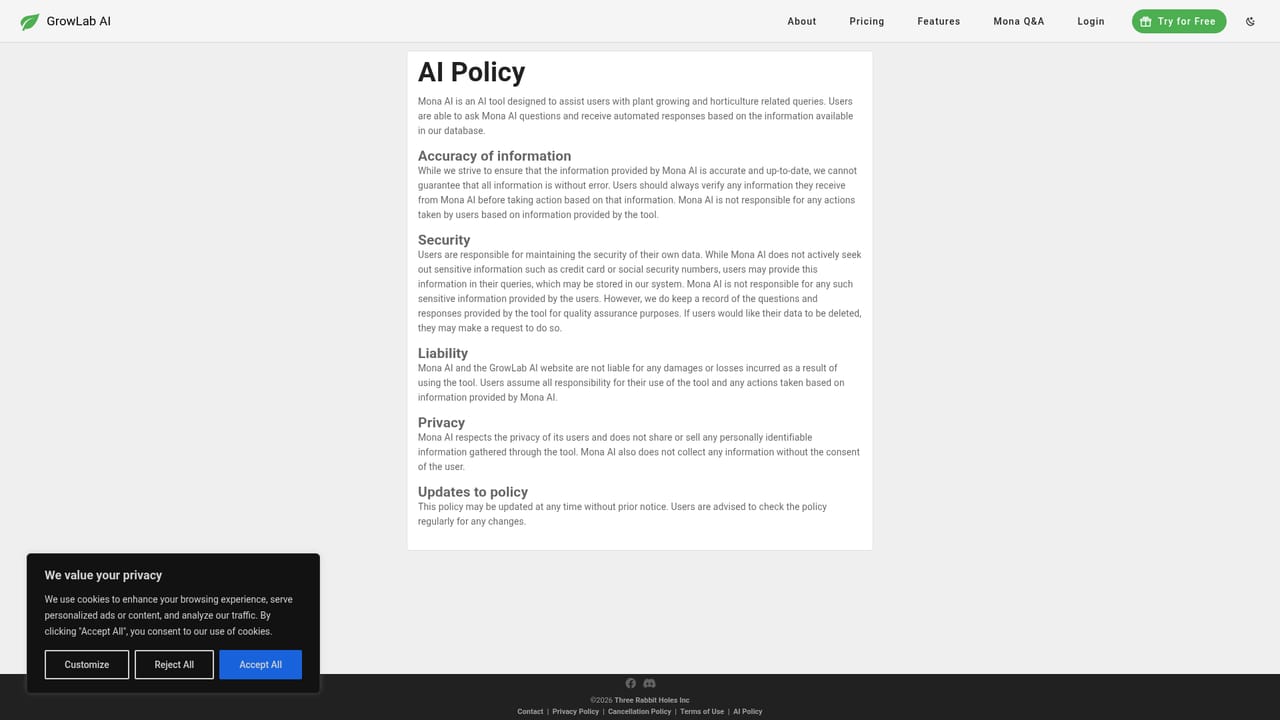
    Read the AI policy to understand how image analysis is handled, and check the referral program if you plan to invite other growers.
    GrowLab AI — Review policies and referrals

Pros and cons

Pros

  • Combines structured plant records with an image-aware AI assistant in one appAI
  • Genetic tracking covers phenotypic traits, breeding history and photo logs, which basic note tools rarely handleAI
  • Feeding schedules and todo lists turn observations into repeatable routinesAI
  • Suitable for beginners while still offering detail that experienced growers will useAI
  • Referral program pays a 20 percent commission on subscriptions purchased through invitesAI

Cons

  • The homepage lists no integrations with sensors, controllers or other grow software, so data entry is manualAI
  • No native mobile apps are mentioned, which limits logging at the plant itselfAI
  • AI guidance comes from a general chatbot, and the site does not document model accuracy or limits on plant-specific adviceAI
  • Pricing tiers and feature gating are not described on the homepage, so costs need checking before committingAI
  • The product is narrow by design: anyone wanting inventory, sales or compliance reporting will need separate toolsAI

How much does GrowLab AI cost?

Features

Plant management with growth stage and health tracking, space management for adding and editing grow areas, genetic records with photo logs and breeding history, per-plant feeding schedules, note taking with photos, customizable todo lists, and Mona AI, a chatbot that answers care questions and analyzes plant images.

Frequently asked questions about GrowLab AI

  • How do you use GrowLab AI?
    The walkthrough on this page covers 6 steps: 1. Register an account 2. Create your first grow space 3. Catalogue plants and genetics 4. Set feeding schedules and todos 5. Ask Mona about a plant 6. Review policies and referrals.
  • What platforms does GrowLab AI support?
    GrowLab AI is available on Web App.
  • What are the limitations of GrowLab AI?
    The homepage lists no integrations with sensors, controllers or other grow software, so data entry is manual. No native mobile apps are mentioned, which limits logging at the plant itself. AI guidance comes from a general chatbot, and the site does not document model accuracy or limits on plant-specific advice.

Status

StatusActive
Views0
Outbound clicks0
Added10/21/2026

Platforms

Web App

Pricing

Subscription