Integrations
Guru delivers knowledge into Slack, Teams, Chrome, and AI tools such as Claude and Cursor. It also references SharePoint content, though the homepage lists these surfaces as examples rather than a full integration catalog.
Governed knowledge layer that keeps AI answers accurate and cited.

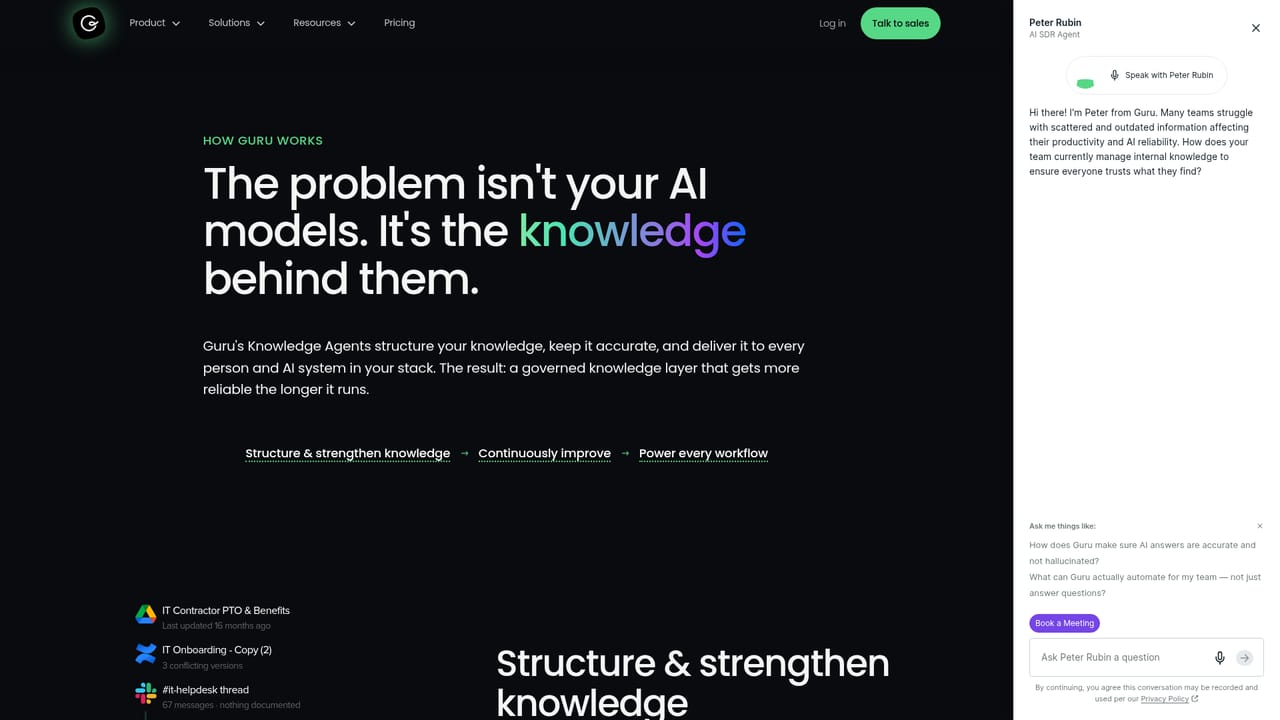
Guru is an AI search tool. Guru structures and governs company knowledge so AI tools and employees get cited, permission-aware answers, with automation for gap detection, verification, and policy enforcement.
Guru is a governed knowledge layer designed for enterprises that need AI answers they can trust. It takes scattered company information from documents, Slack threads, meeting summaries, policies, and playbooks, then structures and continuously improves it so that every person and AI workflow works from a single source of truth. The platform emphasizes accuracy and governance: auto-verification, permission-aware access, policy enforcement, and citations on every answer. The tool is built for teams that rely on internal knowledge daily, such as customer support, IT, HR, sales, and compliance groups. Instead of manually curating a wiki, Guru surfaces gaps, merges duplicates, drafts updates from conversations, and flags stale or non-compliant content. Answers are scoped by role and backed by audit trails, with enterprise SSO and DLP built in. In practice, Guru connects to the tools people already use, including Slack, Teams, Chrome, and AI assistants like Claude and Cursor, so policies and playbooks appear where work happens. When a question is asked, Guru retrieves the governed answer and cites its source, reducing hallucination risk. Over time, usage patterns trigger auto-verification and corrections propagate across the knowledge base. Guru sits between raw content repositories and AI applications, acting as a control plane for organizational knowledge. It differs from plain wikis by enforcing permissions and policies, and from generic chatbots by grounding responses in verified content. Pricing details are not published on the homepage, so buyers should request a quote. The platform is aimed at organizations where wrong answers carry real cost, such as healthcare (HIPAA-ready), finance, and IT service management.
Guru delivers knowledge into Slack, Teams, Chrome, and AI tools such as Claude and Cursor. It also references SharePoint content, though the homepage lists these surfaces as examples rather than a full integration catalog.
Guru provides a governed knowledge layer with auto-verification, permission-aware access, policy enforcement, and citations on every answer. It detects knowledge gaps, merges duplicates, drafts updates from Slack threads, flags stale pages, archives outdated content, and routes corrections to experts. Enterprise controls include audit trails, SSO, DLP, configurable guardrails, and HIPAA readiness.
Learn more AI Angels400+ customizable AI girlfriends for NSFW chat, voice calls, and roleplay
 Candy AIExperience the future of companionship with AI friends who chat, role-play, and connect with you on a human level.
 ourdream.aiA vast AI roleplay platform with millions of characters for chat, images, video and voiceAI Angels400+ customizable AI girlfriends for NSFW chat, voice calls, and roleplayCandy AIExperience the future of companionship with AI friends who chat, role-play, and connect with you on a human level.ourdream.aiA vast AI roleplay platform with millions of characters for chat, images, video and voice


