Support
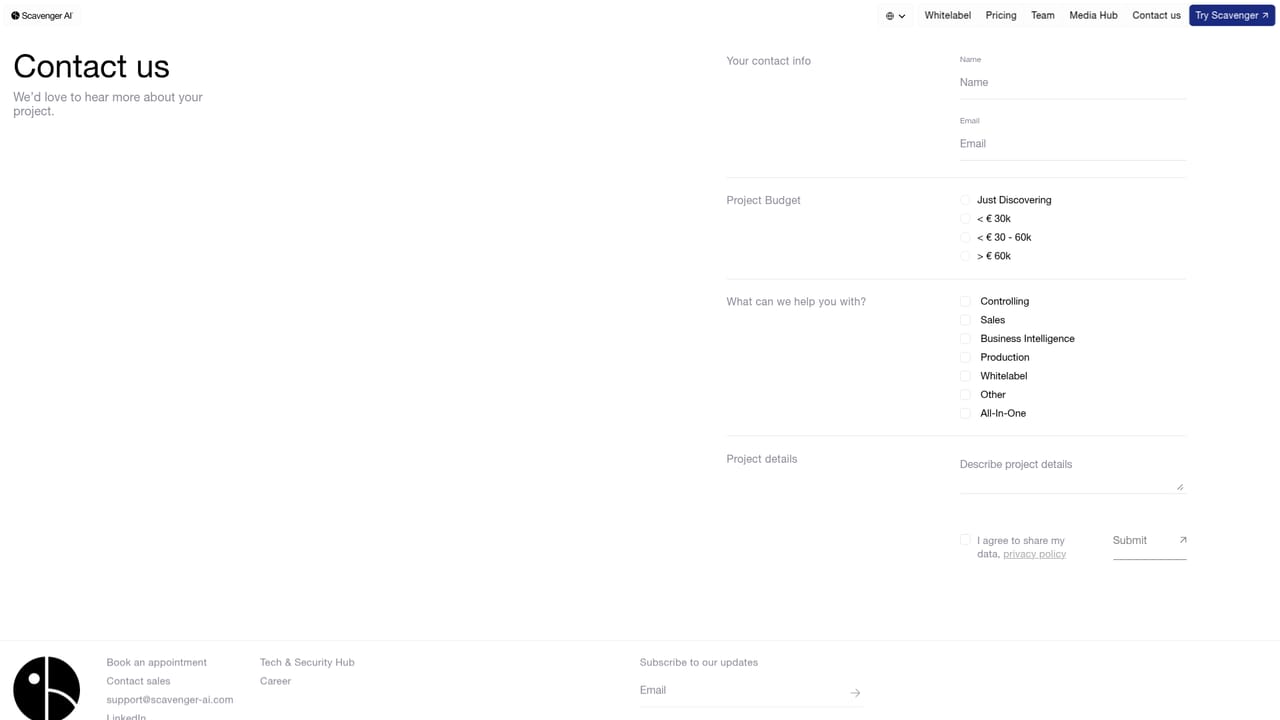
Data engineers assist with setup and semantic layer construction, and general enquiries go through the contact page. No public help centre or documentation portal is linked from the homepage.
Learn moreAsk your business data questions in plain language and get answers back

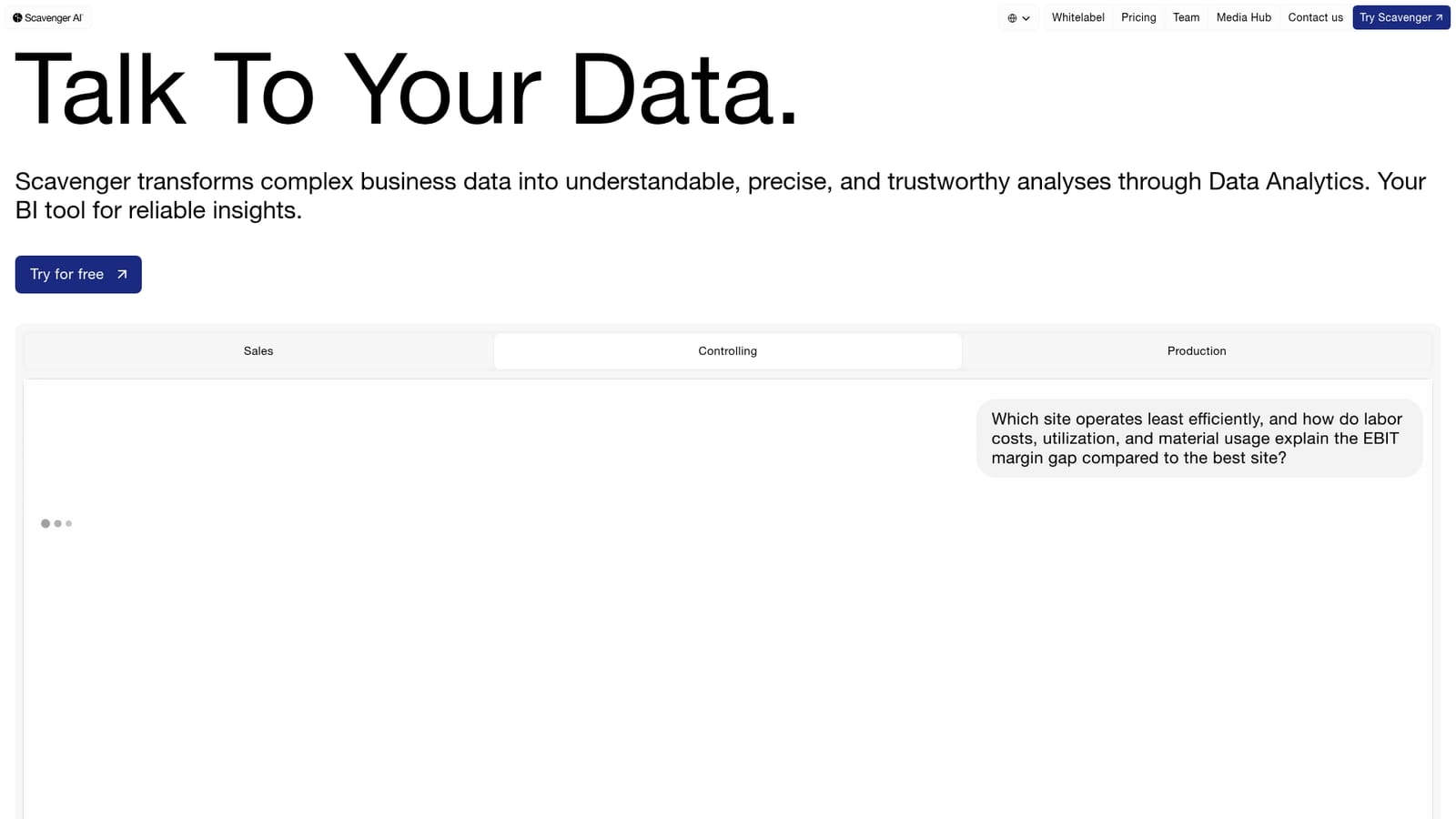
Scavenger AI is an AI search tool. Scavenger AI lets business teams query ERP, CRM, SQL and Excel data in plain language and returns charts, tables or text answers. A semantic layer built with the vendor's data engineers replaces much of the dashboard maintenance, with role based access and GDPR-focused governance aimed at sales, controlling and production teams.
Scavenger AI is a business intelligence tool built around a simple idea: instead of hunting through dashboards, staff type a question in natural language and receive the answer as a chart, a table or a short written explanation. The product sits on top of the systems a company already runs, pulling together ERP, CRM and SQL sources plus uploaded Excel files, and turns them into a single question-and-answer interface. The setup is the part that separates it from self-serve chart builders. Rather than asking users to model data themselves, Scavenger's data engineers work with the customer to map tables, relationships and business logic, producing a semantic layer the AI can reason over. Once that layer exists, questions resolve in seconds without anyone maintaining a dashboard. The vendor positions this as a way to skip long ETL and modelling projects that typically precede a BI rollout. The tool is aimed at mid-sized and larger organisations where numbers are trapped with a handful of analysts. Sales, controlling and production are the named use cases: retention and churn analysis, channel and category performance, budget transparency, vendor and invoice tracking, downtime and OEE, and scrap reduction. Role based access controls and row level security let one deployment serve several teams with different permissions. Governance is a clear selling point. Scavenger states that customer data is not used to train models and is not visible to third parties, and that the platform is built to GDPR and EU AI Act requirements, with the company operating from Germany. White label deployment is offered for partners who want to resell it under their own brand. Compared with general purpose chat assistants, Scavenger trades flexibility for structure: it only answers from connected, modelled business data, which makes answers more defensible but also means the semantic layer has to be built before the tool is useful. Pricing is not published on the homepage, so buyers should expect a sales conversation rather than a self-serve checkout.
Data engineers assist with setup and semantic layer construction, and general enquiries go through the contact page. No public help centre or documentation portal is linked from the homepage.
Learn moreThe homepage names ERP, CRM and SQL systems as connectable sources alongside Excel uploads. No named third party vendors or a public integration directory are listed.
Natural language querying of connected business data with answers returned as charts, tables or text. Connectors for ERP, CRM and SQL plus Excel uploads. A semantic layer encodes table relationships and business logic. Role based access controls and row level security support multi-tenant setups, and the vendor states data is not used for model training. Documented use cases span customer retention, channel performance, budget transparency, invoice management, OEE and scrap reduction.
 AI Angels400+ customizable AI girlfriends for NSFW chat, voice calls, and roleplay
 Candy AIExperience the future of companionship with AI friends who chat, role-play, and connect with you on a human level.
 ourdream.aiA vast AI roleplay platform with millions of characters for chat, images, video and voiceAI Angels400+ customizable AI girlfriends for NSFW chat, voice calls, and roleplayCandy AIExperience the future of companionship with AI friends who chat, role-play, and connect with you on a human level.ourdream.aiA vast AI roleplay platform with millions of characters for chat, images, video and voice


