

Macro.com

Email, chat, docs, tasks and agents in one workspace

Beginner
Screenshot of Macro.com, Email, chat, docs, tasks and agents in one workspace

What is Macro.com?

Macro.com is an AI search tool. Macro combines email, chat, documents, tasks, CRM and AI agents in one open source workspace with shared team memory, workspace search and bidirectional links, pitched as a replacement for a large stack of separate productivity apps.

Macro is a unified company workspace that pulls email, team chat, documents, spreadsheets, tasks, CRM records and AI agents into a single tab. The homepage positions it as a replacement for a stack of more than 27 separate apps, covering everything from booking links and recordings to file storage, databases, diagrams and coding agents. Rather than bolting AI onto one product, Macro treats agents as participants in the same shared space where people already work, with team level memory that agents can draw on. The core loop is unusually connected. A message in the inbox can ask an agent to draft a follow up from a call transcript, link a sales PDF and a rollout plan, and copy a colleague. Agents can also read spreadsheets, update CRM stages from a sales sync note, or work inside documents with live edits. Documents are built on CRDTs, so multiple people and agents can change the same page at once. Search spans the whole workspace, bidirectional links connect email, docs, tasks and records, and every item is discoverable from one place instead of scattered across tabs. It suits small to mid sized companies and operators who feel the cost of context switching: founders, product and sales teams, and anyone running an inbox heavy workflow alongside project tracking. The CRM is built from your email, which lowers the setup burden for teams that never maintained a separate sales tool. Macro also publishes head to head comparisons against Linear, Notion, Slack and Superhuman, so it is aimed squarely at teams already paying for those categories. The product is fully open source and ranked first on GitHub Trending in August, which matters for teams that want to audit or extend the code. Compliance signals include ISO 27001, SOC 2 and CASA Tier 2. Macro is best understood as a bet on consolidation: it asks you to move most of your daily work into one place, which is powerful if you commit and awkward if half your team stays behind in their old tools.

How do you use Macro.com?

  1. 1Create your Macro account
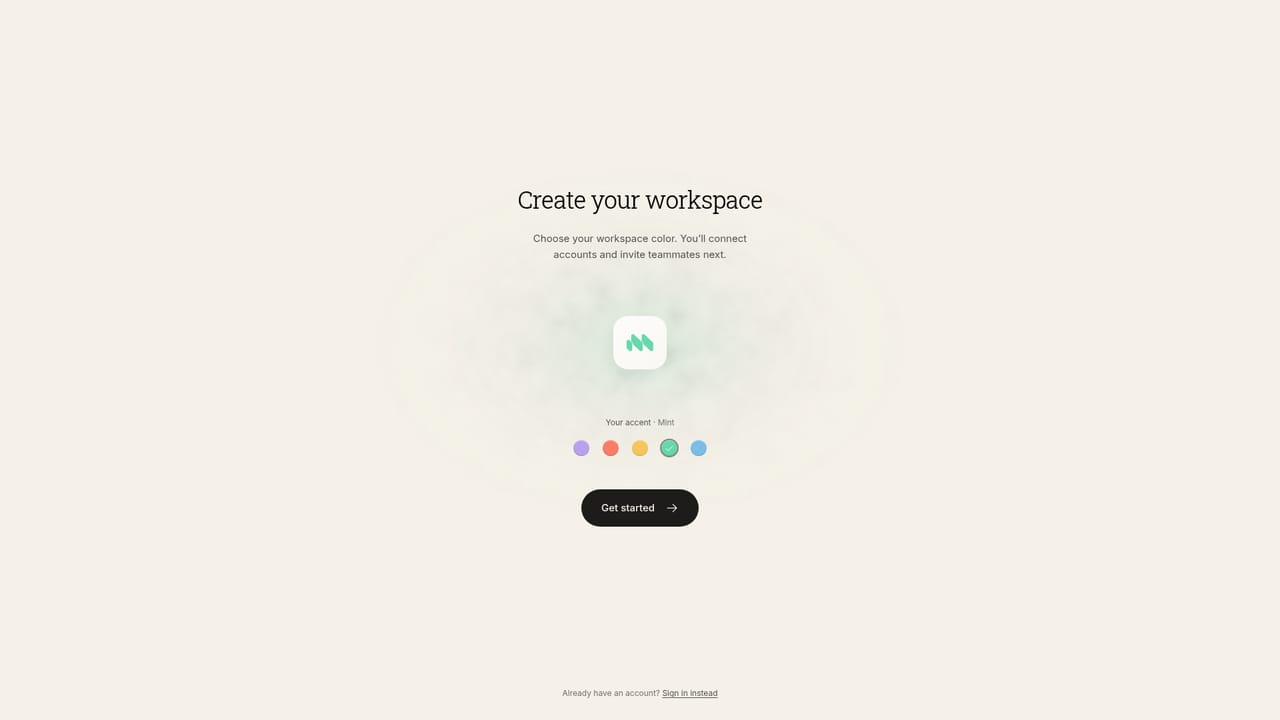
    Sign up with the registration form to open your workspace, then use the interactive sample to click through email, docs and agent interactions before committing any real data.
    Macro.com — Create your Macro account
  2. 2Connect your inbox and start a thread
    Open the email area to see how an inbox with agent assistance works, including drafting replies from a call transcript and looping in teammates.
    Macro.com — Connect your inbox and start a thread
  3. 3Set up channels for team messages
    Create channels where announcements, launch coordination and quick questions live next to the documents and tasks they refer to.
    Macro.com — Set up channels for team messages
  4. 4Write a document and link work into it
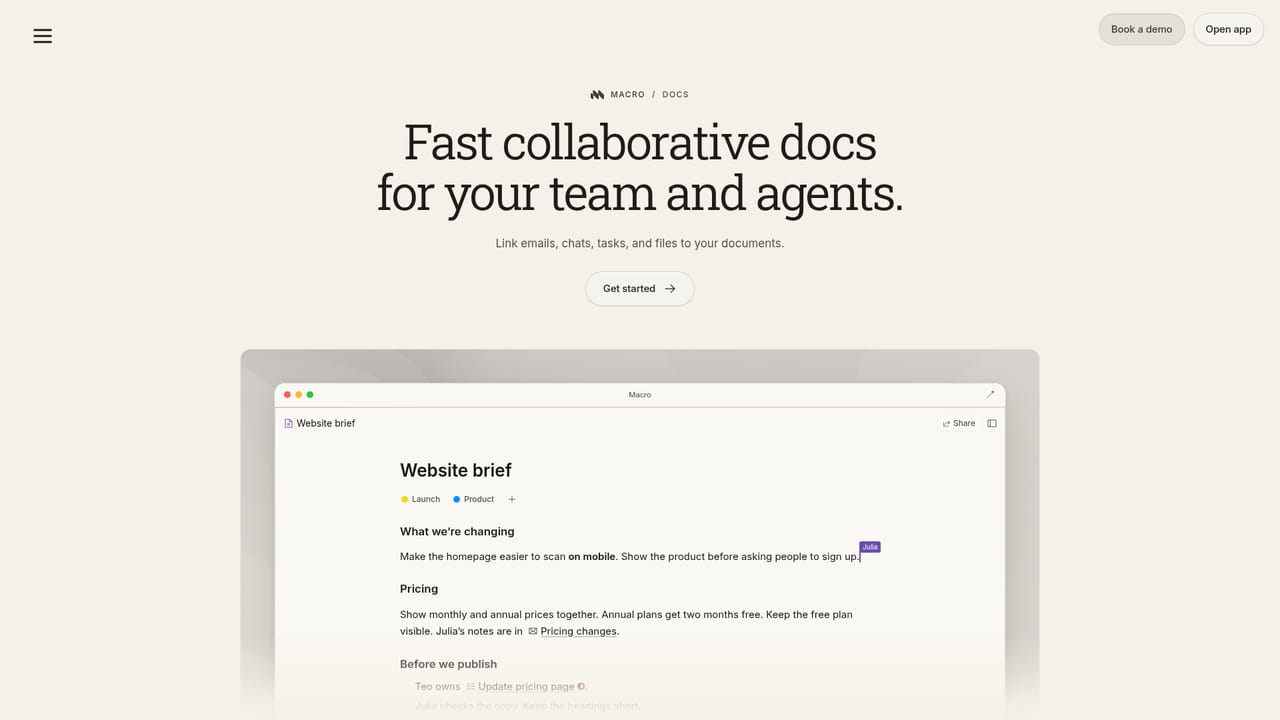
    Start a plan or checklist in documents, link related tasks and records, and invite a teammate to edit alongside you in real time.
    Macro.com — Write a document and link work into it
  5. 5Brief an agent on a recurring job
    Visit the agents area to see how agents read workspace context and take actions such as updating CRM stages or pulling active accounts from a spreadsheet.
  6. 6Seed the CRM from existing email
    Open the CRM area to build customer records from your email history, then have an agent advance deal stages after each sales sync.

Pros and cons

Pros

  • Consolidates email, chat, docs, tasks and CRM so linked work lives in one searchable placeAI
  • Agents can act across real work items, including drafting email, updating CRM stages and editing documents liveAI
  • Fully open source with a public repository, which allows auditing and self directed extensionAI
  • Documents use CRDTs, so people and agents can edit the same page simultaneously without conflictsAI
  • Verified compliance posture listed as ISO 27001, SOC 2 and CASA Tier 2AI

Cons

  • No pricing tiers or plan limits are published on the homepage, so budget planning needs a sales conversationAI
  • Migrating email, chat, docs and CRM at once is a heavy switch, and value depends on the whole team movingAI
  • Agents with access to inbox, CRM and documents need careful permission design, which the homepage does not detailAI
  • Teams already deep in Notion, Linear or Slack will lose some category depth that dedicated tools provideAI
  • Open source code does not guarantee easy self hosting, and no deployment or data residency details are givenAI

How much does Macro.com cost?

Features

Email, chat, documents, spreadsheets, tasks, CRM, agents, calls, calendar, booking links, recordings, file storage, databases, diagrams and coding agents in one workspace. Shared search, bidirectional links, CRDT documents with live agent edits and team level agent memory tie the modules together.

Learn more

Frequently asked questions about Macro.com

  • How do you use Macro.com?
    The walkthrough on this page covers 6 steps: 1. Create your Macro account 2. Connect your inbox and start a thread 3. Set up channels for team messages 4. Write a document and link work into it 5. Brief an agent on a recurring job 6. Seed the CRM from existing email.
  • What platforms does Macro.com support?
    Macro.com is available on Web App.
  • What are the limitations of Macro.com?
    No pricing tiers or plan limits are published on the homepage, so budget planning needs a sales conversation. Migrating email, chat, docs and CRM at once is a heavy switch, and value depends on the whole team moving. Agents with access to inbox, CRM and documents need careful permission design, which the homepage does not detail.

Status

StatusActive
Views0
Outbound clicks0
Added10/22/2026

Platforms

Web App

Pricing

Free