Support
Contact options, a demo booking form, product documentation, a trust center, an AI security handbook and a glossary of terms are published. Regulatory mapping documentation is available on request.
Learn moreAI governance that classifies worker AI tasks and controls them inline
Own Harmonic Security? Verify ownership to get a dofollow link

Harmonic Security is a content detector tool. An enterprise AI governance and control platform that discovers shadow AI across browsers, endpoints, IDEs and API calls, classifies each AI task by business context, and applies inline controls or coaching. It also governs autonomous agent actions at the MCP layer.
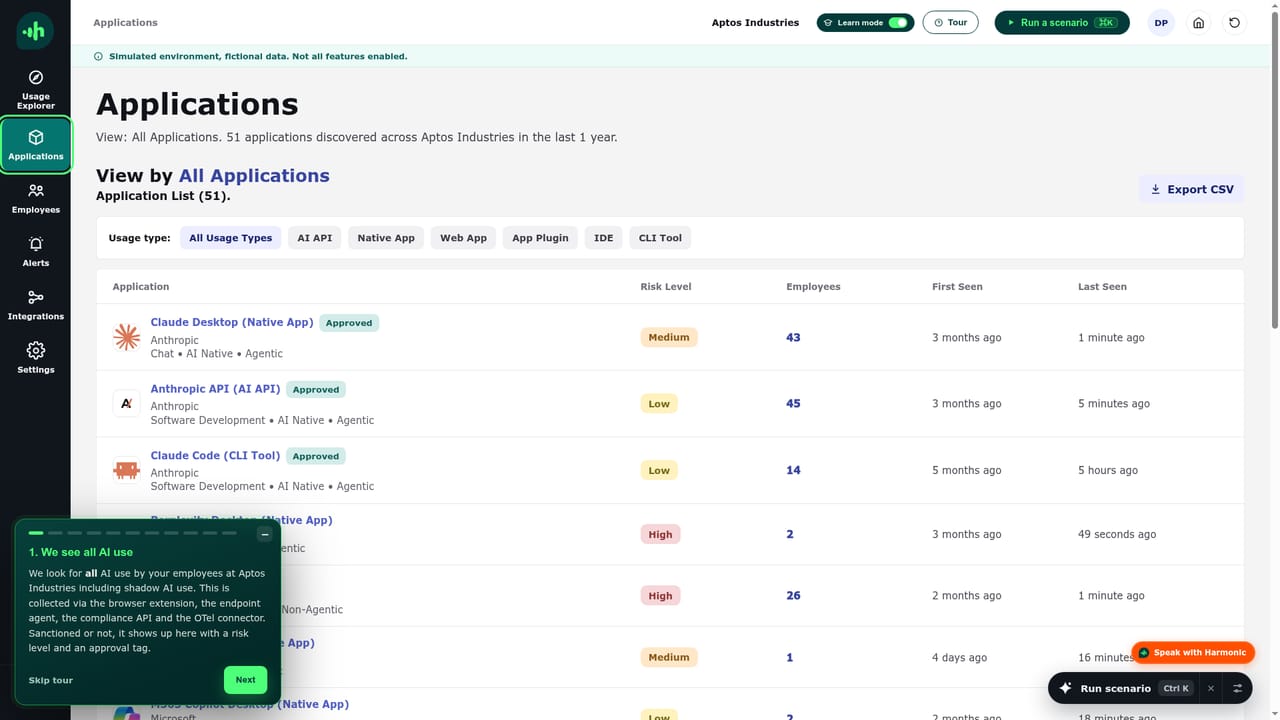
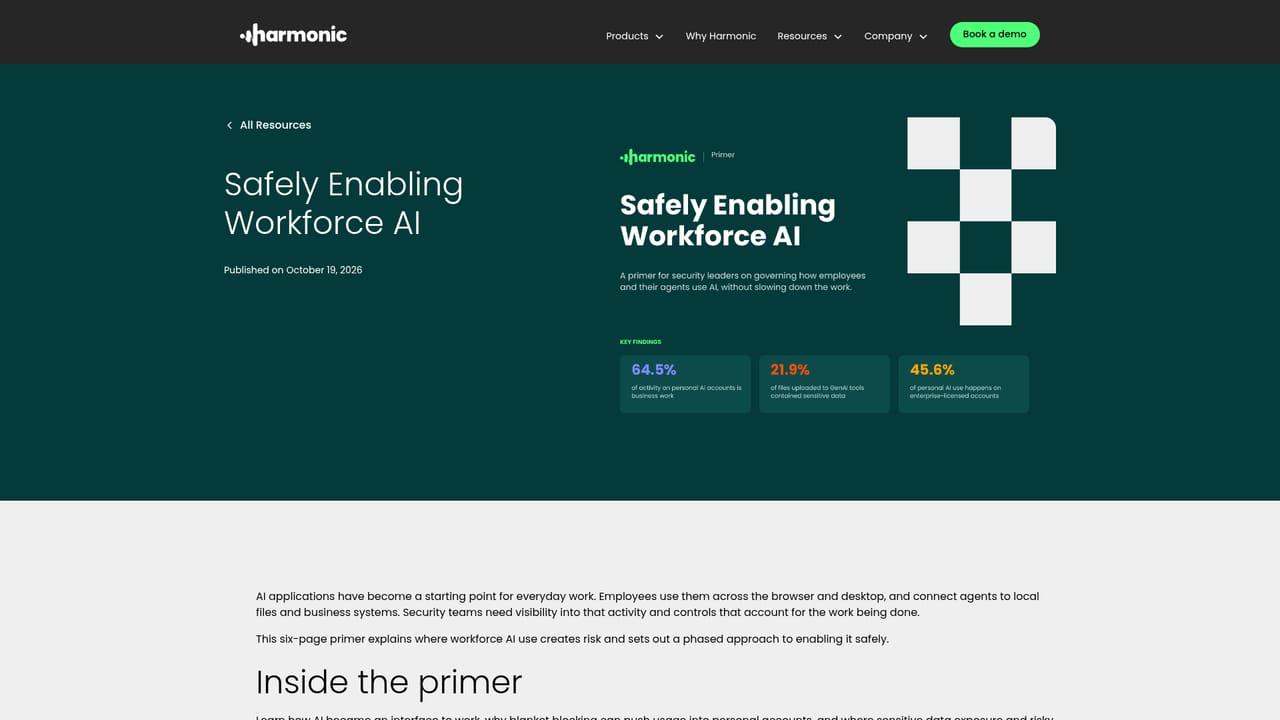
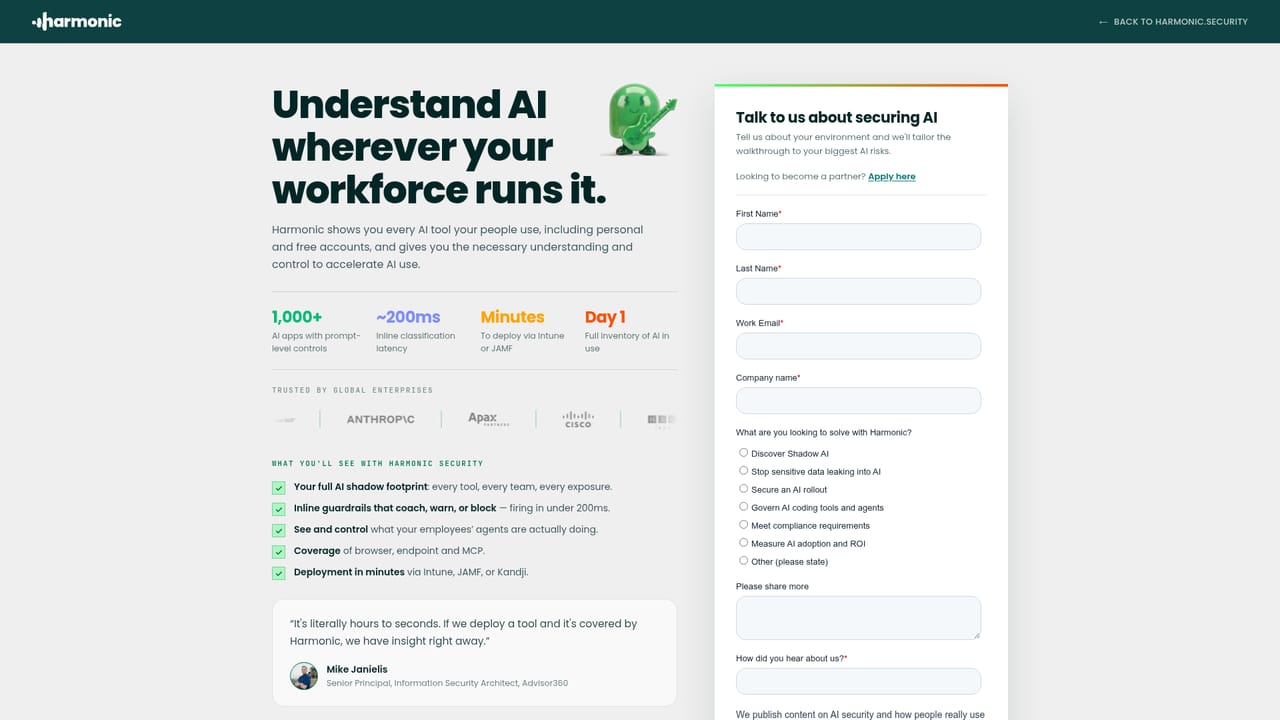
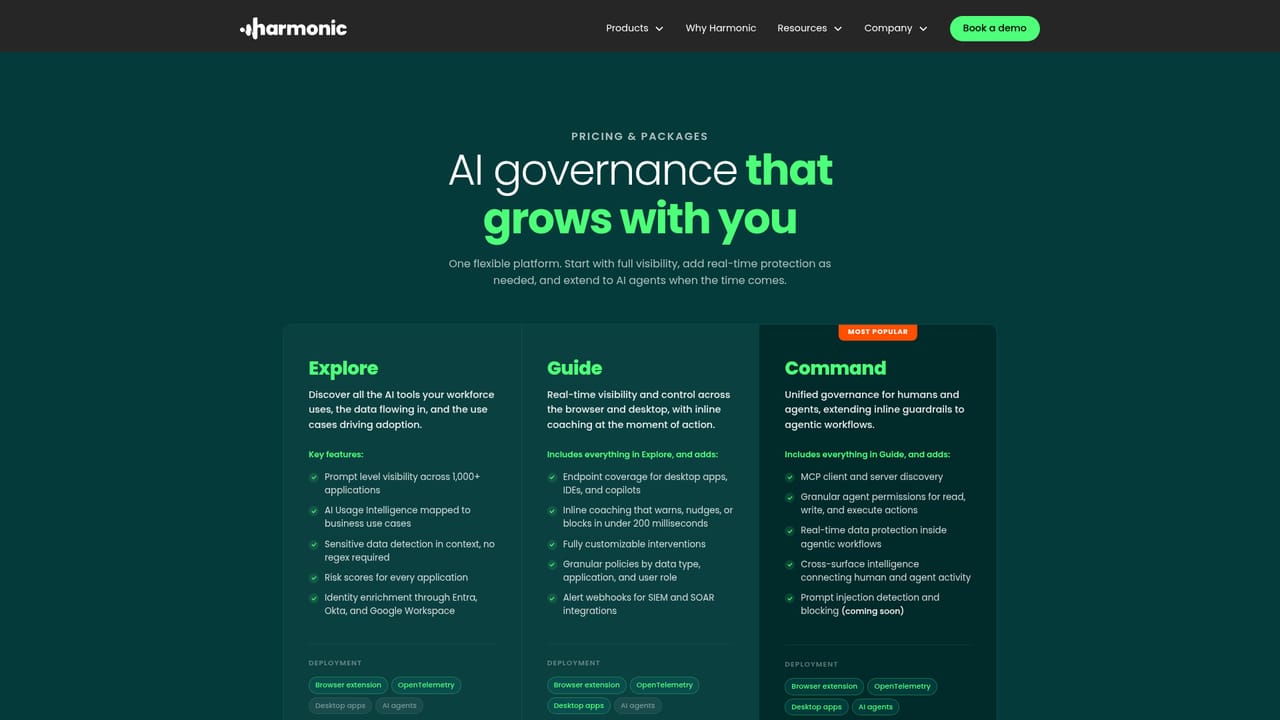
Harmonic Security is an AI governance and control platform built for organizations whose employees and AI agents now touch AI tools across browsers, desktop apps, command-line utilities, IDEs and API calls. Instead of relying on keyword matching, it reads the business context of each AI interaction, categorizes it by use case, and then applies real time controls at the point where the work happens. The vendor frames this as a three stage loop: collect at the source, categorize by intent, and control with policies that follow the work rather than blocking it wholesale. The product line splits into three parts. Harmonic Explore handles discovery, surfacing which AI applications are in use and who is using them. Harmonic Guide adds the employee facing layer, delivering contextual warnings and coaching inline when someone is about to paste sensitive material into a model. Harmonic Command gives security teams the policy engine, with enforcement options ranging from silent logging to real time blocking that can be scoped by tool, account, data type, user and action. A separate MCP Gateway extends policy to autonomous agent workflows, where no browser request exists to inspect and the relevant surface is the tool call itself. Deployment leans on existing device management. The browser extension and endpoint components can be pushed through Intune, Jamf, Kandji or Group Policy, and the MCP Gateway runs on Windows, macOS and Linux. Coverage grows as more endpoints and integrations come online, with the vendor stating that AI application activity becomes visible soon after rollout. Privacy controls are built in deliberately: HR, Finance, Ops and founder roles are excluded from reporting, employee names can be masked in the portal, the dataset is sanitized and frozen, and EU hosting is available on request. The platform sits alongside rather than replaces SASE and network security tooling, covering AI activity those tools cannot consistently see, and it goes broader than Microsoft Purview, which the vendor characterizes as Microsoft only and keyword based. It is aimed at security leaders in regulated or data sensitive sectors such as technology, legal, insurance and healthcare, and buyers should treat it as an enterprise deployment rather than a self serve product.
Contact options, a demo booking form, product documentation, a trust center, an AI security handbook and a glossary of terms are published. Regulatory mapping documentation is available on request.
Learn moreEndpoint deployment through Intune, Jamf, Kandji and Group Policy. Dedicated coverage pages exist for ChatGPT and Codex, Claude, and Microsoft and GitHub Copilot, plus monitoring of OpenAI API calls from scripts and other applications.
Learn moreDiscovery of AI applications across browsers, desktop apps, IDEs, command line tools and APIs; business context classification of each AI task; inline coaching and warnings for employees; real time blocking scoped by tool, account, data, user and action; MCP Gateway policy for autonomous agent actions; usage intelligence and audit logging for compliance; privacy controls including masked names and EU hosting.
Learn more AI Angels400+ customizable AI girlfriends for NSFW chat, voice calls, and roleplay
 Candy AIExperience the future of companionship with AI friends who chat, role-play, and connect with you on a human level.
 ourdream.aiA vast AI roleplay platform with millions of characters for chat, images, video and voiceAI Angels400+ customizable AI girlfriends for NSFW chat, voice calls, and roleplayCandy AIExperience the future of companionship with AI friends who chat, role-play, and connect with you on a human level.ourdream.aiA vast AI roleplay platform with millions of characters for chat, images, video and voice


