Free trial
A free preview analyses up to the first 2,000 characters with no signup and no card. A free account extends the analysis to the full document.
Learn moreAI detection that shows the passages, the evidence and the misses

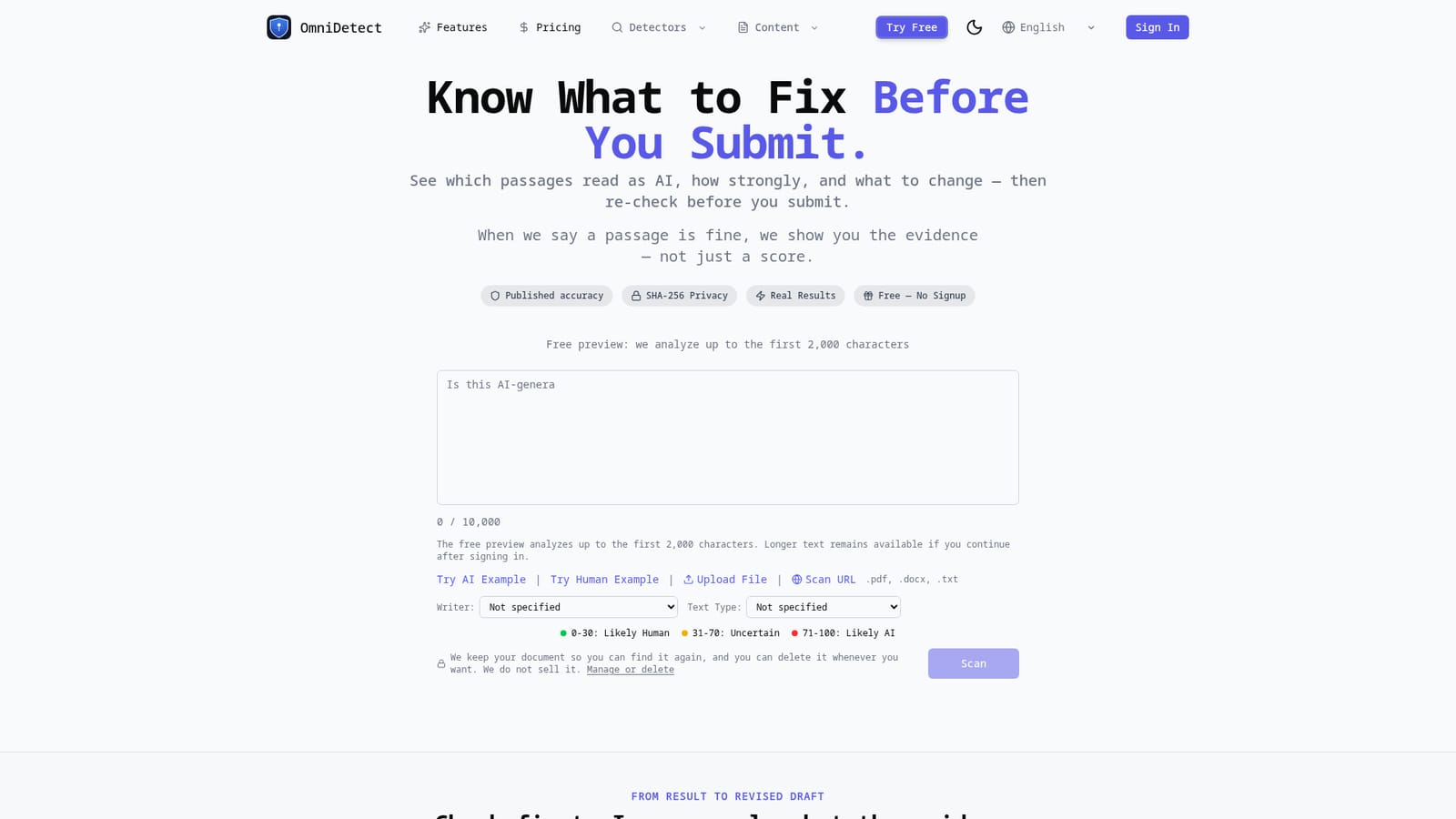
OmniDetect is an AI checker tool. An AI content detector that returns passage level verdicts, the method behind them and published accuracy figures, with optional evidence guided rewrites and a free no signup preview of the first 2,000 characters.
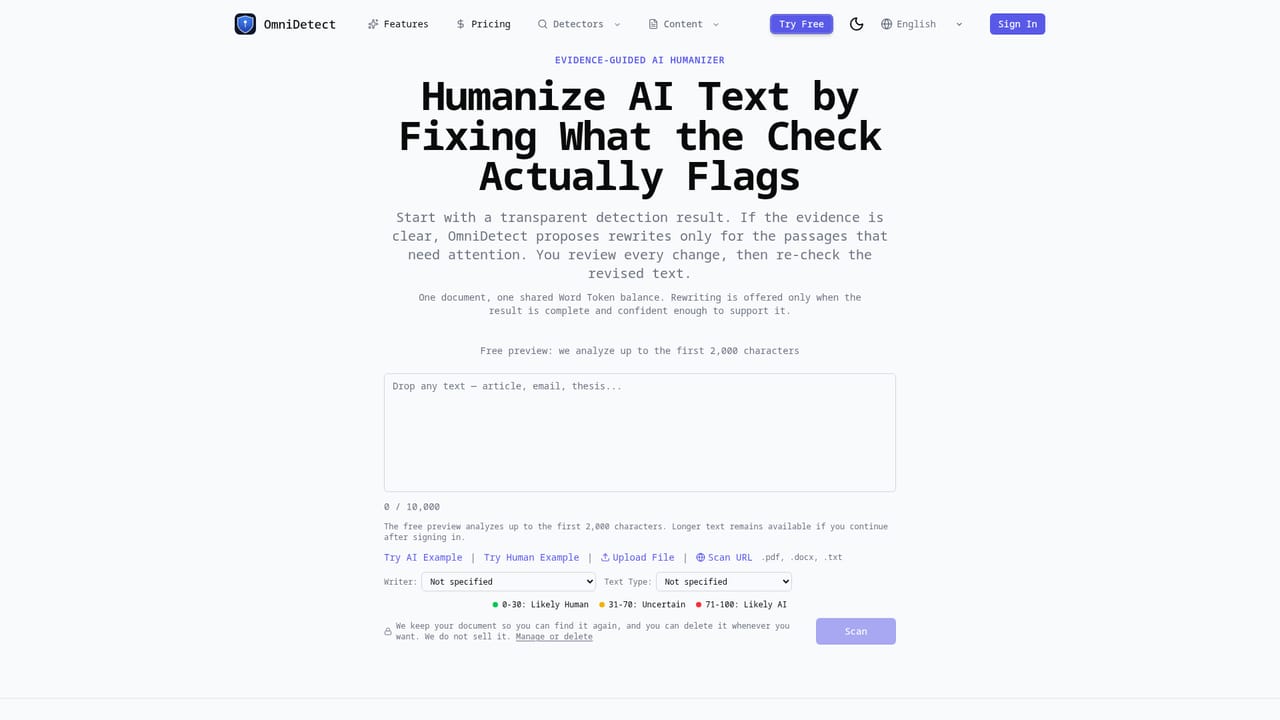
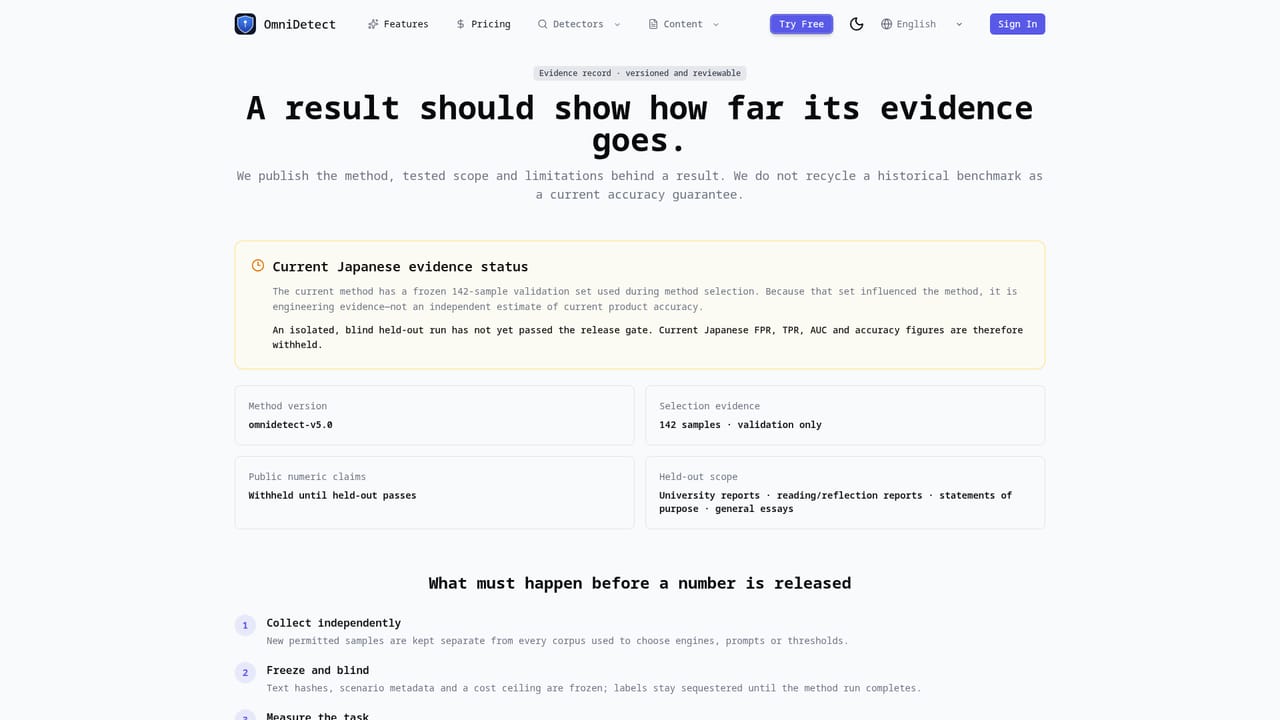
OmniDetect is an AI content detector built around a simple premise: a percentage on its own is not useful. The tool scans submitted writing and returns a verdict alongside the specific passages that drove that verdict, the method used to reach it, and the known limits of the analysis. Scores run on a 0 to 100 scale grouped into three bands (0 to 30 likely human, 31 to 70 uncertain, 71 to 100 likely AI), and the site publishes measured accuracy figures including its own misses rather than presenting the detector as infallible. The intended users are writers and students who need to know what to fix before submitting, plus editors and reviewers who want an inspectable basis for a decision. Users can paste text directly, upload a PDF, DOCX or TXT file, scan a URL, or load the built in AI and human sample passages. Writers can tag a detected profile (ESL, non-native, native speaker, professional, grammar-edited) and a text type such as academic essay, SEO copy, creative writing or business email, so the reading accounts for context that commonly confuses detectors. In practice the workflow runs check, understand, improve, re-check. Guests get a real analysis of the first 2,000 characters without signing up; a free account extends coverage to the whole document, and the scanner accepts up to 50,000 characters. Where the result confidently flags specific passages and the analysis is complete, OmniDetect can propose focused rewrites that the user reviews before re-checking the revised text. Among AI detectors, OmniDetect positions itself as the transparent option rather than the harshest one. It publishes head to head comparisons against GPTZero, Turnitin, Originality, Copyleaks, Pangram, Winston, ZeroGPT, QuillBot and Grammarly, maintains an accuracy and benchmarks page, and documents why detectors disagree. Submitted text is stored in a history the user can delete at any time, and the only outside parties that see it are the detection engines doing the analysis.
A free preview analyses up to the first 2,000 characters with no signup and no card. A free account extends the analysis to the full document.
Learn moreThe homepage does not list prices. It describes a free guest preview covering the first 2,000 characters, a free account that covers the whole document, paid credits described in a word token balance used for scans and rewrites, and a separate pricing page.
Learn moreSupport is offered by email, with FAQs on the homepage covering pricing, accuracy, privacy, engines and the credit system.
Passage level AI detection with an OmniScore band, writer profile and text type context, file and URL scanning up to 50,000 characters, inspectable method and limits, evidence guided rewrites with re-checking, an accuracy and benchmarks page, a detector disagreement index, and comparisons against major detectors.
Learn more AI Angels400+ customizable AI girlfriends for NSFW chat, voice calls, and roleplay
 Candy AIExperience the future of companionship with AI friends who chat, role-play, and connect with you on a human level.
 ourdream.aiA vast AI roleplay platform with millions of characters for chat, images, video and voiceAI Angels400+ customizable AI girlfriends for NSFW chat, voice calls, and roleplayCandy AIExperience the future of companionship with AI friends who chat, role-play, and connect with you on a human level.ourdream.aiA vast AI roleplay platform with millions of characters for chat, images, video and voice


