Integrations
Extensions are offered for Chrome, Edge and Visual Studio Code, letting the assistant run on webpages and inside the editor.
One AI workspace for multi-model chat, image generation and content detection

GetBotAI is an AI detector tool. GetBotAI combines GPT-5, Claude 4.5, Gemini 2.5 and DeepSeek models in one chat interface, with group chat comparison, image generation, an email and document assistant, and AI content detection, delivered through Chrome, Edge and VS Code extensions.
GetBotAI is an all-in-one AI assistant that gathers several leading language models under a single interface. The homepage advertises GPT-5 and GPT-5-mini, Claude 4.5 in Sonnet, Haiku and Opus variants, Gemini 2.5 Pro and Flash, plus DeepSeek R1 and V3. Rather than committing to one provider, users open a chat and pick a model or run several side by side through a Group Chat mode that lets answers from different engines be compared in one view. Beyond plain conversation, the product bundles a set of document and web tools. There is an AI web assistant for working with content on any page, a chat document mode for discussing uploaded material, an email assistant, text to image generation with models the site describes as nano banana, and an AI detector paired with plagiarism verification. The stated purpose is to cover chat, creation and checking without jumping between subscriptions, which positions it as a direct alternative to single-vendor assistants such as the standalone ChatGPT, Claude or Gemini apps. The tool ships as browser add-ons for Chrome and Edge and as an extension for Visual Studio Code, so much of the workflow happens inside the tab or editor a user already has open. Sign-up runs through a login page, and the product is aimed at general users, writers, students and developers who want quick access to several engines rather than a specialised pipeline. The interface emphasises fast response times and unlimited tab access, according to the homepage. Because the site presents itself as a hub, its main draw is breadth: one place to draft, translate, explain, generate pictures and screen text for AI authorship. The trade-off is that depth in any single area depends on the underlying providers, and users who need fine-grained control over one model may find a dedicated client more suitable. Pricing tiers, usage limits and the exact feature set per plan are not detailed on the homepage and should be checked before committing.
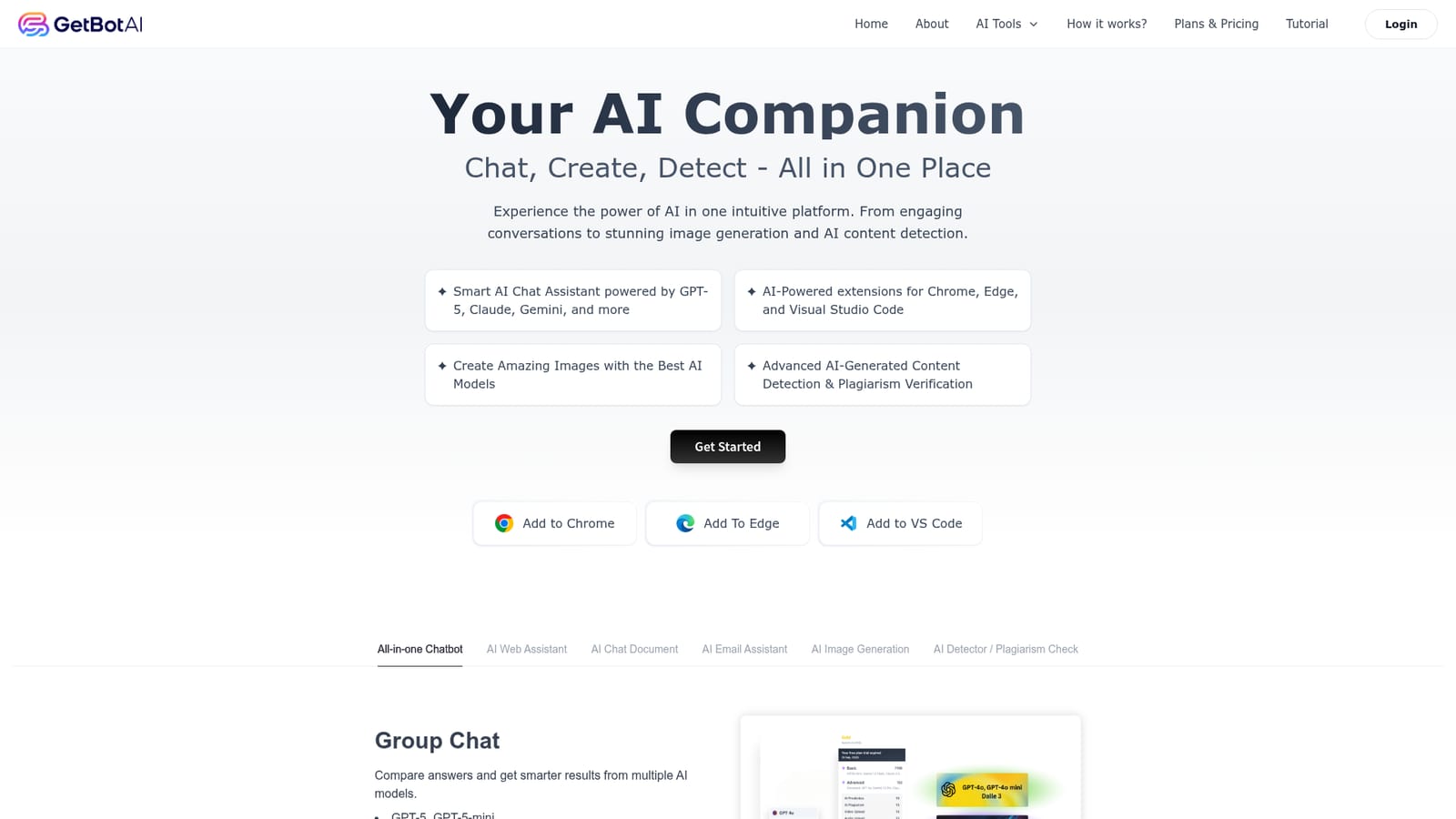
Extensions are offered for Chrome, Edge and Visual Studio Code, letting the assistant run on webpages and inside the editor.
Multi-model chat covering GPT-5 and GPT-5-mini, Claude 4.5 Sonnet, Haiku and Opus, Gemini 2.5 Pro and Flash, and DeepSeek R1 and V3. Group Chat compares answers across models. Additional tools include an AI web assistant, document chat, an email assistant, text to image generation, and AI content detection with plagiarism verification.
 AI Angels400+ customizable AI girlfriends for NSFW chat, voice calls, and roleplay
 Candy AIExperience the future of companionship with AI friends who chat, role-play, and connect with you on a human level.
 ourdream.aiA vast AI roleplay platform with millions of characters for chat, images, video and voiceAI Angels400+ customizable AI girlfriends for NSFW chat, voice calls, and roleplayCandy AIExperience the future of companionship with AI friends who chat, role-play, and connect with you on a human level.ourdream.aiA vast AI roleplay platform with millions of characters for chat, images, video and voice


