Free trial
Havenly AI is entirely free to use. There is no trial period because the core design tool costs nothing; you can create unlimited designs at no charge.
Learn moreUpload a photo, get a shoppable room redesign in seconds.

Havenly AI is a generative image tool. Havenly AI redesigns your actual room from a photo and returns a shoppable design in seconds. Free on web and iOS, it is built for DIY interior design with real products and an optional path to human designers.
Havenly AI is an interior design tool that turns a photo of your actual room into a redesigned, shoppable concept. Unlike generic image generators, it does not invent a fictional space; it works from your photo and suggests real furniture and decor from Havenly's designer-curated marketplace. The service is free to use on the web and in the Havenly iOS app, with no subscription or commitment. It is built by Havenly's design team and trained on over a decade of real Havenly projects, so the output reflects practical, livable interiors rather than fantasy renders. The process is straightforward: capture or upload a photo, share your style preferences, and receive a personalized design in seconds. From there, you can customize every detail, swapping pieces you do not love and adjusting the budget until the room feels right. When you are satisfied, you can buy the products directly through the app. For projects that need a human touch, Havenly offers online designer sessions starting at $199 per room and in-person full-service design at $699, and you can transition to a designer without starting over. Havenly AI is aimed at do-it-yourselfers who want to visualize changes before spending money, whether they are refreshing a single room, testing a palette, or filling an obvious gap. It is less suited to complex renovations, whole-home plans, or awkward layouts that require professional judgment. Compared to generic AI tools like ChatGPT or Midjourney, Havenly AI's key advantages are that it designs your actual room and every product is purchasable. Compared to 3D room planners, it eliminates the manual building process, though it may offer less precise control over exact dimensions.
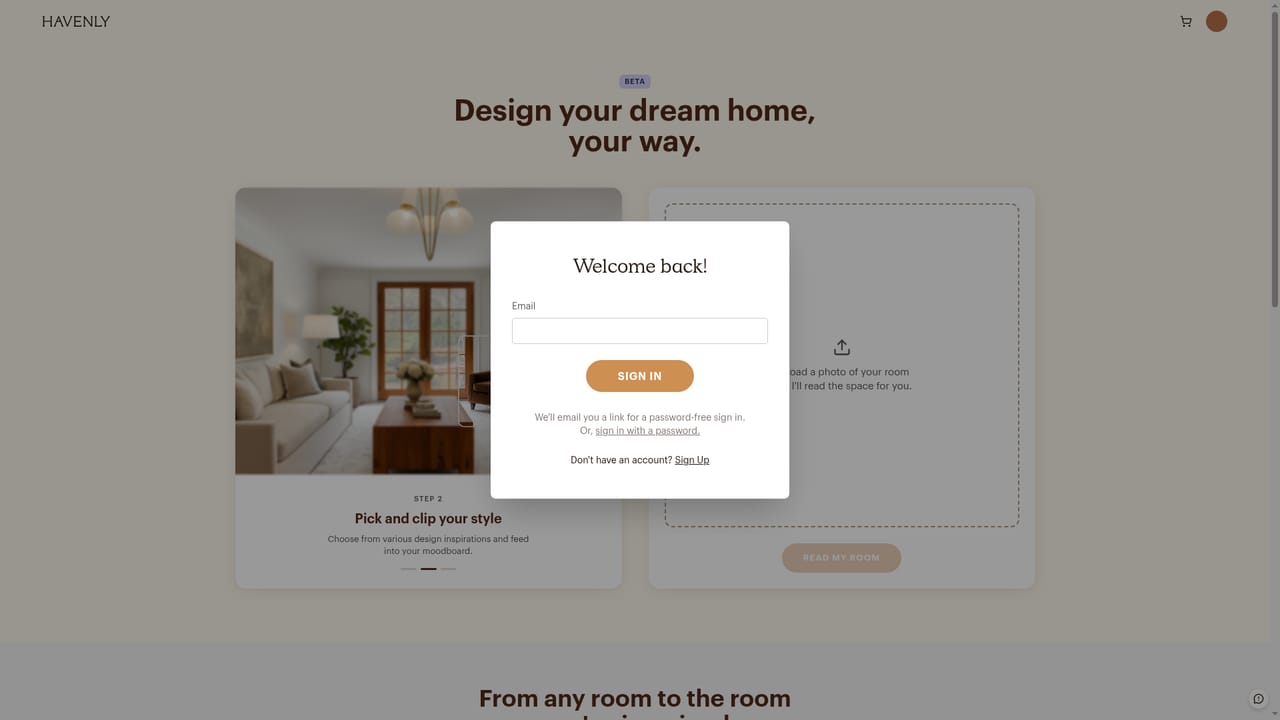
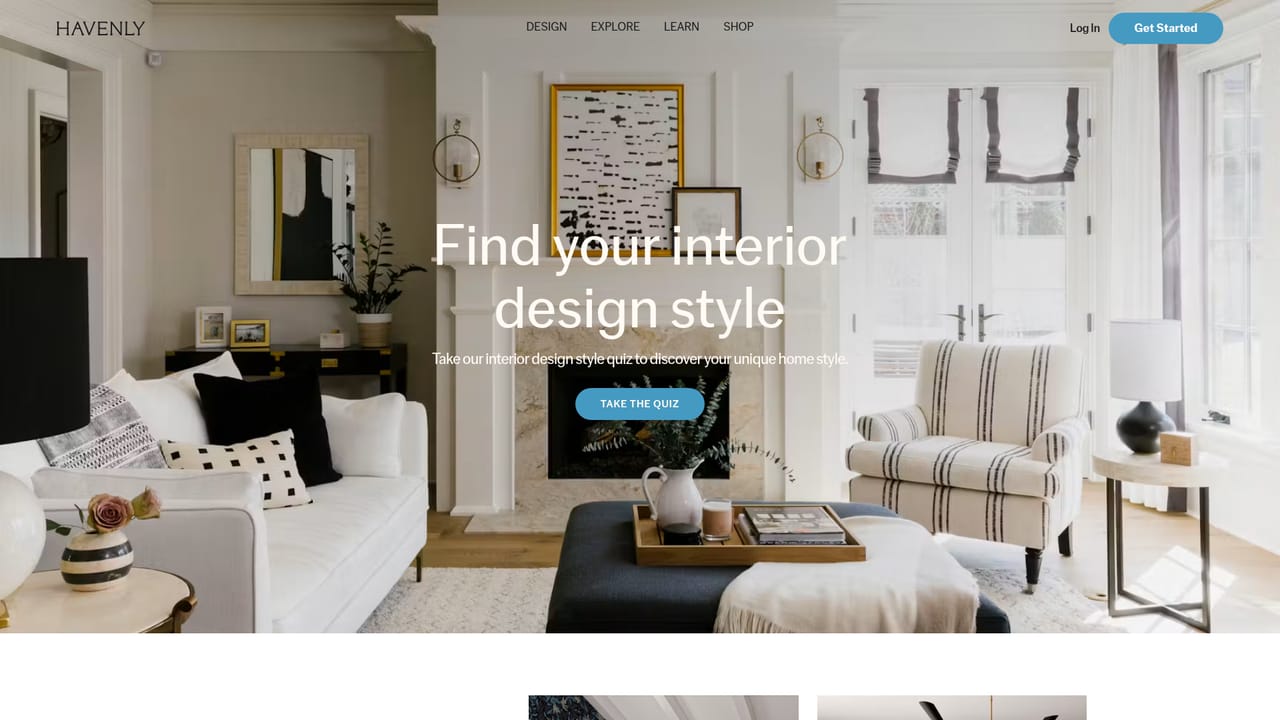
Havenly AI is entirely free to use. There is no trial period because the core design tool costs nothing; you can create unlimited designs at no charge.
Learn moreHavenly AI is free to use with no subscription. You only pay for furniture you buy from your design or for optional human designer services: online sessions from $199 per room and in-person full-service at $699.
Learn moreSupport is available through Havenly's help center and customer service channels, though specific details are not outlined on the homepage.
Havenly AI is connected to Havenly's designer-curated furniture marketplace, allowing users to purchase products directly from their designs. It does not integrate with external design software or retailers.
Havenly AI turns a room photo into a shoppable redesign in seconds. It is trained on a decade of real Havenly projects and suggests real products from a designer-curated marketplace. Users can customize designs by swapping pieces, changing styles, and adjusting budgets. The tool is available on the web and iOS, with an optional transition to human designers.
Learn more AI Angels400+ customizable AI girlfriends for NSFW chat, voice calls, and roleplay
 Candy AIExperience the future of companionship with AI friends who chat, role-play, and connect with you on a human level.
 ourdream.aiA vast AI roleplay platform with millions of characters for chat, images, video and voiceAI Angels400+ customizable AI girlfriends for NSFW chat, voice calls, and roleplayCandy AIExperience the future of companionship with AI friends who chat, role-play, and connect with you on a human level.ourdream.aiA vast AI roleplay platform with millions of characters for chat, images, video and voice


