Free trial
A 14 day trial covers the Growth and Catalyst tiers, which are the plans that unlock the team plugin.
Learn moreRun your help center's content work from inside ChatGPT

Helpcenter is an AI chat bot tool. A ChatGPT plugin plus a per help center MCP server that let teams search, audit, draft, translate and restyle a HelpCenter.io knowledge base from chat, while customers get cited answers from published articles only.
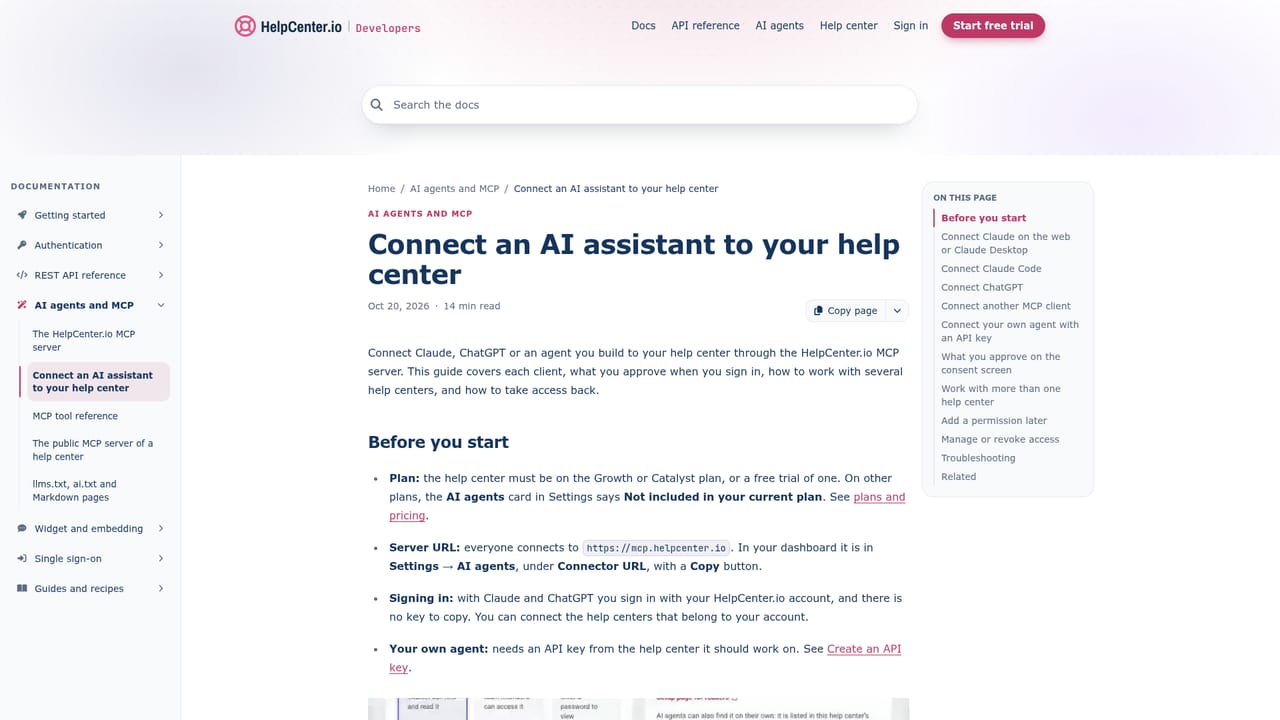
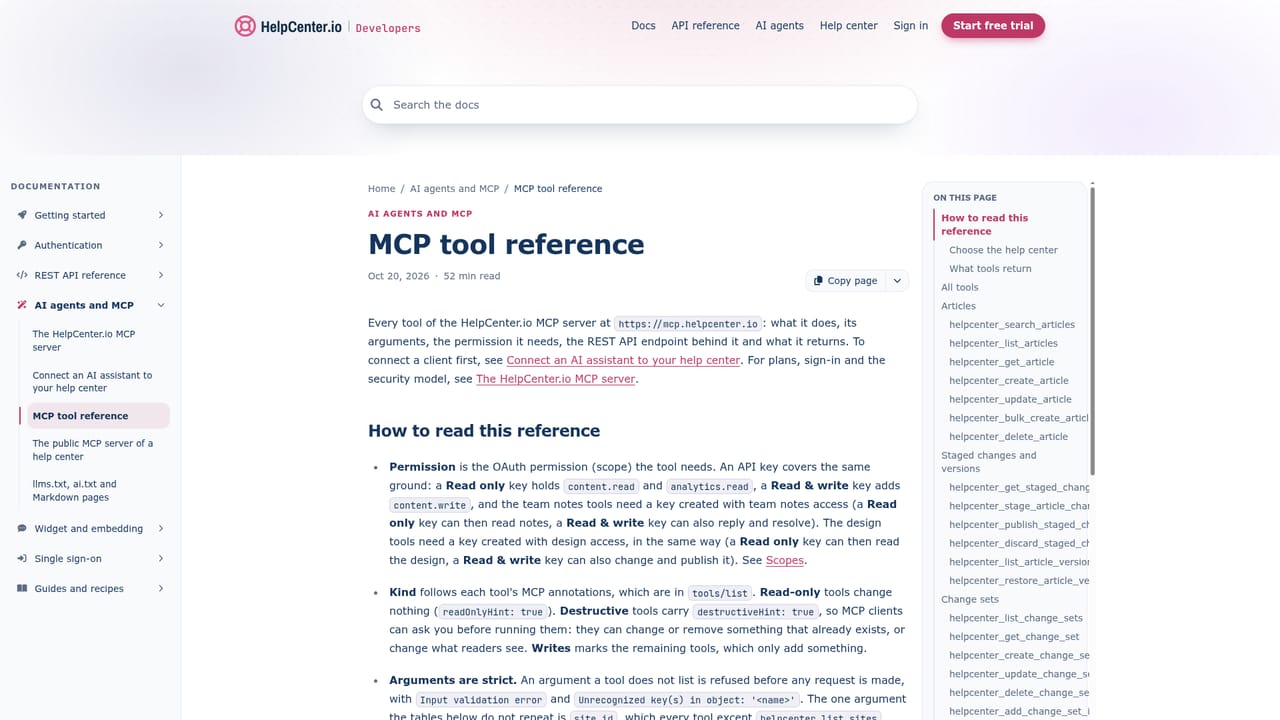
HelpCenter.io is a knowledge base platform, and this listing covers its ChatGPT integration: a plugin that puts a team's help center inside the chat window. Once installed from ChatGPT's Plugin Directory and connected through a HelpCenter.io sign-in, the plugin exposes 67 tools and five skills. Those tools let ChatGPT search and read every article, pull search analytics, draft new articles, edit existing ones, translate content, and apply theme changes to the help center design. The practical value shows up in support work: paste a customer question, and ChatGPT checks what is already published, notices whether the searches that led there were answered or ignored, drafts a reply with links to the source articles, and proposes the article fix separately. The customer side is a different mechanism with no install or account. Any live, public help center that allows search engine indexing also runs its own MCP server at its address plus /mcp. A customer adds that URL in ChatGPT as a custom MCP server, and ChatGPT answers from published articles only, citing the one it used. Drafts, private and unlisted articles, and internal team notes are never returned. The same server responds to the search and fetch shapes used by ChatGPT's company knowledge and deep research. Who it fits: support and documentation teams already running a HelpCenter.io help center, particularly those who want content gap analysis to sit next to the writing instead of in a separate dashboard. Smaller teams that have not adopted the platform get nothing from either side of the integration, since both the plugin and the public server belong to the help center product. Against alternatives, most AI writing assistants draft from generic knowledge or from files you paste in. This one is grounded in the actual published corpus and in search behavior data. The tradeoff is hard coupling: content stays in HelpCenter.io, and the more useful editorial actions are gated by plan.
A 14 day trial covers the Growth and Catalyst tiers, which are the plans that unlock the team plugin.
Learn moreThe customer facing public MCP server is included on every plan, starting at $29 per month billed annually on Bootstrap (or $39 month to month). The team plugin is available on Growth and Catalyst and during their 14 day trials. There is no add-on and no per tool call charge.
Learn moreThe plugin's app is the HelpCenter.io MCP server at mcp.helpcenter.io, so Codex, custom MCP servers in ChatGPT and the OpenAI Responses API reach the same tools. Each public help center also exposes its own read only server.
Learn moreOne install brings 67 tools and five skills covering article search and reading, search query analytics, content performance and ratings, article creation and editing, translation into enabled languages, and theme changes applied as a draft in the Template Editor. Write actions require your approval by default, and Catalyst adds private staging of edits to live articles.
Learn more AI Angels400+ customizable AI girlfriends for NSFW chat, voice calls, and roleplay
 Candy AIExperience the future of companionship with AI friends who chat, role-play, and connect with you on a human level.
 ourdream.aiA vast AI roleplay platform with millions of characters for chat, images, video and voiceAI Angels400+ customizable AI girlfriends for NSFW chat, voice calls, and roleplayCandy AIExperience the future of companionship with AI friends who chat, role-play, and connect with you on a human level.ourdream.aiA vast AI roleplay platform with millions of characters for chat, images, video and voice


