Hexowatch

Tracks any web page and alerts you the moment it changes

Beginner
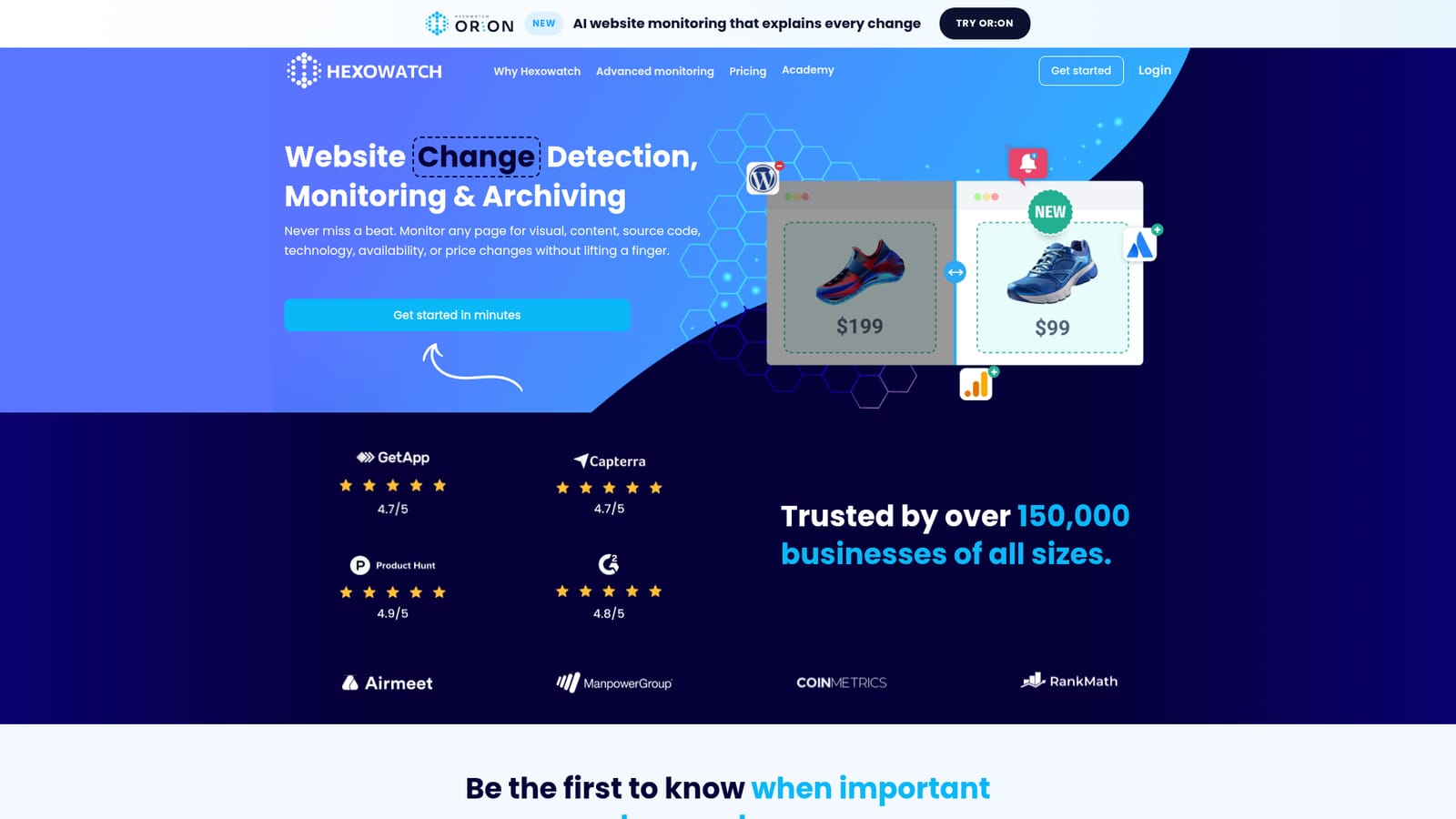
Screenshot of Hexowatch, Tracks any web page and alerts you the moment it changes

What is Hexowatch?

Hexowatch is a proactive AI assistant tool that tracks any web page and alerts you the moment it changes. Hexowatch monitors any web page for visual, content, keyword, source code, technology, availability, price, WHOIS, sitemap, API, backlink and RSS changes, keeps archive snapshots of each detected change, and sends alerts.

Hexowatch is a website change detection and archiving service. You point it at a URL, choose what kind of change matters (a rendered screenshot, a specific HTML element, a keyword, the raw source, the tech stack, a price, an API response), and it watches that page on a recurring basis. When something shifts, an alert goes out. The homepage lists 13 monitoring types in total, covering visual, HTML element, keyword, technology, source code, content, availability, domain WHOIS, sitemap, API, backlink and RSS feed checks, plus price tracking used in the eCommerce examples. The practical value is in the archiving half of the product. Each time a monitored page changes, Hexowatch keeps a snapshot that can be opened later, which is why the homepage positions it for legal and compliance work, defacement and tamper protection, and proof of what a competitor or supplier published on a given date. Teams also use it for the quieter jobs: watching a product page for a restock, a job board for new vacancies, a review site for fresh feedback, an agent listing for new properties, or a guest post for a removed backlink. Setup is aimed at people who do not write code. Monitoring types are configured through guided walkthroughs, one per check, and most of them involve pasting a URL and selecting a region, element or keyword. Power users get the API and endpoint monitoring for response-level checks. Hexowatch reports more than 150,000 businesses on the platform and shows logos from companies such as ManpowerGroup and CoinMetrics. It sits in the same bracket as visualping-style page watchers and general uptime monitors, but it goes wider than either: visual diffing, structured element checks and archive snapshots under one roof. Buyers who only need a simple screenshot comparison may find the breadth unnecessary. Those who need a defensible record of what a page said, and when, get the most from it.

How do you use Hexowatch?

  1. 1Create an account and add your first URL
    Sign up on the Hexowatch site, then start a new monitor by pasting the address of the page you want to track. The monitor is the container for everything that follows.
    Hexowatch — Create an account and add your first URL
  2. 2Pick a monitoring type
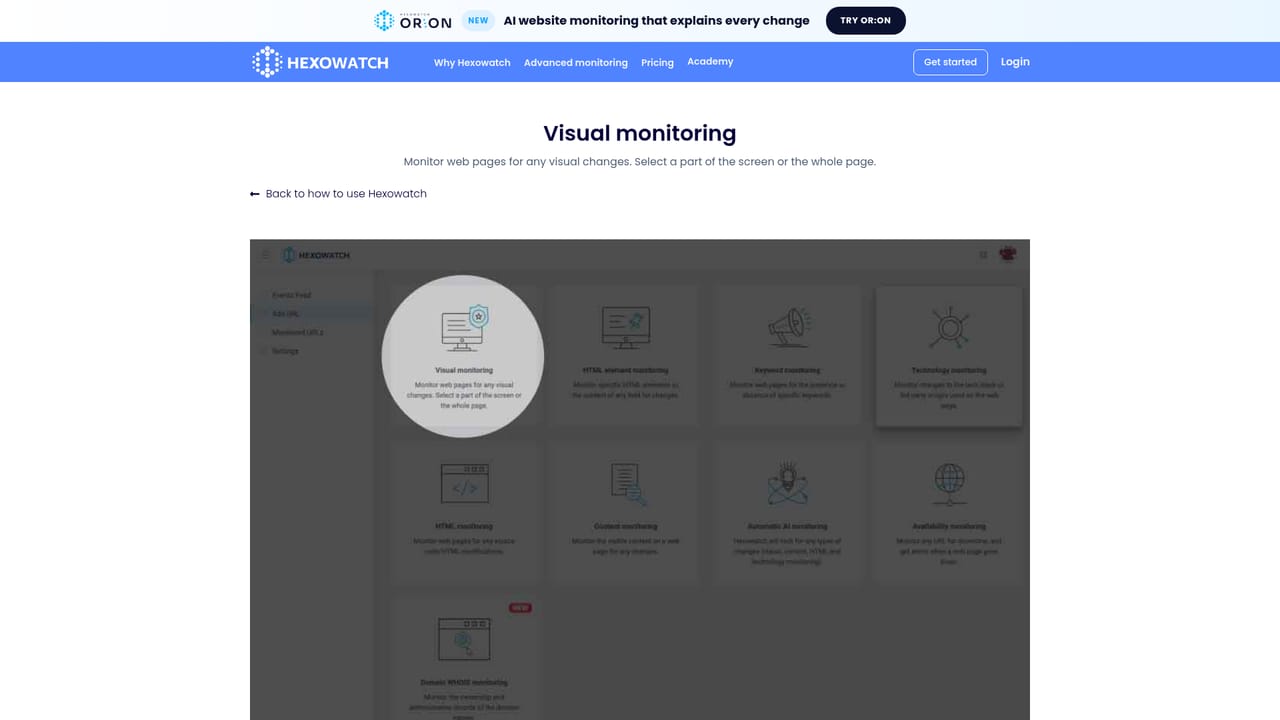
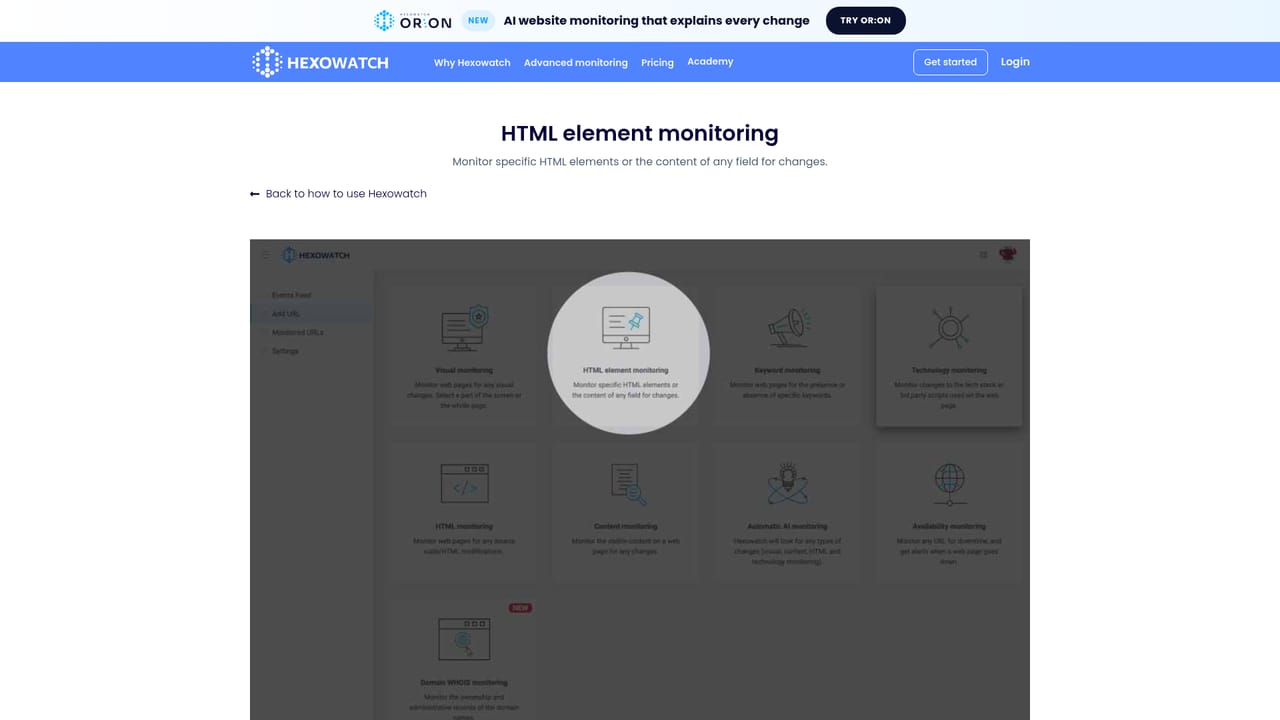
    Choose what counts as a change: a visual difference, a single HTML element, a keyword appearing or disappearing, the source code, the tech stack, availability, or WHOIS records.
    Hexowatch — Pick a monitoring type
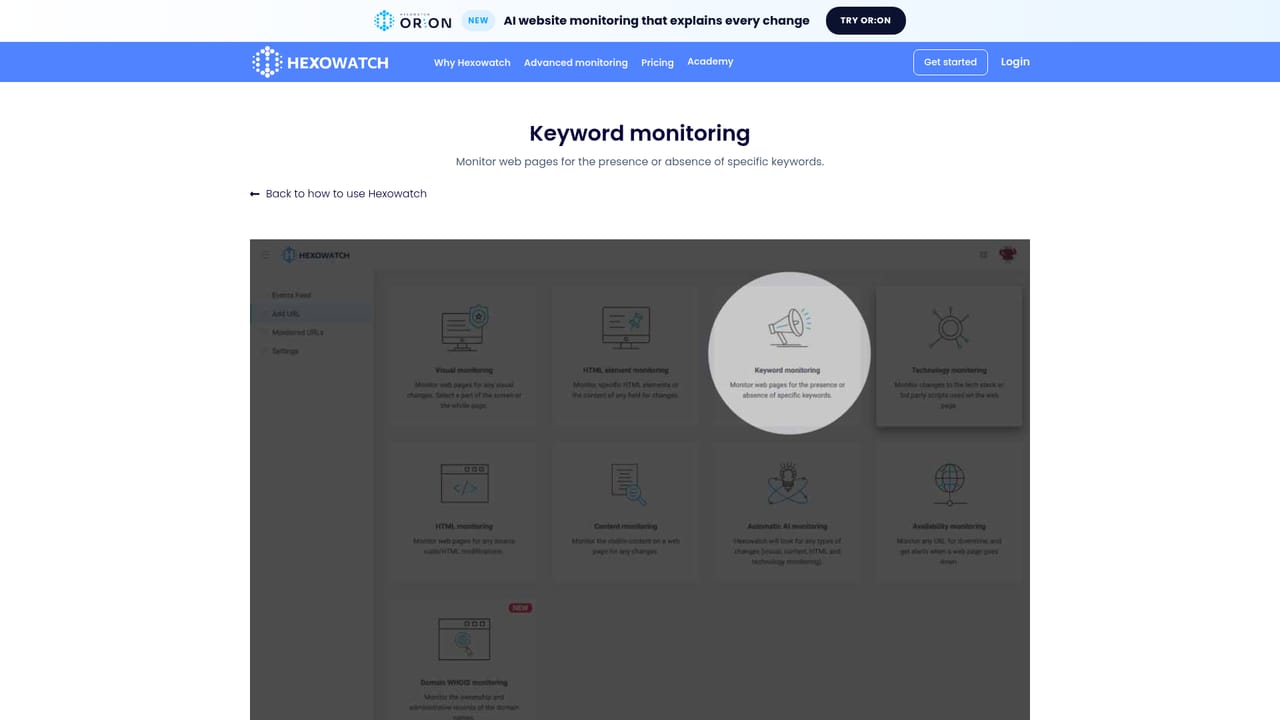
  3. 3Define the exact area or condition
    For visual checks, choose the full page or draw a region. For element checks, target the specific element or field. Keyword checks need the term and whether its presence or absence should trigger.
    Hexowatch — Define the exact area or condition
  4. 4Add technical and uptime checks where needed
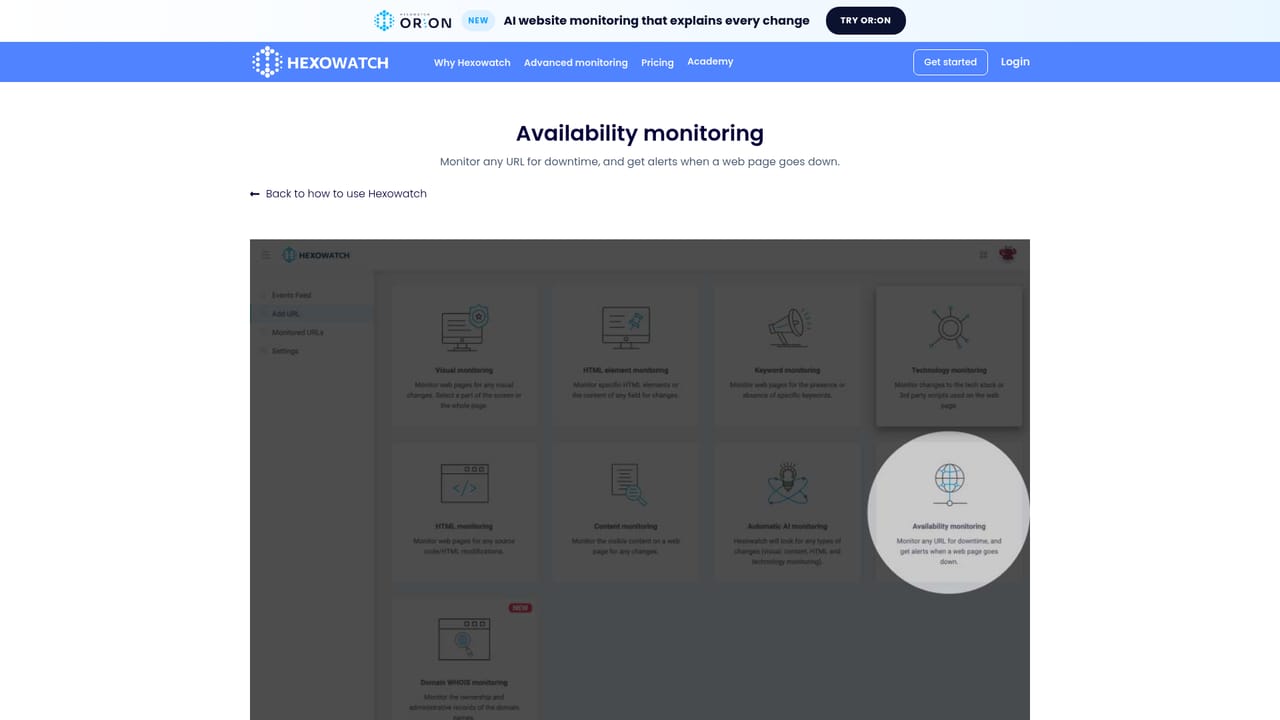
    Layer on source code monitoring to catch markup edits, availability monitoring to flag downtime, or WHOIS monitoring to track domain ownership records.
    Hexowatch — Add technical and uptime checks where needed
  5. 5Set the check interval and review alerts
    Configure how often the page is scanned, save the monitor, and let it run. Each detected change lands as an alert with the stored snapshot attached for comparison.
    Hexowatch — Set the check interval and review alerts

Pros and cons

Pros

  • Thirteen monitoring types cover visual diffs, specific elements, keywords, source code, tech stack and more from one dashboardAI
  • Every detected change produces a stored snapshot, which gives a usable record for compliance and tamper evidenceAI
  • Guided walkthroughs for each monitoring type keep setup approachable for non-technical usersAI
  • Handles niche checks that general page watchers skip, such as domain WHOIS records, backlink removal and API response changesAI
  • Monitoring runs unattended, so there is no manual rechecking of pagesAI

Cons

  • No pricing figures appear on the homepage, so plan limits and per-monitor costs have to be confirmed elsewhere before committingAI
  • Thirteen monitoring options create a steep configuration surface, and picking the wrong type (say, content instead of visual) can produce noisy or missed alertsAI
  • Alert delivery channels are not described on the homepage, leaving it unclear how notifications reach you without further readingAI
  • Snapshot-based archiving is not the same as a certified legal evidence service, so compliance teams should verify chain-of-custody claims independentlyAI
  • The linked Second Brain product is sold separately, which can confuse buyers expecting it to be bundledAI

How much does Hexowatch cost?

Features

Thirteen monitoring types: visual page and region diffs, specific HTML elements, keyword presence or absence, technology and third party script changes, source code edits, visible content, availability and downtime, domain WHOIS records, sitemap additions and deletions, HTTP and API endpoint responses, backlink removal or modification, and RSS feed updates. Price tracking is covered through element monitoring. Every detected change is archived as a snapshot for later reference.

Frequently asked questions about Hexowatch

  • How do you use Hexowatch?
    The walkthrough on this page covers 5 steps: 1. Create an account and add your first URL 2. Pick a monitoring type 3. Define the exact area or condition 4. Add technical and uptime checks where needed 5. Set the check interval and review alerts.
  • What platforms does Hexowatch support?
    Hexowatch is available on Web App.
  • What are the limitations of Hexowatch?
    No pricing figures appear on the homepage, so plan limits and per-monitor costs have to be confirmed elsewhere before committing. Thirteen monitoring options create a steep configuration surface, and picking the wrong type (say, content instead of visual) can produce noisy or missed alerts. Alert delivery channels are not described on the homepage, leaving it unclear how notifications reach you without further reading.

Status

StatusActive
Views0
Outbound clicks0
Added10/21/2026

Platforms

Web App

Pricing

FreemiumSubscription