Free trial
A free 10-minute guided setup is offered before sign-up, and the site also mentions a 90-day free trial. Subscription levels are chosen on the tutorial page after you create an account.
Learn moreAn AI co-worker reachable by text, email or voice on any device

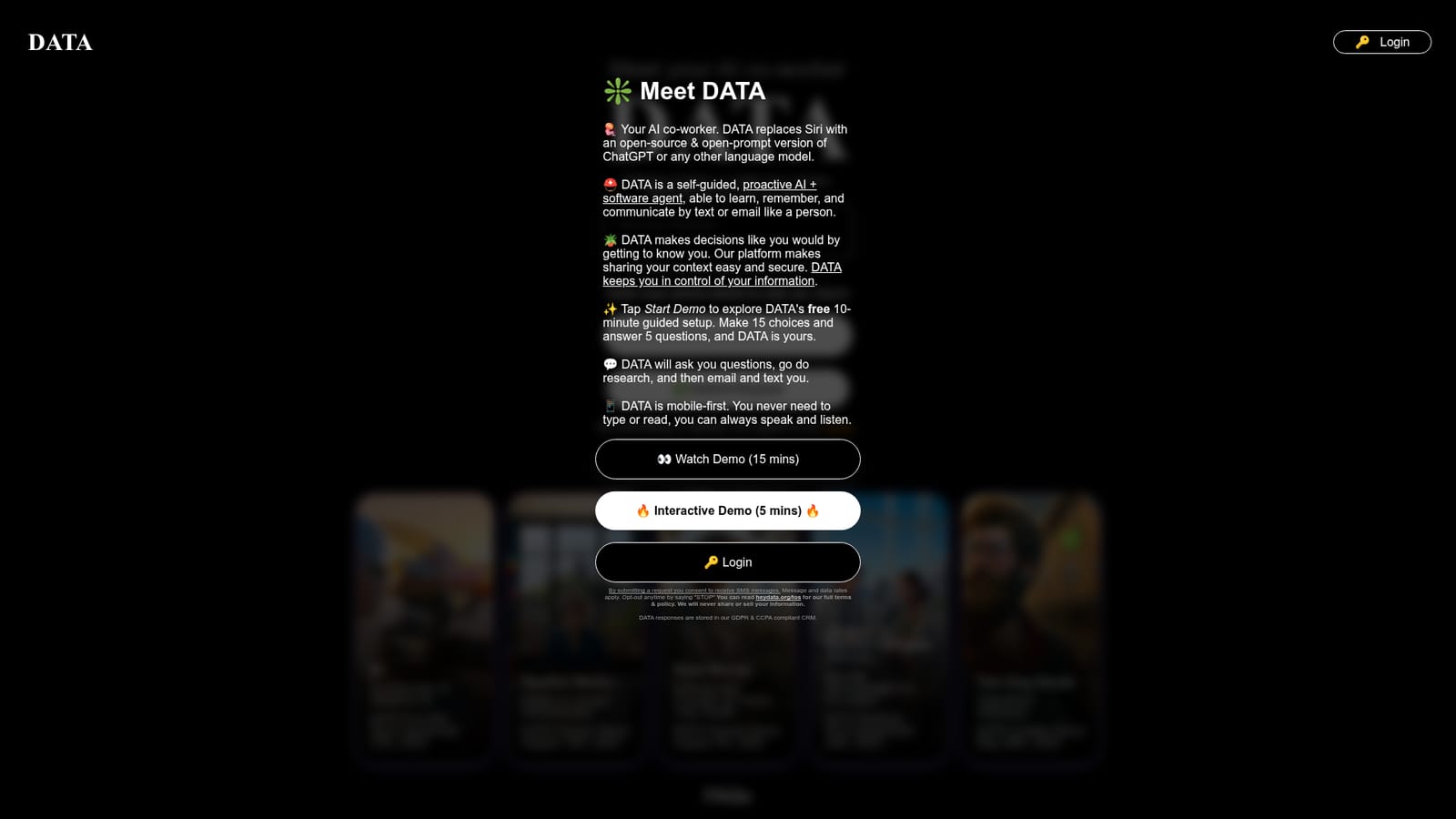
Hey Data is an AI chat bot tool. DATA is an AI co-worker that answers by text, email or voice, remembers your context, and runs hundreds of community skills (calendar, inbox, summaries, transcripts, auto-replies) through iOS Shortcuts or a web chat, with support for GPT, Claude, Grok and Gemini.
Hey Data positions DATA as an AI co-worker rather than a chatbot. The product wraps a prompt layer around existing language models (the site names GPT, Claude, Grok and Gemini) so that the assistant behaves consistently and remembers what you have told it. Instead of opening an app and writing a careful prompt, you send a request the way you would message a colleague: by text, email, iMessage, WhatsApp, the web chat at chat.heydata.org, or by speaking. DATA then works on the task and messages you back when it is finished. The core idea is continuity. DATA learns and retains context you choose to share, and it forgets whatever you delete, so the same conversation and workload can follow you between models and between devices. The company describes it as a proactive agent that researches, makes decisions in line with your preferences, and communicates like a person. Because the assistant runs on text and voice, the site argues you never have to type or read if you would rather talk and listen. The skills system is what turns it into a working tool. Hey Data ships hundreds of community-built skills, either TypeScript code files or iOS Shortcuts, that DATA can trigger for complex jobs: summarizing documents, transcribing meetings, managing a calendar and inbox, auto-replying to messages, running searches, auto-posting to social, and generating podcasts or morning briefings. If a skill does not exist, you describe what you want and DATA writes the code, which the team reviews before publishing for everyone; creators receive a share of DATA Credits when others use their skill. It is aimed at people who want a general assistant rather than a single-purpose app: Apple users who want to replace Siri, small business owners, and anyone who prefers delegating by message. The main caveat is that depth of the product sits on iOS Shortcuts, so the most seamless experience is Apple-centric, and the catalogue is community driven rather than curated. It competes with general assistants and agent platforms, leaning on openness and model choice rather than a fixed ecosystem.
A free 10-minute guided setup is offered before sign-up, and the site also mentions a 90-day free trial. Subscription levels are chosen on the tutorial page after you create an account.
Learn moreSupport is by email at houston@wehaveaproblem.org. Subscriptions include customer support, updates and new features, and purchases carry a 4.5-month satisfaction guarantee.
Learn moreNative ties to Apple iOS Shortcuts (iPhone, iPad, Mac, Watch, HomePods, CarPlay, Vision Pro), plus text, email, iMessage and WhatsApp channels and a web chat.
DATA combines a persistent memory layer with several language models and a library of hundreds of skills. It handles calendar and email management, document summaries, meeting transcription, advanced search, social posting, auto-replies in your style, podcasts and morning briefings. Requests arrive by text, email, voice or web chat, and DATA reports back when a task is finished. New skills can be generated on request from a plain description.
 AI Angels400+ customizable AI girlfriends for NSFW chat, voice calls, and roleplay
 Candy AIExperience the future of companionship with AI friends who chat, role-play, and connect with you on a human level.
 ourdream.aiA vast AI roleplay platform with millions of characters for chat, images, video and voiceAI Angels400+ customizable AI girlfriends for NSFW chat, voice calls, and roleplayCandy AIExperience the future of companionship with AI friends who chat, role-play, and connect with you on a human level.ourdream.aiA vast AI roleplay platform with millions of characters for chat, images, video and voice


