Free trial
Pro can be tried free for 14 days, with a Start Free option on the signup page.
Learn moreGoverned company knowledge for teams and their AI agents

HeyBrain is a governed AI knowledge platform that connects company documents, chats and tools so people and agents can ask cited questions, with answers that respect existing permissions and every access recorded.
HeyBrain is a hosted knowledge platform that gathers a company's documents, conversations and tools into one shared layer of context. People and AI agents can then ask questions against that material and get answers that point back to the sources behind them. The positioning centers on governance: answers are meant to respect the permissions already in place, and access is logged. The product is aimed at organizations where knowledge sits scattered across email, chat, drive folders, wikis, CRMs and spreadsheets. Operations, sales, product, marketing, engineering, IT, data and risk teams are all shown as example audiences. A typical question, such as who is starting next week and what they still need, pulls from several systems at once, then returns a short answer with numbered citations and a lineage list showing where each fact came from. Material outside the asker's scope is reported as not reached rather than silently included. In practice, a team starts by adding approved documents, either by uploading files or writing notes, and reviews access before content enters the shared space. A library view handles search and management of documents and sources, and an exposure sweep scans for over-shared or sensitive content. Activity dashboards track queries, documents added, agent runs and team usage. Agents can be deployed to automate recurring work, for example triaging an inbox, routing tickets or watching renewals, and they can hand work to each other. HeyBrain also reaches beyond its own interface. The site shows answers surfacing inside chat, email, the browser and docs, and an API key plus a copyable prompt let outside tools such as Cursor, Claude, Codex and OpenClaw connect. Available source connections and MCP client setup depend on the account, so the exact integration list needs confirming per plan. Among alternatives, it sits between enterprise search products and general-purpose AI assistants. Its distinguishing angle is permission-aware retrieval with an audit trail, which suits companies that cannot let an assistant read everything. Smaller teams wanting a simple note-taking tool may find the governance layer more than they need.
Pro can be tried free for 14 days, with a Start Free option on the signup page.
Learn moreThe homepage names a Pro plan with a 14 day free trial but does not list prices or other tiers.
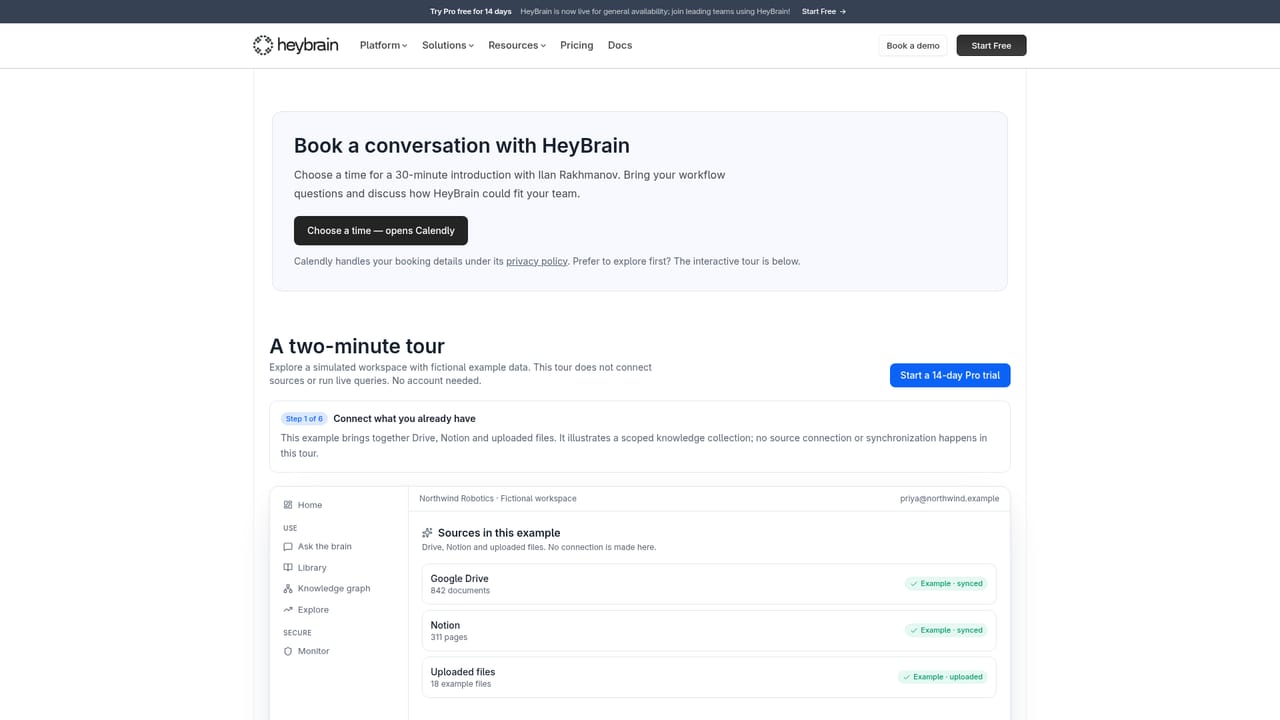
Learn moreA demo booking page is offered. The homepage does not describe support channels or documentation.
Learn moreShown sources include Gmail, Slack, Google Drive, Google Docs, Google Sheets, Notion, Salesforce, Figma and Linear. Cursor, Claude, Codex and OpenClaw can connect via API key. Availability depends on the account.
Cited, permission-scoped answers across connected sources, a document library, file and note uploads, exposure sweeps for over-shared content, agent deployment, activity dashboards, access logging, and an API key for external AI tools.


