Free trial
A free cloud trial is offered through signup, and a public demo is available for exploring a populated library without an account.
Learn moreSave anything, let AI tag it, find it later by meaning

Hoarder is an AI search tool that saves anything, let AI tag it, find it later by meaning. Karakeep (formerly Hoarder) is an open-source bookmark app for links, notes, images, and PDFs. AI tags and summarizes saves automatically, search works semantically or by keyword, and OCR plus reader view make archived content findable.
Karakeep is an open-source bookmark manager built for people who save far more than they can ever file away by hand. Links, notes, images, and PDFs land in one library from any device, and the app pulls in titles, descriptions, and preview images automatically so each entry keeps its context. Full-page archives guard against link rot, which matters when a saved article disappears from the web months later. The tool is aimed at researchers, developers, writers, and anyone who maintains a personal knowledge base and has watched it decay into a folder of unread tabs. The AI layer is the differentiator. As bookmarks arrive, Karakeep tags and categorizes them on its own and writes short summaries, so a two-week trip itinerary gets filed under travel, budget, and street food without a single manual label. Retrieval is where this pays off: the search bar supports keyword, hybrid, and semantic modes, meaning a vague memory like "that pasta recipe with the crispy garlic bits" can surface the right result even when the title shares no words with the query. OCR makes text inside screenshots and images searchable too. A distraction-free reader view adds highlighting for saved articles, and the mobile apps keep that content available offline. Beyond the basics, Karakeep leans into automation. Rules fire whenever a bookmark is added and can tag, move, or list items based on URL patterns or content, so Amazon links can drop straight into a wishlist. RSS subscriptions pull new posts from blogs and news sites automatically, and any list can be published back out as its own feed. Shared lists support owners, editors, and viewers for trip planning or team reading lists. The project is fully open source, self-hostable via Docker, and ships a first-party MCP server, a CLI, and a markdown-first REST API with scoped read or write keys, which puts it ahead of closed bookmark services for agent-driven workflows. It competes with read-later apps and personal knowledge tools; the tradeoff is that the self-hosted route expects comfort with server setup, while the hosted cloud option handles that for you.
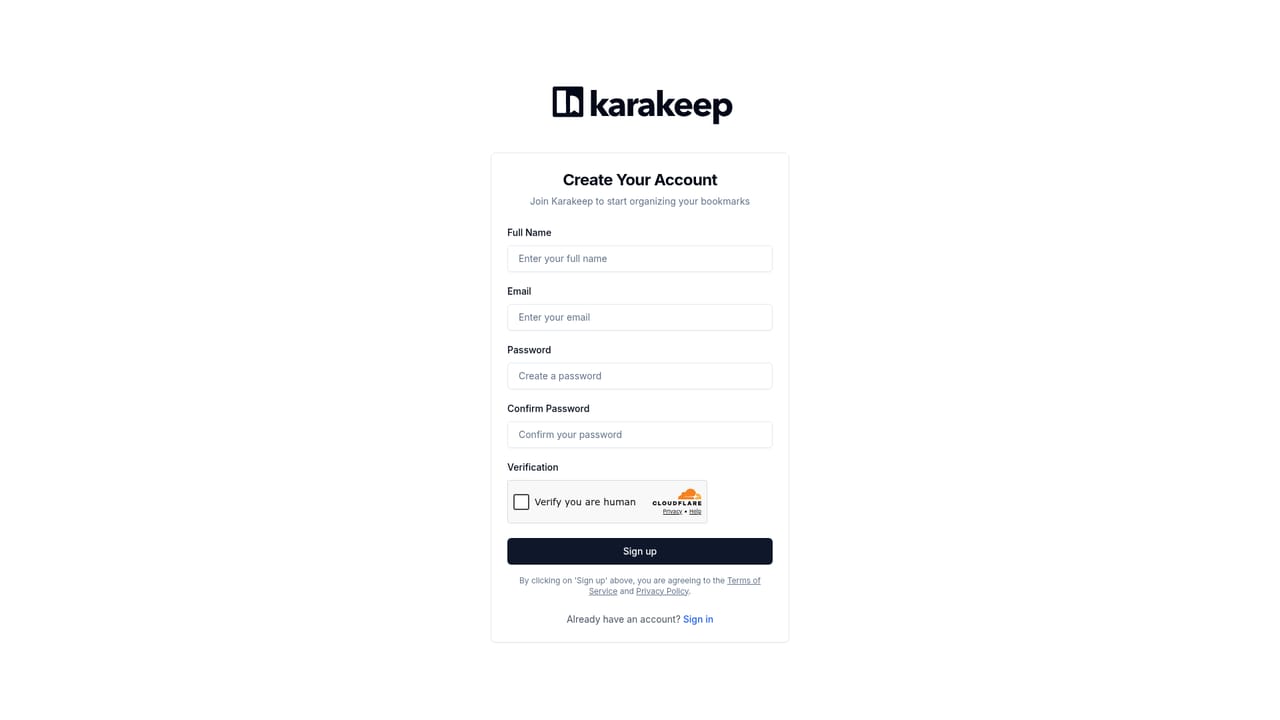
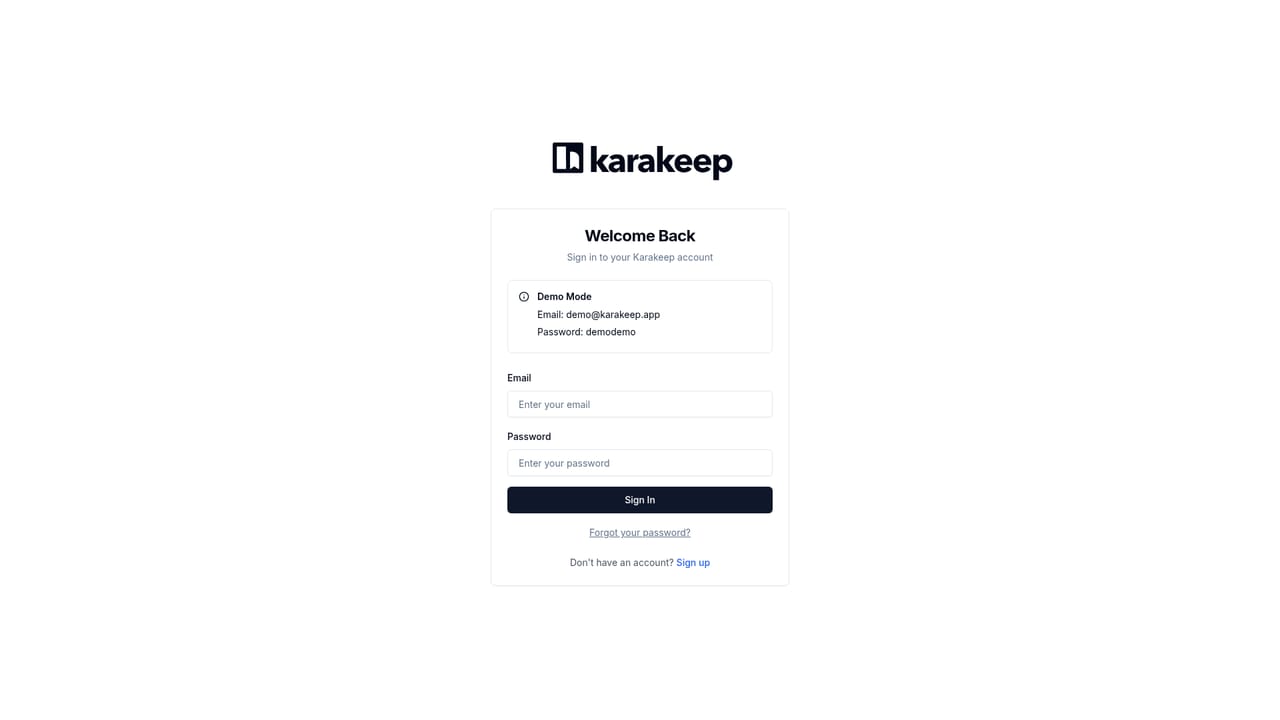
A free cloud trial is offered through signup, and a public demo is available for exploring a populated library without an account.
Learn moreKarakeep is free to try in the cloud and can be self-hosted at no stated cost via Docker. The homepage gives no cloud plan tiers or prices, so check the signup flow for current terms.
Learn moreApps for iOS, Android, Chrome, Firefox, and Safari, plus a web app, CLI, REST API with scoped keys, webhooks, and a first-party MCP server for AI assistants.
Saves links, notes, images, and PDFs with automatic titles and previews plus full-page archives. AI tagging and summaries, keyword, hybrid, and semantic search, OCR on images, and a distraction-free reader with highlights. Automation rules, RSS subscriptions and feed output, shared lists, offline mobile reading, MCP server, CLI, and markdown REST API.
 AI Angels400+ customizable AI girlfriends for NSFW chat, voice calls, and roleplay
 Candy AIExperience the future of companionship with AI friends who chat, role-play, and connect with you on a human level.
 ourdream.aiA vast AI roleplay platform with millions of characters for chat, images, video and voiceAI Angels400+ customizable AI girlfriends for NSFW chat, voice calls, and roleplayCandy AIExperience the future of companionship with AI friends who chat, role-play, and connect with you on a human level.ourdream.aiA vast AI roleplay platform with millions of characters for chat, images, video and voice


