Free trial
Free to try is stated on the homepage, with paid plans available for additional usage. No trial length or credit limit is specified.
Learn moreA free AI chat front end with writing, image and summarization shortcuts.

HotBot is a free-to-try AI chat web app that bundles writing help, image creation, summarization, data questions and translation behind one input box, using third party models under the hood.
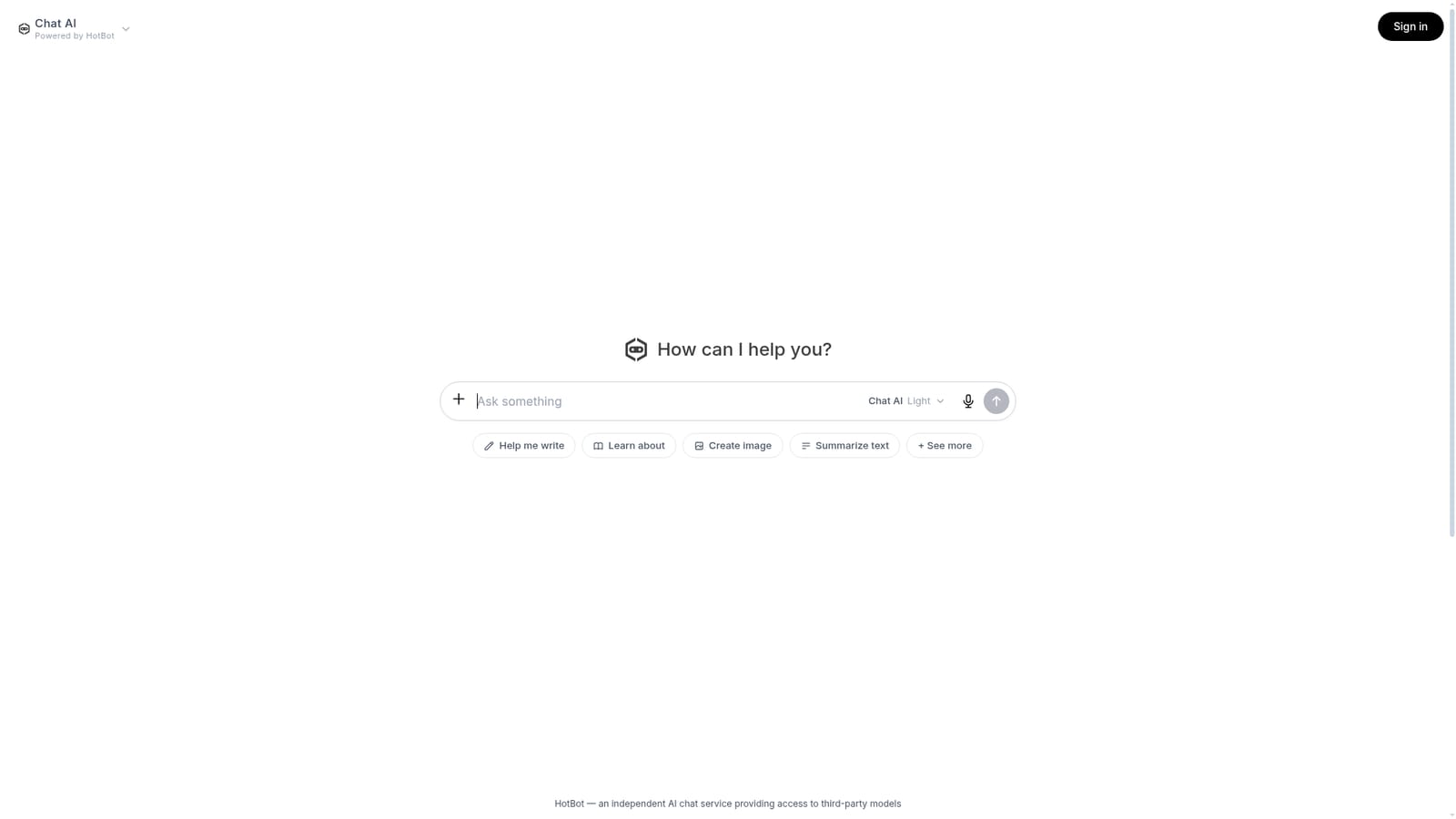
HotBot is a web based AI chat service that presents itself as an independent front end to third party models. The core interface is a single chat box: you type a request, optionally attach files, and the answer streams back in the same thread. A row of quick prompts (Help me write, Learn about, Create image, Summarize text, Analyze Data, Brainstorm, Improve writing, Translate, Generate Ideas) sits under the input, so beginners do not have to craft a clever first message. A mode selector labeled Chat AI Light suggests that lighter and presumably heavier response modes exist behind the same interface. In practice the tool is closest to a general purpose assistant rather than a specialist. Writing help, text summarization, data questions, translation and image creation all live in one place, and the homepage mentions image understanding, meaning you can drop a picture in and ask questions about it. Files can be added through the same attach control. Because HotBot states that it provides access to third party models, the quality and style of answers depend on which model serves a given request; the site does not publish a model list, so users cannot choose a specific provider from the homepage. HotBot suits people who want a quick, low commitment chat assistant without managing API keys or separate accounts for each model, and who value the preset prompts as a starting point. It is less suited to teams that need documented model routing, audit trails or reproducible outputs. Compared with first party assistants from model vendors, HotBot positions itself as an aggregator, which can mean more flexible free access but also less transparency about what is powering each reply. Accounts exist (there is a Sign in link), and the site says paid plans unlock more usage, but exact tiers and limits are not shown on the homepage, so pricing details need to be checked inside the product.
Free to try is stated on the homepage, with paid plans available for additional usage. No trial length or credit limit is specified.
Learn moreThe homepage states that HotBot is free to try and that paid plans exist for more usage. No prices, tier names or usage limits are listed on the homepage.
Learn moreChat interface with a Chat AI Light mode, file and image attachments, image understanding, and preset prompts for writing, learning, image creation, summarization, data analysis, brainstorming, writing improvement, translation and idea generation.
 AI Angels400+ customizable AI girlfriends for NSFW chat, voice calls, and roleplay
 Candy AIExperience the future of companionship with AI friends who chat, role-play, and connect with you on a human level.
 ourdream.aiA vast AI roleplay platform with millions of characters for chat, images, video and voiceAI Angels400+ customizable AI girlfriends for NSFW chat, voice calls, and roleplayCandy AIExperience the future of companionship with AI friends who chat, role-play, and connect with you on a human level.ourdream.aiA vast AI roleplay platform with millions of characters for chat, images, video and voice


