Free trial
No trial is described. The offer is a free tier for teams of up to five people, which lets a small group use the product without a time limit before deciding whether to expand.
Learn moreA shared company brain that every AI model and teammate works from

HQ is an open source company brain for teams: shared knowledge, reusable slash command skills, Slack and email bots, deployable apps and runtime injected secrets, all usable across Claude Code, Codex, Cursor, ChatGPT and Claude. Free for up to 5 people.
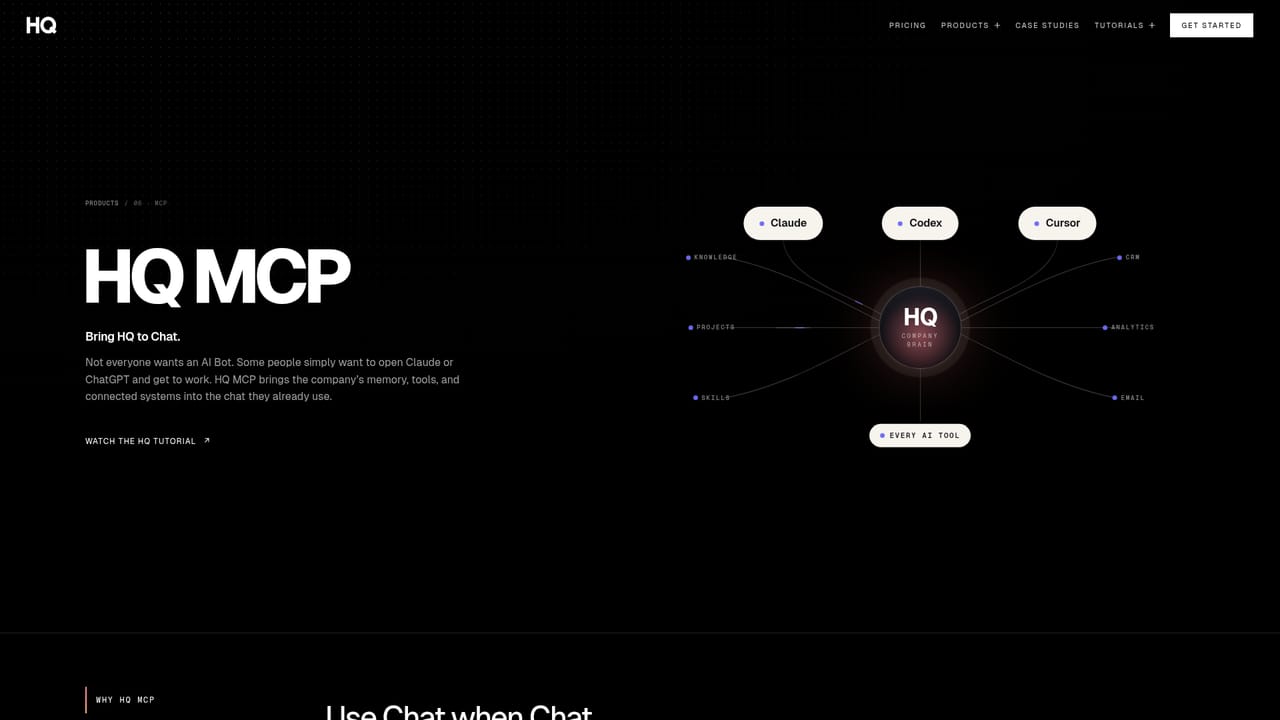
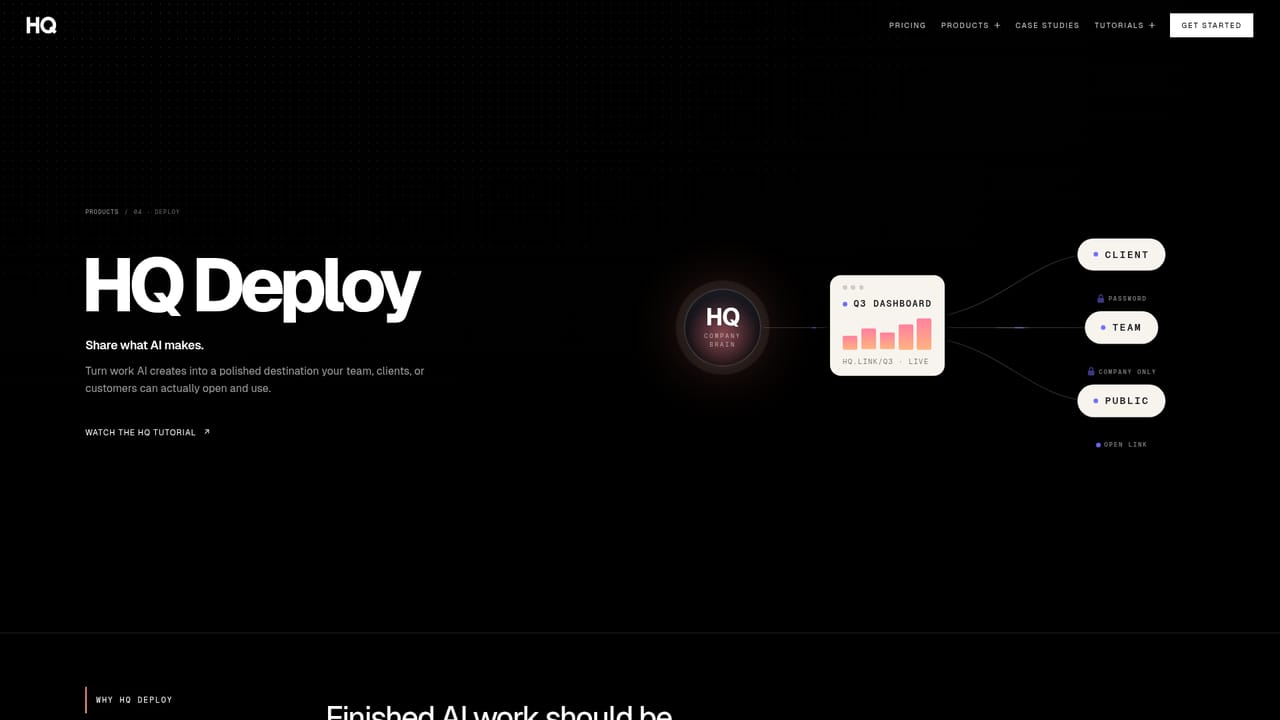
HQ is a shared context layer for teams that use AI coding and chat tools. Rather than letting each person's prompts, decisions and playbooks pile up inside separate chat histories, HQ keeps them in one working directory that Claude Code, Codex, Cursor, ChatGPT and Claude read from. It calls the result a company brain: the knowledge, projects, skills and workflows your team already owns, made available to every model and every bot the team uses. The mechanics are file based and command driven. Any prompt or workflow can be turned into a reusable skill, invoked as a slash command and pushed to colleagues with a sync command, so a method one operator refined becomes something everyone can run in one step. How the team works (docs, playbooks, policies, decisions) accumulates in the same place and is searchable semantically. Bots can be deployed into email and Slack to act on that context instead of starting blank, apps and dashboards can be shipped behind a signed team only link with a deploy command, and credentials are injected at runtime so colleagues use keys without ever seeing them. It suits small and mid sized teams already working inside AI coding assistants or chat tools, especially operators, agencies and ecommerce groups where one person adopts AI faster than the rest. The case studies lean that way: wholesale and inventory reporting, prompt sprawl consolidated into a system, tool silos collapsed into one workspace. Against alternatives, HQ is not another model or chat client. It competes with the improvised stack of shared docs, prompt libraries and wiki pages that teams assemble to give AI context, and with the context features bundled into individual vendors. Its argument is portability: knowledge lives in plain files you control, so swapping models or vendors does not reset the work. The trade off is that value depends on the team actually contributing to the brain, and the product assumes familiarity with command line style workflows.


No trial is described. The offer is a free tier for teams of up to five people, which lets a small group use the product without a time limit before deciding whether to expand.
Learn moreThe homepage states that HQ is free for up to 5 people and is open source. No paid tiers, per seat rates or usage limits beyond that threshold appear on the homepage; the pricing page is the place to confirm current plans.
Learn moreSupport resources include a getting started page with video tutorials, a command cheat sheet, live training sessions, an FAQ, and written case studies covering how customer teams use the product.
Learn moreHQ works with Claude Code, Codex, Cursor, ChatGPT and Claude, with MCP used to connect chat tools. Bots deploy into Slack and email. An integrations page and a bot directory list further options.
Learn moreShared knowledge that compounds as the team works, reusable slash command skills synced to colleagues, bots for Slack and email acting on team context, one command deploys behind signed team only links, runtime injected secrets, semantic search across knowledge and projects, visibility into how AI is used, and plain file context the team owns and can export.
Learn more AI Angels400+ customizable AI girlfriends for NSFW chat, voice calls, and roleplay
 Candy AIExperience the future of companionship with AI friends who chat, role-play, and connect with you on a human level.
 ourdream.aiA vast AI roleplay platform with millions of characters for chat, images, video and voiceAI Angels400+ customizable AI girlfriends for NSFW chat, voice calls, and roleplayCandy AIExperience the future of companionship with AI friends who chat, role-play, and connect with you on a human level.ourdream.aiA vast AI roleplay platform with millions of characters for chat, images, video and voice


