hum to search

Hum, sing, or upload a clip to find song candidates right in your browser.

Beginner
Screenshot of hum to search, Hum, sing, or upload a clip to find song candidates right in your browser

What is hum to search?

hum to search is a music tool. Browser-based tool that identifies songs from a hummed, sung, or whistled melody, or from a recorded or uploaded audio clip, returning candidate matches to confirm by ear.

hum to search is a browser-based music recognition tool built for the moment a melody is stuck in your head but you cannot name the song. It offers two input modes: Hum or sing, for capturing your own voice, whistling, or singing without lyrics, and Play a recording, for when you have access to the actual track playing nearby or saved as an audio file. Both modes return a short list of song candidates with title, artist, and match details that you confirm by listening rather than accepting blindly. The tool is aimed at anyone who gets a tune caught in their head with no way to describe it in words: casual listeners, DJs trying to identify a track heard out, or people trying to track down music from a video or public space. It does not require musical training or perfect pitch; the guidance on the site emphasizes a steady tempo, a single continuous 8 to 12 second phrase, and a recognizable section such as a chorus or hook over a technically precise performance. In practice, a search starts by choosing the mode that matches the available source, recording or uploading a clip, and letting the page resolve to a possible match, no match, or a retryable error. The service states it does not store the original audio recording, keeping only limited metadata such as mode, status, timing, and result information tied to an account history. This privacy-first, single-purpose approach positions it as a narrower alternative to built-in phone assistants or all-in-one audio apps: it focuses specifically on melody and clip based recognition rather than lyrics search, playlists, or broader audio editing, and pairs that function with a trial-then-credit pricing model rather than an open-ended subscription.
How do you use hum to search?

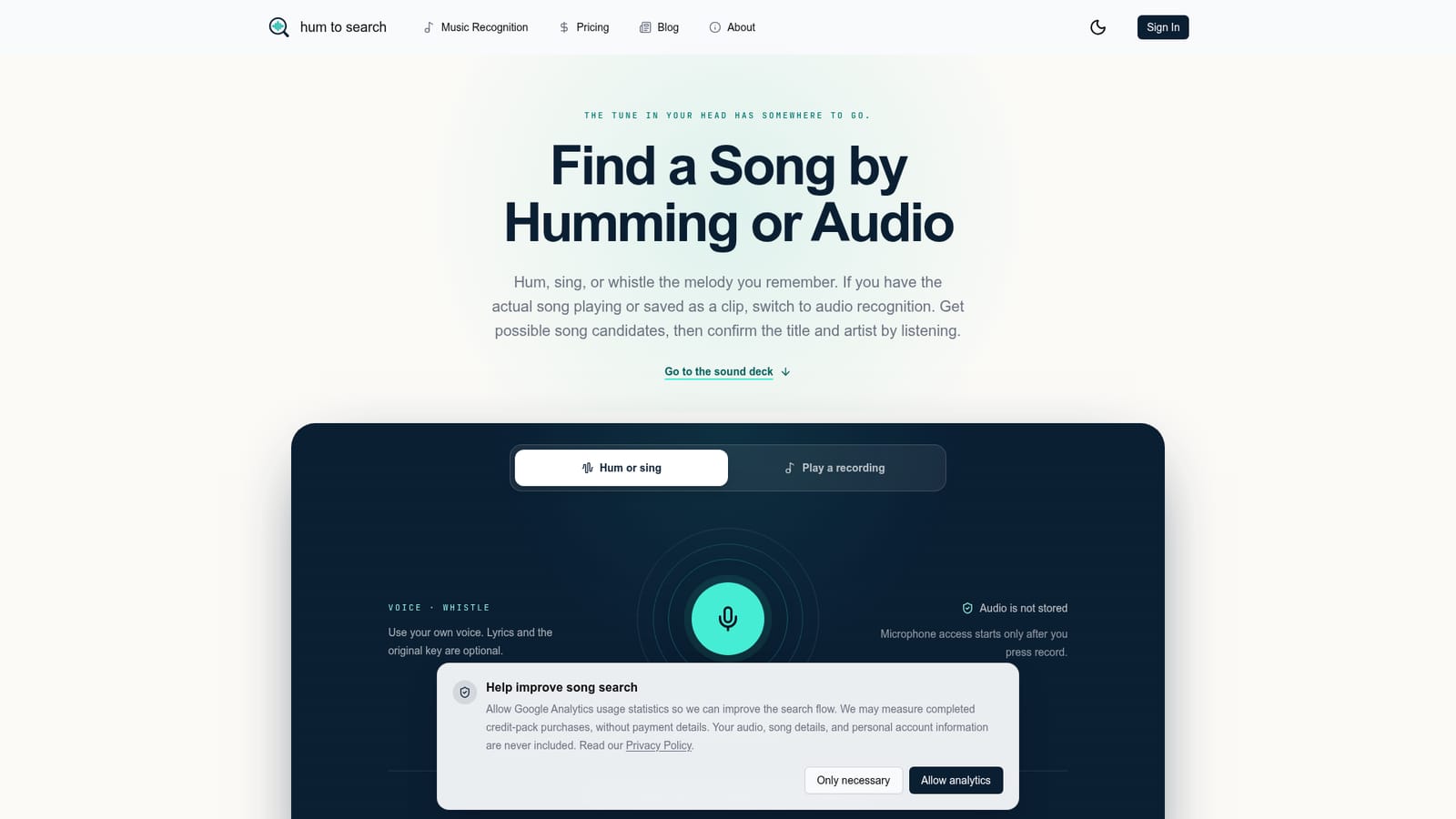
  1. 1Pick the mode that matches your source
    Choose Hum or sing if you are performing the tune yourself, or Play a recording if you have access to the actual song playing or saved as a file.
    hum to search — Pick the mode that matches your source
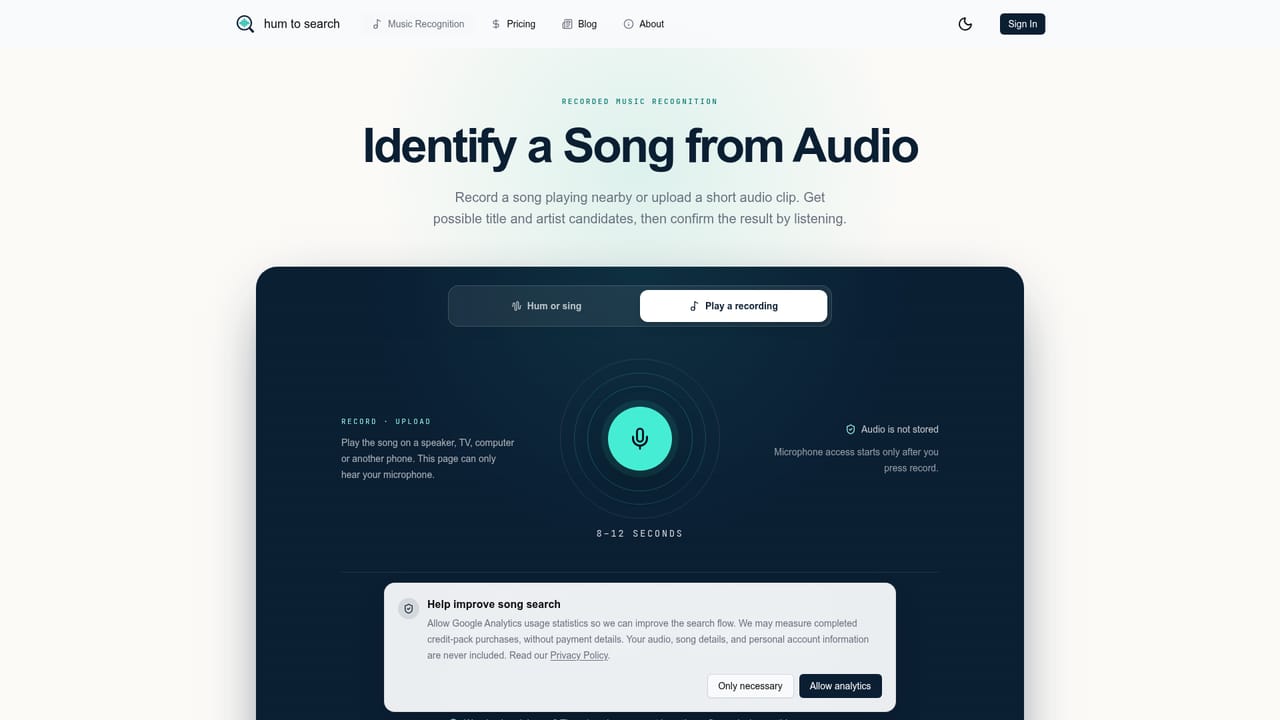
  2. 2Capture or upload a short, clear sample
    Record about 8 to 12 seconds of one continuous, recognizable phrase such as a chorus or hook, keeping a steady tempo and minimal background noise.
    hum to search — Capture or upload a short, clear sample
  3. 3Start the search and keep the page open
    Submit the sample once and let it resolve to a candidate, a no-match result, or a retryable error without repeating the request.
  4. 4Confirm the candidate by listening
    Compare the suggested title and artist against the melody in your head, checking any alternative candidates if the first one does not fit.
  5. 5Check remaining trial use or buy credits
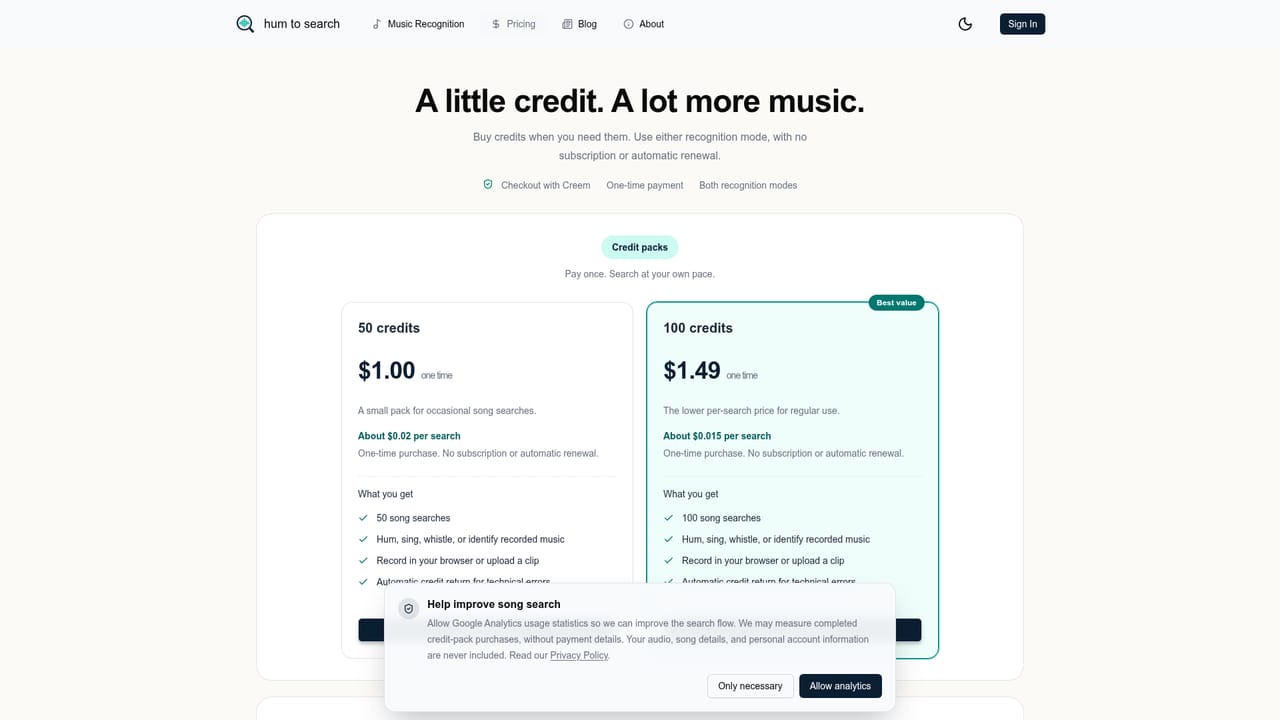
    Review how much of the combined trial remains and, if needed, compare one-time credit pack options on the pricing page.
    hum to search — Check remaining trial use or buy credits
  6. 6Use the guides if a search comes up empty
    Read the blog guides on melody, lyric, and video-based song identification for alternative approaches when a direct search finds no match.
    hum to search — Use the guides if a search comes up empty

Pros and cons

Pros

  • Supports both performed melodies (humming, singing, whistling) and real recorded audio in one interfaceAI
  • Clear guidance on sample length and quality helps non-musicians get usable resultsAI
  • States that original audio recordings are not stored in the product databaseAI
  • No account or app install required to start a search from the browserAI
  • Distinguishes a genuine 'no match' result from a technical error instead of endless loadingAI

Cons

  • Only one combined trial is offered per person before credit packs are requiredAI
  • Humming and whistling can return multiple plausible candidates for shared melodic phrases, requiring manual verificationAI
  • Does not handle lyric-only searches; a pitched tune or actual recording is required as inputAI
  • Pricing details beyond the trial and one-time credit packs are not spelled out on the homepageAI
  • Short clips under 6 seconds are rejected, which can frustrate users without a clean recognizable phrase on handAI

How much does hum to search cost?

Free trial

A single combined trial covering both hum/sing and audio recording searches is available before credit packs are needed.

Learn more

Pricing

One combined trial is offered per person across modes, after which users can buy optional one-time credit packs; exact pack prices are not listed on the homepage.

Learn more

Support

Support is handled by email at support@humtosearch.dev, with a request not to attach the original audio recording.

Learn more

Integrations

The homepage does not describe third-party integrations; results can link out to external music platforms to listen to a matched track.

Features

Browser-based recognition from humming, singing, or whistling, plus recording or uploading real audio clips, with candidate results, no-match and error states, and account history that excludes the original recording.

Learn more

Frequently asked questions about hum to search

  • How much does hum to search cost?
    One combined trial is offered per person across modes, after which users can buy optional one-time credit packs; exact pack prices are not listed on the homepage.
  • Does hum to search offer a free trial?
    A single combined trial covering both hum/sing and audio recording searches is available before credit packs are needed.
  • How do you use hum to search?
    The walkthrough on this page covers 6 steps: 1. Pick the mode that matches your source 2. Capture or upload a short, clear sample 3. Start the search and keep the page open 4. Confirm the candidate by listening 5. Check remaining trial use or buy credits 6. Use the guides if a search comes up empty.
  • What platforms does hum to search support?
    hum to search is available on Web App.
  • What does hum to search integrate with?
    The homepage does not describe third-party integrations; results can link out to external music platforms to listen to a matched track.
  • What are the limitations of hum to search?
    Only one combined trial is offered per person before credit packs are required. Humming and whistling can return multiple plausible candidates for shared melodic phrases, requiring manual verification. Does not handle lyric-only searches; a pitched tune or actual recording is required as input.

Status

StatusActive
Views0
Outbound clicks0
Added10/13/2026

Platforms

Web App

Pricing

Free TrialPaid

Categories