Free trial
The humanizer is free to try with a 1,000-word limit and two runs per day unless you sign up. Extended access and additional tools require a Premium subscription.
Learn moreMake AI drafts sound more human, one click at a time.

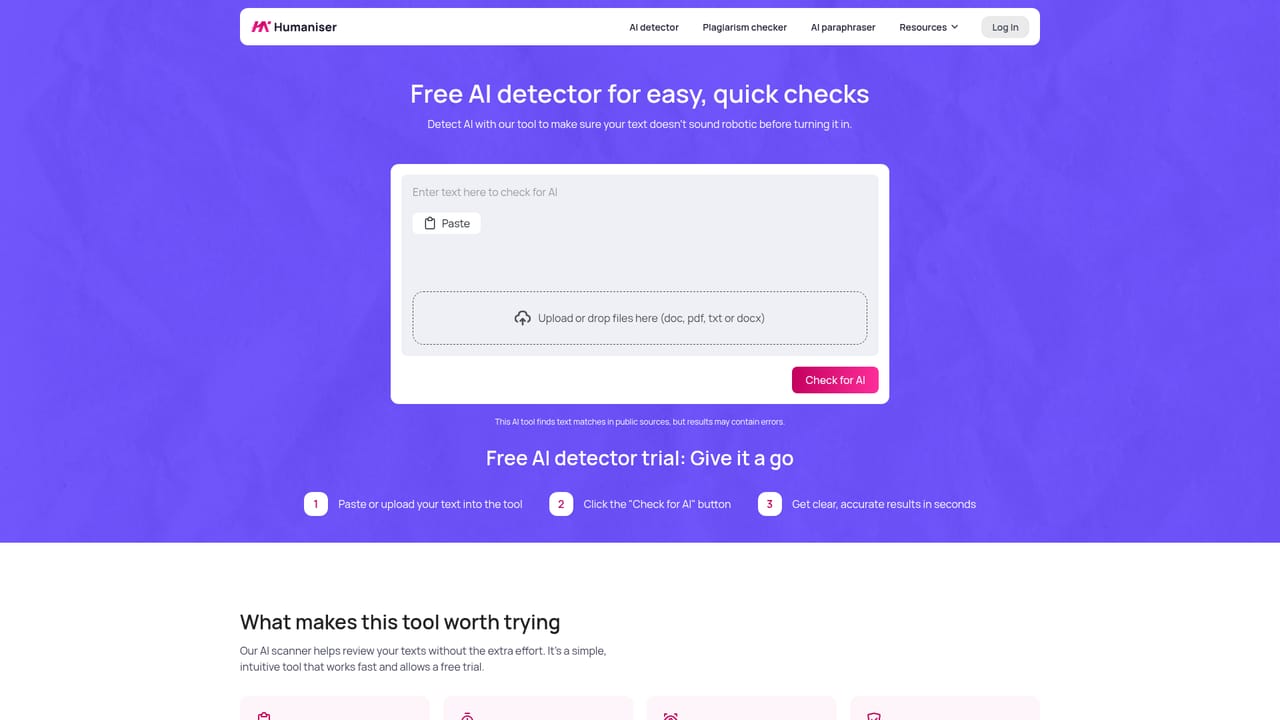
Humaniser.ai is an AI detector tool that makes AI drafts sound more human, one click at a time. Humaniser.AI rewrites AI-generated text to sound more natural, with a bundled AI detector, plagiarism checker and paraphraser. It accepts pasted text or doc, pdf, txt and docx uploads and offers a free trial with a 1,000-word limit before Premium credits.
Humaniser.AI is a text humanization tool that rewrites AI-generated drafts so they read less like machine output. You paste or upload text in doc, pdf, txt or docx format, click the humanize button, and receive a revised version in seconds. The tool is aimed at people who already use AI to draft content and want the finished piece to feel natural before it goes out. That covers working professionals writing emails and reports, students and educators cleaning up structure, marketers producing ad copy and social posts, and developers or UX writers making documentation and onboarding flows sound friendlier. Under the hood, the company describes an advanced language model that scans for passages typical of AI writing, then replaces robotic phrasing with more natural language while smoothing sentence structure and removing repetitive or awkward parts. The stated goal is to preserve the original ideas and tone while improving flow and clarity. In practice you paste a draft, run it through the humanizer, and review the result. The product also bundles an AI detector, a plagiarism checker and a paraphraser, so the same workspace can check whether text reads as machine written, verify originality against public sources, and rework structure. Premium credits are shared across those four tools, which means a user can split the monthly balance between humanizing, detecting, checking and paraphrasing depending on what the week demands. Alternatives in the humanizer space tend to focus narrowly on rewriting. Humaniser.AI positions itself as a check and refine suite, with the detector and plagiarism tools sitting next to the core humanizer. The target audience is broad rather than technical: no setup is described beyond creating an account. The page is explicit that output should be reviewed before submission and that passing detectors is highly likely rather than guaranteed, which is a sensible framing for anyone using the tool in academic or professional settings.
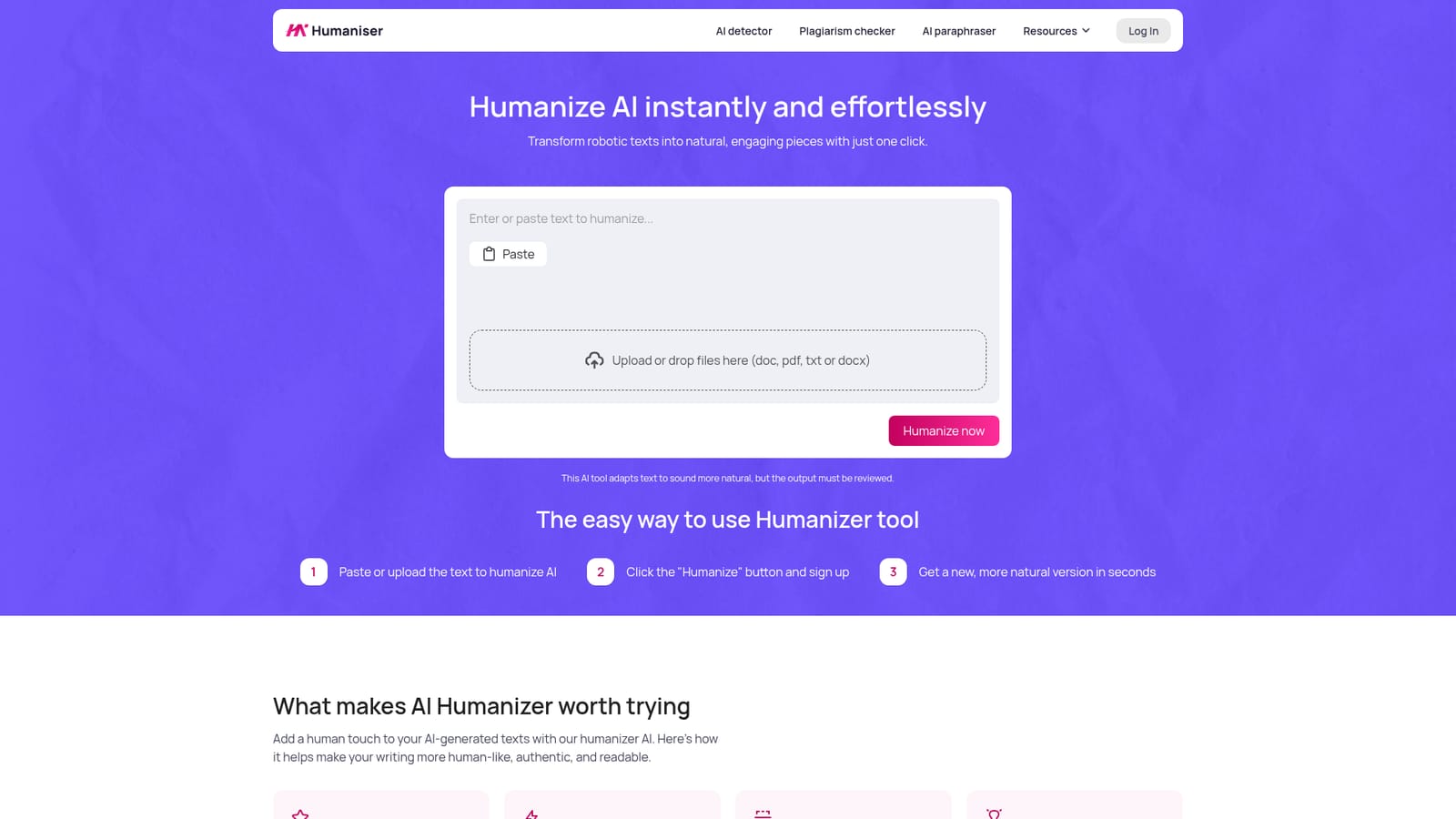
The humanizer is free to try with a 1,000-word limit and two runs per day unless you sign up. Extended access and additional tools require a Premium subscription.
Learn moreThe tool is free in trial mode with a 1,000-word limit and two runs per day without signing up. Premium uses a shared monthly balance of 100,000 credits spread across the humanizer, AI detector, plagiarism checker and paraphraser, with stated coverage ranging from 250,000 humanizer words to 1,000,000 paraphraser words. Exact subscription prices are not listed on the homepage.
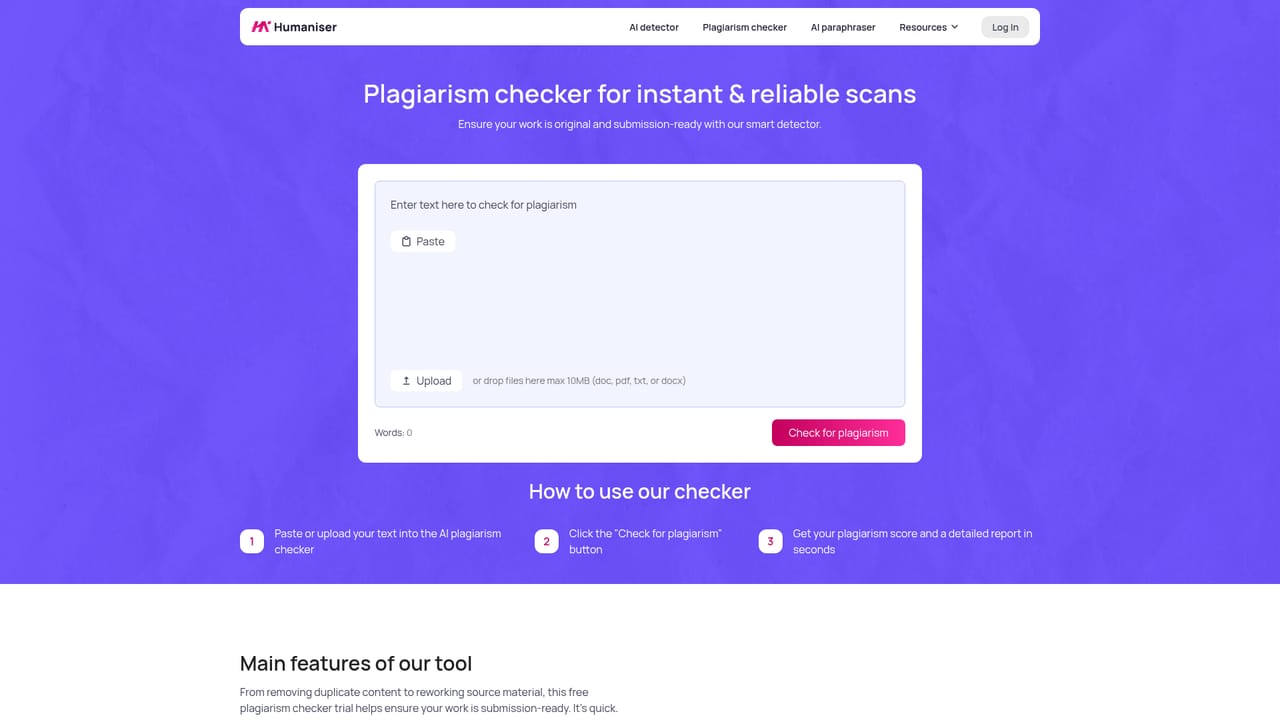
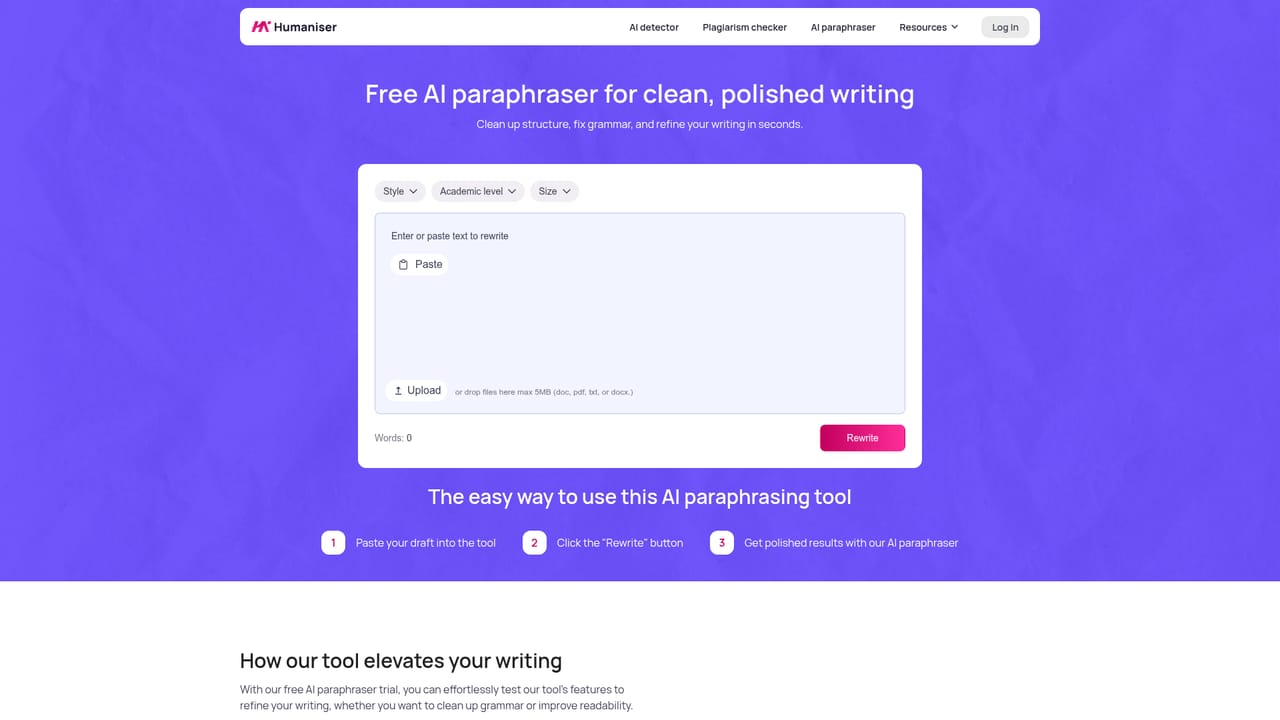
Learn moreCore humanization rewrites AI-style phrasing to sound more natural, with pasted text or doc, pdf, txt and docx uploads and results in seconds. Supporting tools include an AI detector that flags likely machine-written passages, a plagiarism checker that scans against public sources, and a paraphraser that reworks structure while preserving meaning. Premium credits are shared across all four tools.
 AI Angels400+ customizable AI girlfriends for NSFW chat, voice calls, and roleplay
 Candy AIExperience the future of companionship with AI friends who chat, role-play, and connect with you on a human level.
 ourdream.aiA vast AI roleplay platform with millions of characters for chat, images, video and voiceAI Angels400+ customizable AI girlfriends for NSFW chat, voice calls, and roleplayCandy AIExperience the future of companionship with AI friends who chat, role-play, and connect with you on a human level.ourdream.aiA vast AI roleplay platform with millions of characters for chat, images, video and voice