Free trial
A free trial is offered from the homepage, alongside a free tier of 15,000 words per month. The no-sign-up page also allows a test of the humanizer without an account.
Learn moreDetect AI text, then rewrite it to read like a person wrote it
Own HumanText.pro? Verify ownership to get a dofollow link

HumanText.pro is an AI checker tool that detects AI text, then rewrite it to read like a person wrote it. A combined AI detector and humanizer: paste text to see how machine-like it reads, then rewrite it to pass Turnitin, GPTZero and similar checkers.
HumanText.pro is a web tool that pairs an AI content detector with a humanizer. You paste a passage, run a check that estimates how much of it reads as machine-generated, and then rewrite the same text so it passes common detectors. The site names Turnitin, GPTZero, ZeroGPT, Copyleaks, Originality.ai, QuillBot and Grammarly as the checkers its output is tuned against, and claims a 99 percent human score rate. The detector accepts up to 3,000 words per paste and lets you load sample text from ChatGPT, Claude or Gemini if you want to see how the scoring works before using your own draft. The stated audience is students and working writers. Essays, assignments and research papers get their own landing page aimed at academic use, while freelancers and content teams are served by the general humanizer. A no-sign-up route lets someone test the rewrite before committing to an account. The company says the models were trained on more than 1.2 million human writing samples, that meaning is preserved through the rewrite, and that output is supported in over 50 languages including English, Spanish, French, German, Portuguese, Chinese and Japanese. A newer feature extends the check beyond prose. A universal scanner accepts images, video and voice clips and returns a verdict with a confidence figure, aimed at spotting Midjourney portraits, deepfake video and cloned voice memos. Separate pages cover an AI image detector, an AI video detector and a general content detector, so the same account covers text and media. The obvious alternative is a standalone humanizer or a detector such as GPTZero used on its own. HumanText.pro bundles the two so the check and the rewrite sit in one flow, which saves switching tabs. Detection scores are probabilistic and detector vendors change their classifiers without notice, so treat any claimed pass rate as a moving target rather than a guarantee. Pricing tiers are not published on the homepage, so the paid structure has to be confirmed on the site before buying.
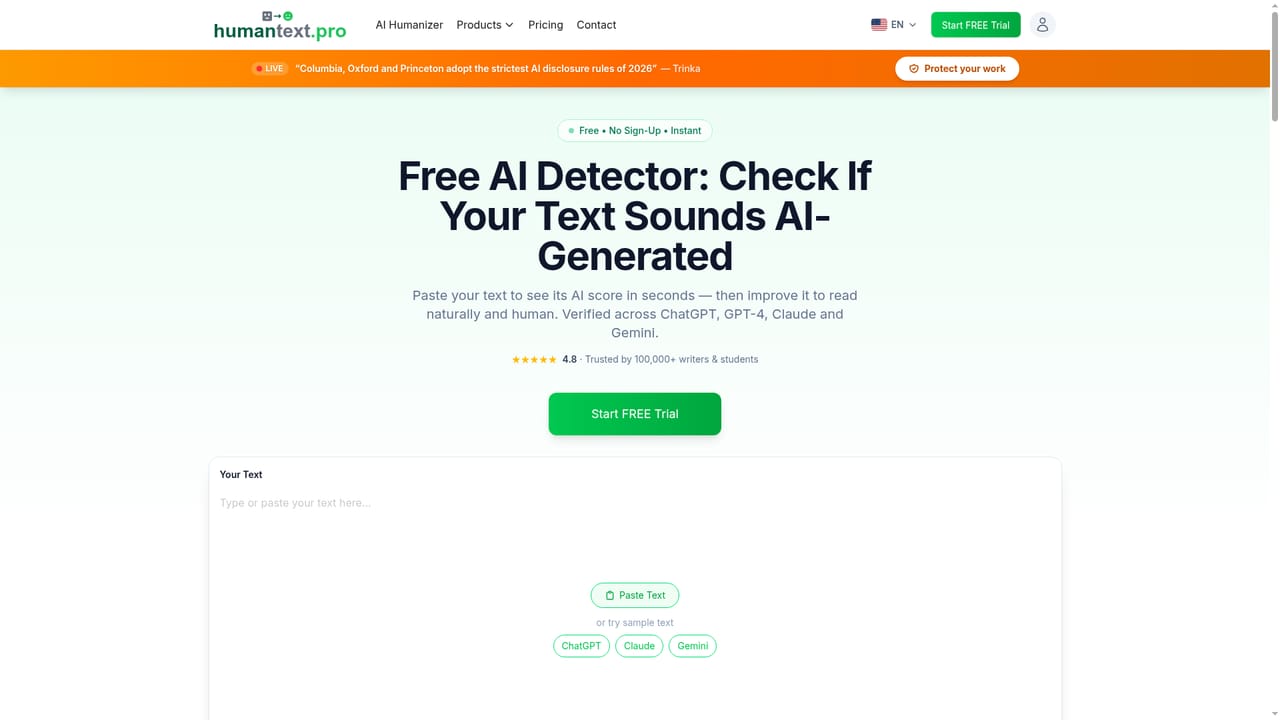
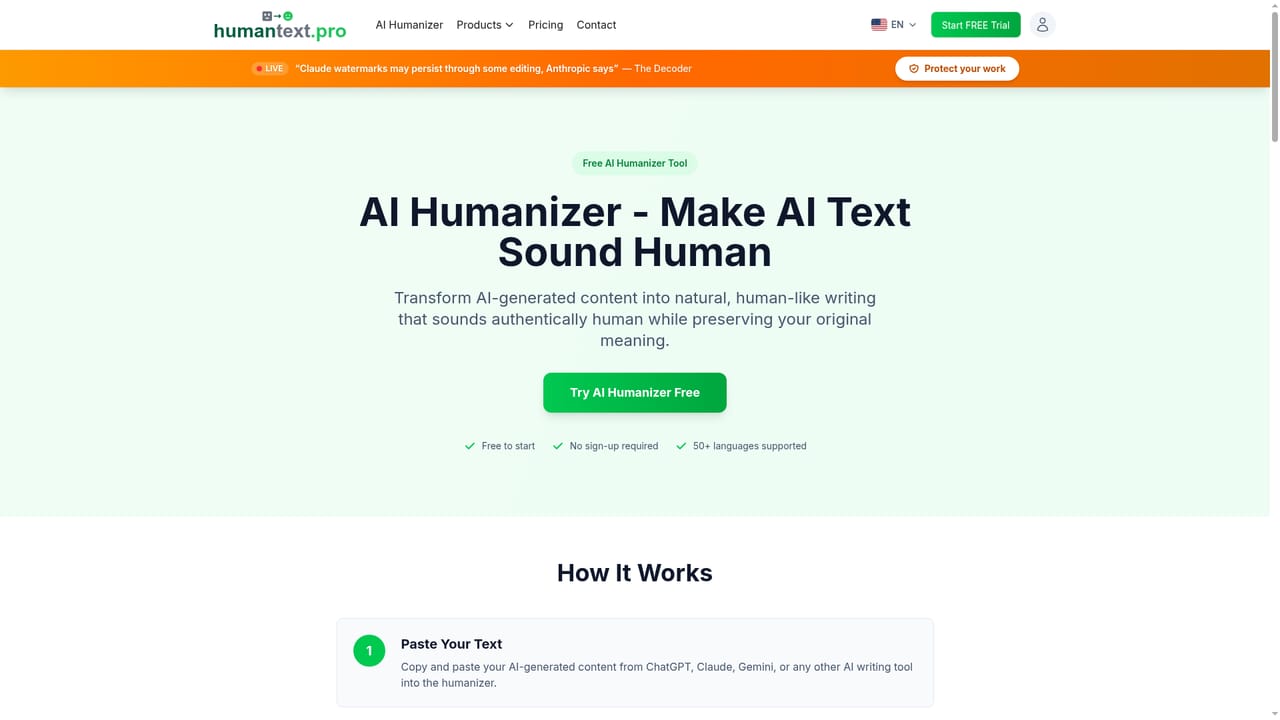
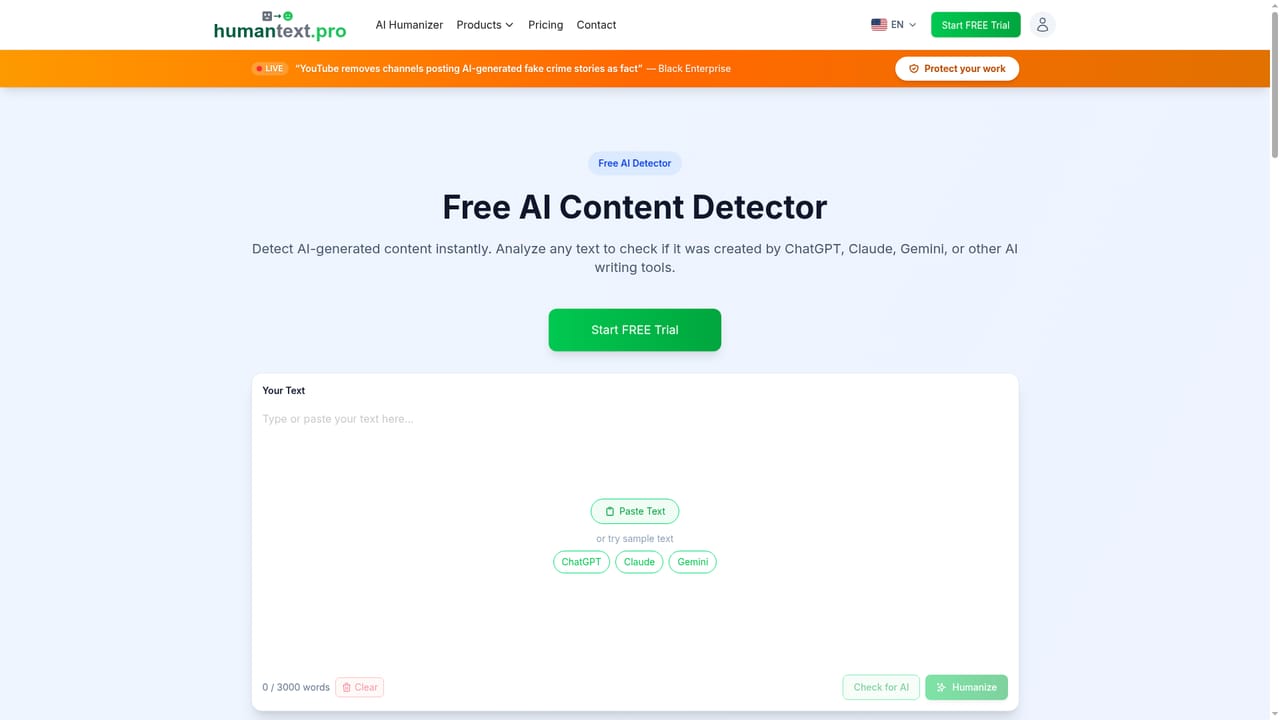
A free trial is offered from the homepage, alongside a free tier of 15,000 words per month. The no-sign-up page also allows a test of the humanizer without an account.
Learn moreThe homepage does not publish a price. It advertises a free tier covering 15,000 words per month, a Start FREE Trial button and a separate no-sign-up route, and refers to a word limit that can be extended. Plan prices and billing terms have to be confirmed on the site.
Learn moreText detection up to 3,000 words with per-checker results, a humanizer trained on a stated 1.2 million human writing samples, meaning preservation through rewrites, coverage of more than 50 languages, and separate scanners for AI images, video and voice clips. A specialized page targets academic writing, and a no-sign-up mode covers quick one-off checks.
Learn more AI Angels400+ customizable AI girlfriends for NSFW chat, voice calls, and roleplay
 Candy AIExperience the future of companionship with AI friends who chat, role-play, and connect with you on a human level.
 ourdream.aiA vast AI roleplay platform with millions of characters for chat, images, video and voiceAI Angels400+ customizable AI girlfriends for NSFW chat, voice calls, and roleplayCandy AIExperience the future of companionship with AI friends who chat, role-play, and connect with you on a human level.ourdream.aiA vast AI roleplay platform with millions of characters for chat, images, video and voice


