Pricing
The AI Writing Assistant is only available on paid Hunter plans; the page does not list plan names or prices. A free interactive demo on the page allows a limited number of previews.
Learn moreAI cold email drafting inside Hunter's own lead and sequence workspace

Hunter.io is a copywriting tool. Hunter's AI Writing Assistant drafts personalized cold emails and follow-up sequences from a guided brief, using lead data already stored in Hunter. It pairs writing with lead discovery, email verification and sending, and is limited to paid plans with copy in English, French, Spanish and German.
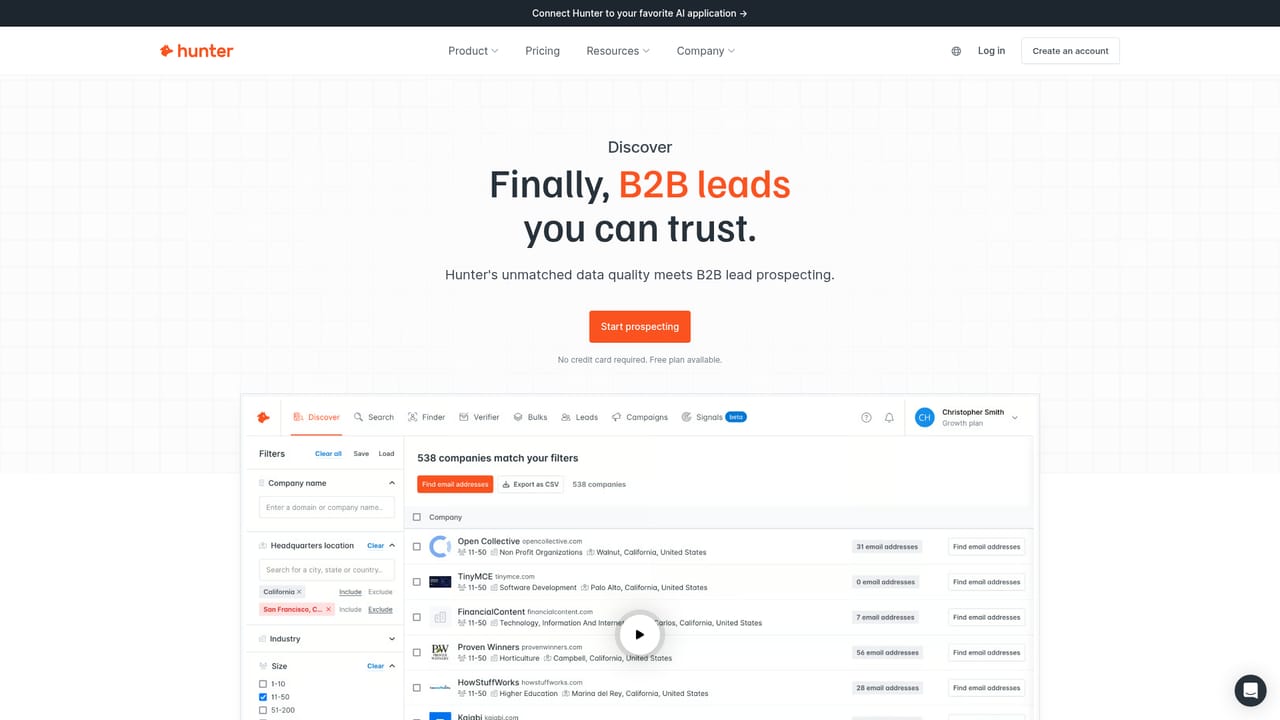
Hunter's AI Writing Assistant is a cold email composer that lives inside the Hunter platform. Instead of prompting a general chatbot and pasting the result into a separate sending tool, users describe their audience, the problem they solve, their proposed solution and their unique selling proposition, then pick a goal, tone and language. The assistant drafts the message using data already attached to each lead record, so the same brief produces a different email for every contact on the list. The workflow is deliberately structured rather than freeform. A five step form collects the brief, and a persona can be generated with one click or edited by hand. From there the writer sets the objective (booking a meeting, getting a reply, sharing a resource, raising awareness, inviting to an event, introducing a product), selects a tone such as confident, friendly, professional, empathetic, curious or enthusiastic, and can apply established frameworks including AIDA, PAS and PPPP. Length, style and follow-up count are adjustable, and every line can be rewritten or the whole email regenerated. Copy is supported in English, French, Spanish and German. The practical advantage is proximity. Leads discovered in Hunter's B2B database, verified with the email checker, written with the assistant and sent as a sequence all happen in one account, with tracking for opens, clicks and engagement, plus custom domain sending for deliverability. Email outreach sits at the centre, but the same account covers list building and verification, which is where most standalone AI email writers stop and hand off. It is aimed at founders, sales reps, marketers, agencies, freelancers and PR professionals doing outbound, including people with no copywriting background. Buying decisions hinge on plan tier, since the assistant is restricted to paid subscriptions, and on how much of the surrounding stack a team is willing to move into Hunter.
The AI Writing Assistant is only available on paid Hunter plans; the page does not list plan names or prices. A free interactive demo on the page allows a limited number of previews.
Learn moreA Help Center collection covers sending emails, and the page answers common questions about the assistant directly. No other support channels are described.
Learn moreHunter Sequences syncs sent emails with HubSpot, and Hunter connects to tools such as Google Sheets and CRMs. Salesforce is described as planned. Hunter also offers an MCP connection for AI applications.
Learn moreGuided five step brief covering audience, problem, solution and USP; one click persona generation; goal and tone selection; AIDA, PAS and PPPP frameworks; adjustable length and style; per line rewrites and regeneration; follow-up sequences; per lead personalization from company, role, industry and custom attributes; English, French, Spanish and German copy.
 AI Angels400+ customizable AI girlfriends for NSFW chat, voice calls, and roleplay
 Candy AIExperience the future of companionship with AI friends who chat, role-play, and connect with you on a human level.
 ourdream.aiA vast AI roleplay platform with millions of characters for chat, images, video and voiceAI Angels400+ customizable AI girlfriends for NSFW chat, voice calls, and roleplayCandy AIExperience the future of companionship with AI friends who chat, role-play, and connect with you on a human level.ourdream.aiA vast AI roleplay platform with millions of characters for chat, images, video and voice


