Free trial
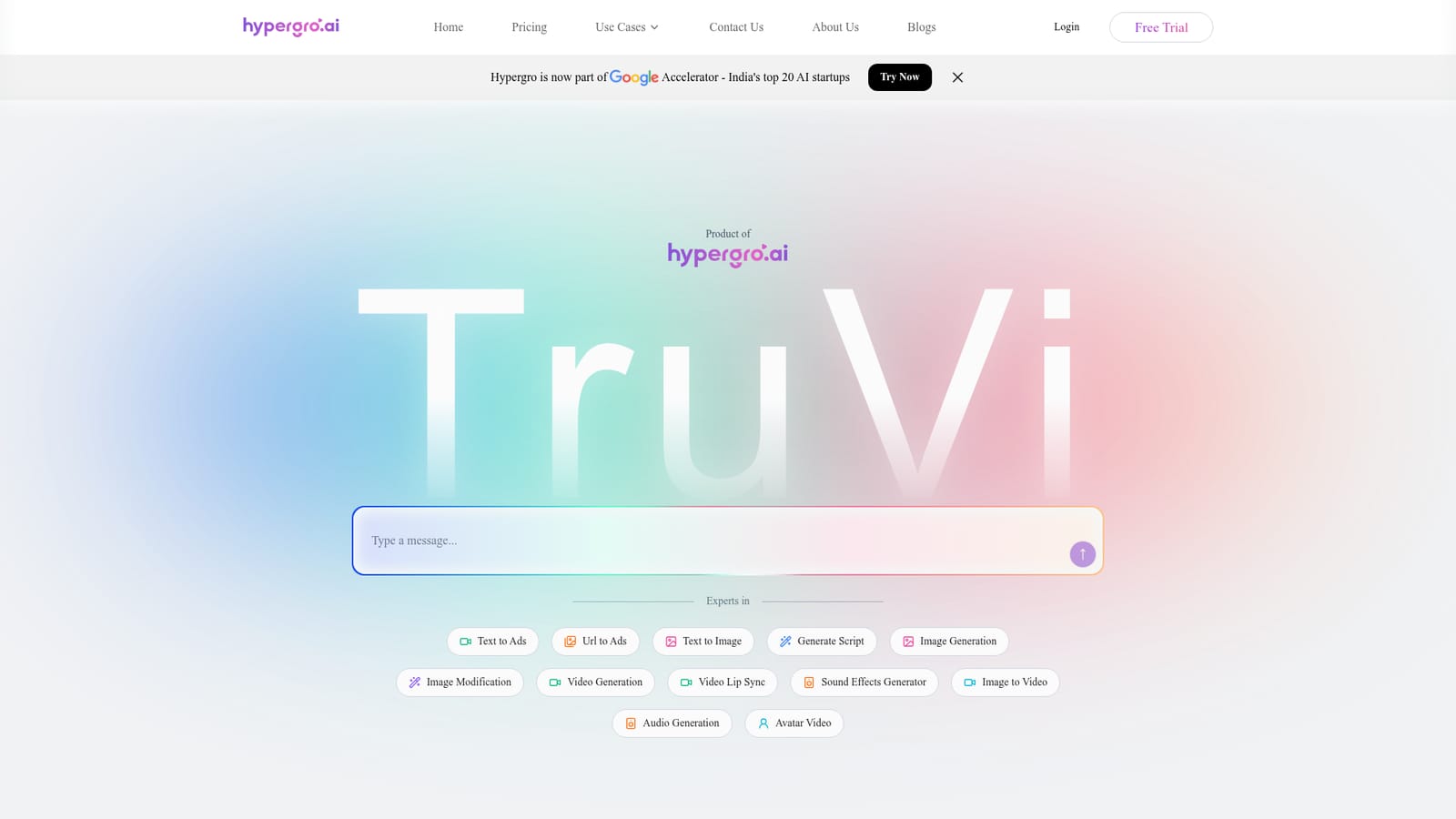
A Free Trial is offered from the homepage via the Free Trial and Try Now buttons. The homepage does not state trial length, credit allowance or which features are included.
Learn moreHypergro turns a sentence or a URL into a finished video ad.

Hypergro turns a sentence or a URL into a finished video ad. Hypergro generates video ads from a text brief or a product URL, handling concept, script, visuals and final assembly in one flow. Built for performance marketers and ecommerce brands, it formats output for Meta, YouTube, TikTok and LinkedIn, and allows editing of script, visuals and voiceover after generation.
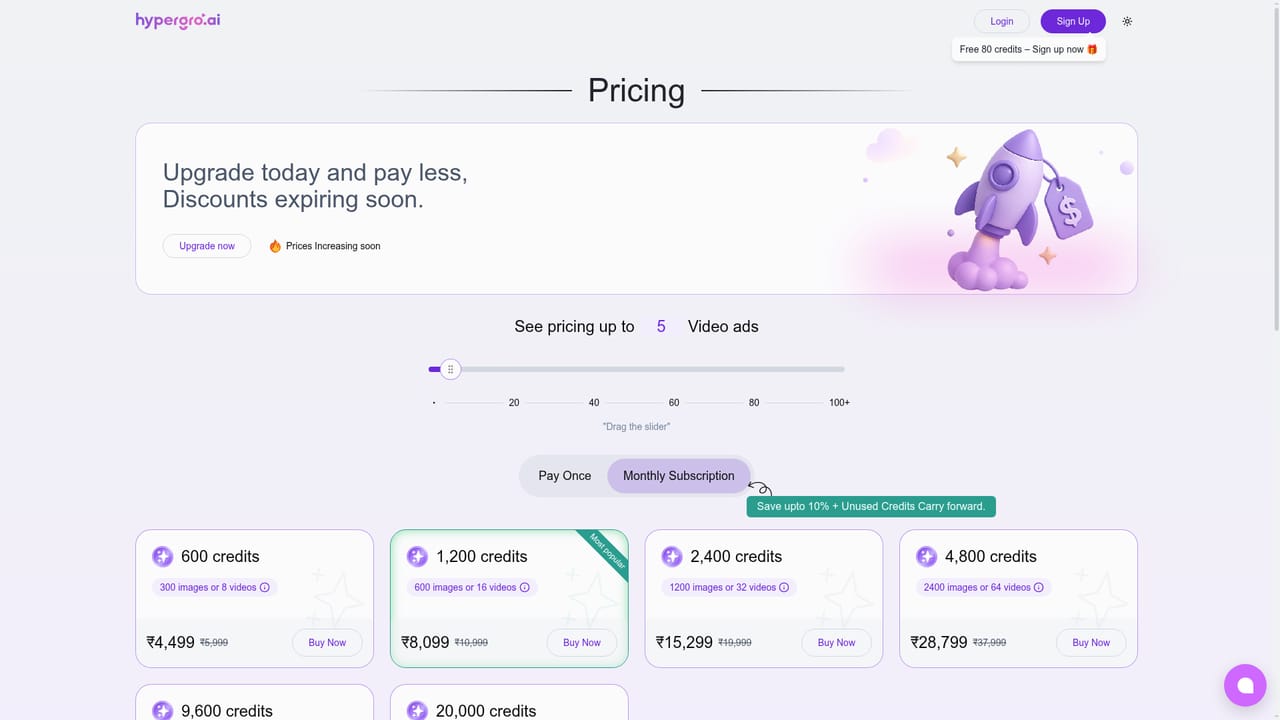
Hypergro is an AI ad maker built around a single idea: a marketer describes a product or pastes a link, and the platform returns a finished video ad. The homepage frames the experience as a chat with a creative partner. Users type a brief, a vision, or a URL, and Hypergro handles concepting, scripting, visual generation and final assembly in one flow. The product was built by TruVi and has been accepted into the Google Accelerator for India's top 20 AI startups, with client logos on the page including Flipkart, Walmart, Tata, Cleartrip and Gameskraft. The workflow is deliberately short. A user types an idea or attaches a URL, receives instant concepts, generates a script, and then gets the rendered ad. Under the hood the pipeline is split into an ideation stage (prompt analysis, style detection, context mapping), a script stage, and a generation stage that combines image diffusion, video assembly, style alignment and a compliance layer before export. The platform can also produce scripts, text to image and image to video pieces, image modification, avatar videos, lip sync, sound effects and audio, so an ad can be built from generated footage rather than a shoot. The tool is aimed at performance marketers, growth teams, ecommerce brands and small businesses that need volume without a production crew. The FAQ is explicit that scripting, design and editing skills are not required, and that ads are formatted for Meta (Facebook and Instagram), YouTube, TikTok, LinkedIn and other common placements. Editing is allowed after generation: script, visuals and voiceover can be adjusted, and the system claims to learn a brand's style over repeated use. Multi-language support and platform-specific optimisation are listed benefits. Against general AI video generators, Hypergro positions itself narrowly on advertising. Its pitch is that it understands performance marketing and buyer psychology rather than only producing attractive clips, and that it replaces the several separate apps a team would otherwise juggle. That focus is the differentiator to evaluate. Pricing tiers, free trial limits and integration details are not stated on the homepage, so check the pricing page before committing.
A Free Trial is offered from the homepage via the Free Trial and Try Now buttons. The homepage does not state trial length, credit allowance or which features are included.
Learn moreA contact page and an about page are linked from the main navigation, and a contact sales route is offered on the page. No documentation, help centre or support channel details are described on the homepage.
Learn moreText to ads, URL to ads, text to image, image to video, image modification, video generation, video lip sync, avatar video, audio generation, sound effects and script generation. Ads are auto-formatted for Meta (Facebook and Instagram), YouTube, TikTok and LinkedIn, with multi-language support, platform-specific optimisation, and post-generation editing of script, visuals and voiceover.
 AI Angels400+ customizable AI girlfriends for NSFW chat, voice calls, and roleplay
 Candy AIExperience the future of companionship with AI friends who chat, role-play, and connect with you on a human level.
 ourdream.aiA vast AI roleplay platform with millions of characters for chat, images, video and voiceAI Angels400+ customizable AI girlfriends for NSFW chat, voice calls, and roleplayCandy AIExperience the future of companionship with AI friends who chat, role-play, and connect with you on a human level.ourdream.aiA vast AI roleplay platform with millions of characters for chat, images, video and voice


