Free trial
The homepage and FAQ both point to a free starting option, with a Start Free link into the app. Plan limits and what the free tier includes are not stated on the homepage.
Learn moreScript to final cut: AI storyboards, shots and edit in one project
Own Story Boards AI? Verify ownership to get a dofollow link

Story Boards AI is a screenplay writing tool. Ciaro Pro is an AI production workspace for film and animation that links script writing, shot planning, character references, storyboards and video generation to one project, with plugins for Premiere Pro and DaVinci Resolve Studio.
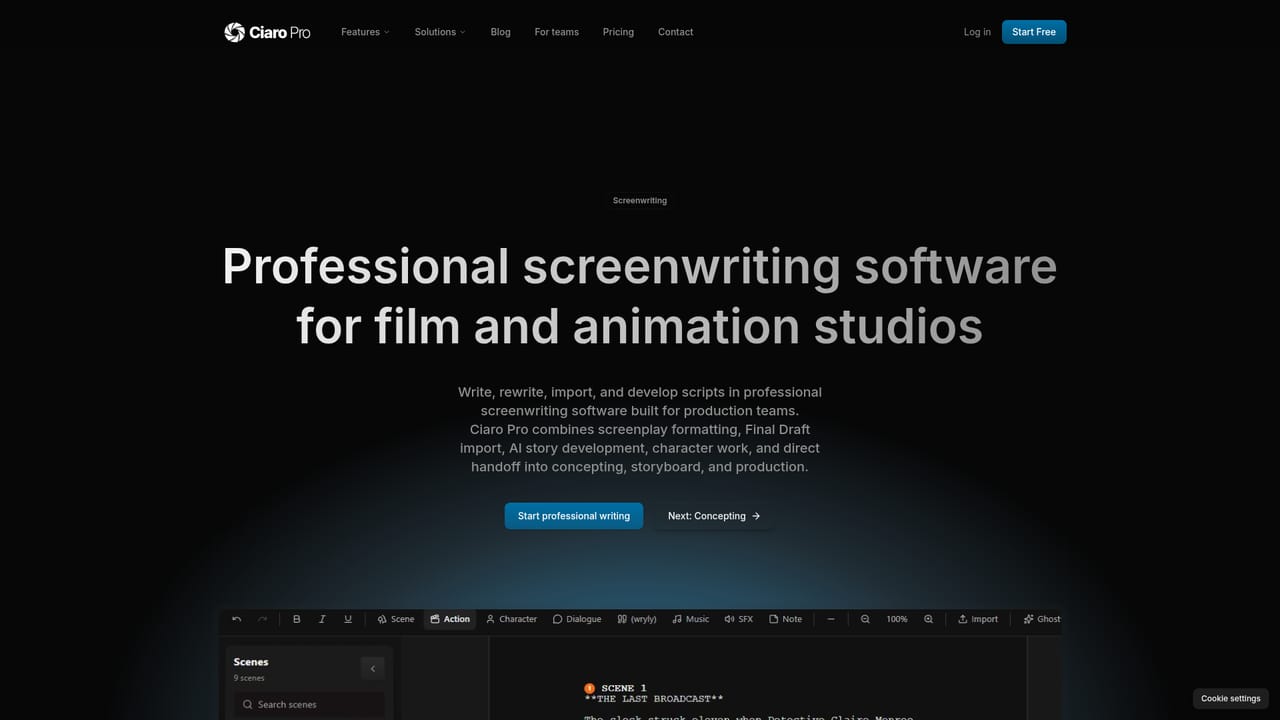
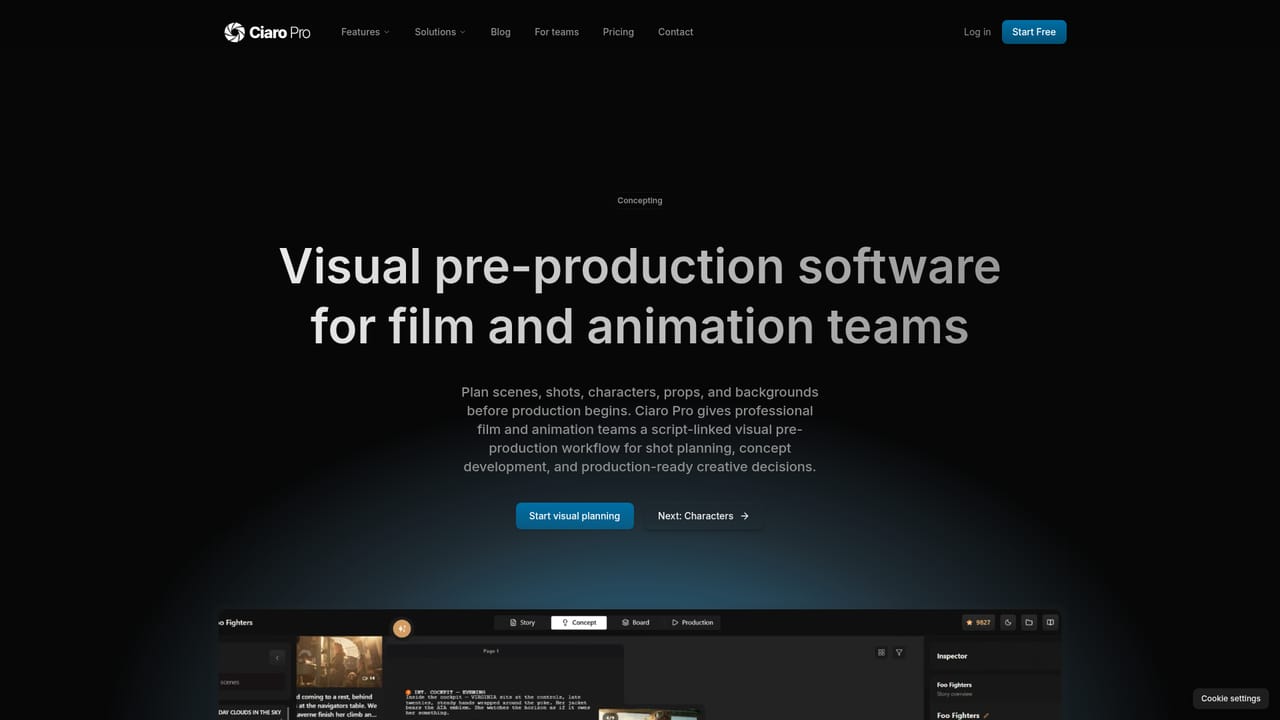
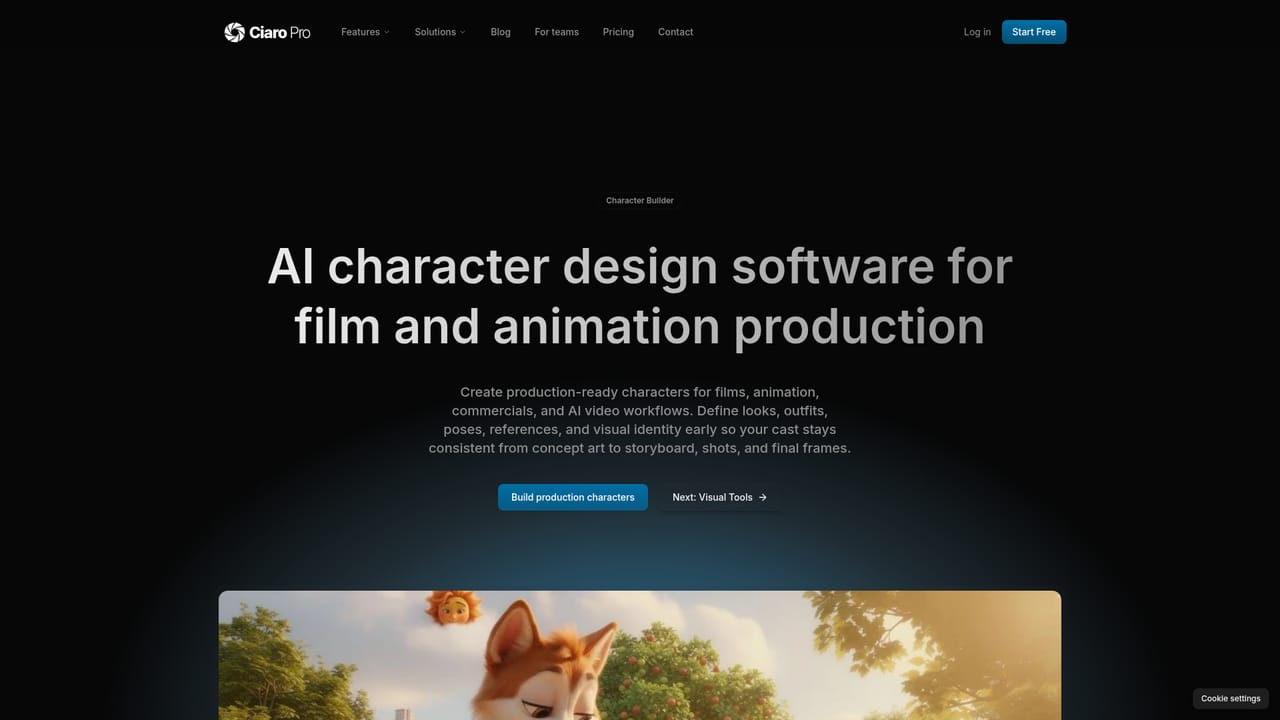
Ciaro Pro (listed here under the Story Boards AI name) is a production workspace that carries a project from written script through shot planning and AI-generated footage to a finished sequence. Rather than treating storyboarding as a standalone image exercise, it keeps the script, scene breakdown, shot list, character and location references, generated media and the editing timeline inside a single connected project. The stated goal is work that ends as an episode, trailer or brand film instead of a collection of disconnected clips. The workflow runs in five stages: write or import a script with optional AI assistance, turn scenes into shot plans that retain their script context, build reusable characters, props and locations, review the visual story as boards across scenes and sequences, then generate video and assemble the timeline for export. Because references are locked at the project level, characters and settings are meant to stay consistent across long runs of frames, which matters most for series and character-led animation. The tool is aimed at filmmakers, animation teams and story-driven production crews, including directors and indie teams who need to pre-visualise shots before a shoot and producers who want reviewers looking at the same boards and takes. Overlap exists with standalone AI video generators, but the difference is scope: those produce an isolated clip, while this one keeps the surrounding context. It also connects to editing software through plugins for Adobe Premiere Pro and DaVinci Resolve Studio, so generated images, video, speech, music and sound effects can sit close to the existing edit. The site advertises 12 AI models, 7 video engines and 4K HDR and EXR output, and points to a showcase of finished episodes, trailers and brand spots as evidence. A creator partnership offers to fund part of a production for projects that reach five or more minutes.

The homepage and FAQ both point to a free starting option, with a Start Free link into the app. Plan limits and what the free tier includes are not stated on the homepage.
Learn moreA contact page is available for talking to the team before starting, and the site includes an answers section of guides plus FAQ entries on plans and cancellation. No dedicated help centre or ticket system is described on the homepage.
Learn morePlugins connect the workspace to Adobe Premiere Pro, where generated images, video, speech, music and SFX can be synced into project bins, and to DaVinci Resolve Studio for keeping media and sequences close to the edit.
Learn moreCovers AI-assisted screenwriting, scene-to-shot concepting, reusable character and location references, storyboard review across scenes, and production with video generation and a timeline. The site cites 12 AI models, 7 video engines, and 4K HDR and EXR output.
Learn more AI Angels400+ customizable AI girlfriends for NSFW chat, voice calls, and roleplay
 Candy AIExperience the future of companionship with AI friends who chat, role-play, and connect with you on a human level.
 ourdream.aiA vast AI roleplay platform with millions of characters for chat, images, video and voiceAI Angels400+ customizable AI girlfriends for NSFW chat, voice calls, and roleplayCandy AIExperience the future of companionship with AI friends who chat, role-play, and connect with you on a human level.ourdream.aiA vast AI roleplay platform with millions of characters for chat, images, video and voice