Free trial
Free to try with no credit card required, per the homepage sign-up prompt.
Learn moreDescribe an idea, get reviewed code and a live product you own

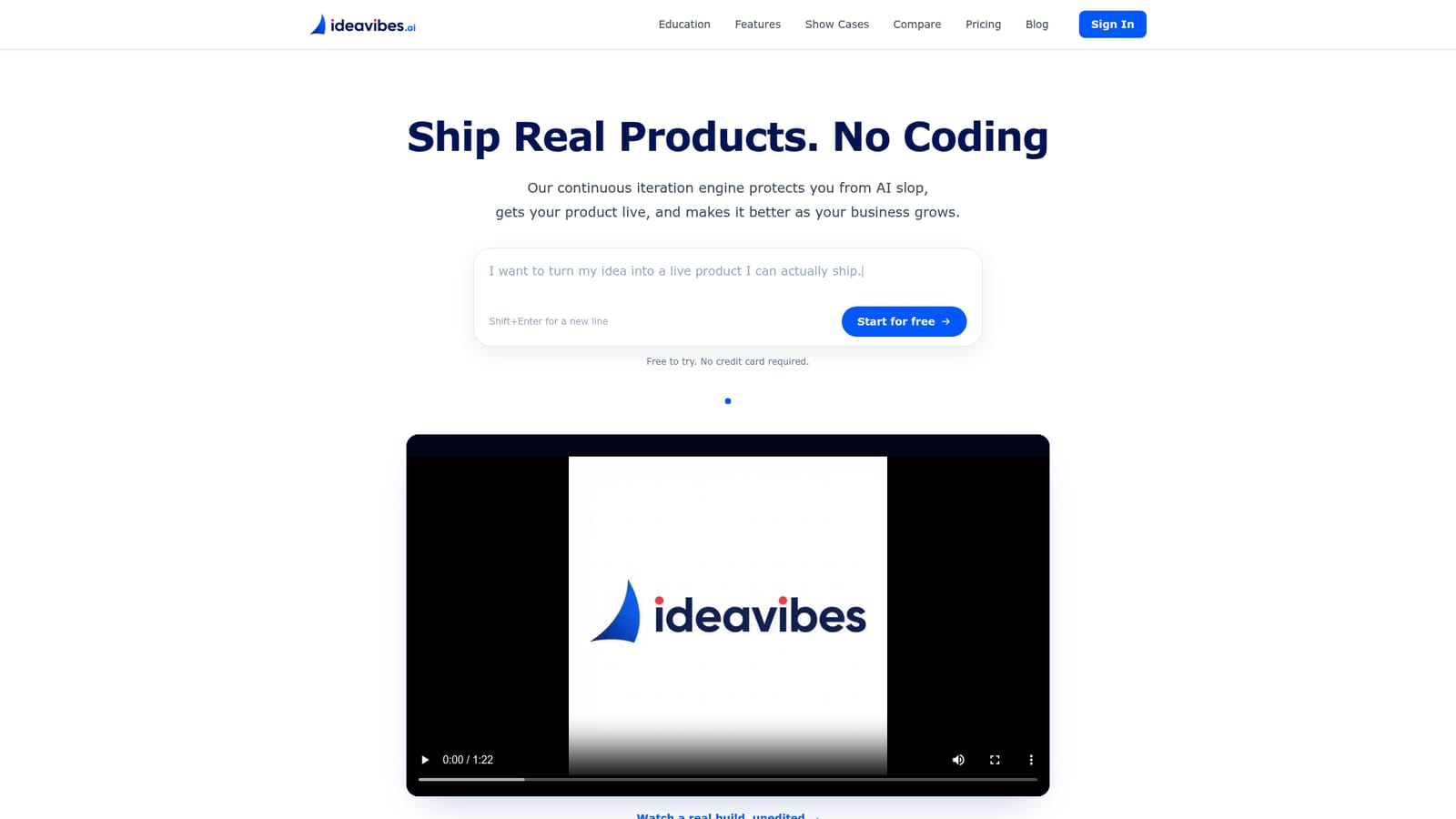
Ideavibes AI turns a plain-language product idea into a deployed app through a plan, builder agents and a review step, with code committed to the user's own GitHub repository and live on their domain with auth and payments.
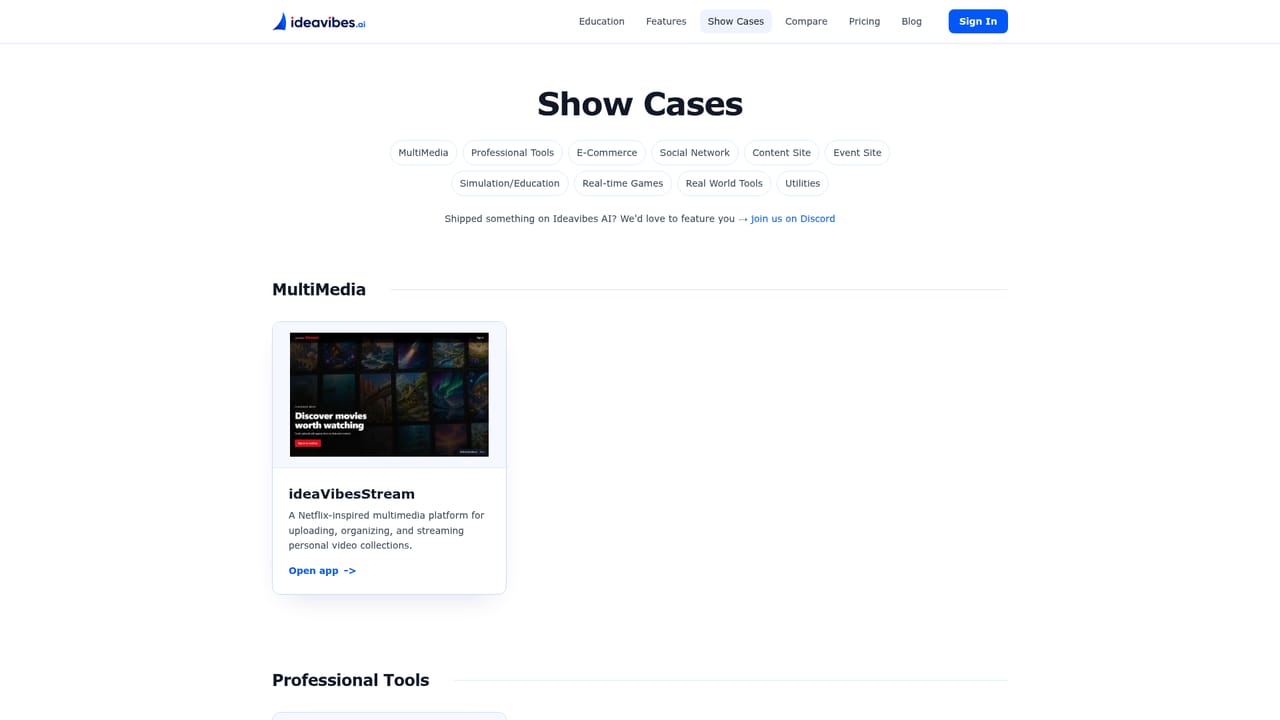
Ideavibes AI is an idea to product engine for people who want a deployed application rather than a throwaway demo. The starting point is a single paragraph written in plain language, in any language. The Idea Designer and Intent Engine then convert that input into a readable plan: specifications, user stories and a task list that can be inspected before anything gets built. From there the work is handed to builder agents that write real code task by task. The project belongs to the user and lives in their own GitHub repository, so the output is source code rather than a locked platform artifact. A reviewer stage checks every change before release, and anything that fails review goes back for another pass. The final product can sit on a custom domain with authentication and payments in place. The same conversation loop continues after launch, which is how the company positions its continuous iteration engine: each change is broken into scoped issues that can be paused, cancelled or rolled back. That review and rollback structure is the core selling point. The homepage argues that many generators produce an attractive site in minutes, then degrade once revisions pile up and the codebase turns unwieldy, a failure mode it calls AI slop. Ideavibes AI targets the stages competitors leave out: review, deployment, the user's own domain, functioning payments and code ownership instead of a usage meter. The tool is aimed at indie makers with long backlog lists, founders without engineers, and small teams consolidating several tools into one delivery flow. Educators get a dedicated studio for classroom projects. Documented use cases cover browser games, storefronts, event sites, professional tools, simulations and content sites. If a prototype already exists in Lovable, Bolt, v0 or Replit, Ideavibes AI is meant to pick up from there and carry it to production.
Free to try with no credit card required, per the homepage sign-up prompt.
Learn moreSupport email at support@ideavibes.ai, plus an X account and a Discord community linked from the homepage.
Builds commit to the user's own GitHub repository; the homepage mentions no other third party integrations.
Idea Designer and Intent Engine for converting conversation into specs, user stories and tasks; builder agents writing code task by task; a reviewer gate before release; issue based iteration with pause, cancel and rollback; deployment to your domain with auth and payments; code stored in your own GitHub repository.
 AI Angels400+ customizable AI girlfriends for NSFW chat, voice calls, and roleplay
 Candy AIExperience the future of companionship with AI friends who chat, role-play, and connect with you on a human level.
 ourdream.aiA vast AI roleplay platform with millions of characters for chat, images, video and voiceAI Angels400+ customizable AI girlfriends for NSFW chat, voice calls, and roleplayCandy AIExperience the future of companionship with AI friends who chat, role-play, and connect with you on a human level.ourdream.aiA vast AI roleplay platform with millions of characters for chat, images, video and voice


