Free trial
No free tier. The site states it does not offer unlimited free generation and points users to low cost credit packages instead. The $2.90 Trial subscription is the cheapest entry point and excludes commercial rights.
Learn moreTurn a single still image into a moving MP4 in the browser
Own Image Animator AI? Verify ownership to get a dofollow link

Image Animator AI is a generative video tool that turns a single still image into a moving MP4 in the browser.
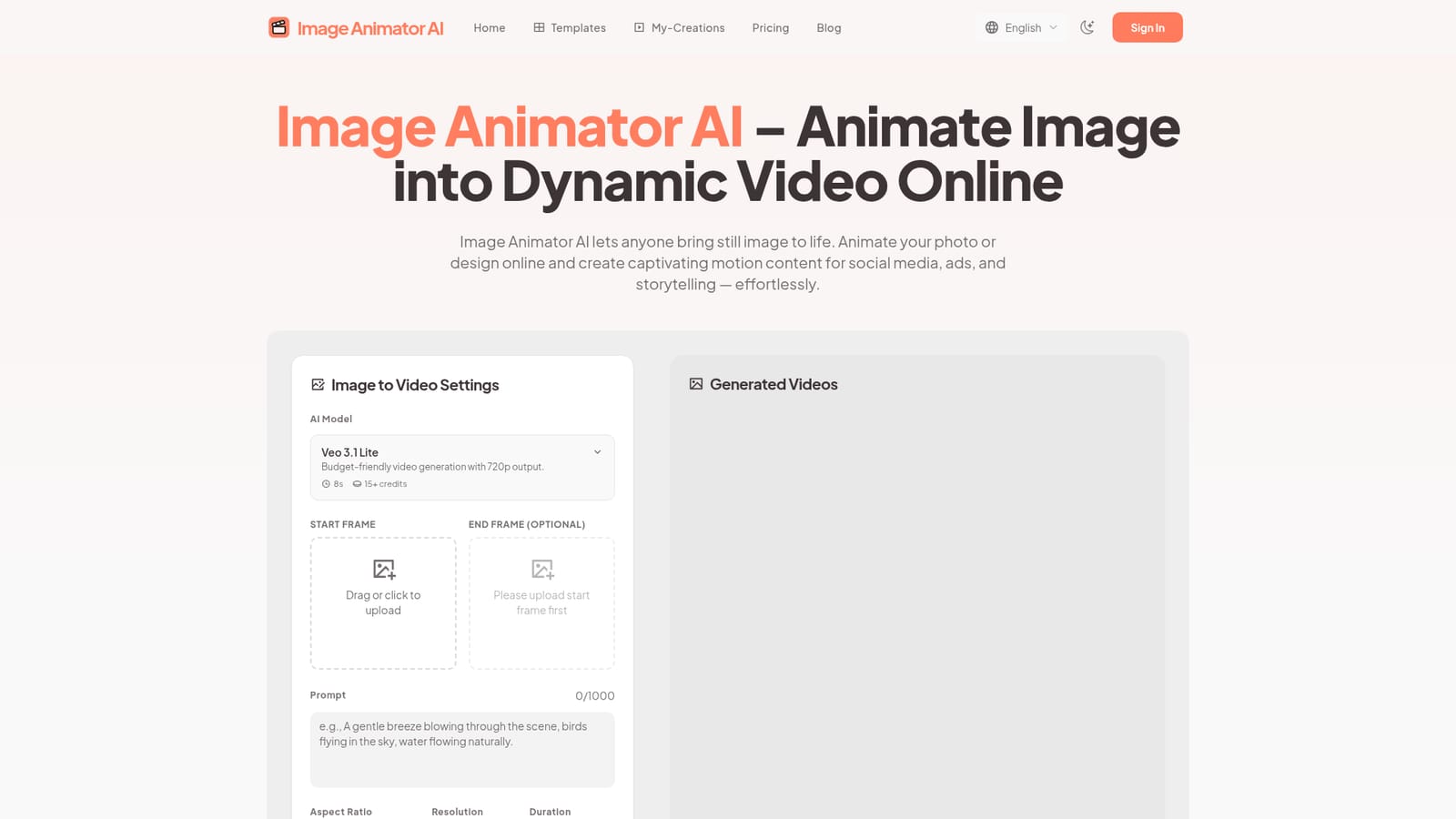
Image Animator AI is a browser based tool for turning a still photo or flat 2D design into a short motion video. The workflow is deliberately narrow: upload a start frame, optionally set an end frame, describe the movement you want in a prompt, pick an aspect ratio and duration, then generate. Outputs arrive as MP4 files saved to a My-Creations area where they can be previewed, downloaded, shared or permanently deleted. No editing suite, plugin or install sits between the upload and the finished clip. Under the hood the platform exposes two animation models. Veo 3.1 is positioned around frame consistency and synchronized audio, while Kling is aimed at cinematic camera movement with natural rhythm. The default configuration shown on the site is Veo 3.1 Lite, a 720p budget option at 8 seconds per generation for 15 credits. Prompt length runs to roughly 1,000 characters, so there is room to describe camera direction and subject motion rather than a single keyword. The tool is aimed at marketers producing product ads, social media managers filling Instagram and TikTok feeds, and creators who need motion from portrait or scene artwork without learning motion design. Commercial rights are granted to paid subscribers, which matters for agency and brand work. Renders take roughly one to five minutes depending on model and length, and parallel task limits scale with the plan. Compared with full video generators that build scenes from text alone, this sits in the narrower image to video niche, closer to an animation utility than a production suite. It competes on model access and price per credit rather than on editing controls, which it does not offer. Anyone needing timeline edits, sound design or multi shot sequences will still need a separate editor. Free tier outputs may be reviewed for the public gallery, and private visibility is reserved for paying users.
No free tier. The site states it does not offer unlimited free generation and points users to low cost credit packages instead. The $2.90 Trial subscription is the cheapest entry point and excludes commercial rights.
Learn moreMonthly subscriptions and one-time credit packs. Trial is $2.90 per month for 80 credits with 2 parallel tasks, and Plus is $9.9 per month for 600 credits with 3 parallel tasks. Both include priority generation, commercial license and watermark free output. Card, Apple Pay, Google Pay, iDEAL and Bancontact accepted.
Learn moreSupport is offered by email at support@imageanimatorai.org for questions, feedback and technical issues. Priority support is listed on the Plus plan and common support on Trial. No live chat or help centre is documented.
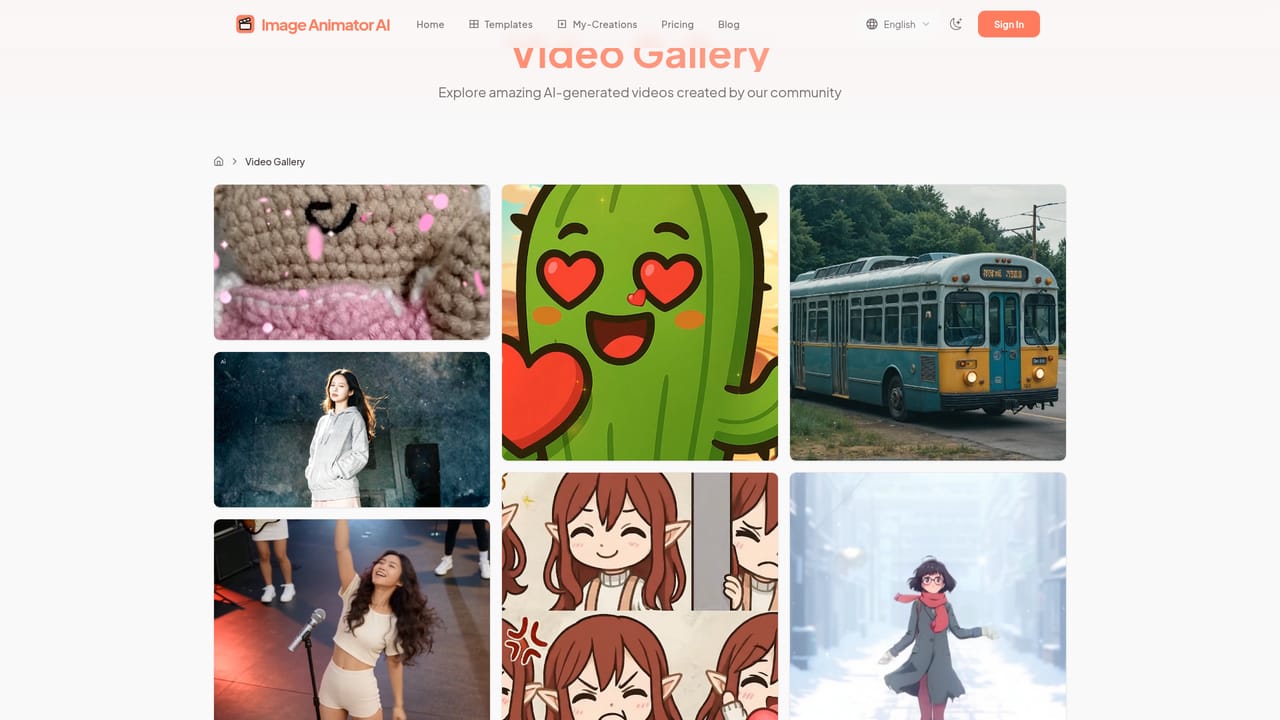
Image to video animation from a start frame with an optional end frame, Veo 3.1 and Kling model options, prompts up to 1,000 characters, aspect ratio and duration controls, 720p output on the budget model, MP4 export, a My-Creations library for download, sharing and deletion, public or private visibility for paid users, and a community video gallery.
 AI Angels400+ customizable AI girlfriends for NSFW chat, voice calls, and roleplay
 Candy AIExperience the future of companionship with AI friends who chat, role-play, and connect with you on a human level.
 ourdream.aiA vast AI roleplay platform with millions of characters for chat, images, video and voiceAI Angels400+ customizable AI girlfriends for NSFW chat, voice calls, and roleplayCandy AIExperience the future of companionship with AI friends who chat, role-play, and connect with you on a human level.ourdream.aiA vast AI roleplay platform with millions of characters for chat, images, video and voice





