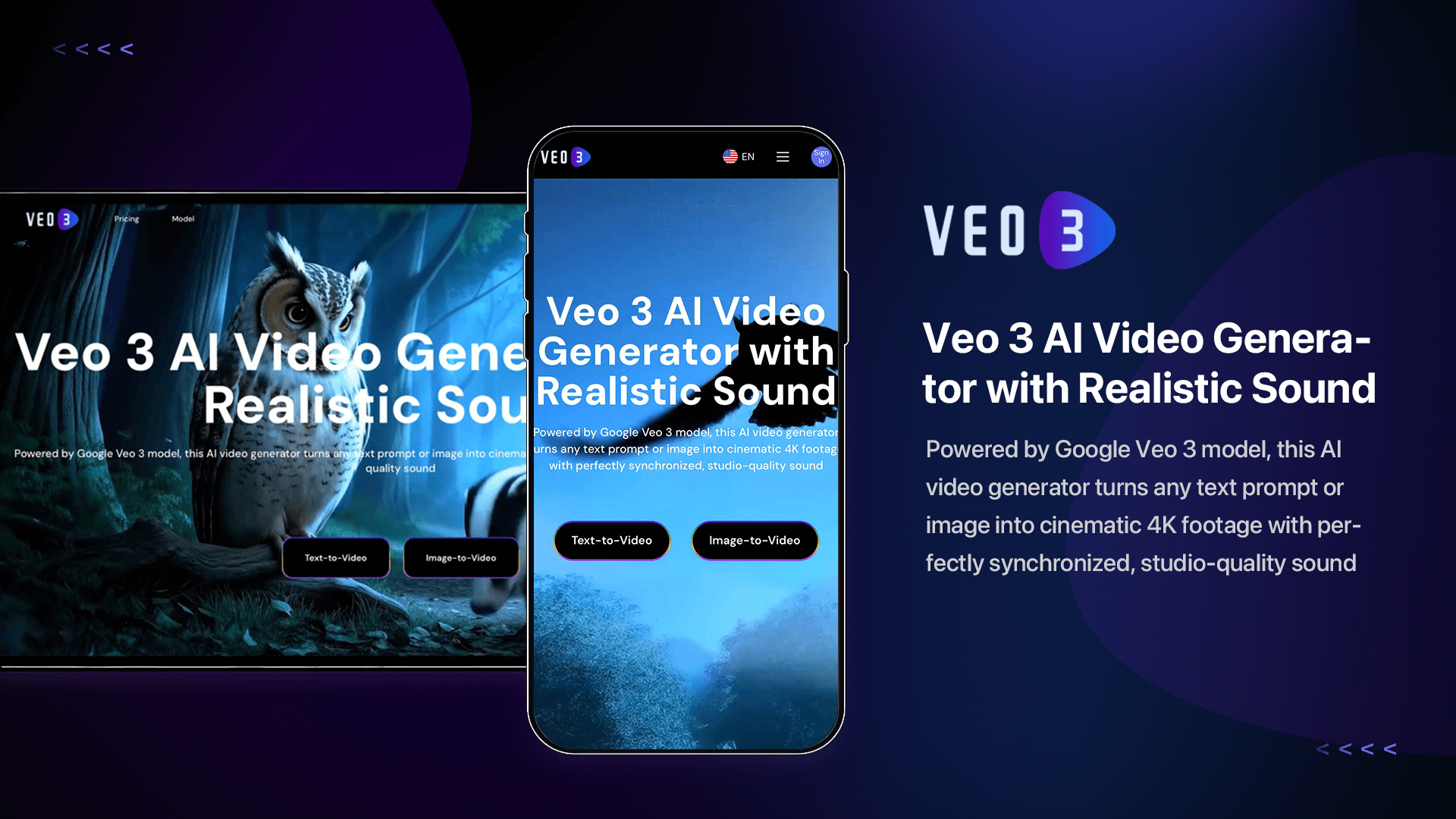
Image-to-Video Maker

Turn images and text prompts into short AI videos with several model choices

Beginner
Screenshot of Image-to-Video Maker, Turn images and text prompts into short AI videos with several model choices

What is Image-to-Video Maker?

Image-to-Video Maker is a generative video tool that turns images and text prompts into short AI videos with several model choices. A browser based studio that generates short AI videos from a text prompt or a single uploaded image, aggregating Veo, Kling, Hailuo, Seedance and Wan models alongside trending effect templates and a 4K upscaler.

Image-to-Video Maker is a browser based video generation platform that bundles several third party AI video models behind one interface. The core workflow is simple: upload a still image or type a prompt, pick a model and a duration, and the platform returns a short clip. Text-to-video and image-to-video sit side by side, and the same account also covers image generation, image-to-image restyling, motion templates and a 2K or 4K video upscaler, so a rough output can be sharpened before export. The model roster is the main draw. The site documents Veo 3 and Veo 3 Fast with native audio and lip-sync at 1080p, Kling 2.1 Master with 3D style handling, Hailuo 02, Seedance 2.5, Sora 2 and Wan variants including Wan 2.5 with synced dialogue and a fast 480p draft mode. Rather than committing to one vendor, you compare outputs from several engines on the same prompt and keep the best take. A credit system with a model comparison table makes the cost differences between engines reasonably transparent. Beyond the generic generators, the platform ships pre-built effect pages aimed at social formats: twerk, muscle, kiss, Bigfoot vlog, ASMR, logo reveal, street interview, red or white, fuzzy and old photo animation. Each takes an uploaded image and returns a templated clip, which is the fastest route for someone producing trend-driven content without any editing skill. It suits social media creators, small marketing teams and hobbyists who want short cinematic clips without a timeline editor. The trade-offs are real: clip lengths run to seconds rather than minutes, credits are consumed per generation, and the entertainment effects sit awkwardly next to the professional model lineup. For longer edits or fine frame control, a traditional editor is still the better tool.

How do you use Image-to-Video Maker?

  1. 1Pick a starting mode
    Open the site and choose the route that matches your input. Text-to-video starts from a written prompt, image-to-video animates a photo you upload, and the effects gallery is the shortcut for trend formats.
  2. 2Choose an AI model
    Browse the model pages to compare duration, resolution, native audio and lip-sync. Veo 3 handles audio and dialogue, Kling 2.1 Master leans on 3D style, and Wan 2.2 Fast is the cheap drafting option.
  3. 3Write the prompt and generate
    Describe the scene, camera motion and any dialogue in plain language, attach your image if you are animating one, then submit. The platform returns a short clip in minutes without any timeline editing.
  4. 4Try a trending effect instead
    If you want a templated result, open the effects gallery, pick a format such as logo reveal or old photo animation, upload the source image and let the template handle the motion and timing.
  5. 5Upscale before exporting
    Send soft or low resolution output through the video upscaler, which lifts footage to 2K or 4K with sharpened detail and adjusted color, then download the finished file.

Pros and cons

Pros

  • Several video models (Veo, Kling, Hailuo, Seedance, Wan, Sora) reachable from one account, so you can compare outputs instead of committing to a single vendorAI
  • Effect and template library covers many social formats out of the box, with no editing skill requiredAI
  • Bundles adjacent tools: text-to-image, image-to-image and a 2K/4K video upscaler that rescues soft or blurry outputAI
  • The site publishes a model comparison table covering duration, resolution, native audio and lip-sync, which makes engine choice less opaqueAI
  • Wan 2.2 Fast credits refresh daily for paid users, giving a cheap way to draft at 480p before spending on a final renderAI

Cons

  • Clip lengths are measured in seconds, so anything narrative or long-form needs stitching in a separate editorAI
  • Everything runs on credits, and premium engines such as Veo and Kling sit in the high pricing tier, so costs scale quickly with experimentationAI
  • The homepage mixes family friendly model marketing with twerk, kiss and muscle effects, which makes the tone inconsistent for brand or client workAI
  • No published integrations or API, so generated clips must be downloaded and moved manually into a production pipelineAI
  • Pricing details, credit rates and refund terms are not stated on the homepage, leaving the actual cost per finished video unclearAI

How much does Image-to-Video Maker cost?

Pricing

The homepage does not list prices. It describes a credit system where models are grouped by cost tier, Veo 3 and Kling ranking as high, and notes that Veo 3 clips now consume half the previous credits while paid users get a daily refresh of Wan 2.2 Fast credits.

Learn more

Features

Text-to-video from a prompt, image-to-video animation, image-to-image restyling, text-to-image generation, a 2K/4K video upscaler and a template gallery. Clips render in 4K from supported engines, with native audio and lip-sync on Veo 3 and Wan 2.5, plus a model comparison table covering duration, resolution and use case.

Frequently asked questions about Image-to-Video Maker

  • How much does Image-to-Video Maker cost?
    The homepage does not list prices. It describes a credit system where models are grouped by cost tier, Veo 3 and Kling ranking as high, and notes that Veo 3 clips now consume half the previous credits while paid users get a daily refresh of Wan 2.2 Fast credits.
  • How do you use Image-to-Video Maker?
    The walkthrough on this page covers 5 steps: 1. Pick a starting mode 2. Choose an AI model 3. Write the prompt and generate 4. Try a trending effect instead 5. Upscale before exporting.
  • What platforms does Image-to-Video Maker support?
    Image-to-Video Maker is available on Web App.
  • What are the limitations of Image-to-Video Maker?
    Clip lengths are measured in seconds, so anything narrative or long-form needs stitching in a separate editor. Everything runs on credits, and premium engines such as Veo and Kling sit in the high pricing tier, so costs scale quickly with experimentation. The homepage mixes family friendly model marketing with twerk, kiss and muscle effects, which makes the tone inconsistent for brand or client work.

Status

StatusActive
Views0
Outbound clicks0
Added10/21/2026

Platforms

Web App

Pricing

FreemiumSubscription

