Imagga

Recognition APIs for tagging, moderation and visual search

Advanced API
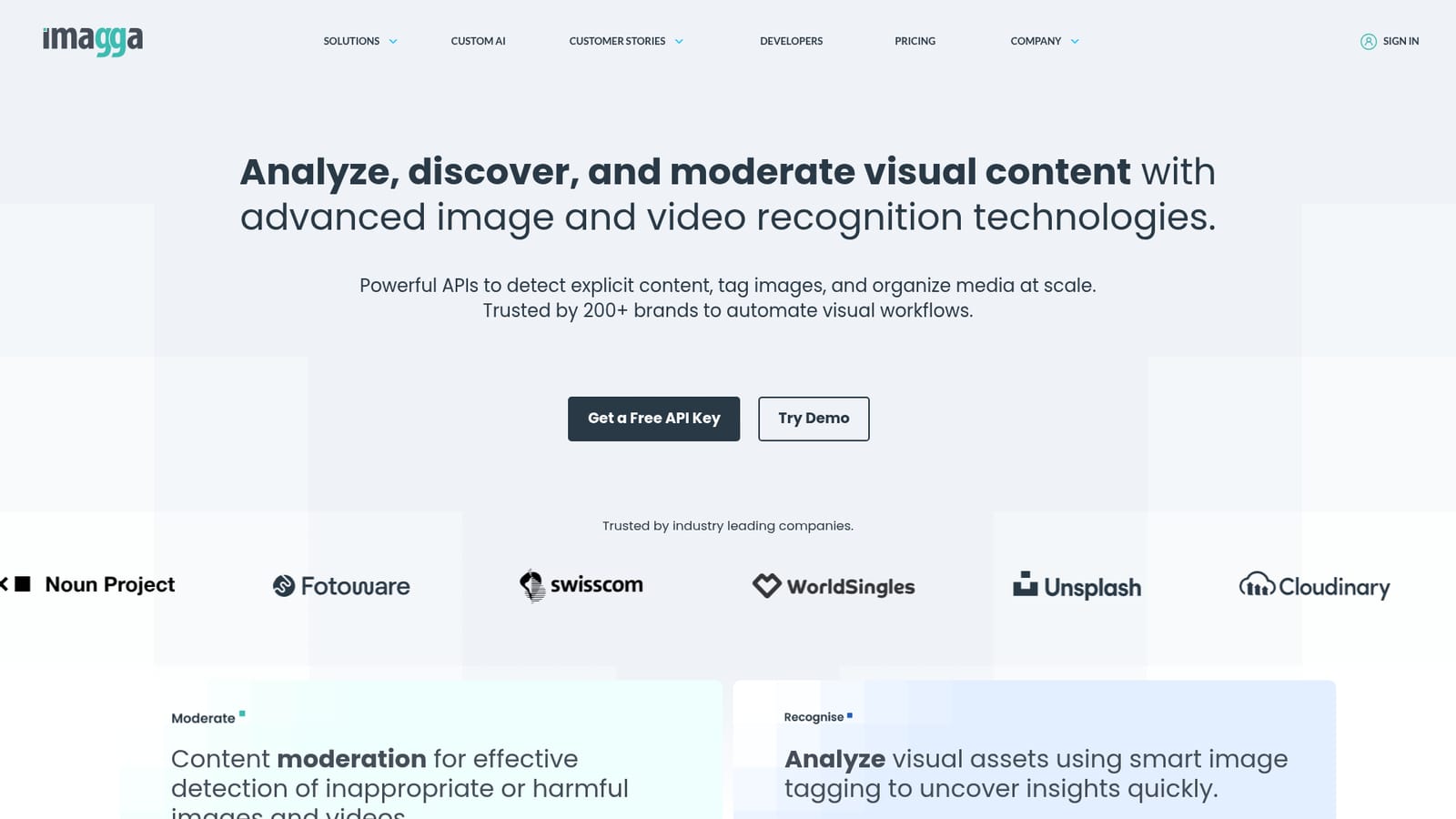
Screenshot of Imagga, Recognition APIs for tagging, moderation and visual search

What is Imagga?

Imagga is a content detector tool. Imagga sells image and video recognition APIs for auto-tagging, categorization, facial detection, OCR, visual search, cropping, background removal and content moderation. It targets developers, DAM vendors and platforms that need to screen or organize large visual libraries, backed by case studies in dating, UGC, DAM and telecoms.

Imagga is a suite of image and video recognition APIs aimed at teams that need to organize, screen or search large visual libraries programmatically. Rather than a single consumer app, it is a set of endpoints covering smart tagging, categorization, facial detection, OCR, visual search, color extraction, cropping, background removal and content moderation. The company reports use by more than 60K startups, developers and students alongside over 200 business customers, with deployments in more than 82 countries. The product splits into five broad areas. Moderation combines nudity and explicit detection with text moderation and an AI plus human review platform. Analysis covers tagging, structured tagging v3, categorization, facial recognition, OCR and custom AI models. Search covers visual search and color extraction for product discovery. Editing covers smart cropping, structured cropping v3 and background removal. Generation covers synthetic data and virtual try-on work. In practice, a developer signs up, obtains API credentials, and calls endpoints from their own backend or through a media platform partner. Demo pages let you test tagging, structured cropping and text moderation in the browser before committing engineering time. Documented case studies describe dating platforms filtering explicit uploads, user generated content sites offloading recognition work, digital asset management vendors adding auto-tagging, and telecoms teams relying on API stability. Compared with general purpose vision APIs from the large cloud vendors, Imagga leans heavily toward media and content operations: moderation workflows, DAM enrichment, visual search and image manipulation are treated as first class rather than add-ons. The trade-off is that it is an infrastructure product built for developers and integrators, not a point and click tool for marketers, and custom model work requires more setup than calling a stock endpoint.

How do you use Imagga?

  1. 1Review the recognition and moderation capabilities
    Start on the homepage and read the five technology blocks to decide which endpoints matter for your use case, such as auto-tagging for a DAM or nudity detection for user uploads.
    Imagga — Review the recognition and moderation capabilities
  2. 2Try the demos before writing code
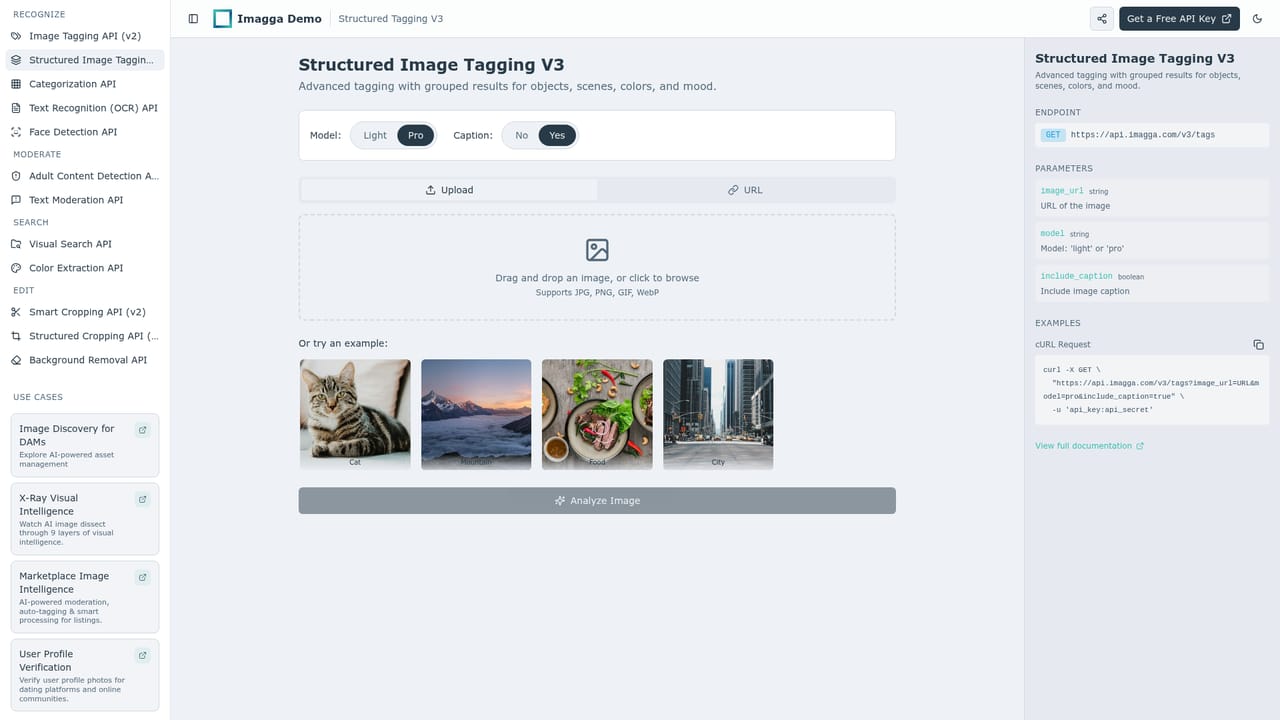
    Open the tagging v3, structured cropping or text moderation demo and upload a sample to see the JSON style output your application would receive.
    Imagga — Try the demos before writing code
  3. 3Read the API documentation
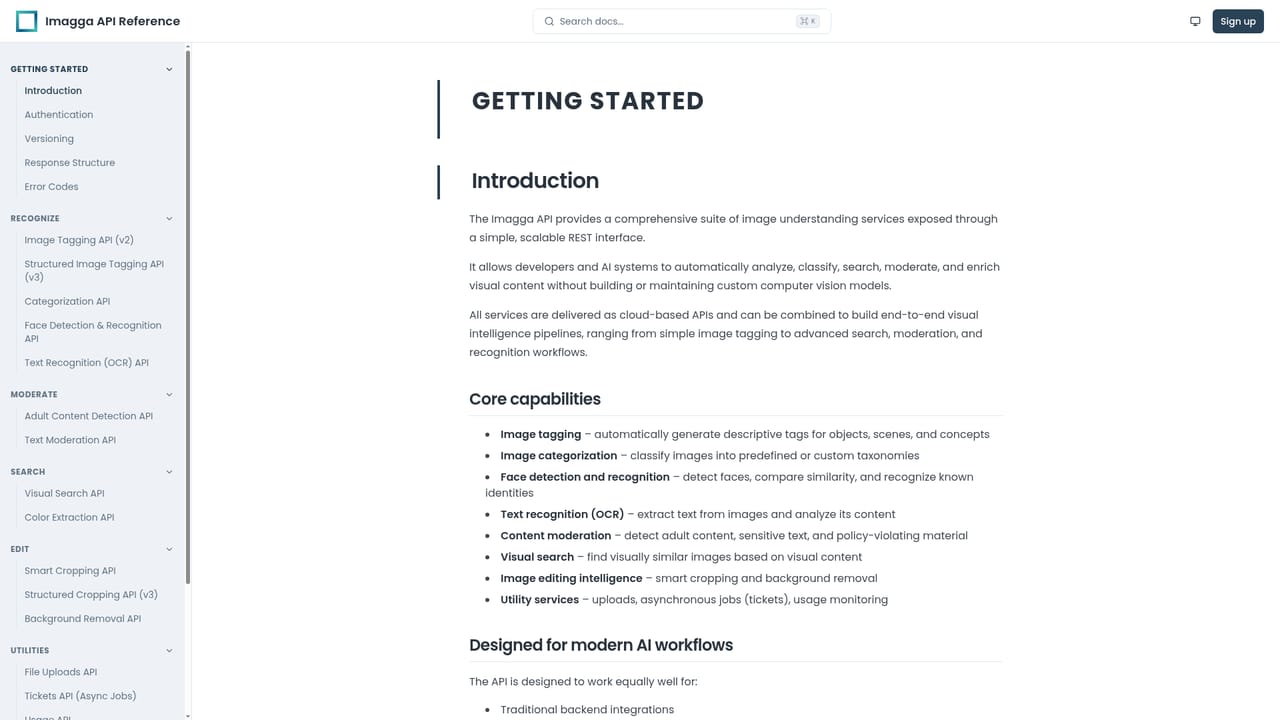
    Work through the developer docs to find authentication, endpoint paths, request parameters and response schemas for the specific recognition or editing features you plan to use.
    Imagga — Read the API documentation
  4. 4Create an account and get credentials
    Sign up through the site, then collect the API key and secret from the dashboard so your backend can authenticate requests.
  5. 5Call an endpoint and validate results
    Send a test image to your chosen endpoint, inspect the confidence scores, and tune thresholds until tagging or moderation output matches your tolerance for errors.
  6. 6Plan a custom model if stock endpoints fall short
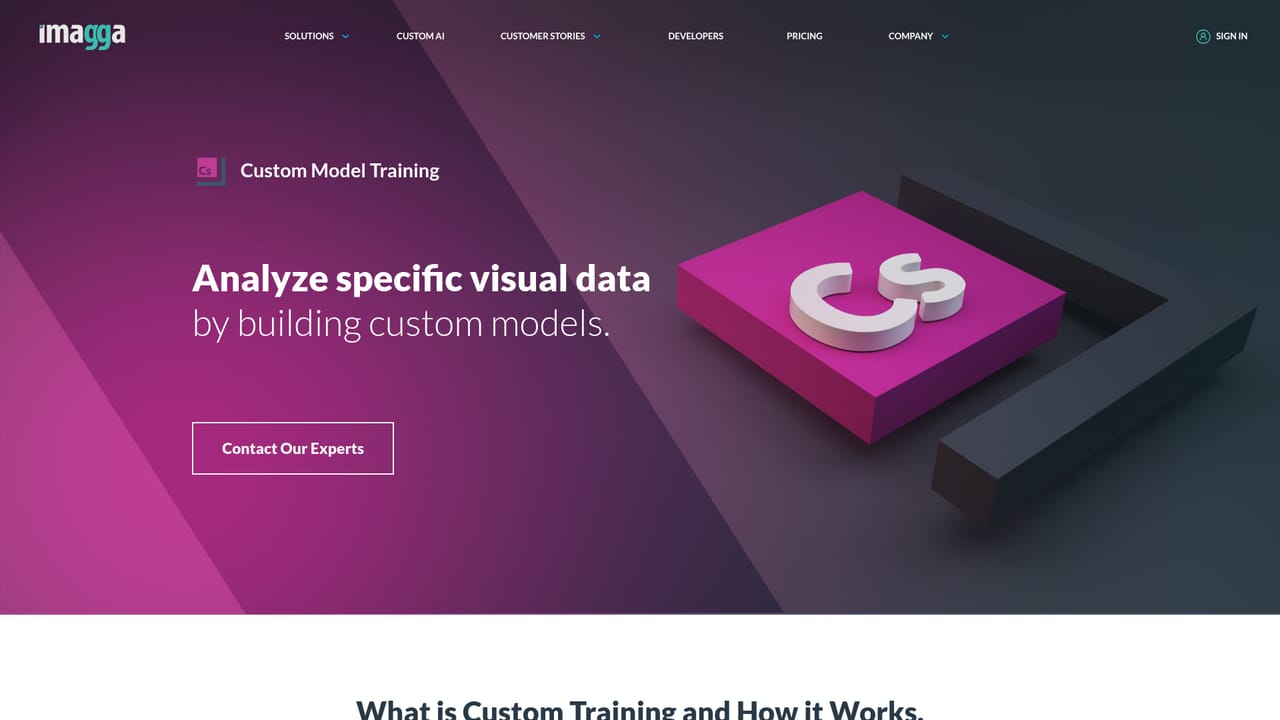
    If generic categories miss your domain, review the custom categorization and synthetic data material to scope a trained model for your own taxonomy.
    Imagga — Plan a custom model if stock endpoints fall short

Pros and cons

Pros

  • Broad endpoint coverage in one vendor: tagging, moderation, OCR, visual search, cropping and background removalAI
  • Browser demos for tagging v3, structured cropping and text moderation let teams evaluate before integratingAI
  • Documented case studies across dating, user generated content, DAM and telecoms give concrete deployment contextAI
  • Custom categorization and custom model training support vertical specific recognition needsAI
  • Reported scale of 60K+ startups and developers with 200+ business customers and use in 82 countriesAI

Cons

  • Sold as an API suite, so there is no self-serve visual interface for non-technical users to manage assetsAI
  • Homepage publishes no pricing tiers or usage numbers, so budgeting requires contacting salesAI
  • Moderation accuracy claims are not quantified on the site, leaving false positive rates unknown until testingAI
  • Custom model and synthetic data work demand ML literacy and are not simple configuration tasksAI
  • Face recognition features carry compliance obligations that the marketing pages do not address in detailAI

How much does Imagga cost?

Features

Endpoints span tagging v2 and structured tagging v3, categorization, facial recognition and detection, OCR, custom AI models, visual search, color extraction, image cropping and structured cropping v3, background removal, nudity and explicit detection, text moderation, an AI plus human moderation platform, synthetic data generation and virtual try-on.

Learn more

Frequently asked questions about Imagga

  • Does Imagga have an API?
    Yes, Imagga offers an API.
  • How do you use Imagga?
    The walkthrough on this page covers 6 steps: 1. Review the recognition and moderation capabilities 2. Try the demos before writing code 3. Read the API documentation 4. Create an account and get credentials 5. Call an endpoint and validate results 6. Plan a custom model if stock endpoints fall short.
  • What platforms does Imagga support?
    Imagga is available on Web App.
  • What are the limitations of Imagga?
    Sold as an API suite, so there is no self-serve visual interface for non-technical users to manage assets. Homepage publishes no pricing tiers or usage numbers, so budgeting requires contacting sales. Moderation accuracy claims are not quantified on the site, leaving false positive rates unknown until testing.

Status

StatusActive
Views0
Outbound clicks0
Added10/21/2026

Platforms

Web App

Pricing

FreemiumFree TrialPaid