Free trial
A free tier covers 10 invoices per month on a fully functional account, no card required. It is a permanent free plan rather than a time-limited trial.
Learn morePulls invoices from your inbox and reconciles them against your bank

Inbox Ledger is an accounting journal entries tool. AI invoice capture and bank reconciliation tool that reads invoices directly from Gmail, Outlook and IMAP mailboxes, extracts vendor, amount and line item data, detects duplicates, and matches everything against uploaded bank statements before exporting to QuickBooks, Xero or Business Central.
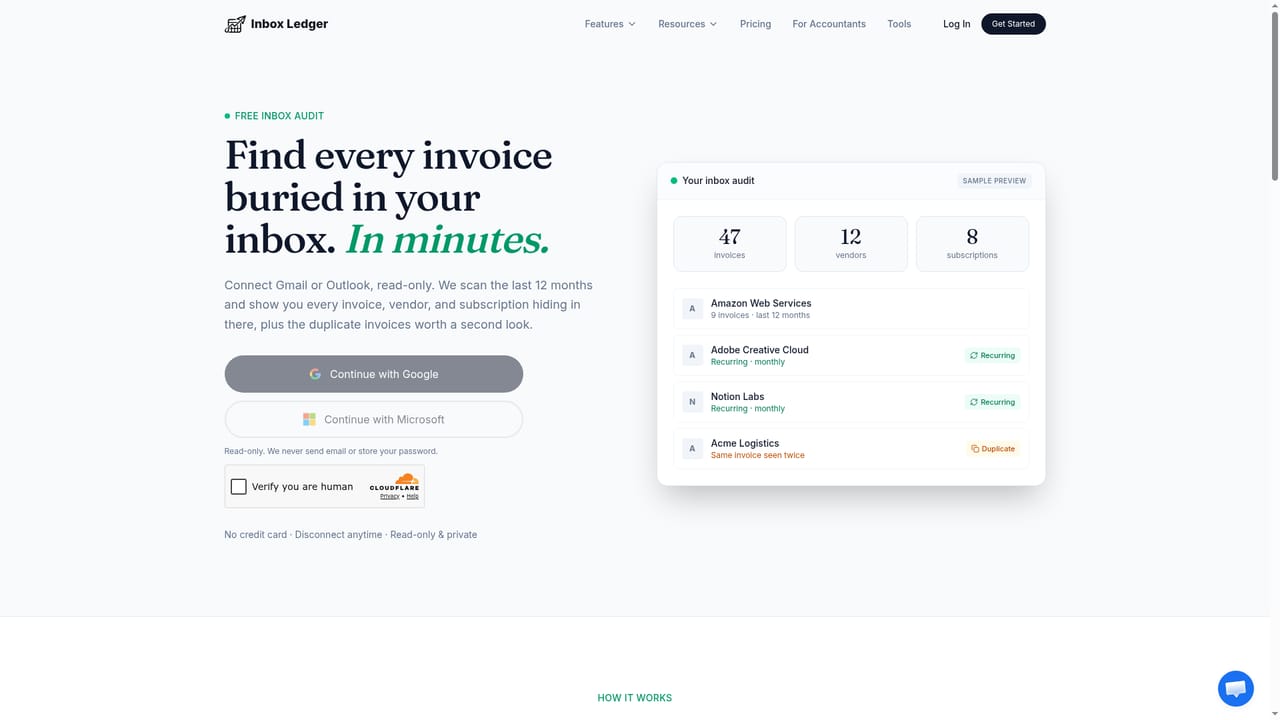
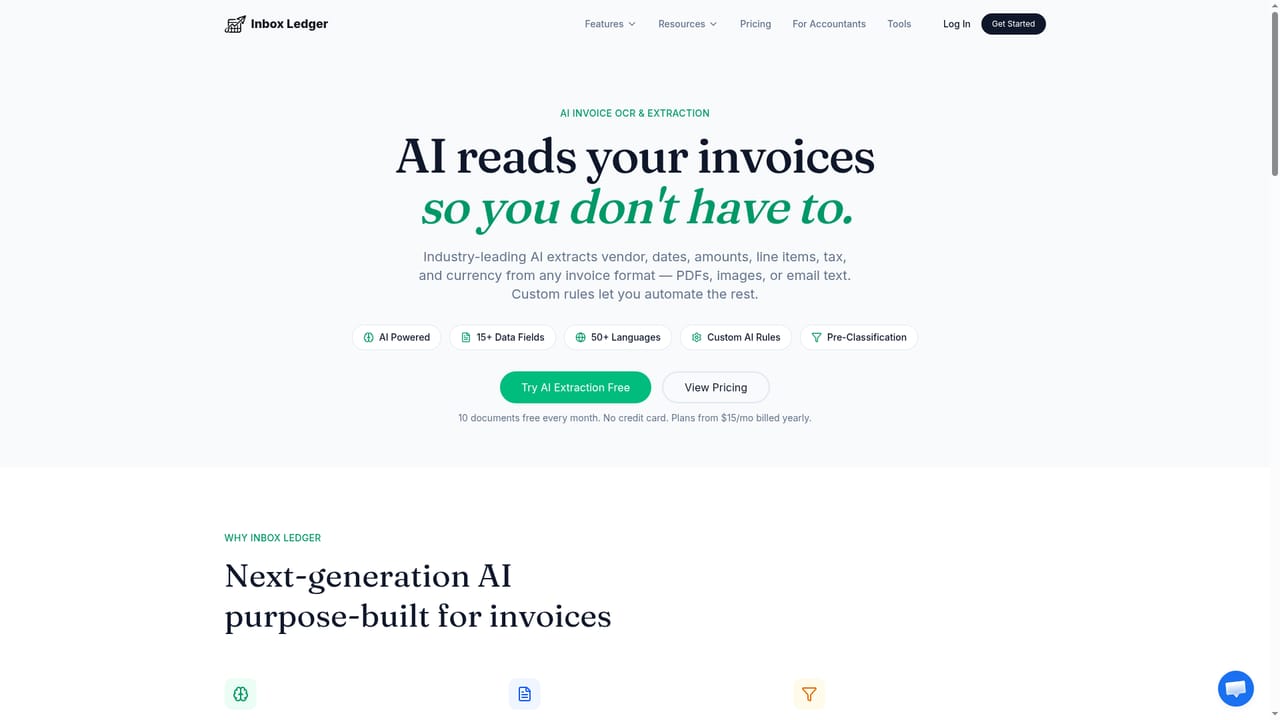
Inbox Ledger is an invoice capture and bank reconciliation tool built around a simple premise: most of the documents an accounting team needs are already sitting in an email inbox. It connects to Gmail, Outlook or any IMAP mailbox in read-only mode, scans for invoices in attachments, inline email bodies, embedded images and download links, then extracts vendor, amount, date, currency and line items. On the first connection it back-scans up to six months of history, and you can trigger deeper scans across the current year, a quarter or a custom range afterwards. Captured invoices flow into a dashboard where they are matched against imported bank statements. The reconciliation layer is what separates it from pure document capture tools. Bank statements can be uploaded in PDF, CSV, XLSX, OFX, MT940 and several other formats, and the system pairs each transaction with an invoice, showing a confidence score with a written reason for the match. Multi-currency pairs are handled, so a EUR charge against a USD invoice is converted at the settlement-date rate and the shortfall explained. Duplicates are caught by fingerprinting every file with SHA-256, which means one receipt arriving as an attachment, a forward and a resync stays a single record. It suits bookkeepers and accounting firms managing several client mailboxes, and small finance teams that want capture and reconciliation in one place rather than a stack of separate tools. Plain-language rules (auto-approve under a threshold, flag large amounts, tag subscriptions) run without code, and documents can be pushed to QuickBooks, Xero or Business Central, or exported to Google Drive, Sheets, OneDrive and webhooks. A Telegram and WhatsApp bot handles receipt photos from a phone. Against Dext, Hubdoc and AutoEntry, the pitch is volume pricing rather than per-document credits, and reconciliation included in the base rather than billed as an add-on. The public API is only planned, so teams needing deep custom pipelines should not count on it yet.
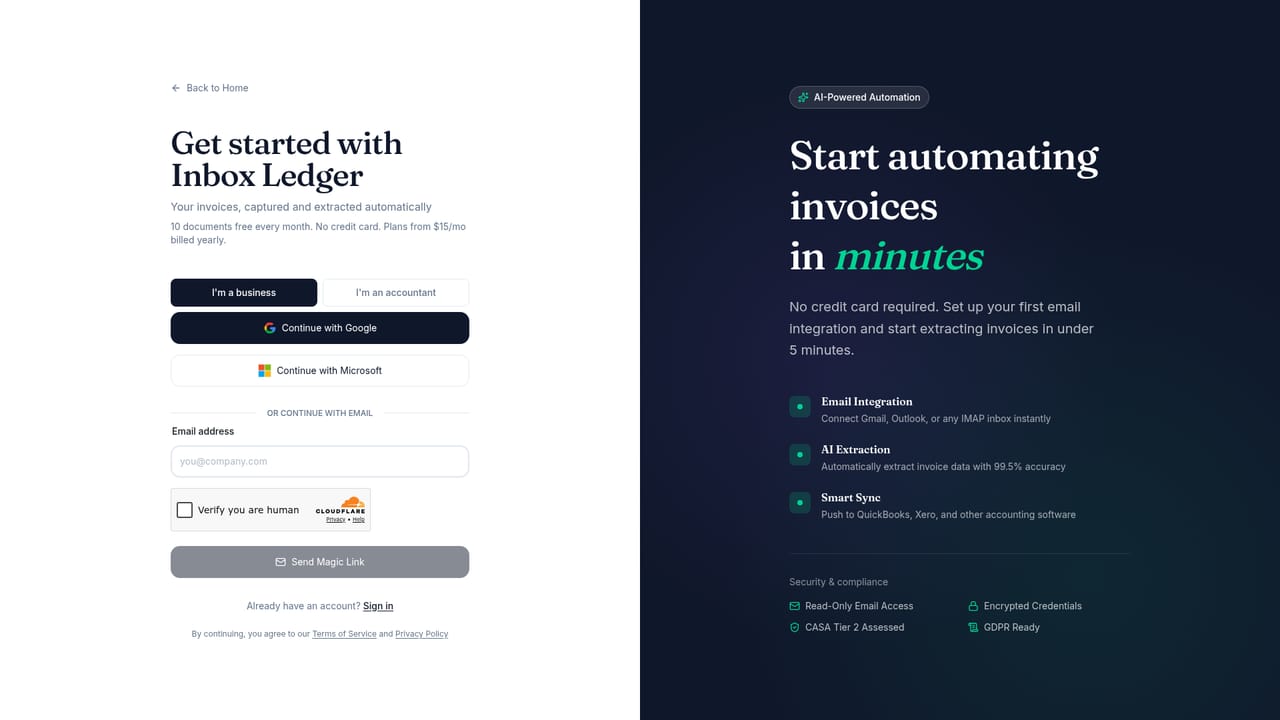
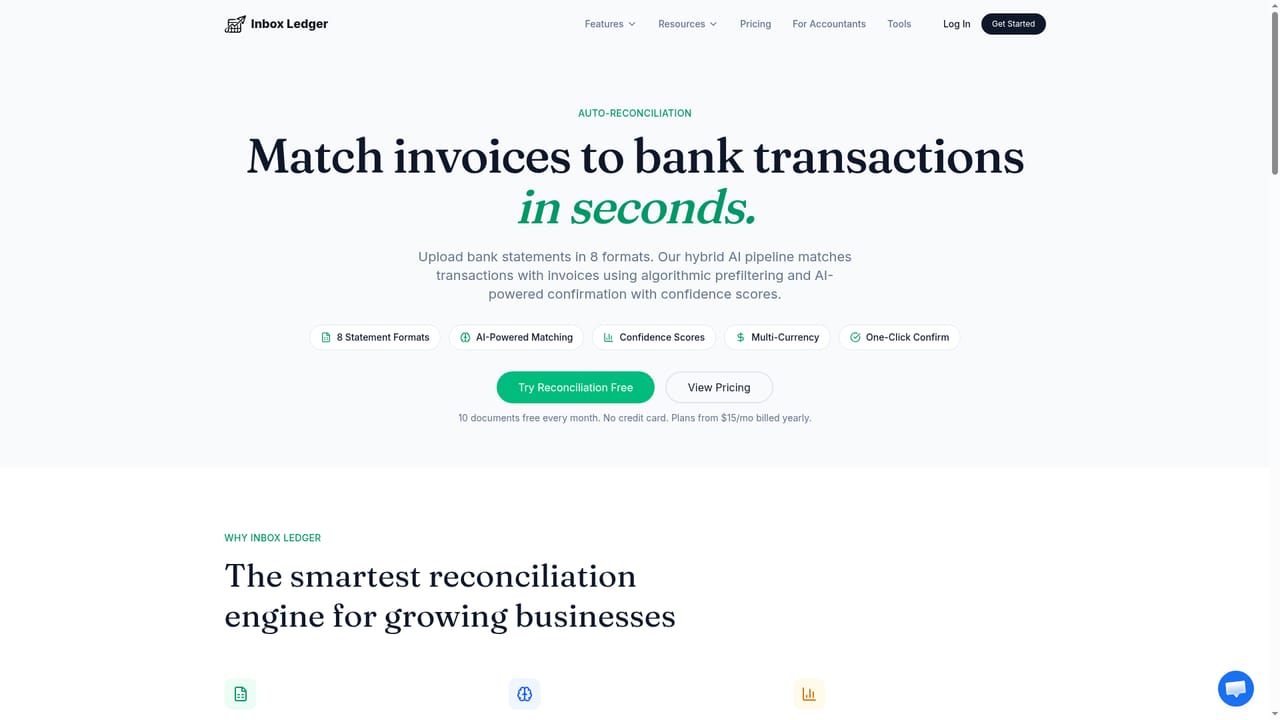
A free tier covers 10 invoices per month on a fully functional account, no card required. It is a permanent free plan rather than a time-limited trial.
Learn moreFree to start with up to 10 invoices a month and no credit card. Paid plans begin at $15 per month billed annually. New invoices pause at the limit until you upgrade or buy one-time credit packs, which never expire. Refunds are full and unconditional at any time, with no 30-day window, and cancellation is self-service from the billing portal.
Learn moreSupport is handled by email at support@inboxledger.app, which is also the route for full refunds. A FAQ on the homepage covers extraction, limits, refunds, data security and integrations.
QuickBooks, Xero and Business Central for accounting, plus Google Drive, Google Sheets and OneDrive for export and outbound webhooks for custom destinations. Inbound mail support covers Gmail, Outlook and any IMAP provider. A public API is listed as planned with no date.
Learn moreRead-only inbox scanning across Gmail, Outlook and IMAP with auto-capture from attachments, email bodies, images and download links. AI extraction of vendor, amount, date, currency, line items, tax and discount, with failed documents marked and explained. SHA-256 deduplication, plain-language automation rules, multi-currency bank reconciliation across PDF, CSV, XLSX, OFX and MT940 statements, and forwarding of receipt photos through Telegram and WhatsApp.
Learn more AI Angels400+ customizable AI girlfriends for NSFW chat, voice calls, and roleplay
 Candy AIExperience the future of companionship with AI friends who chat, role-play, and connect with you on a human level.
 ourdream.aiA vast AI roleplay platform with millions of characters for chat, images, video and voiceAI Angels400+ customizable AI girlfriends for NSFW chat, voice calls, and roleplayCandy AIExperience the future of companionship with AI friends who chat, role-play, and connect with you on a human level.ourdream.aiA vast AI roleplay platform with millions of characters for chat, images, video and voice