Inkeep

AI teammates for customer support, docs, and internal ops

Intermediate API
Screenshot of Inkeep, AI teammates for customer support, docs, and internal ops

What is Inkeep?

Inkeep is an agent platform where engineering and CX teams build AI teammates together, using a no-code visual builder synced with a TypeScript SDK. Agents answer customer questions, draft support replies with human approval, and automate knowledge base upkeep.

Inkeep is an agent platform for customer experience and operations teams. Rather than a single chatbot, it lets a company deploy several specialized AI teammates: customer-facing assistants that answer complex product questions, a coworker that drafts replies for support agents, and automation agents that keep the knowledge base current. Each one draws on the organization's own data, product documentation, and connected tools instead of generic model knowledge. The platform is built for two audiences at once. Engineers get a TypeScript Agents SDK for defining agents, sub agents, and tool access in code. Business teams get a no-code visual builder that exposes the same agents as a diagram of triggers, sub agents, and actions. The two surfaces stay in two-way sync, so a support lead can adjust instructions in the builder while an engineer commits changes through the SDK, and neither side overwrites the other. In practice, a typical setup connects Slack or a support platform as the trigger, pulls context from the CRM, billing system, or other records, and returns a ready-to-approve suggestion that a human publishes. Automation agents run on webhooks, schedules, or external events, coordinate specialist sub agents, and take real actions such as opening tickets, updating a CRM, generating documentation, or filing a GitHub pull request through MCP. Reporting, testing, connectors, and governance round out the builder. It fits companies with large documentation surfaces and heavy ticket volume, especially developer tools and technical products where answers require searching multiple sources. Published case studies cite Fingerprint, Solana Foundation, PostHog, Payabli, and Descope. Teams wanting a lightweight embeddable FAQ widget will find the platform heavier than needed, and the homepage does not publish pricing, so cost has to be established through a demo. Broader alternatives split the same work between general chatbots, helpdesk automation add-ons, and custom-built agents. Inkeep's argument is the shared platform: engineering and CX ship the same agents rather than maintaining parallel tools.

How do you use Inkeep?

  1. 1Review the customer-facing assistant model
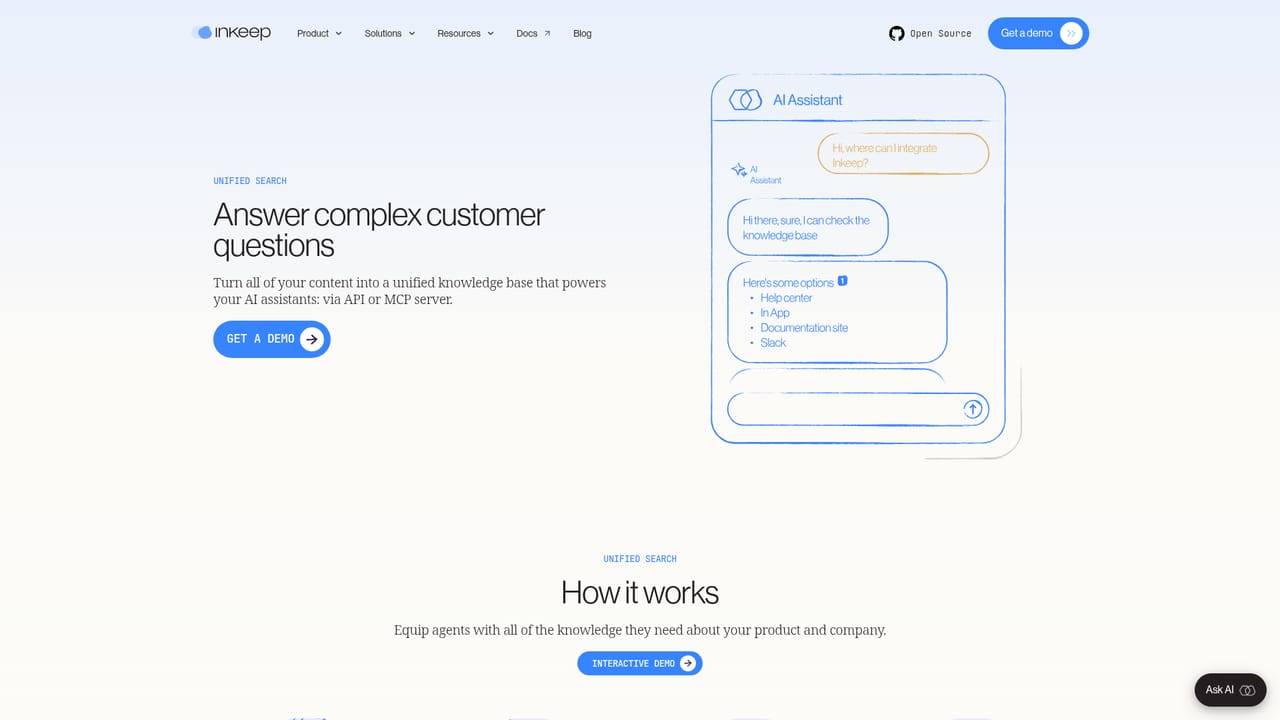
    Read how Unified Search, Customer Intelligence, and AI Workflows combine to answer complex questions and automate resolution tasks before committing to a build.
    Inkeep — Review the customer-facing assistant model
  2. 2Compare the builder and the SDK
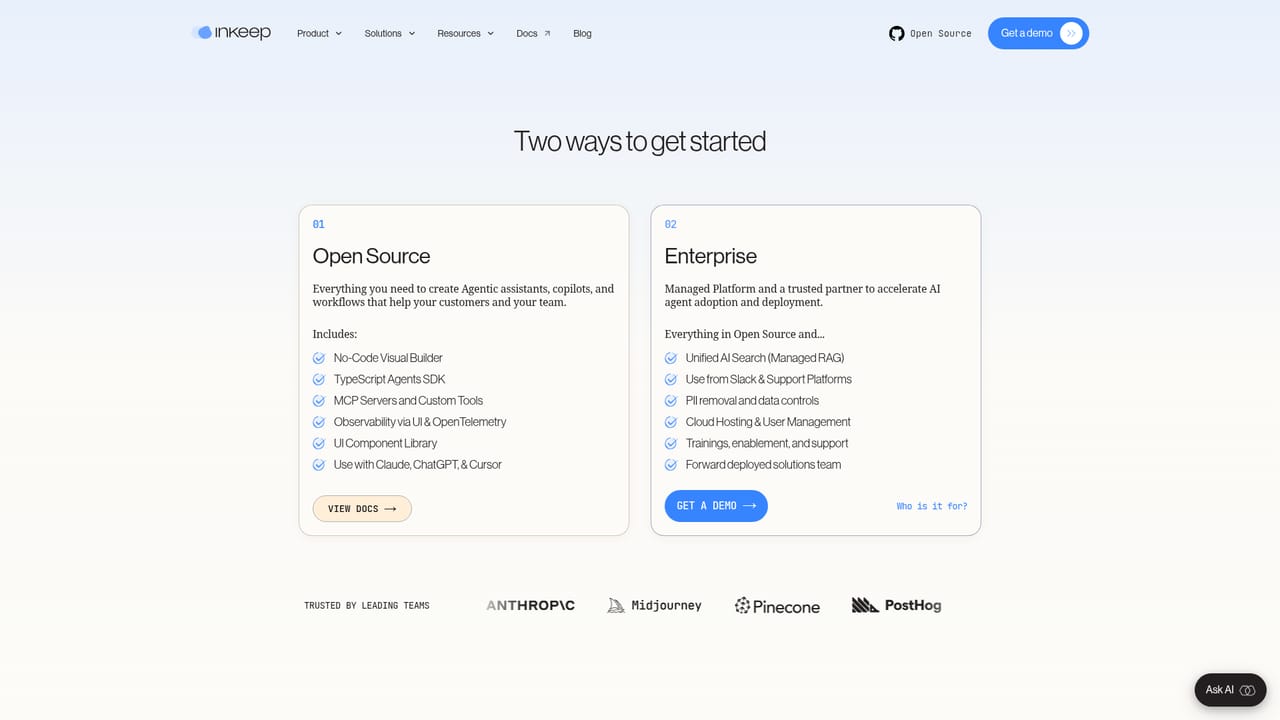
    Decide which surface fits each owner. The visual builder suits CX teams, while the developer SDK covers agents defined in TypeScript.
    Inkeep — Compare the builder and the SDK
  3. 3Start building your first agent
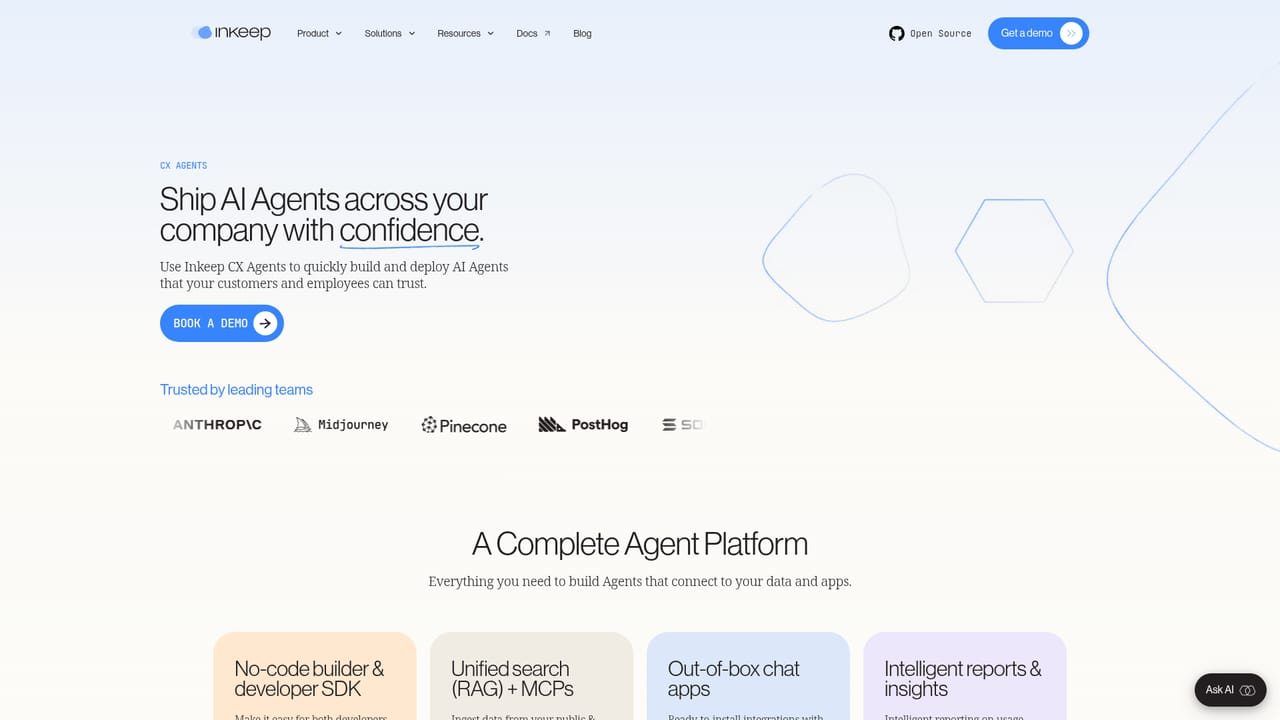
    Use the get-started entry point to create an agent, then connect your knowledge sources and choose a trigger such as a closed ticket or a Slack message.
    Inkeep — Start building your first agent
  4. 4Request a walkthrough for enterprise setup
    Book a session to cover governance, human approvals, and the data connections needed for a production rollout across support systems.
    Inkeep — Request a walkthrough for enterprise setup
  5. 5Schedule a demo
    See a live agent build and confirm fit, scope, and commercial terms with the team.

Pros and cons

Pros

  • No-code visual builder and TypeScript SDK stay in two-way sync, so technical and non-technical owners can edit the same agentsAI
  • Agents can ground answers in product docs, CRM, billing data, and customer-specific records, not just a static help centerAI
  • Human approval flow keeps drafted replies reviewable before anything reaches a customerAI
  • Automation agents can take real actions, including opening tickets, updating CRMs, and filing GitHub pull requests via MCPAI
  • Named case studies (Fingerprint, Solana, PostHog, Payabli, Descope) show measurable support outcomesAI

Cons

  • No published pricing on the homepage, so budgeting requires a sales conversation before any real evaluationAI
  • The connector and automation model assumes existing infrastructure such as Slack, a support platform, a CRM, and docs, which smaller teams may not haveAI
  • The visual builder is not a full replacement for the SDK on complex multi-agent logic, so deep customization still needs engineersAI
  • Homepage publishes only selected case studies, with no transparent benchmarks for accuracy or resolution rates outside those customersAI

How much does Inkeep cost?

Integrations

Slack and support platforms act as triggers, with context pulled from CRM, billing, and other data sources. Actions reach external services through MCP, including GitHub for pull requests, plus docs and knowledge base systems.

Learn more

Features

Customer-facing assistants with unified search, customer intelligence, and AI workflows; a Slack or support-platform coworker that gathers context from CRM and billing and returns human-approved suggestions; automation agents triggered by webhooks, schedules, or events that orchestrate sub agents and act through MCP; plus a no-code visual builder synced with a TypeScript SDK, connectors, testing, reporting, and governance.

Learn more

Frequently asked questions about Inkeep

  • Does Inkeep have an API?
    Yes, Inkeep offers an API.
  • How do you use Inkeep?
    The walkthrough on this page covers 5 steps: 1. Review the customer-facing assistant model 2. Compare the builder and the SDK 3. Start building your first agent 4. Request a walkthrough for enterprise setup 5. Schedule a demo.
  • What platforms does Inkeep support?
    Inkeep is available on Web App.
  • What does Inkeep integrate with?
    Slack and support platforms act as triggers, with context pulled from CRM, billing, and other data sources. Actions reach external services through MCP, including GitHub for pull requests, plus docs and knowledge base systems.
  • What are the limitations of Inkeep?
    No published pricing on the homepage, so budgeting requires a sales conversation before any real evaluation. The connector and automation model assumes existing infrastructure such as Slack, a support platform, a CRM, and docs, which smaller teams may not have. The visual builder is not a full replacement for the SDK on complex multi-agent logic, so deep customization still needs engineers.

Status

StatusActive
Views0
Outbound clicks0
Added10/21/2026

Platforms

Web App

Pricing

Paid