

INLINER

AI images generated and served straight from a URL

Intermediate API
Screenshot of INLINER, AI images generated and served straight from a URL

What is INLINER?

INLINER generates AI images from a URL path and then serves the pinned result from Cloudflare's edge. It adds a CLI, an MCP server for coding agents, SDKs, project namespaces and an embeddable editor, aimed at developers, agencies and no-code builders who want hosted assets instead of downloads.

INLINER treats the image URL itself as the interface. A developer writes a path containing a project slug, a hyphenated description of the desired picture, and pixel dimensions, and the first request to that address renders the asset into the project namespace. Every later request is answered from Cloudflare's edge cache, so the same URL keeps returning the same finished file. The company positions this as a way to skip asset exports and manual uploads entirely: an img tag, an email background attribute or a CMS image field is the whole integration. The build workflow expands from that single mechanic in several directions. A command line tool generates and edits images from the shell, printing raw bytes when piped. An MCP server lets coding agents such as Claude Code, Cursor and Codex create and manage hosted images without leaving the session. Official JavaScript, Python, Go and PHP SDKs cover server side generation, search and tag management, and an embeddable editor can be mounted inside an existing CMS or SaaS product to return published WebP URLs over postMessage. The product is aimed squarely at people who ship software and campaigns rather than at hobbyist prompt writers. Teams get project namespaces with their own URL prefixes, shared credit pools, owner and member roles, and scoped API keys for CI scripts. Vision indexing writes tags, captions and alt text as assets land in the library. Editing happens by appending a plain English instruction or a target size to an existing URL, which produces a derivative at its own permanent address. Compared with consumer image generators that hand back a download, INLINER sells hosting, stability and workflow plumbing. FLUX 3, Nano Banana 2.1 and GPT Image 2.5 are routed automatically or can be targeted directly, which puts it in the same territory as multi-model generation services, but the permanent CDN URLs, namespace isolation and agent tooling are the actual differentiators.

How do you use INLINER?

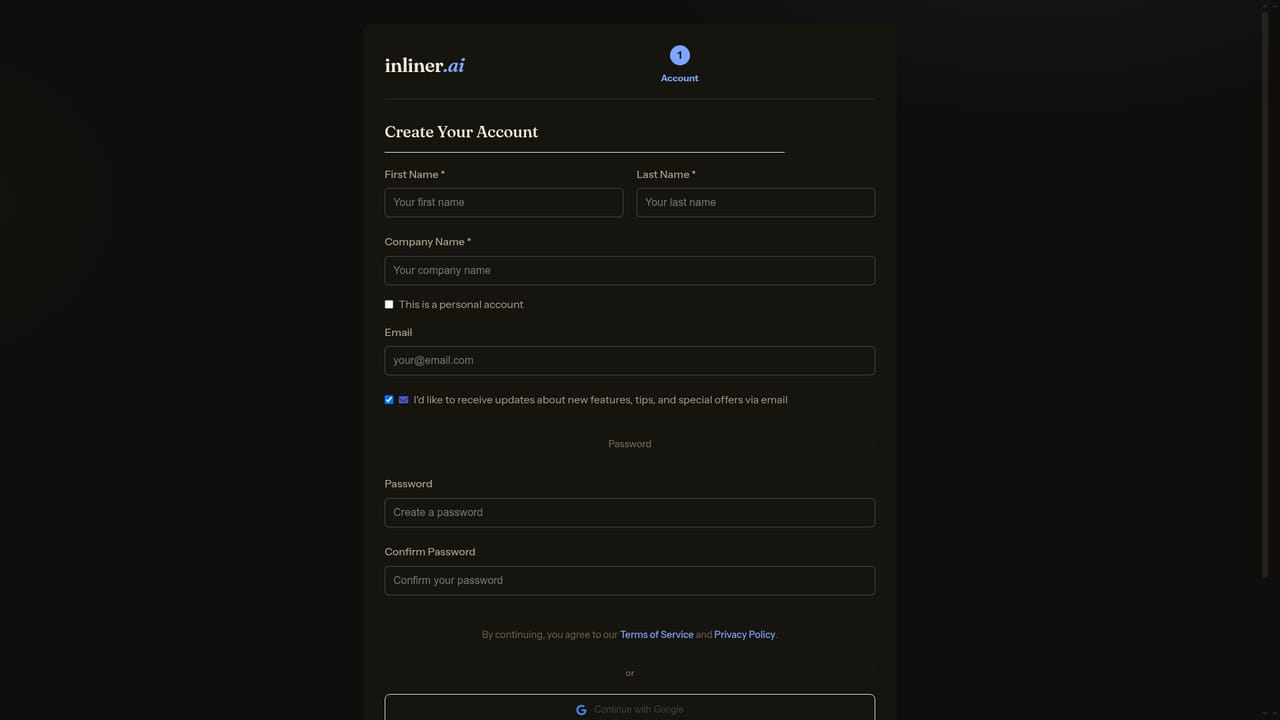
  1. 1Create an account and project
    Register on the app site to get a project namespace. The slug becomes the first segment of every image URL you write.
    INLINER — Create an account and project
  2. 2Write your first image URL
    Compose a path with the project slug, a hyphenated description and pixel dimensions, then place it in an img tag or paste it into the browser to trigger the first render.
  3. 3Add saved brand instructions and references
    Attach default prompt instructions and up to five reference images to the project so every new URL inherits the same visual direction.
    INLINER — Add saved brand instructions and references
  4. 4Branch edits and resizes from the URL
    Append a plain English instruction such as a party hat or a target size like 900x400 to an existing URL to create a derivative with its own permanent address.
  5. 5Connect a coding agent or the CLI
    Register the MCP server with Claude Code, Cursor or Codex, or install the CLI, so images can be generated and edited from inside the development session.
    INLINER — Connect a coding agent or the CLI
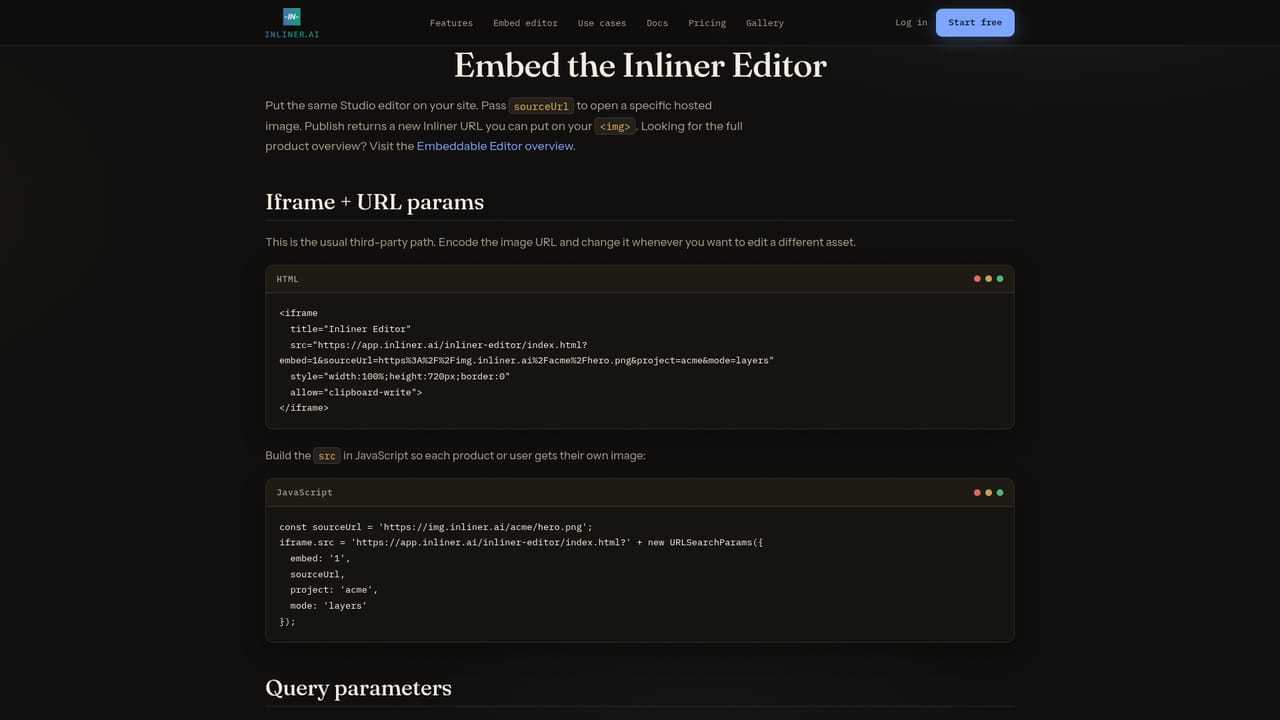
  6. 6Mount the editor in your own product
    If end users need to tweak images in place, embed the Studio editor and receive the saved lossless WebP URL over postMessage on publish.
    INLINER — Mount the editor in your own product

Pros and cons

Pros

  • Pinned CDN URLs stay stable, so generated assets can be committed into templates and transactional emails safelyAI
  • The img tag integration needs no SDK or build step, and appending .webp serves a compressed copy at no credit costAI
  • MCP server and CLI put image generation inside coding agent sessions without a separate upload stepAI
  • Project namespaces with shared credits, roles and scoped API keys fit agency and multi-client workAI
  • Automatic vision tagging, captions and alt text reduce manual asset library housekeepingAI

Cons

  • No pricing figures or plan tiers appear in the supplied homepage content, so cost has to be checked before committingAI
  • Image quality is bounded by the third party models (FLUX, Nano Banana, GPT Image) that INLINER routes to, not by the platform itselfAI
  • The URL-as-prompt model assumes technical comfort; marketers and designers without developer support will lean on Studio or the embeddable editorAI
  • Browser or platform caching of a pinned URL means a regenerated look needs a new path rather than an overwriteAI
  • Support channels and response times are not documented in the available materialAI

How much does INLINER cost?

Integrations

Works wherever a URL can load: HTML, email templates, CMS image fields, Webflow, Framer and Carrd. Agents supported through MCP include Claude Code, Cursor, Codex CLI and Copilot. Official SDKs cover JavaScript, Python, Go and PHP.

Learn more

Features

Permanent CDN URLs pinned to each generated image, on-the-fly WebP conversion, URL appended edits and resizes, FLUX 3, Nano Banana 2.1 and GPT Image 2.5 model routing, CLI and MCP server, JavaScript, Python, Go and PHP SDKs, embeddable Studio editor with layers and targeted masks, project namespaces with up to five reference images, shared credits and scoped API keys, and vision generated tags, captions and alt text.

Learn more

Frequently asked questions about INLINER

  • Does INLINER have an API?
    Yes, INLINER offers an API.
  • How do you use INLINER?
    The walkthrough on this page covers 6 steps: 1. Create an account and project 2. Write your first image URL 3. Add saved brand instructions and references 4. Branch edits and resizes from the URL 5. Connect a coding agent or the CLI 6. Mount the editor in your own product.
  • What platforms does INLINER support?
    INLINER is available on Web App, Browser extension, MacOS, Windows and Linux.
  • What does INLINER integrate with?
    Works wherever a URL can load: HTML, email templates, CMS image fields, Webflow, Framer and Carrd. Agents supported through MCP include Claude Code, Cursor, Codex CLI and Copilot. Official SDKs cover JavaScript, Python, Go and PHP.
  • What are the limitations of INLINER?
    No pricing figures or plan tiers appear in the supplied homepage content, so cost has to be checked before committing. Image quality is bounded by the third party models (FLUX, Nano Banana, GPT Image) that INLINER routes to, not by the platform itself. The URL-as-prompt model assumes technical comfort; marketers and designers without developer support will lean on Studio or the embeddable editor.

Status

StatusActive
Views0
Outbound clicks0
Added10/21/2026

Platforms

Web AppBrowser extensionMacOSWindowsLinux

Pricing

Freemium