Free trial
A free plan is available with capped usage, and the site links to a page describing options to try InLinks for free before committing to a paid tier.
Learn moreEntity SEO platform for automated internal linking, schema, and content optimization.

InLinks is an entity SEO tool that automates internal linking, schema markup, topic planning and content optimization using a knowledge graph, with plans from free to enterprise.
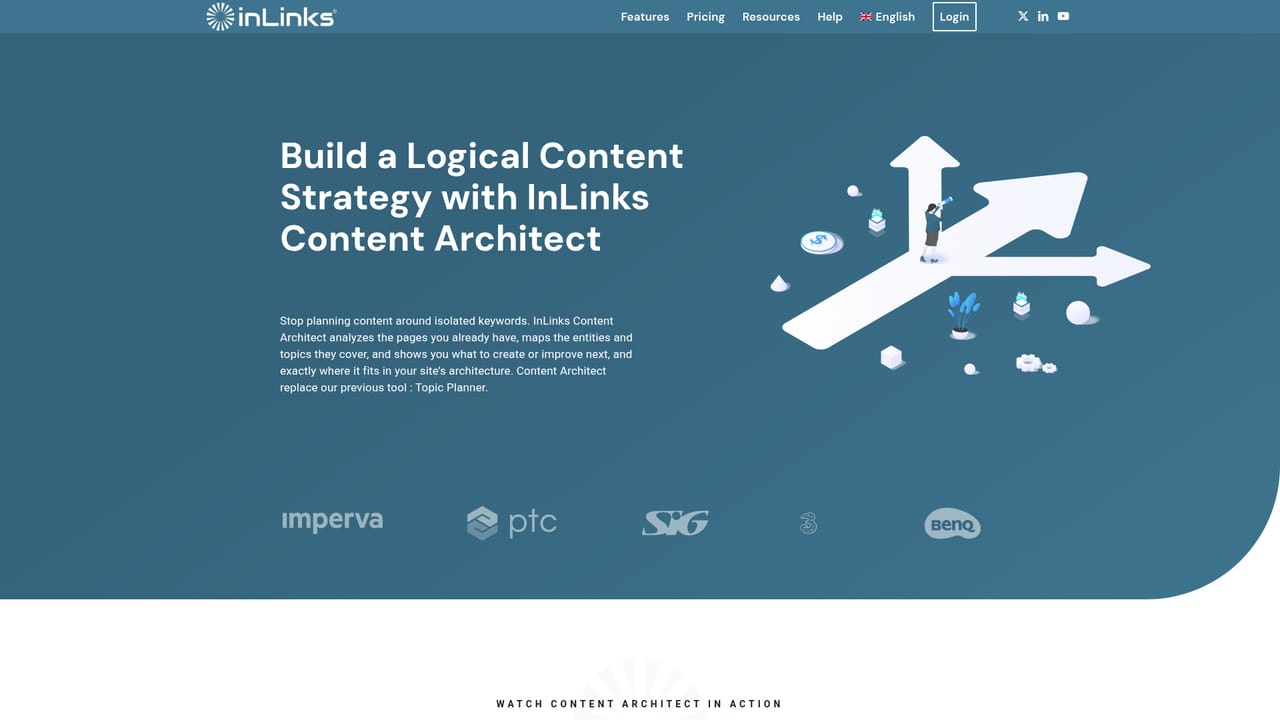
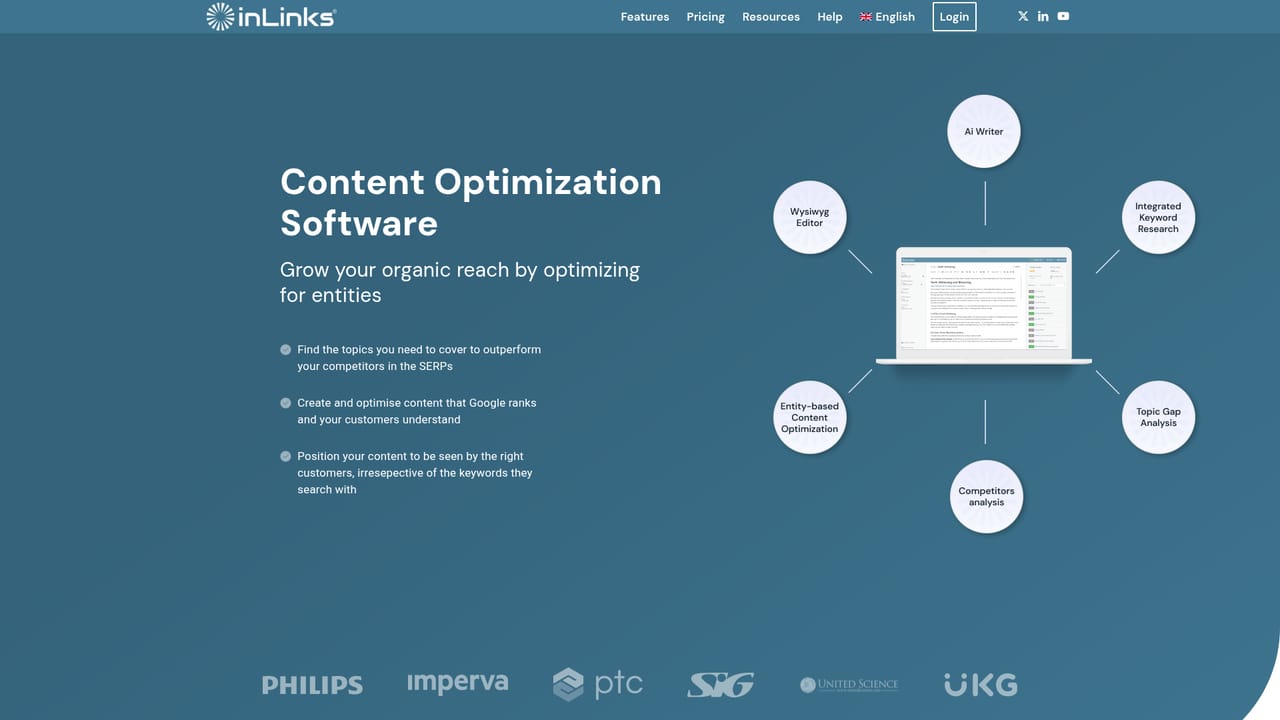
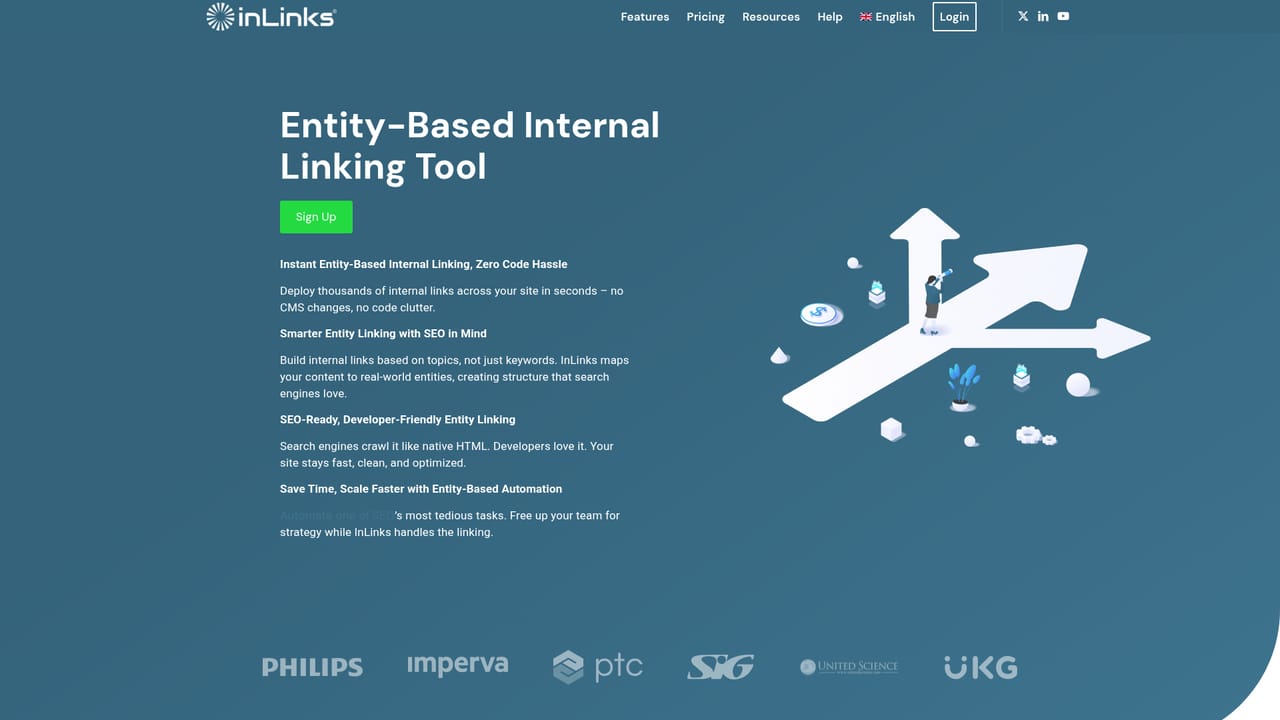
InLinks is an entity SEO platform built around a knowledge graph that reads your content, identifies the main entities in it, and then acts on that understanding. The suite covers four connected jobs: topic planning, schema markup, internal linking, and content optimization. Rather than treating keywords as isolated strings, it groups concepts into topics and uses that structure to inform every recommendation. The Topic Planner analyzes a site to cluster significant concepts into logical topics, then surfaces topic gaps and organizes them into clusters. From there, it suggests when to create new pillar pages, supporting content, or enhance existing pages, and ties those decisions to internal linking and schema. For on-page work, content briefs and audits include topic maps, H tag analysis, entity and concept coverage, a Flesch Kincade readability model, and suggested structures, all benchmarked against competitors. A built-in AI writing assistant can draft the content at no extra cost. Internal linking is handled at scale. An entity-based audit finds missing link opportunities, and links can be inserted into body text automatically through a JavaScript integration or exported for manual placement. Because anchors are entity-driven, they vary naturally instead of repeating exact-match phrases. Schema automation works the same way: one line of code communicates the entities in a page to Google, so search engines understand what the page is about without developer tickets. InLinks is aimed at SEO professionals, content teams, and agencies managing sites where semantic relevance matters. It sits alongside traditional rank trackers and keyword tools, but its center of gravity is entity and knowledge graph work, not backlink analysis or rank monitoring. Teams that want a single system for planning, writing, linking, and marking up content will find the workflow coherent; those looking for a broad all-in-one SEO suite may still need other tools for technical audits and link intelligence.
A free plan is available with capped usage, and the site links to a page describing options to try InLinks for free before committing to a paid tier.
Learn moreMonthly plans start with a free tier (two content optimizations per month, 25 internally linked pages, limited AI assistant). Freelancer begins at US$49 per month with 100 pages, writer access and the content planner. Agency starts at $196 per month with 430 pages, API access, unlimited projects and users. Enterprise covers 100,000+ URLs with dedicated infrastructure and an account manager.
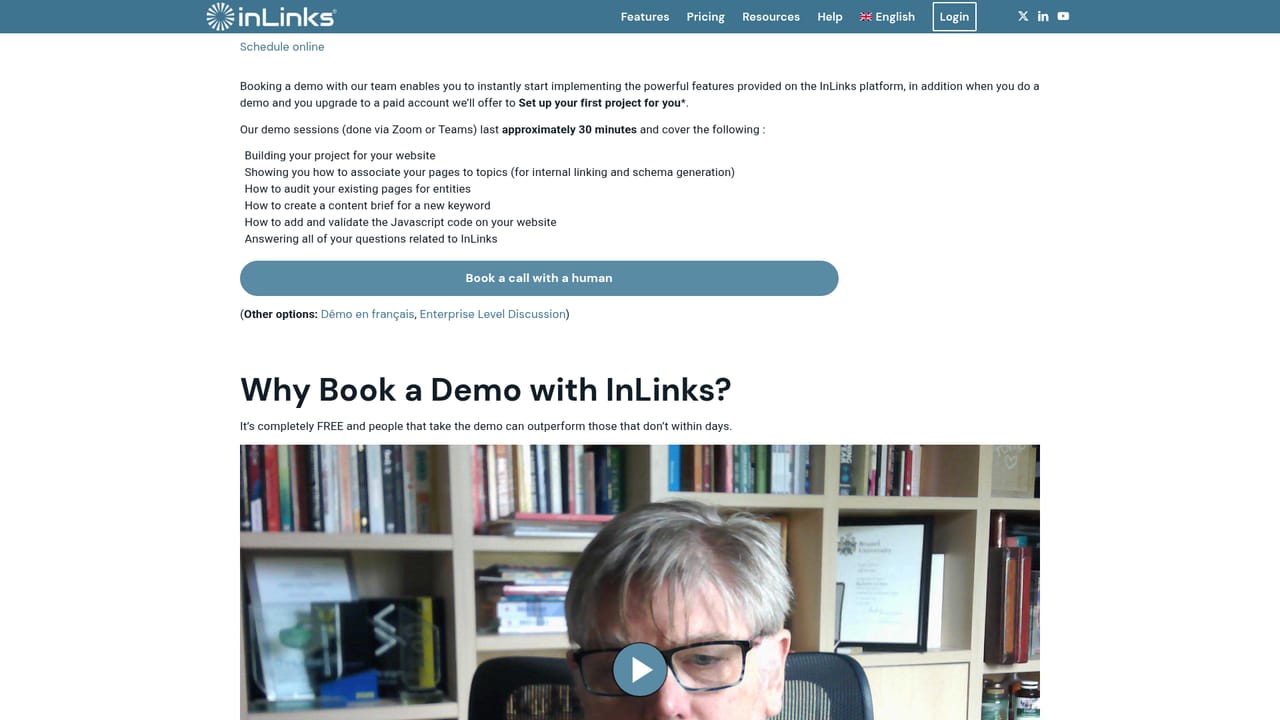
Learn moreSupport channels include a live chat button on the site, a demo booking page, and a help section covering schema, the JavaScript code, and the content planner. Enterprise accounts get a dedicated account manager.
The primary technical integration is a JavaScript snippet that inserts internal links and schema markup without CMS changes. Agency plans include API access. No other named integrations are listed on the homepage.
Learn moreCore modules are Topic Planner (concept clustering, topic gaps, pillar page recommendations), entity-based page and site graph optimization with automated schema, internal linking audit with automatic or exported link insertion, and content optimization briefs and audits with topic maps, H tag analysis, readability scoring and competitor benchmarking. An AI writing assistant is included, and Agency plans add API access.
 AI Angels400+ customizable AI girlfriends for NSFW chat, voice calls, and roleplay
 Candy AIExperience the future of companionship with AI friends who chat, role-play, and connect with you on a human level.
 ourdream.aiA vast AI roleplay platform with millions of characters for chat, images, video and voiceAI Angels400+ customizable AI girlfriends for NSFW chat, voice calls, and roleplayCandy AIExperience the future of companionship with AI friends who chat, role-play, and connect with you on a human level.ourdream.aiA vast AI roleplay platform with millions of characters for chat, images, video and voice


