Free trial
A 14 day free trial with no credit card required is stated on the homepage. Paid plan prices are not published there.
Learn moreInvoicing and estimates with an AI assistant built in

Invoicer.ai is an accounting tool. An invoicing and estimating tool for small service businesses, with an AI assistant that drafts invoices and estimates from a typed or spoken request, prices jobs, and answers questions about unpaid clients and spending. Stripe payments, scheduled reminders, recurring invoices and AI receipt capture round it out.
Invoicer.ai is a billing workspace for small service businesses that want invoices, estimates, payments and expenses in one place. The headline feature is an AI assistant that builds documents from a plain language request. A user can type or speak something like a deck build for a named client and the assistant drafts the invoice with line items, quantities and totals, saving it as a ready to send draft. The same assistant answers questions about what to charge for a job, who owes money, what a client's details are and how revenue or expenses are trending. The rest of the product covers the ordinary mechanics of getting paid. Invoices and estimates are unlimited, as are clients. Estimates can be sent for client approval and converted into an invoice in one click, or through automation that does the conversion without manual work. Discounts and deposits can be added in percentage or flat amounts, and multiple of each are allowed per document. Late payment reminders can be scheduled automatically, invoices can recur or be scheduled ahead, and delivery, viewing and payment are tracked in real time with notifications. Payments run through a Stripe partnership, covering cards, mobile wallets such as Apple Pay and Google Pay, bank transfers and more, with the site stating support for 135+ currencies. An AI expense manager is included: photographing or uploading a receipt extracts the details into a searchable list that can be downloaded and shared with an accountant or bookkeeper. Branding is handled with templates, a logo and a colour scheme, with a live preview while editing. The fit is independent operators and small teams (trades, consultants, agencies, professional services) that outgrew spreadsheets but do not need a full accounting suite. Compared with generic invoice tools, the differentiator is the assistant that prices work and drafts documents; compared with full accounting software, it stops at billing and expense capture and expects you to hand data to a bookkeeper.
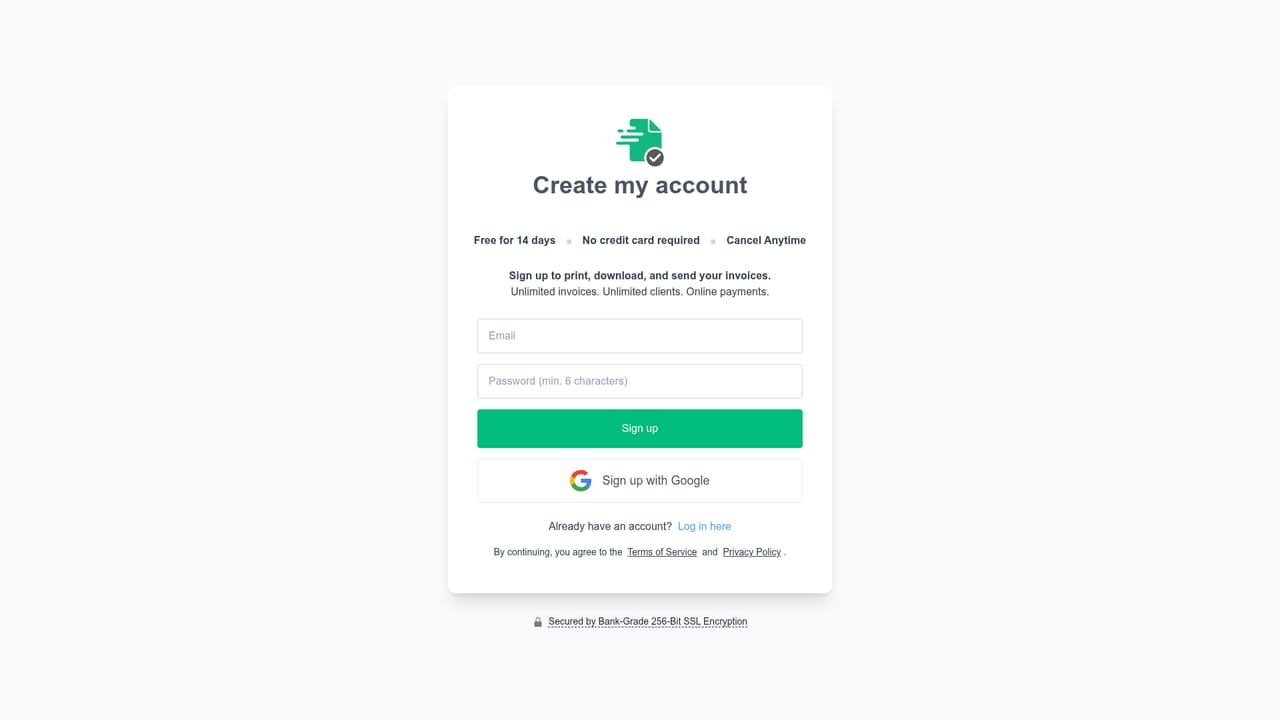
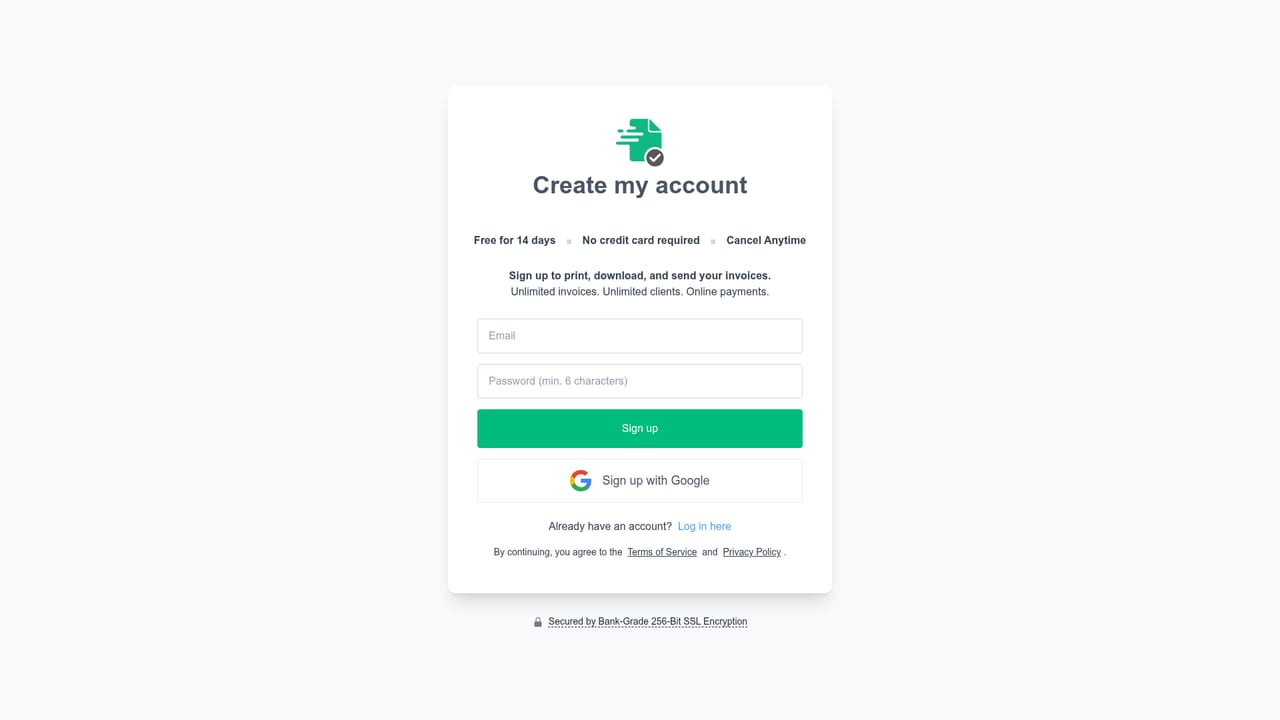
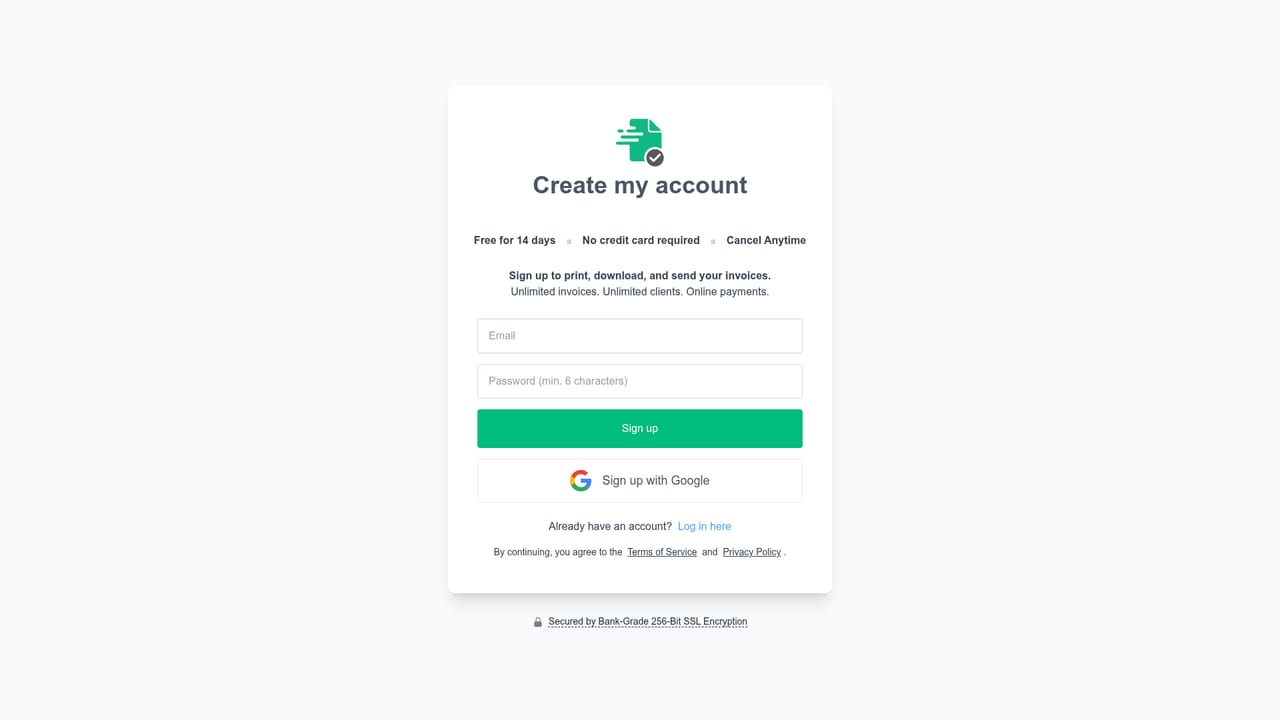
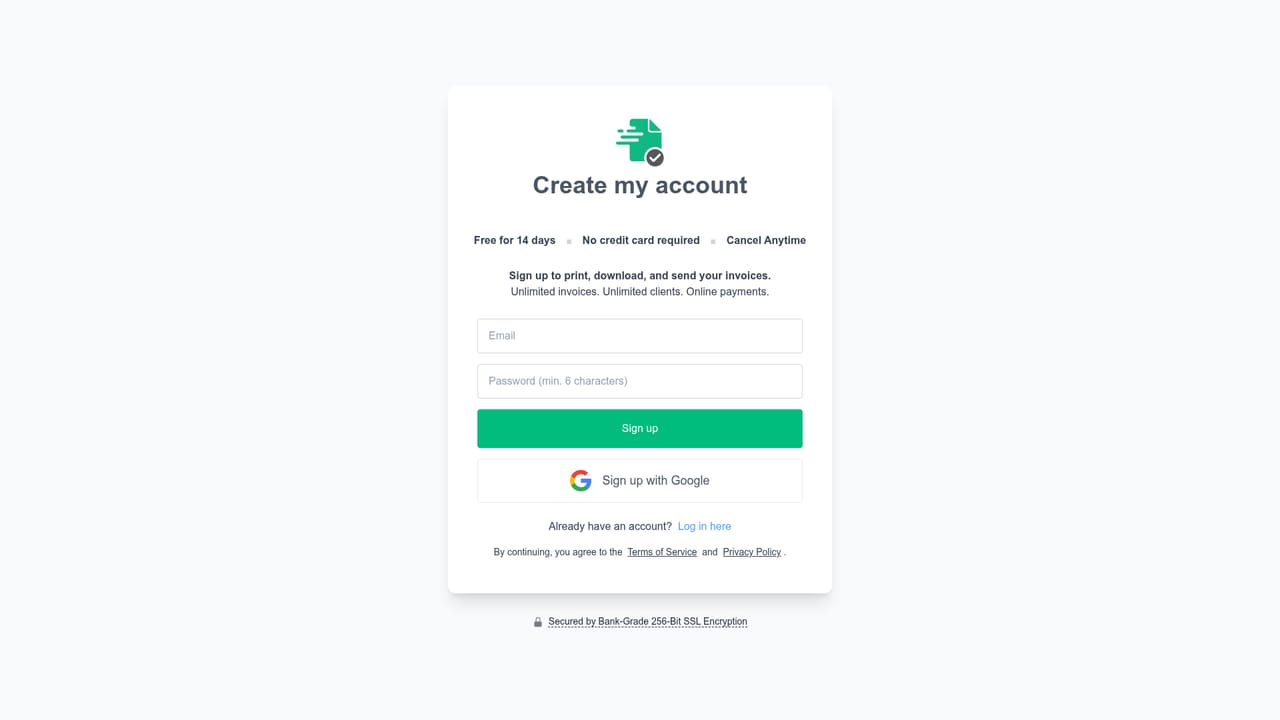
A 14 day free trial with no credit card required is stated on the homepage. Paid plan prices are not published there.
Learn moreStripe partnership for online payments, including cards, mobile wallets and bank transfers. Expense lists can be exported for accountants or imported into accounting software. No other named integrations are listed.
AI invoice generator and assistant that drafts invoices, estimates and pricing from typed or spoken prompts, plus questions about overdue clients and spending. Unlimited invoices, estimates and clients, templates with logo and colour, discounts and deposits, scheduled and recurring invoices, automatic payment reminders, real-time tracking, Stripe payments, and AI receipt capture with expense export.
 AI Angels400+ customizable AI girlfriends for NSFW chat, voice calls, and roleplay
 Candy AIExperience the future of companionship with AI friends who chat, role-play, and connect with you on a human level.
 ourdream.aiA vast AI roleplay platform with millions of characters for chat, images, video and voiceAI Angels400+ customizable AI girlfriends for NSFW chat, voice calls, and roleplayCandy AIExperience the future of companionship with AI friends who chat, role-play, and connect with you on a human level.ourdream.aiA vast AI roleplay platform with millions of characters for chat, images, video and voice





